https://main--cc--adobecom.aem.page/cc-shared/assets/img/firefly.svg Adobe Firefly
Create graphic designs with an AI design generator.
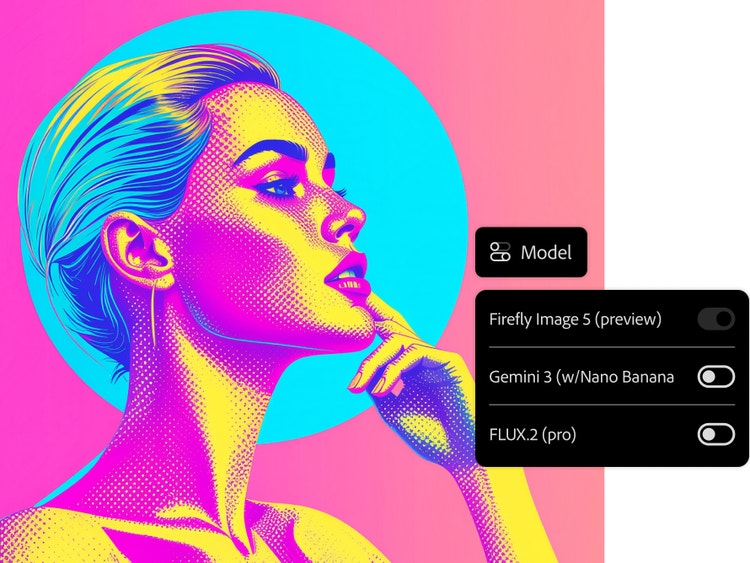
Generate eye-catching designs for web, social media and other digital projects with the Firefly web app.
- image
- video
- Describe a subject, an action, a place, a mood or a style.
- Adobe Generative AI Terms
- https://main--cc--adobecom.aem.page/creativecloud/animation/testdoc/unity/generate.svg Generate
- Describe the image you want to generate
- Prompt
- Suggestions
- Tip
- ff_campaign=embed_generate_acom&promoid=TTGWKTMK&mv=other
- Unable to process the request
- Please describe what you want to generate.
- Prompt exceeds the max length of 750 characters
Explore the graphic generation tools in Firefly.
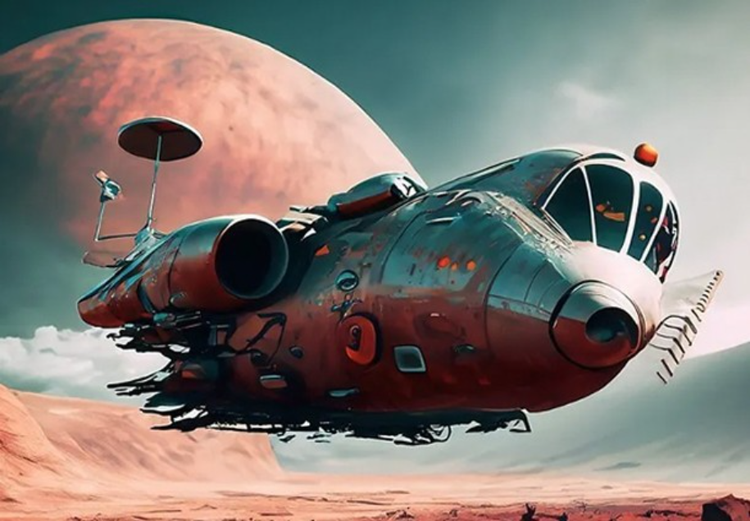
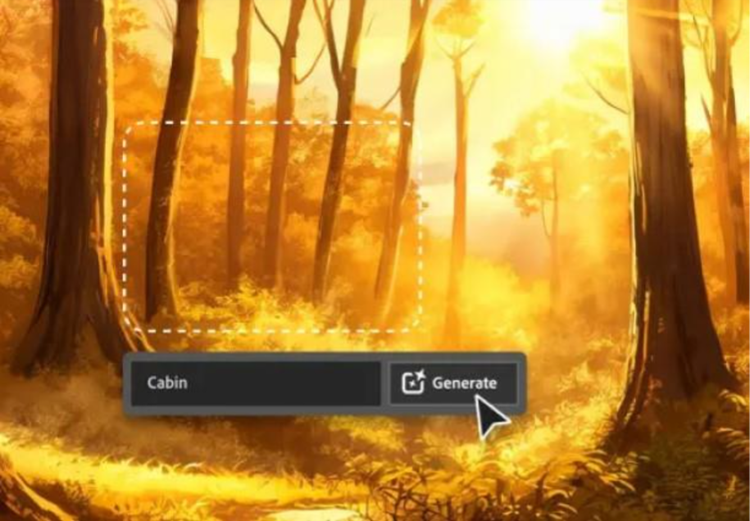
Adobe Firefly can help you ideate faster and spend less time on tedious tasks. With Text to Image and Image to Image, you can create endless high-quality design options. Firefly also includes powerful generative AI tools such as the Generative Fill workspace that allow users to edit, add, or remove elements from an image using simple text prompts.
Create gorgeous designs with the AI graphic design generator.
Generate images for social media graphics, web visuals or other marketing assets. Whether you’re a professional designer, business owner, blogger or student, you can create anything you can imagine with Firefly. This Adobe Firefly AI image generator uses advanced machine learning to bring your vision to life in seconds, no design background required.
Bring your ideas to life quickly and easily.
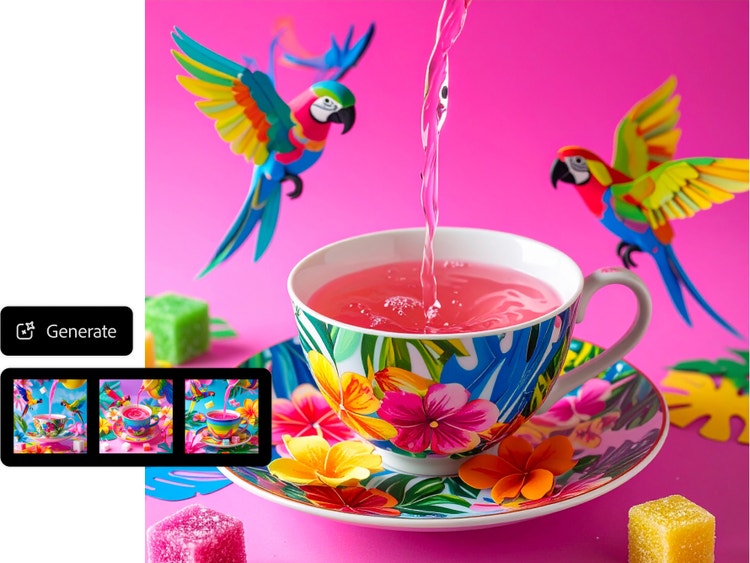
With nothing but a text description, you can generate four image options. If you like one, you can see more like it by clicking the Show Similar button. If your results aren’t quite what you’re looking for, you can quickly revise your prompt and generate new results. Need to make changes after generating? Use the Generative Fill Adobe Firefly feature to remove objects, change backgrounds or add new details, all online to try for free.
Customise your AI designs.
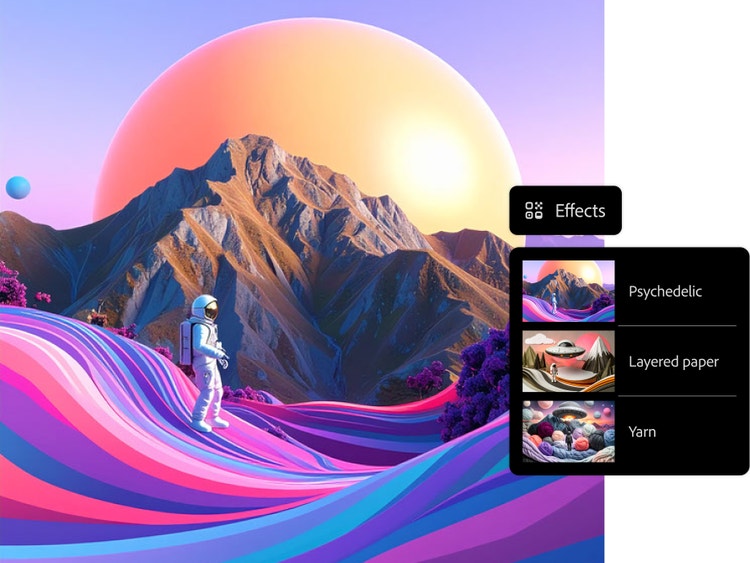
Play with different colour schemes, effects, art movements, materials and more until you find the combination that matches your creative vision. Or take your image into the Generative Fill workspace to add or remove design elements. With Adobe Firefly Generative Fill online free, you can precisely tailor your designs without needing manual tools, simply describe what you want to adjust.
Take your graphic designs anywhere.
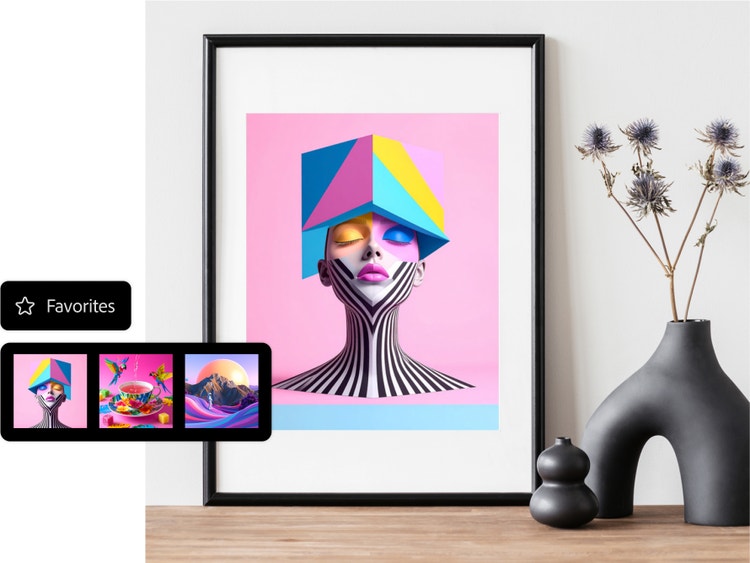
Download your favourite generated images and use them on the web, in social media, as headers for blog posts and anywhere else that could benefit from a striking image. Firefly supports high-resolution downloads, making it easy to integrate your AI-generated designs into professional projects.
How to generate AI graphic designs with Firefly.
Easily generate your own images following these quick steps in the online AI image generator.
- Log in to Adobe Firefly.
Go to the Image section of the web app and select Text to Image.
No installation needed. Access Adobe Firefly generative tools directly in your browser. - Write text prompt.
Type a description of what you want to see in the prompt field. Start with five words or more, such as "Distant galaxy teeming with colourful nebulae, twinkling stars." Add more descriptive words for better results. The more specific your prompt, the more accurate and stylised your AI-generated design will be. - Generate your image.
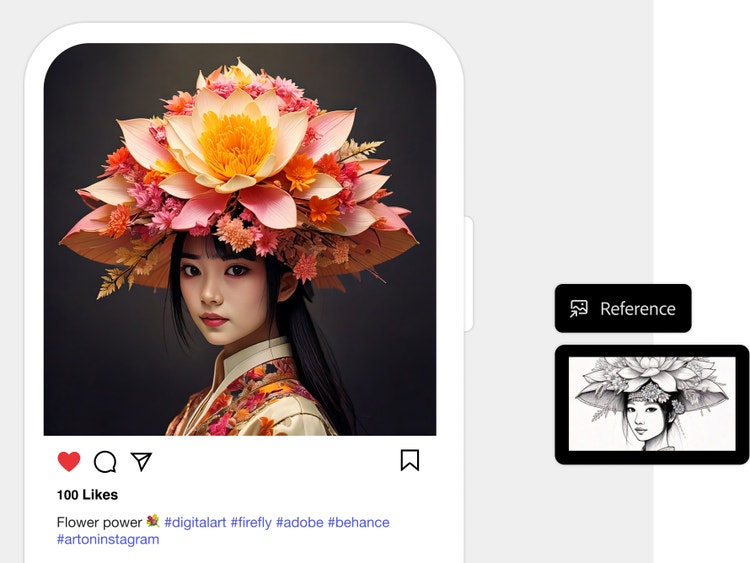
Click Generate and watch as the Firefly-powered results appear in a few seconds. If you're going for a specific style or composition, upload reference images and generate your image again. Use Generative Fill Adobe Firefly if you need to tweak any part of the design after generation, ideal for polishing layouts or refining concepts. - Refine, edit, regenerate.
Edit your newly generated image further in Adobe Express and turn them into stunning social posts, images, videos, flyers and more.
You can also edit your AI-generated designs using Firefly’s in-browser generative fill tools online, without needing extra software.
Get started with stunning designs using an AI graphic design generator
Whether it’s for personal use, the classroom, or professional projects, Adobe Firefly’s AI design generator makes it easy to create standout visuals fast. Just describe what you need and let AI do the heavy lifting, from layouts to final touches.
Create custom greeting cards in seconds
Turn everyday templates into meaningful designs using Adobe Firefly’s design maker AI. Personalise cards for birthdays, holidays such as Diwali, or any occasion with needing any design skills.
Design engaging lesson plans faster
Generate classroom-ready worksheets, posters, and presentation slides with an AI graphic design generator that helps teachers save time and stay creative.
Build professional visuals for work
From social media posts and certificates to flyers and marketing assets, easily create polished designs with Adobe Firefly’s AI design generator, built for speed and quality.
Start generating AI designs.
Find out what you can do with the AI graphic design generator free in Firefly.
Questions? We have answers.
What is an AI design generator?
How can AI help graphic designers?
AI can significantly assist graphic designers by helping them to save time, boost creativity and streamline their workflows. Here are some key ways AI supports graphic designers:
- Automation of repetitive tasks
- Idea generation and inspiration
- Personalisation at scale
- Design suggestions and assistance
- Enhanced user experience design
- Image enhancement and restoration
- Real-time collaboration and feedback
With Firefly’s online AI design generator and Generative Fill feature, designers can focus more on concept development while AI handles the heavy lifting.