ADOBE FIREFLY
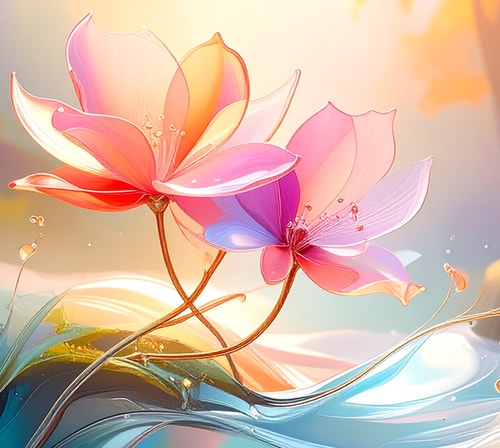
Turn sketches into digital art with an AI image generator.
Unleash the power of AI to transform your sketches, pencil drawings or doodles into beautiful digital artwork. With Adobe Firefly, you can create, refine and share stunning visuals in just a few clicks.
Bring your sketches to life.
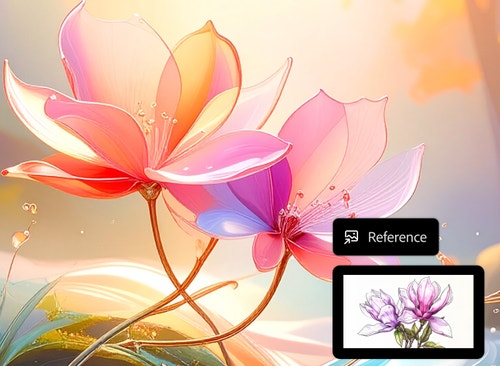
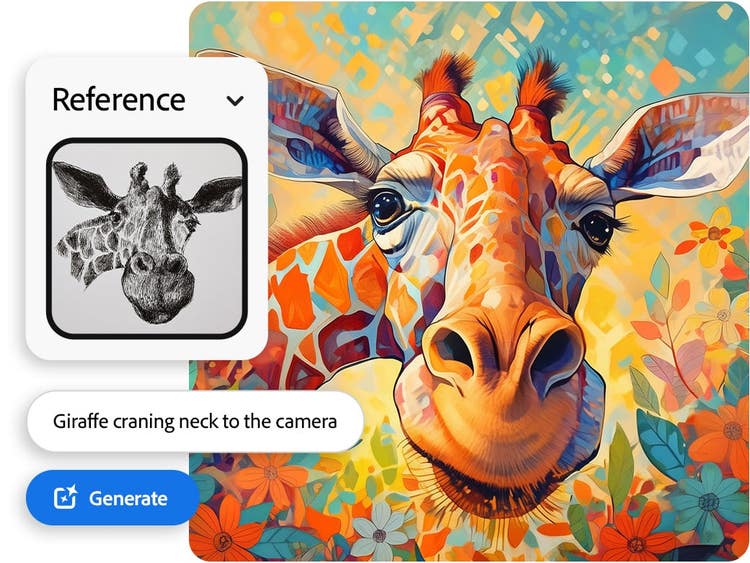
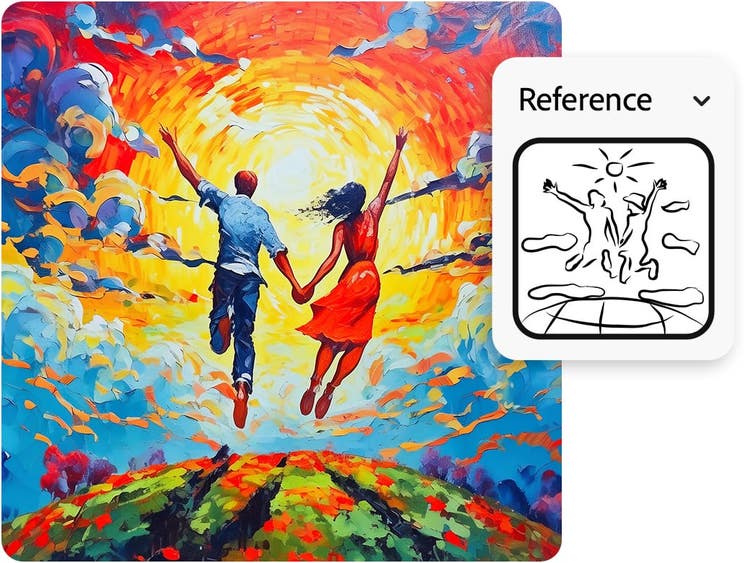
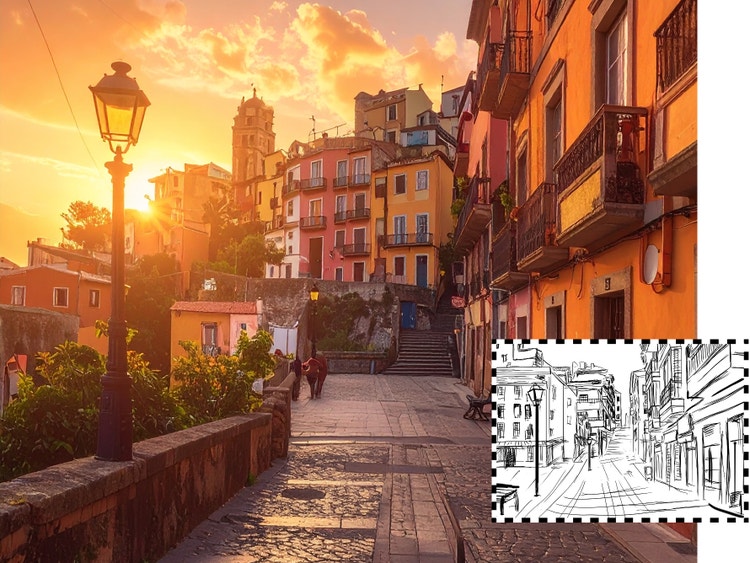
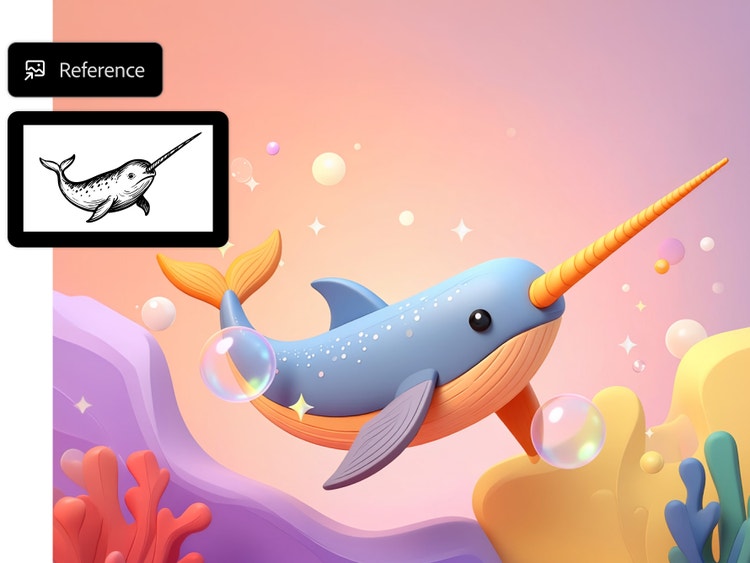
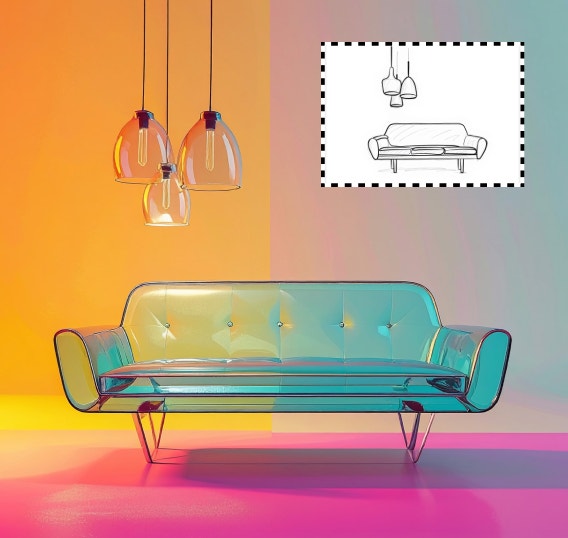
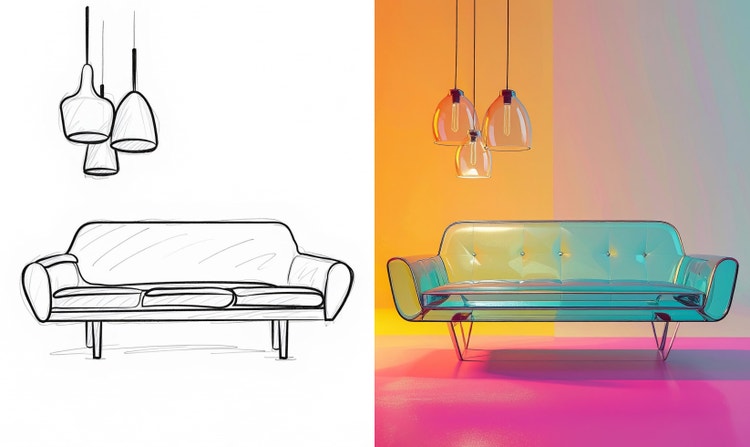
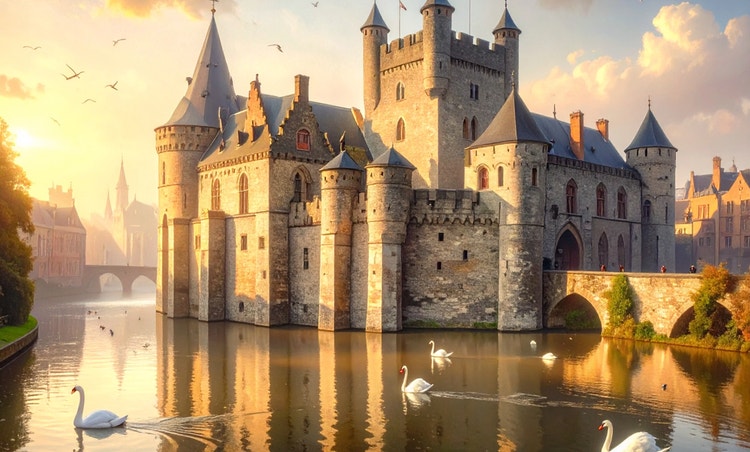
Leverage the power of Adobe Firefly's AI generator to transform your sketches into refined digital masterpieces. With this drawing to image AI tool, you can effortlessly convert simple sketches into polished, professional-quality images. This makes it easier than ever to transform a sketch into a digital image and bring your creative vision to life.
Transform sketches into digital masterpieces.
Easily convert simple sketches into stunning digital artwork and images with drawing to image AI. Elevate your designs with polished, high-quality results in record time using Firefly as a sketch to image converter.
Explore and create AI images effortlessly.
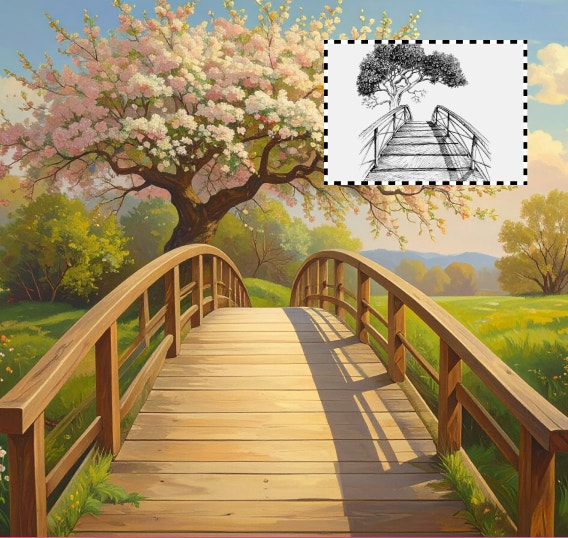
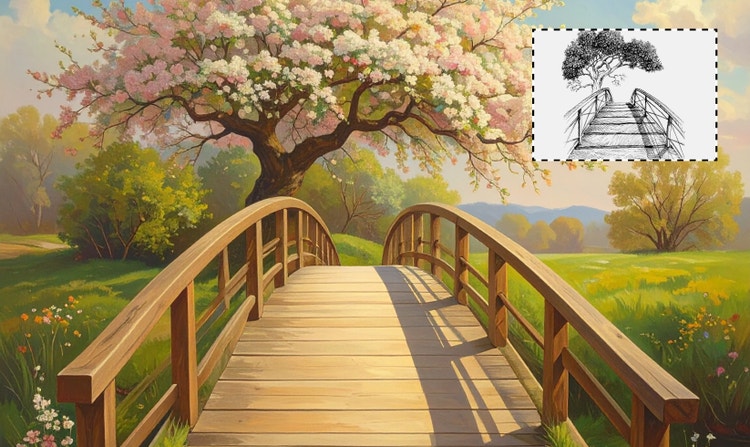
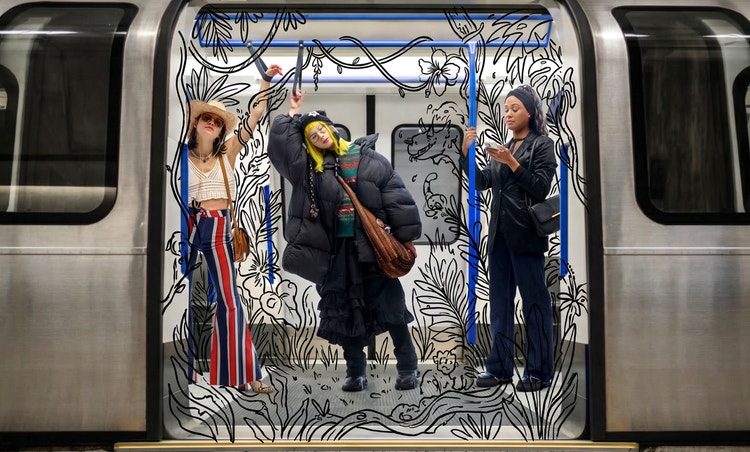
Drawing to photo AI empowers you to dive into your creative process with ease. Explore ideas, iterate on concepts and bring your imagination to life without limits — whether you're working with drawings, line art or experimenting with rough sketches to images.
Streamline your workflow.
With sketch to photo converter, you can effortlessly transform your ideas into visuals. Quickly turn sketches into refined photos with AI art prompts, revolutionising your creative process.
Where sketches meet digital art in everyday creativity.
From classrooms to creative studios, Firefly’s sketch to image AI is helping artists across India make their ideas visible in new and exciting ways.
Folk and cultural artists digitising traditions.
Artists working with Indian traditional styles can modernise their sketches, blending heritage-inspired motifs with contemporary digital art.
Fashion designers bringing concepts to fabric.
Designers can turn quick garment sketches into realistic visuals, helping them visualise patterns and styles before moving to production.
Interior and furniture designers showcasing ideas.
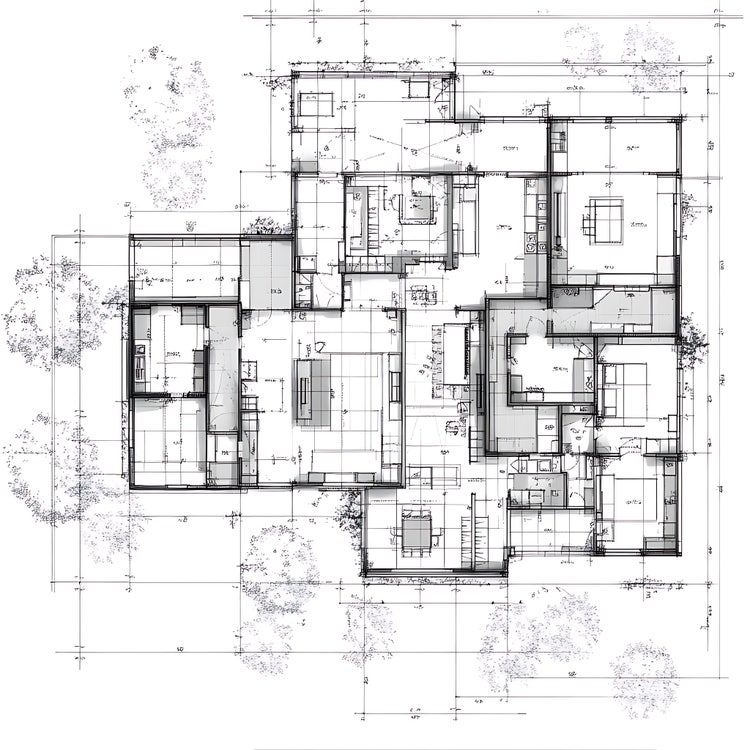
Professionals convert line drawings into realistic room layouts or furniture visuals, giving clients a clearer sense of final designs.
Students creating digital projects with ease.
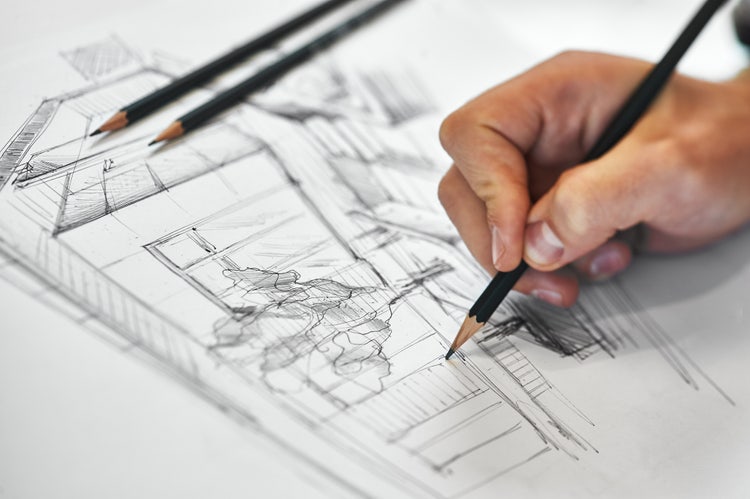
Art and design students use Firefly to convert pencil sketches into digital images, making their assignments and portfolios more polished.
Create a new image from any existing sketch.
Follow these simple steps to transform your sketches into captivating images using Firefly's intuitive AI sketch-to-image generator. With advanced drawing to photo AI, you can customise and refine results with ease.
- To get started, go to the Adobe Firefly web app.
- Then, scroll down and select Text to Image.
TIP: To go directly to the image editor, simply type any prompt in the text prompt box and click Generate. - Next, either enter a text prompt or, in the General Settings section to the left, go to Structure and upload your sketch. This allows you to convert sketch to digital image instantly.
- Then, still in General Settings, use the Strength slider to choose your desired outline and depth.
- Now, have some fun with Styles to choose Visual intensity, Effects, Colour and tone, Lighting and Camera angle options.
- And lastly, select Generate, then save and share.
FAQs about AI sketch to image generator.
With Firefly, it's easy to create realistic digital art from various types of sketches. Firefly's intuitive AI takes your sketch as a foundation and uses its understanding of form, colour and style to generate high-quality images that match your vision.