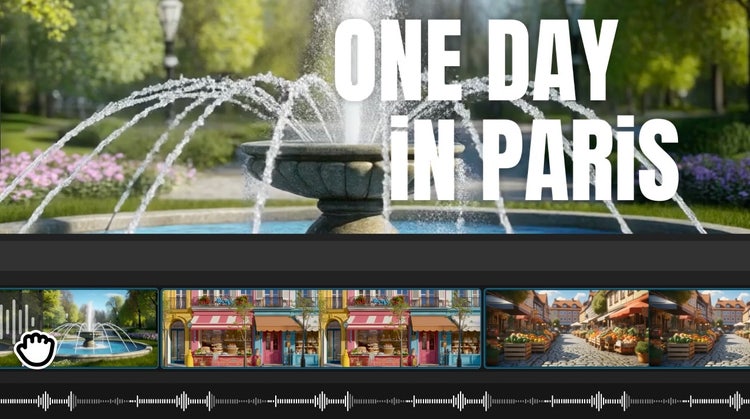
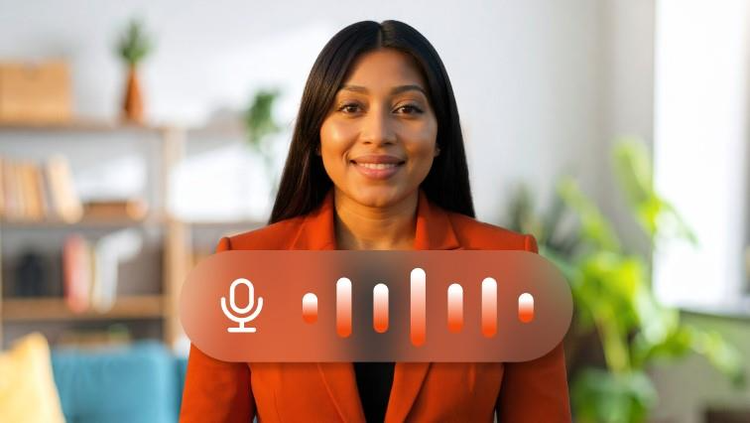
Text to speech (TTS) is a technology that converts written text into spoken audio. With Adobe Firefly Generate Speech, you can easily turn text into natural-sounding voiceovers in seconds.
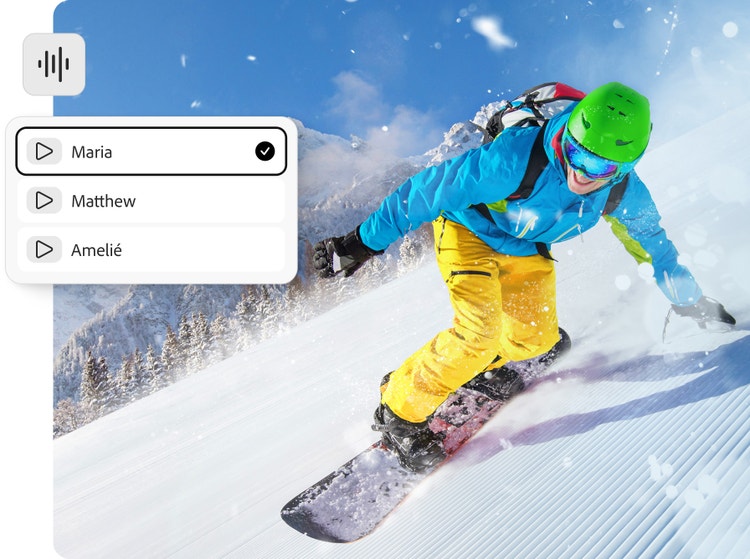
The Adobe Firefly Speech Model is capable of creating life-like voices in multiple languages — complete with fine-tuned controls for emotion, pacing and emphasis.
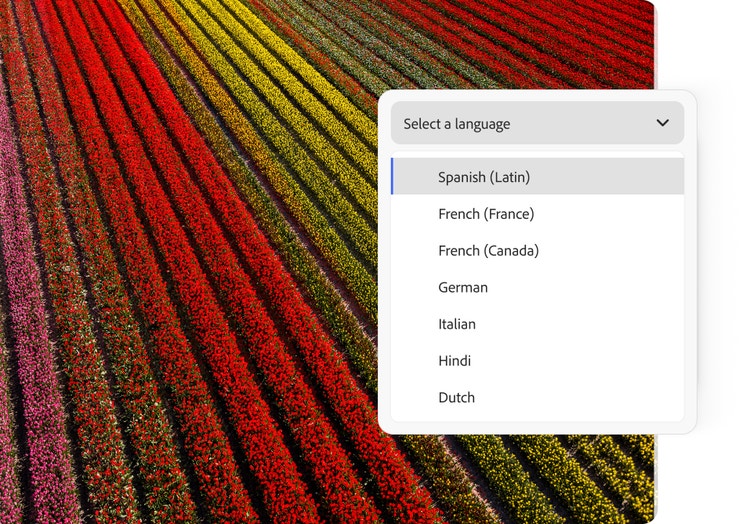
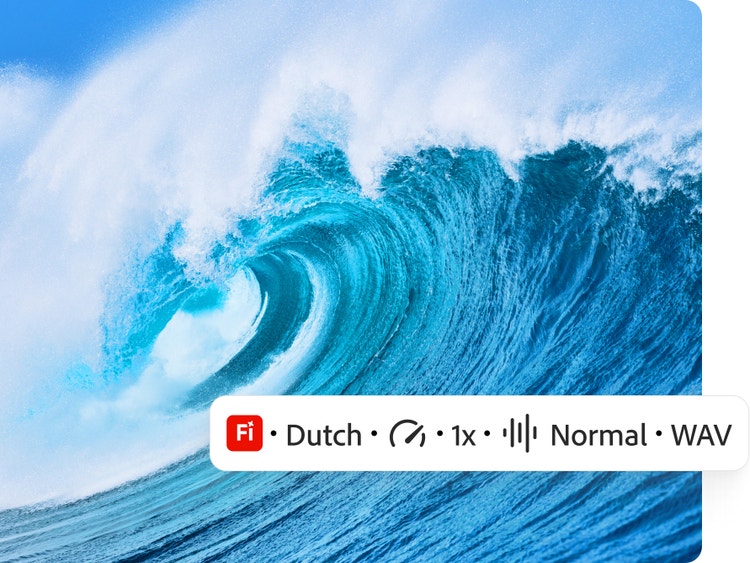
Yes. Generate Speech is designed for multilingual and multi-accent support. Generate Speech supports over 20 languages so you can reach global audiences with authentic narration. The Firefly Speech model supports English (US, India), Spanish (Spain, Argentina, Latin America), French (France, Canada), German, Italian, Hindi, Dutch and Mandarin (China). Type your dialogue in any of these languages and then select the language in the Speech Settings panel, then generate your dialogue to create characters that sound like native speakers. Partner model ElevenLabs Multilingual v2 supports English (USA, UK, Australia, Canada), Japanese, Chinese, German, Hindi, French (France, Canada), Korean, Portuguese (Brazil, Portugal), Italian, Spanish (Spain, Mexico), Indonesian, Dutch, Turkish, Filipino, Polish, Swedish, Bulgarian, Romanian, Arabic (Saudi Arabia, UAE), Czech, Greek, Finnish, Croatian, Malay, Slovak, Danish, Tamil, Ukrainian and Russian.
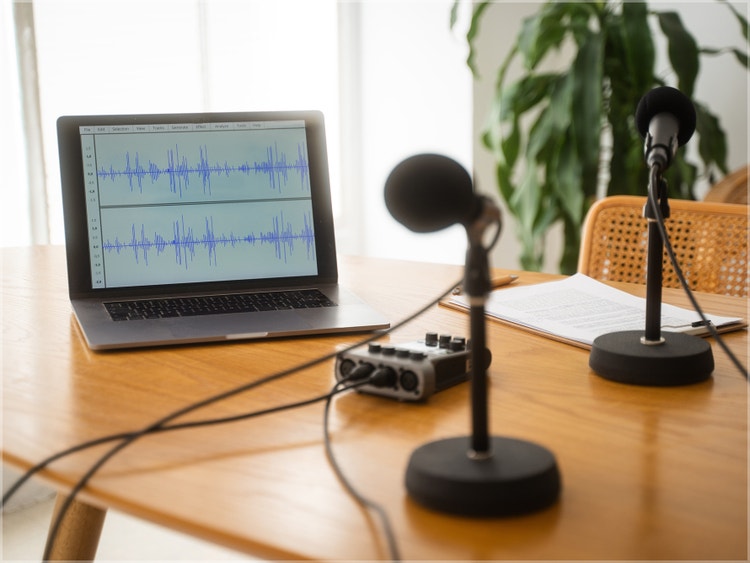
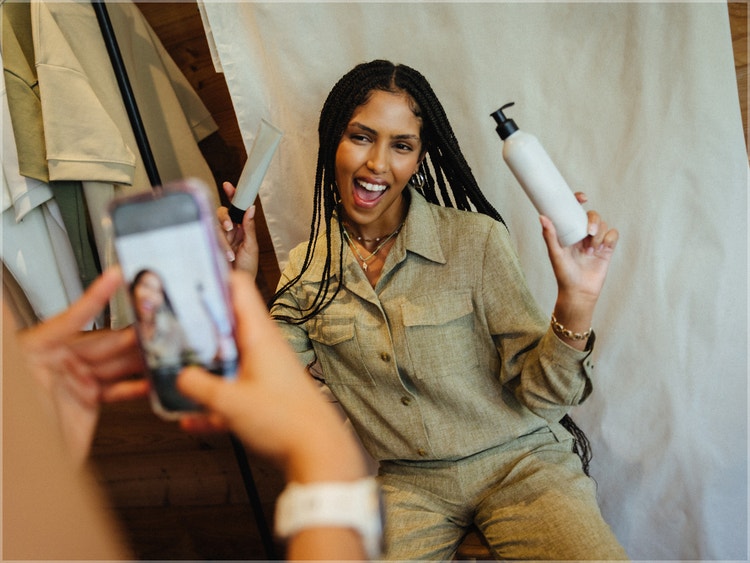
Text to speech (TTS) is commonly used to create natural-sounding voiceovers for videos, podcasts and marketing content, making production faster and more affordable. The commercially safe Firefly Speech Model is also ideal for e-learning and tutorials, providing clear narration for training and educational materials.
Yes. Generate Speech gives you full creative control over tone, pacing, emphasis and pronunciation for natural results.
The text-to-speech generator in Firefly supports over 20 languages so you can reach global audiences with authentic narration. The Firefly Speech model supports English (US, India), Spanish (Spain, Argentina, Latin America), French (France, Canada), German, Italian, Hindi, Dutch and Mandarin (China). Type your dialogue in any of these languages and then select the language in the Speech Settings panel, then generate your dialogue to create characters that sound like native speakers. Partner model ElevenLabs Multilingual v2 supports English (USA, UK, Australia, Canada), Japanese, Chinese, German, Hindi, French (France, Canada), Korean, Portuguese (Brazil, Portugal), Italian, Spanish (Spain, Mexico), Indonesian, Dutch, Turkish, Filipino, Polish, Swedish, Bulgarian, Romanian, Arabic (Saudi Arabia, UAE), Czech, Greek, Finnish, Croatian, Malay, Slovak, Danish, Tamil, Ukrainian and Russian.
Yes, you can use outputs generated by the Firefly Speech Model knowing that they are commercially safe. Adobe developed the Firefly family of models to be commercially safe and to prevent them from creating content that infringes copyright or intellectual property rights. Adobe focuses on training its models in a way that is responsible and respects the rights of creators. We deploy safeguards at each step (prior to training, during generation, at prompt and during output) to ensure Adobe Firefly models do not create content that infringes copyright or intellectual property rights and that it is safe to use for commercial and educational work. In addition, Adobe provides intellectual property indemnification for enterprise customers for content generated with Adobe Firefly.
Generate Speech is a premium feature. Free users can enjoy two complimentary lifetime generations with premium features. To continue using premium features, upgrade to Firefly Standard or Firefly Pro plans, which include access to premium features with generative credits.
The best text-to-speech tool is easy to use and generates natural-sounding voices. It allows for customisation and it integrates easily with other creative workflows. Adobe Firefly is a strong choice for AI text to speech because it combines high-quality voice generation with seamless integration into the video, design and content workflows within Adobe Creative Cloud.