https://main--cc--adobecom.aem.live/cc-shared/assets/img/firefly.svg|AdobeFirefly Adobe Firefly

AI Painting Generator: turn any idea into a painting.
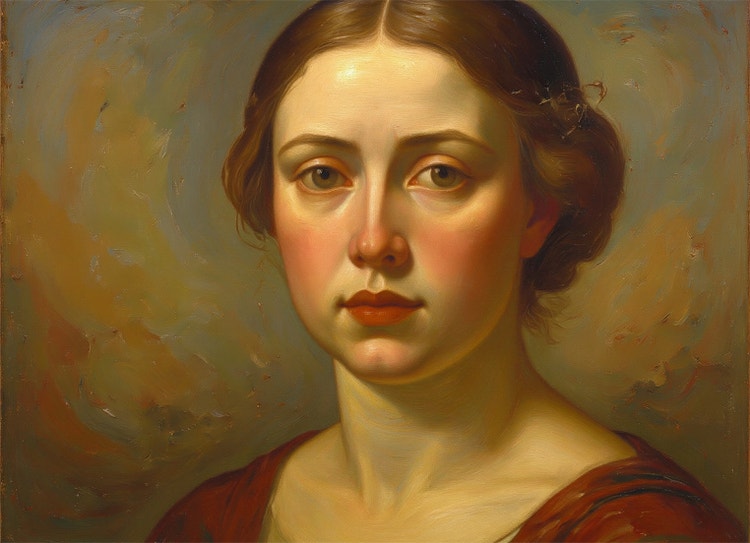
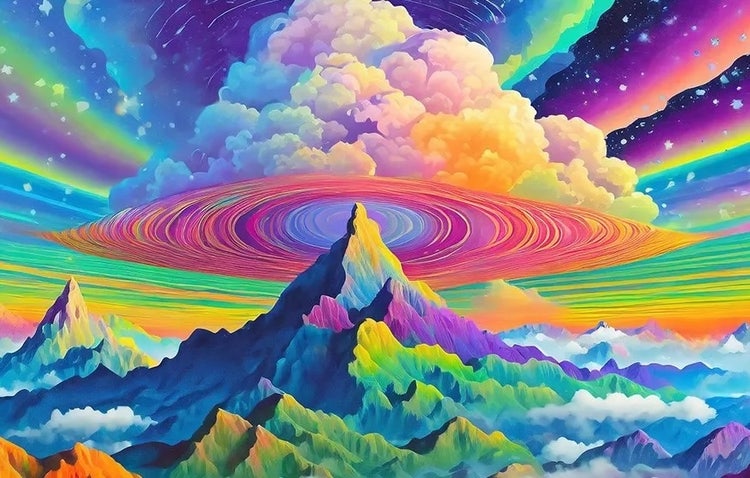
Type a prompt or upload a photo and let Firefly’s AI painting generator turn it into an oil, watercolour or festival inspired painting in minutes. Think of it as your own painting AI, ready to transform ideas and everyday photos into AI painting artwork worth framing, no brushes, canvas or art training required.
- image
- video
- Describe a subject, an action, a place, a mood or a style.
- Adobe Generative AI Terms
- https://main--cc--adobecom.aem.live/creativecloud/animation/testdoc/unity/generate.svgGenerate AI Art
- Describe what you want to generate
- Prompt
- Tip
- Unable to process the request
- Please describe what you want to generate.
- Prompt exceeds the max length of 750 characters
- Enter prompt


https://main--cc--adobecom.aem.live/cc-shared/assets/img/product-icons/svg/firefly-80.svg
Adobe Firefly
https://main--cc--adobecom.aem.live/cc-shared/assets/img/product-icons/svg/firefly-80.svg
Adobe Firefly
The next evolution of creative AI is here for all your ideas, with image, video, audio and vector tools.
Take your creativity to new heights with the Firefly AI painting generator.
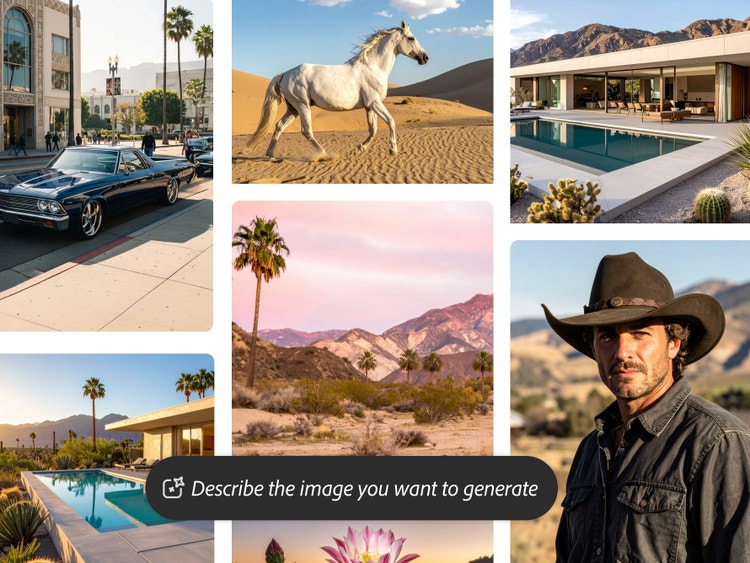
From sun-drenched landscapes to fantastic creatures, AI painting generators empower you to make images in the style of analogue mediums like watercolour or oil using just your imagination and a simple text prompt. With Firefly, our generative AI web application, you can use powerful free text to image capabilities to jumpstart your creative process, explore new artistic avenues and make beautiful images. To make free AI-generated paintings, just type in a simple description to generate an image and then customise it to get that painterly look.
Endless inspiration in no time flat.
Save time on brainstorming by trying your ideas out in Firefly. Iterate on your favourite prompts and try out sample prompts from the Firefly gallery to kickstart your creative process. You can also create reference images for your art projects — with Firefly you never run out of fresh ideas.
Powerful customisation options.
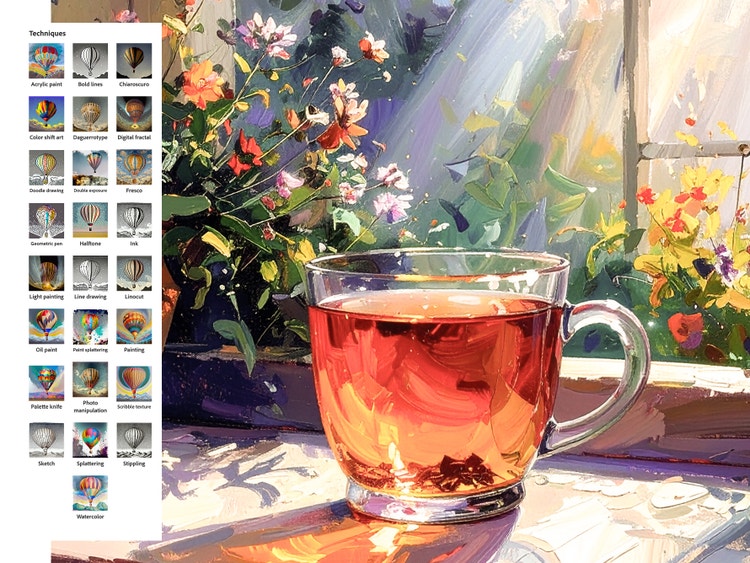
When using Firefly’s Text to Image feature as an AI painting tool, you can combine different styles like “oil painting” and “palette knife” to enhance the painterly look. And you can adjust your image even further by changing the Colour and Tone, Composition and Lighting options — a muted colour palette with low lighting can give your creation an antique vibe, for instance.
Amazing AI painting generator editing tools.
Once you’ve generated an image you like, you can make targeted changes with Generative Fill, which allows you to selectively edit and replace parts of your artwork. Just click the Generative Fill icon at the top of every generated image. Or bring your AI-generated paintings into Photoshop or Illustrator to customise them even more with precise editing tools.
How to create art with the AI painting generator.
Step 1
Get started with Adobe Firefly.
Step 2
Write a text prompt.
Step 3
Generate your image.
Step 4
Customise your settings.
Step 5
Download your painting.
- How to create art with the AI painting generator.
- Steps on how to create art with the AI painting generator.
- PT5M
- firefly
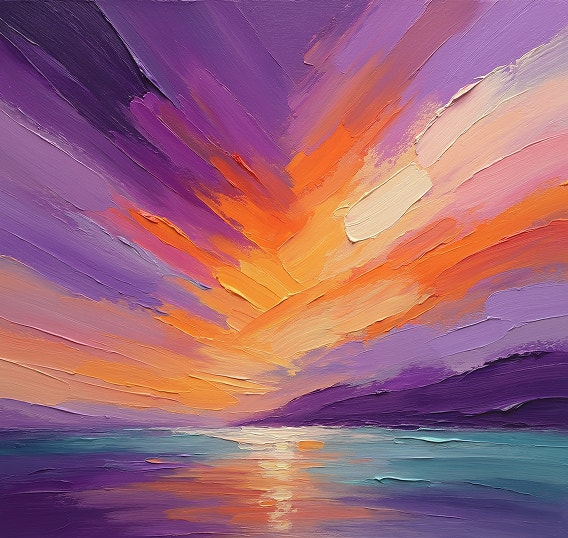
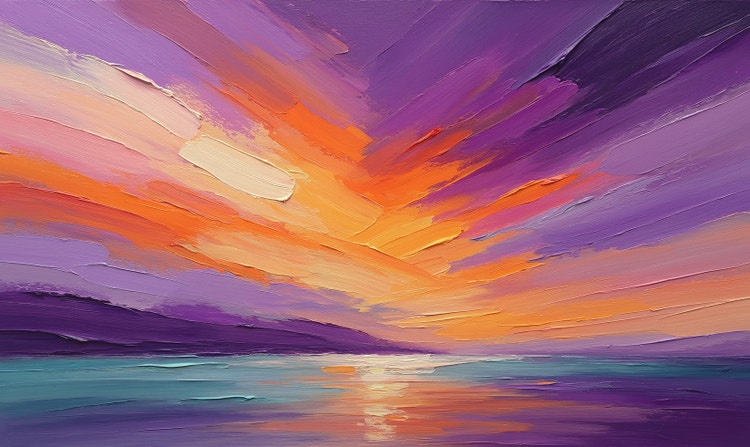
Full creative control
Firefly makes it possible to generate customised AI painting designs across a wide range of styles using simple prompts, reference images and intuitive editing controls.
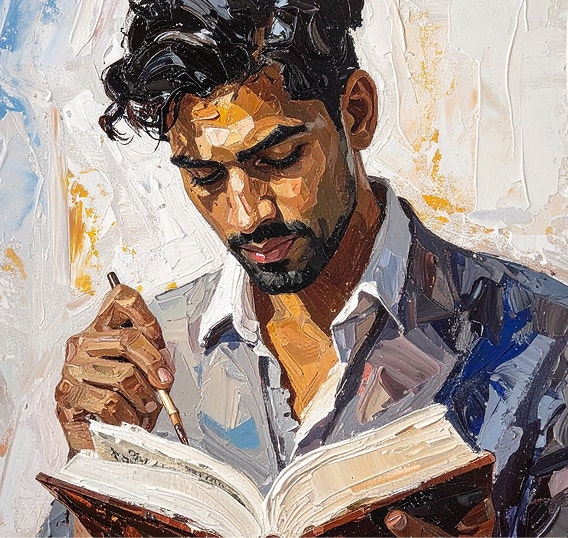
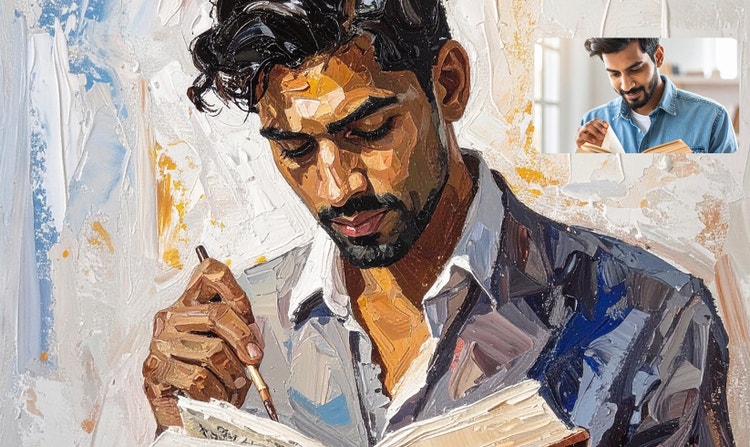
High-quality designs
The Firefly painting generator produces clean, high-resolution results that you can use in a variety of contexts, from online vision boards to marketing campaigns.
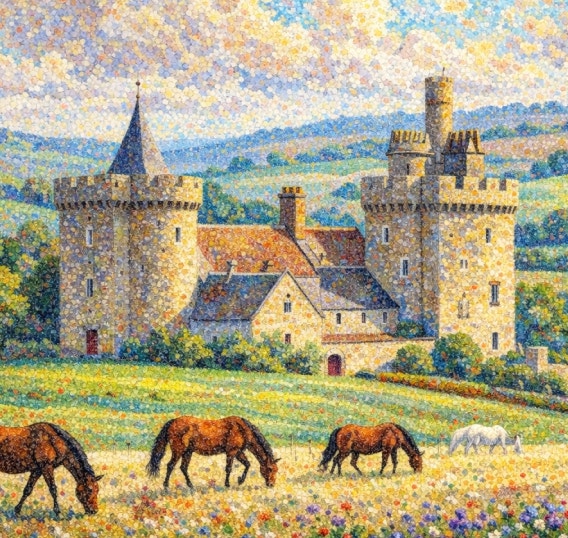
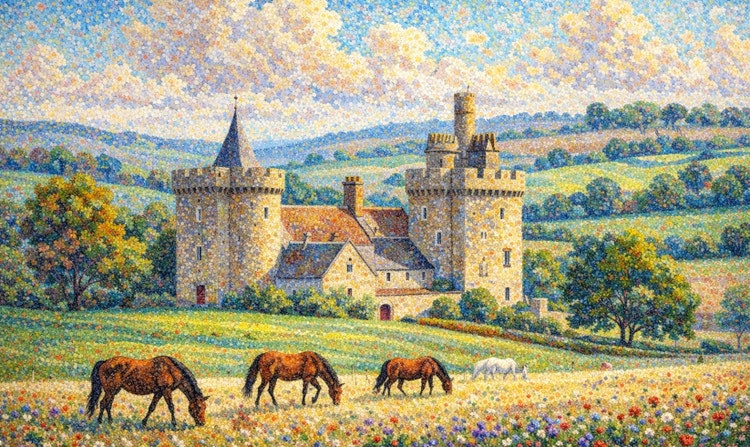
Explore concepts and painting styles
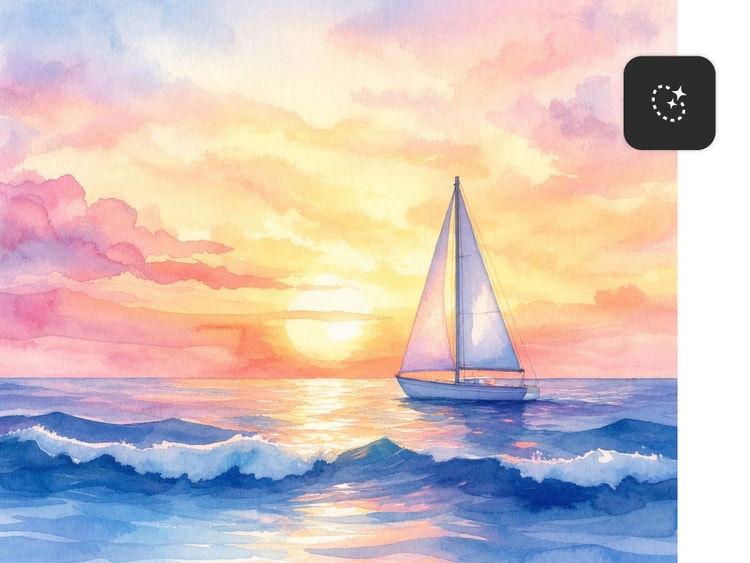
With Firefly image generation, you can easily create multiple images that evoke different painting styles, like pointillism, oil painting, watercolours and more. Touch-up details as you go and explore a world’s worth of artistic possibility.


Commercially safe outputs
Content generated with Firefly models is commercially safe, so designs can be used confidently for professional, client-facing or creative projects.
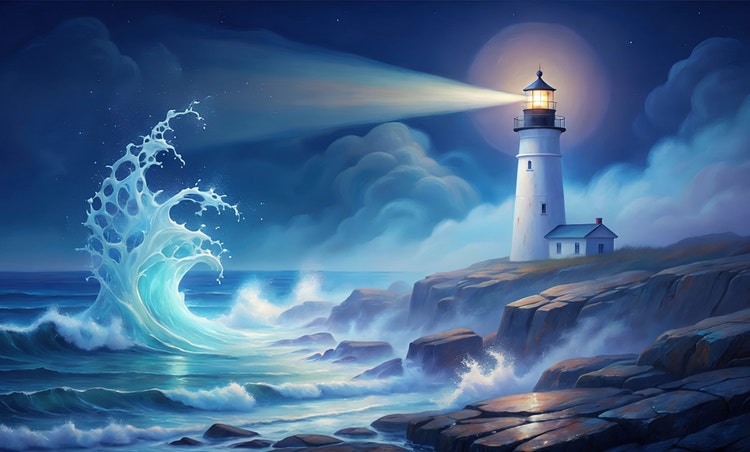
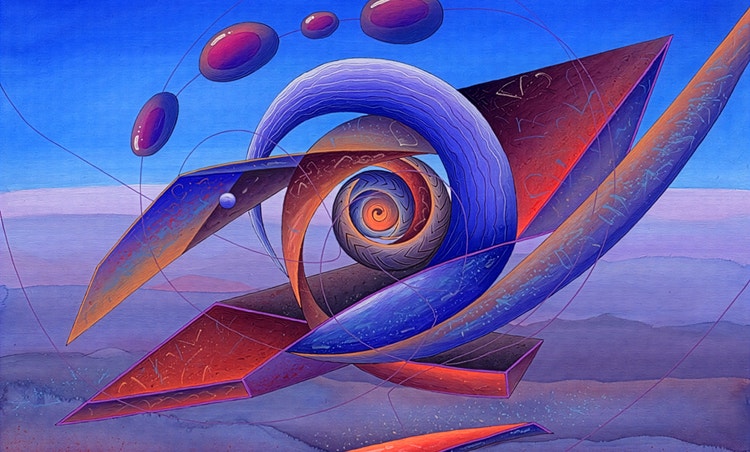
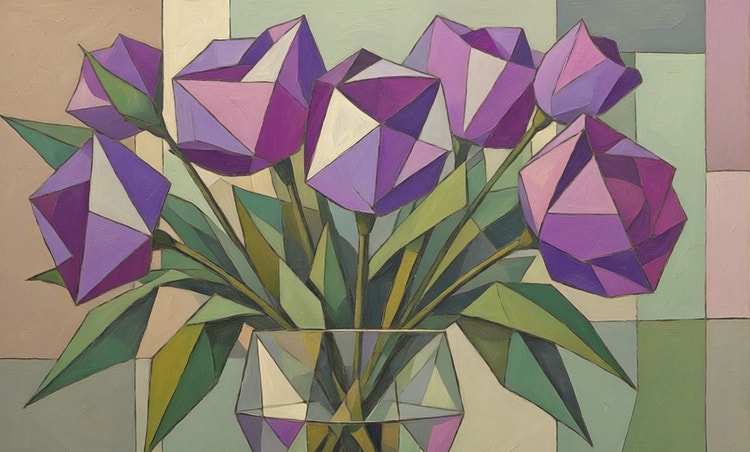
See what you can do in Firefly.
Discover even more features.
Questions? We have answers.
What are AI-generated paintings?
How do AI painting generators work?
What is the best AI painting generator?
Is the Adobe Firefly AI painting generator free?
Share this page
Explore more Firefly tools.
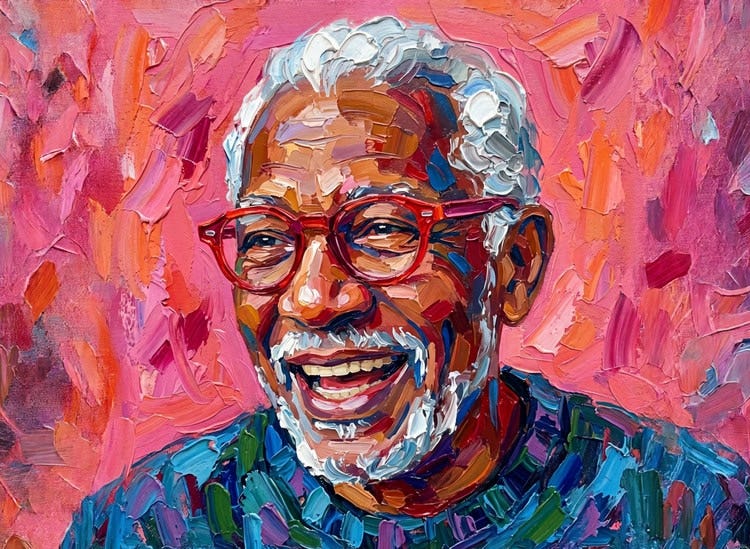
Free AI art generator
Type a prompt, choose a style and watch your idea transform into a finished image in the Firefly AI art generator.
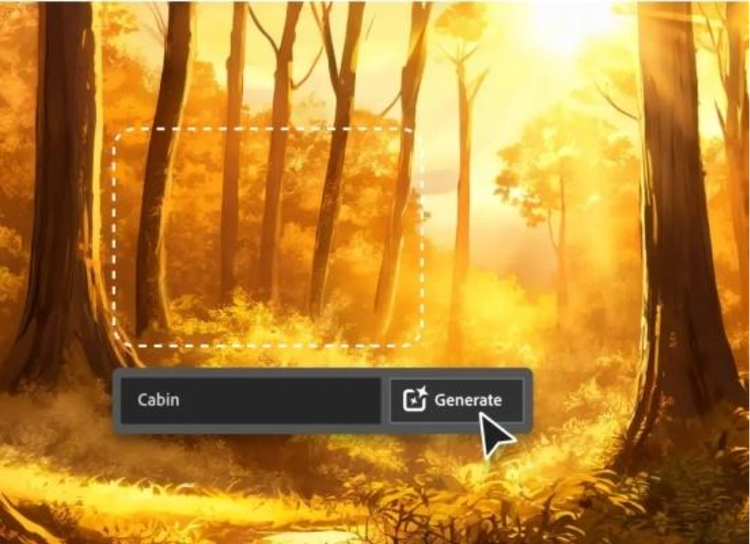
AI for graphic designers
Learn about the AI tools available to graphic designers and how they can help you be more productive and take your work in surprising directions.
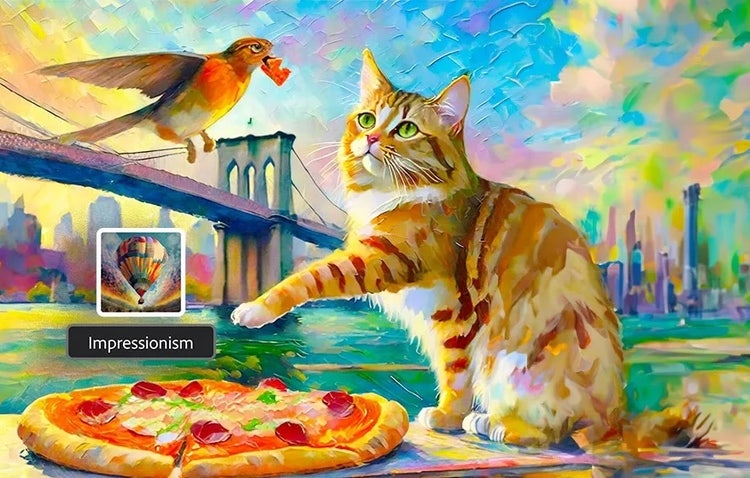
Explore art styles for AI prompts
Surrealism, Cubism, Impressionism — find out how to create images in these and other art styles with generative AI.
Learn more | Learn more - Explore art styles for AI prompts.
A creative revolution: The top three use cases for AI art
Discover the many applications of AI art and how it’s transforming the creative landscape.
Learn more | Learn more - A creative revolution: The top three use cases for AI art.