https://main--cc--adobecom.aem.live/cc-shared/assets/img/firefly.svg Adobe Firefly
AI comic generator: Create stories panel by panel.
The AI comic generator powered by Firefly lets you create original comics instantly, from superhero adventures to newspaper-style strips. Turn simple prompts and reference images into polished comic artwork in just a few clicks.
- image
- video
- Describe a subject, an action, a place, a mood or a style.
- Adobe Generative AI Terms
- https://main--cc--adobecom.aem.live/creativecloud/animation/testdoc/unity/generate.svg Generate
- Describe the image you want to generate
- Prompt
- Suggestions
- Tip
- ff_campaign=embed_generate_acom&promoid=TTGWKTMK&mv=other
- Unable to process the request
- Please describe what you want to generate.
- Prompt exceeds the max length of 750 characters
Create original comics with an AI comic generator.
Bring your comic ideas and stories to life with generative AI — no drawing skills required. Turn written descriptions into illustrated panels and transform scripts into visual stories in minutes using Firefly’s powerful comic maker AI capabilities. Whether you’re crafting a short comic strip, planning a graphic novel or creating educational content, AI comic tools in Firefly make it fast and easy to turn your ideas into images. Just describe your scene, add dialogue and in minutes, you can generate professional-looking panels, characters and layouts that are perfect for digital comics, classroom projects or personal storytelling.
Turn text prompts into comic visuals.
Powered by generative AI, you can create comic panels with Firefly in just a few words. This text to comic AI workflow allows you to turn simple prompts into structured visual scenes instantly. Use short descriptions or detailed, multi-line prompts that outline your story, including character actions, dialogue or scene transitions to instantly generate comic visuals. Using an AI image generator is a fast way to explore ideas or draught whole comic strips. Try using AI art prompts to guide your creative direction and build consistent, visual storytelling from start to finish.
Maintain character consistency across panels.
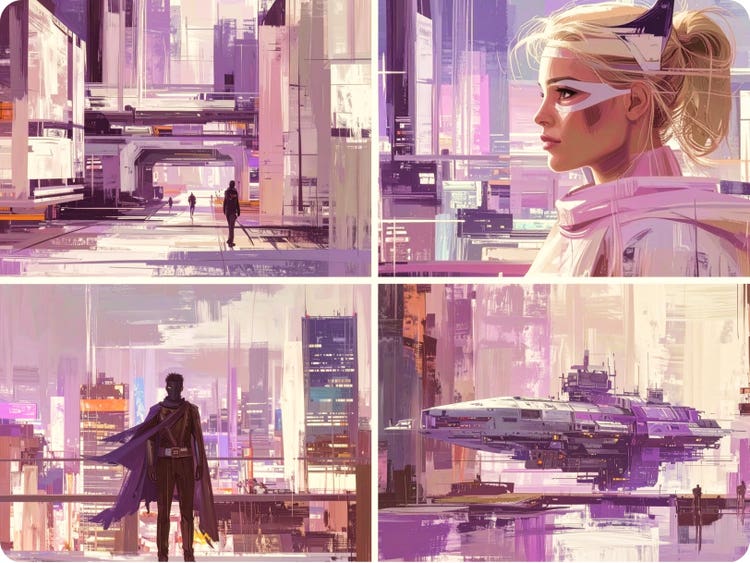
Firefly makes it easy to stay consistent and keep characters “on-model” in your digital comics, whether it’s across multiple panels or an entire graphic novel, with advanced image to comic AI tools designed for visual continuity. Using the AI character generator and tools like image-to-image, you can upload a reference image, sketch or earlier panel to guide style, pose and mood. It’s a simple way to ensure your artwork stays cohesive from scene to scene, helping you to maintain a polished, professional look from start to finish.
Try endless comic styles & effects.
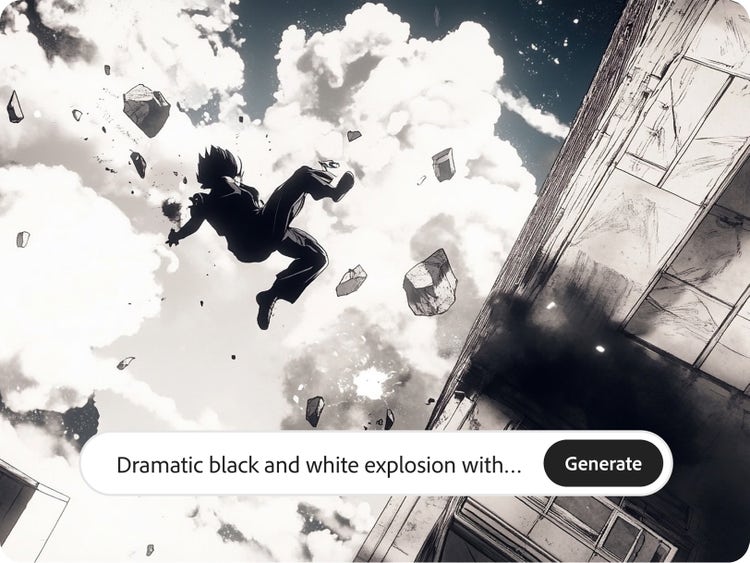
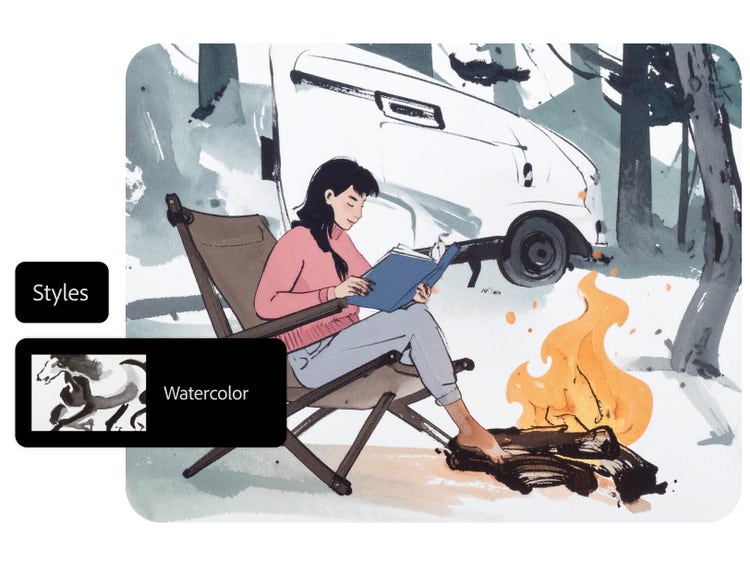
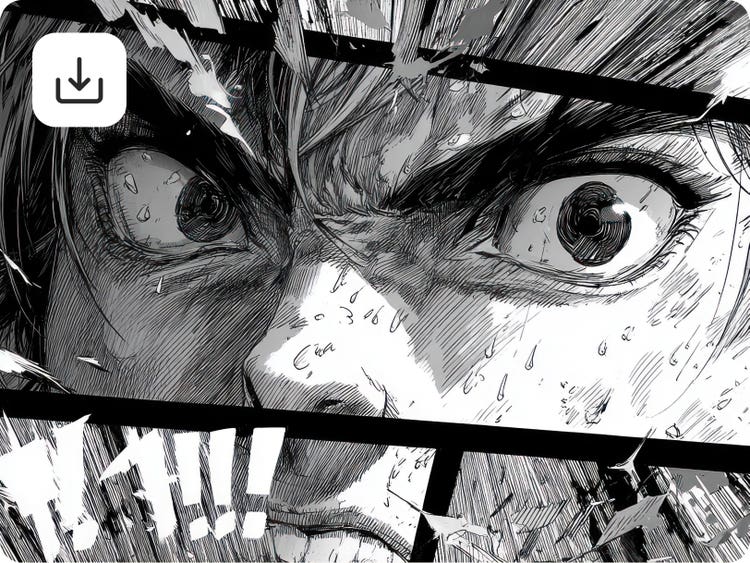
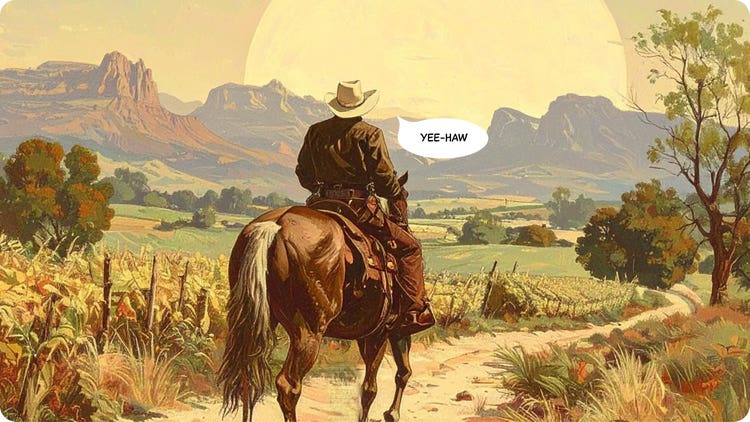
With Firefly AI comic creation tools, you can explore a wide range of styles to match your story’s tone or audience. Switch between bold superhero visuals, detailed AI anime, classic comic, retro pixel art and more — all with just a text prompt. Whether you’re experimenting with formats or building a consistent visual identity, these tools make it easy to try new looks and bring variety to your comic projects.
Turn panels into full comic strips.
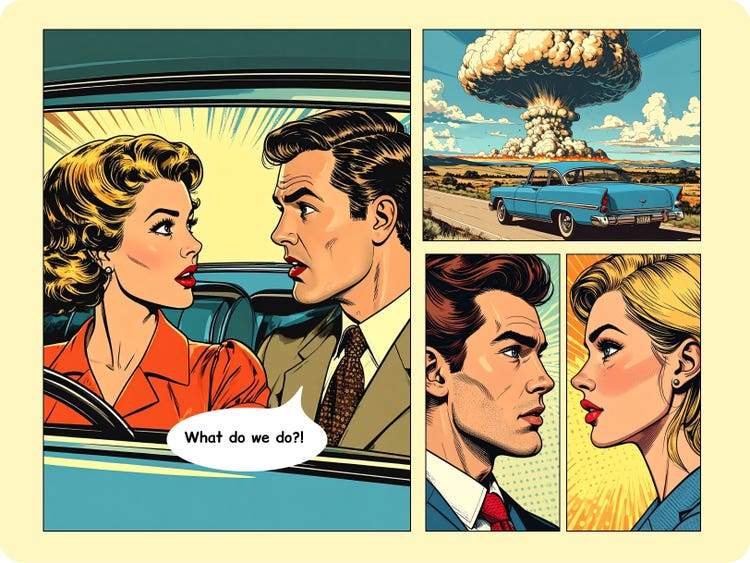
With Firefly’s AI comic strip generator and mood boards, you can go beyond single images to build full comic strips and visual sequences. Arrange your panel layout, add dialogue or captions and map out the story frame by frame. Whether you’re planning a short gag strip or a serialised graphic novel, Firefly’s comic strip maker AI helps you organise your generated panels into a clean, readable flow.
Export AI-generated comics in one click.
Once your comic strip or panels are ready, you can export them with a single click. Download high-quality JPEG or PNG files (up to 2000 × 2000 pixels) for sharing, printing or creating your own comic book. To make a video teaser or animated preview, export as a 1080 p MP4 video. You can also use your favourite Adobe apps like Photoshop or Adobe Express to refine layers, add effects or prep for print.
Generate commercially safe art with the AI comic generator.
Firefly’s AI comic generator from text is trained on licensed and public domain content and designed to be safe for commercial use. Whether you’re creating a full comic book, educational materials with a comic-style twist or branded content, you can publish with confidence. This transparent training approach helps creators, educators and businesses produce work that meets professional standards and usage requirements. For complete peace of mind, always review usage rights for any assets brought in from outside models or sources that were not generated within Firefly.
How to create comics with AI.
To start creating comics with the Adobe Firefly AI comic generator, all you need is an idea and a few lines of text. Whether you’re working on a superhero origin story, a detective mystery or a classic Sunday paper-style strip, Firefly makes it easy to generate comic panels in minutes. You can create characters, build scenes, add speech bubbles and arrange panels into a complete strip, all without drawing a single line.
Follow these simple steps to create comic with AI from text prompts:
- Open Adobe Firefly.
To access the AI image generator, open the Adobe Firefly web app. Sign in to your Adobe account to save, edit and organise your comic projects. - Enter your comic prompt.
Select Generate Image, then enter a detailed prompt for your comic. Describe the setting, characters, mood, camera angle and dialogue to guide the visual outcome. Or turn your comic into a short video with the AI video generator.
Prompt example: “A futuristic city rooftop at night with a masked hero looking out over glowing neon skyscrapers, wind blowing their cape dramatically.” - Choose a visual style.
Select a visual style for your AI comic. Choose from Composition, Visual Intensity, Effects, Colour and Tone, Lighting and Camera Angle options to help shape the mood and storytelling style, whether you’re aiming for something dramatic, playful or cinematic. You can experiment with multiple variations to refine your aesthetic and maintain a consistent look across panels. - Review and refine your panels.
Review and refine your AI comic output and make any desired adjustments. You can also go back and revise your prompt or try new style selections to fine-tune the results. - Save, export and share.
When you’re happy with the results, save and share. Download your panel or comic strip as a high-quality image or video file. You can also bring your work into Photoshop or Adobe Express for further editing or layout work."
AI comic generator for every storyteller.
From independent storytellers to growing businesses, comic storytelling can engage audiences in powerful and memorable ways. Whether you’re educating, marketing or entertaining, Firefly helps transform ideas into compelling visual narratives.
It’s designed to support a wide range of creators and professionals, including:
- Independent digital creators: Create short comic strips for social platforms, blogs or web publishing and experiment with new storytelling formats.
- Students: Develop illustrated assignments, project work or visual storytelling submissions for school and university coursework.
- Educators: Build engaging learning materials, explain complex topics visually or encourage creative classroom activities.
- Marketing teams: Produce campaign visuals, explainer comics or product storytelling content for websites and digital channels.
- Small businesses and start-ups: Design eye-catching promotional comics that stand out in competitive marketplaces.
Frequently asked questions about AI comic generator.
What is an AI comic generator?
How does the comic generator AI feature work?
Do I need drawing skills to generate AI comics online?
Can I create multi-page comic books or graphic novels?
What styles are available in the AI comic generator?
Can I export my comics in high resolution?
Are AI-generated comics safe for commercial use?
Is Adobe Firefly’s AI comic generator free to use?
Learn more about generating images.
Adobe Firefly vs. Midjourney
Learn how the latest in generative AI will help you to visualise any idea with AI creations.
Revolutionising Creation: AI Art Use Cases
Discover the many applications of AI art and how it’s transforming the creative landscape.
Adobe Firefly vs. DALL·E 3
Brainstorm at lightning speed and turn your dreams into amazing AI creations with Firefly.
7 art styles for AI What is AI art and how is it made?
Generative AI is quickly becoming a vital tool for artists. Read on to learn about what generative AI art is, how to create it and how you can use it in your practice.