https://main--cc--adobecom.aem.page/cc-shared/assets/img/firefly.svg Adobe Firefly
Free AI Anime Generator: Create anime art
Bring your anime character to life with Adobe Firefly. Create one-of-a-kind anime art and videos and develop your storyline line from start to finish.
- vector
- image
- video
- Describe a subject, an action, a place, a mood or a style.
- Adobe Generative AI Terms
- https://main--cc--adobecom.aem.page/creativecloud/animation/testdoc/unity/generate.svg Generate
- Describe the image you want to generate
- Prompt
- Tip
- ff_campaign=embed_generate_acom&promoid=QQ42NX2B&mv=other
- Unable to process the request
- Please describe what you want to generate.
- Prompt exceeds the max length of 750 characters
Create anime magic with Adobe Firefly's AI anime generator.
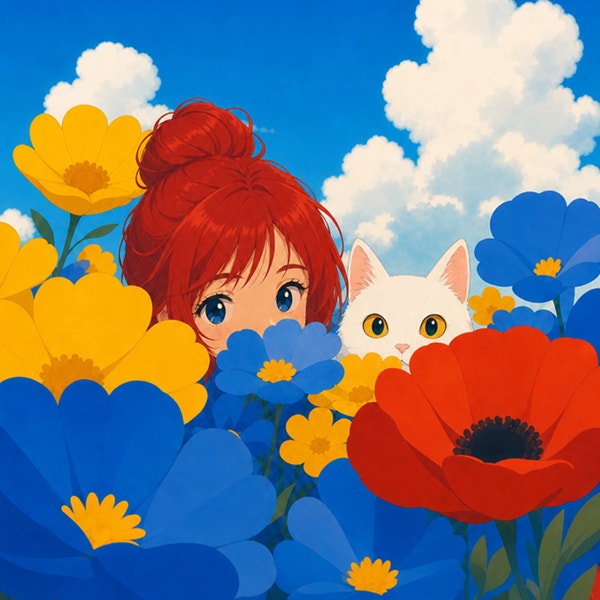
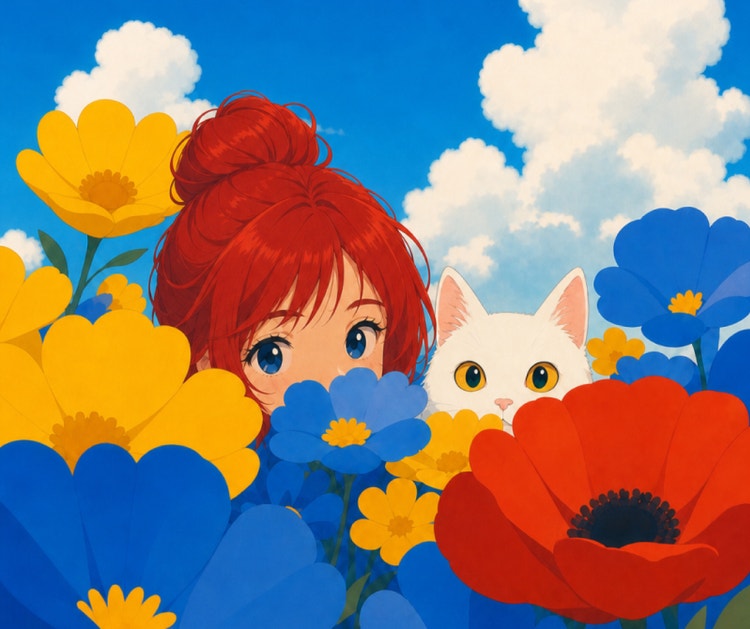
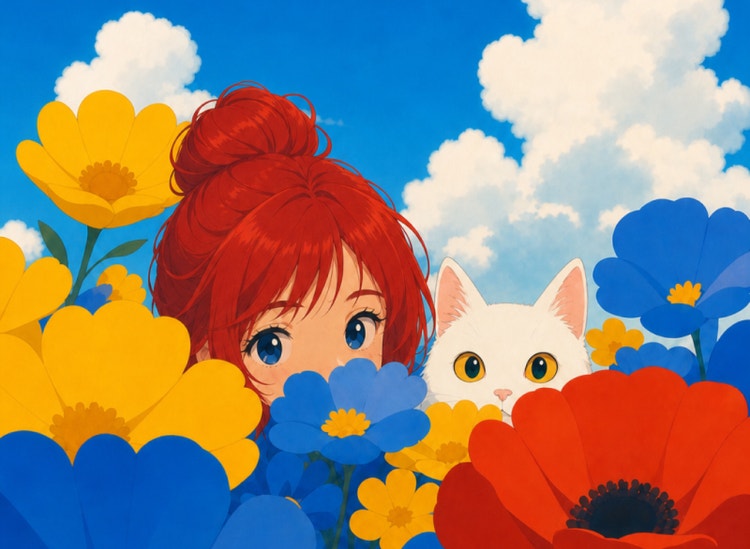
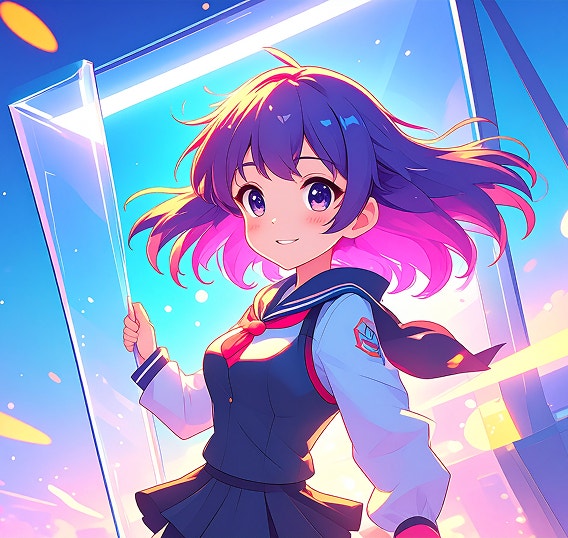
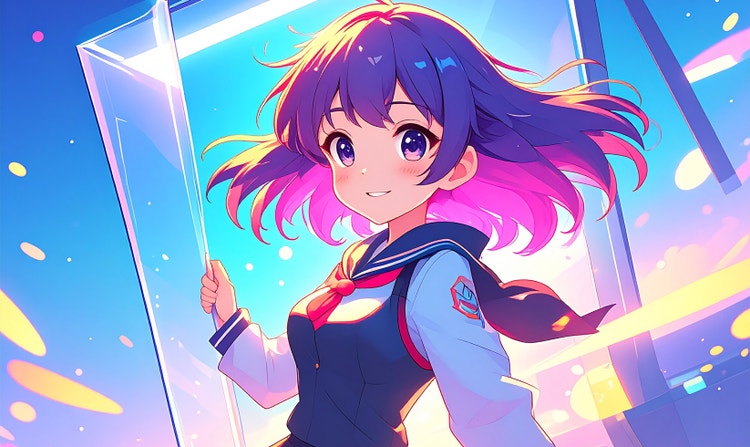
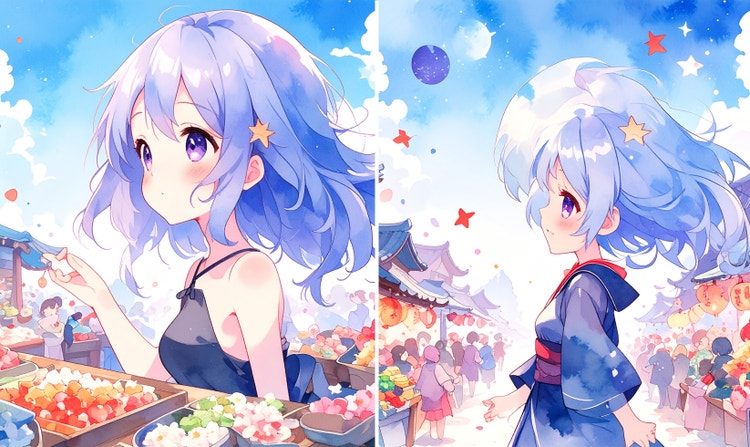
Whether it’s big eyes, a cloud of sparkles, or mischievous cat smiles, you can add all the anime details you want to see with Adobe Firefly as your anime AI art generator.
Develop your very own AI anime characters
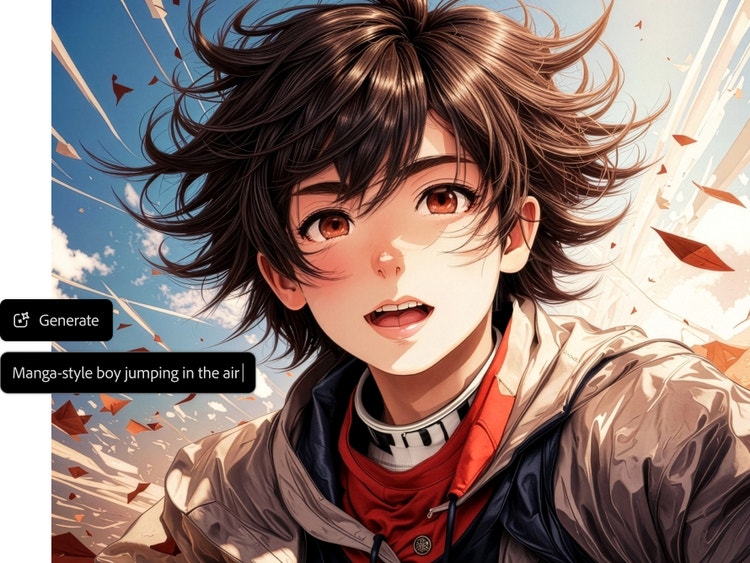
Create your own anime avatars or develop fictional characters. In the Text to Image module, once you select the Anime theme, you can type the physical description of the character you want to create and explore the possibilities.
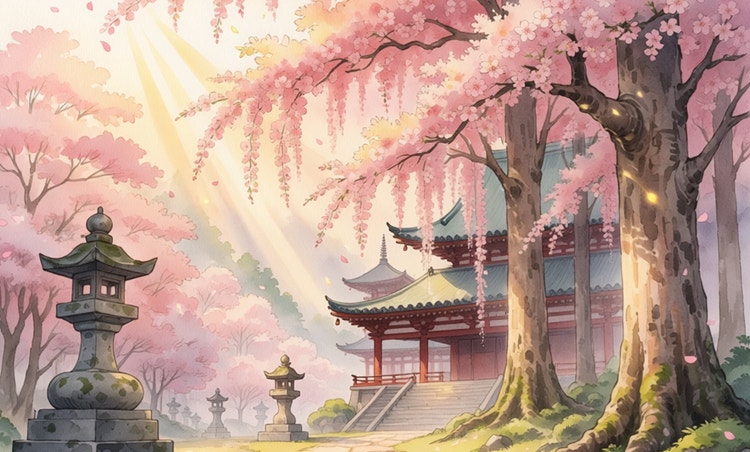
Customise your anime art style.
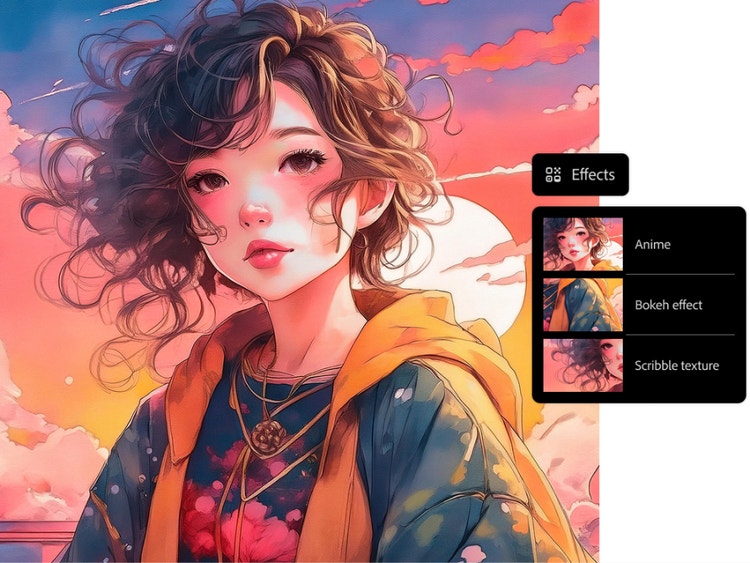
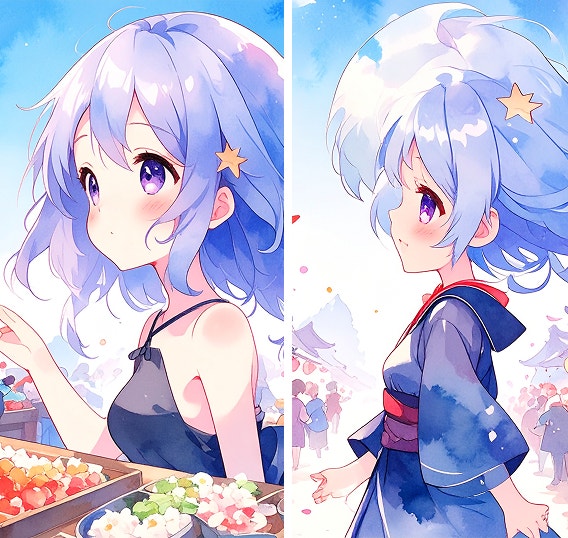
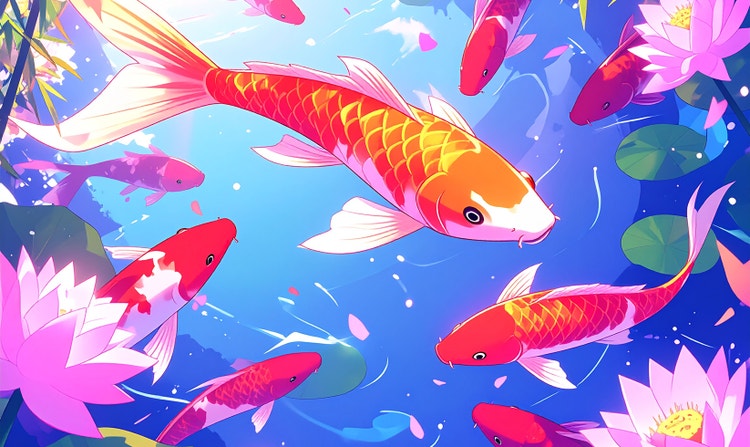
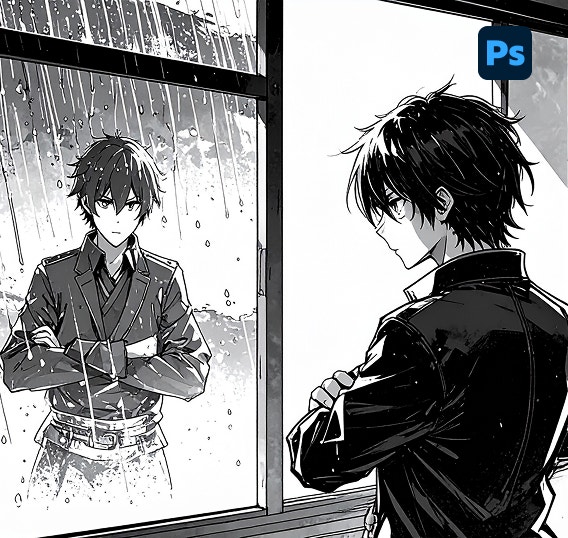
Give your anime a steampunk vibe or make it look like a doodle drawing with no design experience needed. You can easily refine your AI anime art by adjusting the colour scheme, choosing additional effects, and experimenting with materials.
Generate AI anime videos.
Try Adobe Firefly's AI anime video generator. Turn your text prompt into video, or set your anime images in motion with Image to Video. With a first frame and a text prompt, or first frame and last frame, you can generate action that moves your story forward.
Take your AI anime art anywhere.
Incorporate your AI anime images and videos into larger projects or share them on social media or the web. Firefly models are trained on Adobe Stock, licensed content and public domain materials, so they are designed to be safe for commercial use.
How to use Adobe Firefly's AI anime generator.
With Adobe Firefly as your anime AI art generator, you can visualise your ideas in a few quick steps.
- Log in to Adobe Firefly.
In the Firefly web app, go to the Image or Video section. Select Text to Image, Text to Video, or Image to Video. - Write a text prompt or upload a reference image.
Write a description of what you want to see in the prompt field. Visit the Adobe Help Center for detailed text prompt writing tips and examples to help you create the best prompts. You can upload reference images for both composition and style in the panel on the left. - Generate your image or video.
When you’re satisfied with your prompt, click Generate. The results will appear shortly. If you like the images or video Firefly generates, use the Download button to download as JPEG or MP4 files. - Refine, revise and regenerate.
Adjust your prompt or settings to explore different variations. If you’re creating video, try creating new sequences using the last frame of one video generation to begin the next video.
Bring your imagination to life with Anime AI art generator.
Generate anime art from text.
Turn your imagination into beautifully detailed anime art with no drawing skills needed. Describe a look, emotion, or setting, and watch it come to life in seconds. Whether you're visualising a romantic moment set against the majestic landscapes of Ladakh or capturing the colour and energy of a Holi celebration, just type your prompt and let our AI anime generator take care of the rest.
Make your profile stand out with AI anime art.
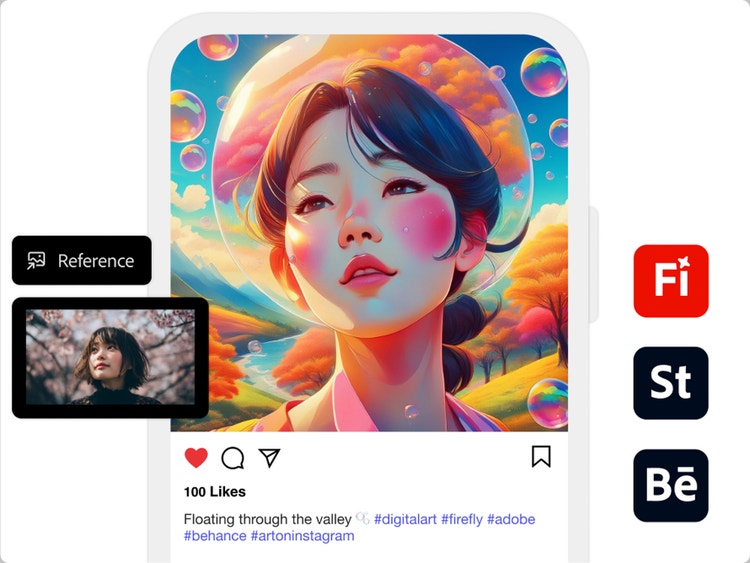
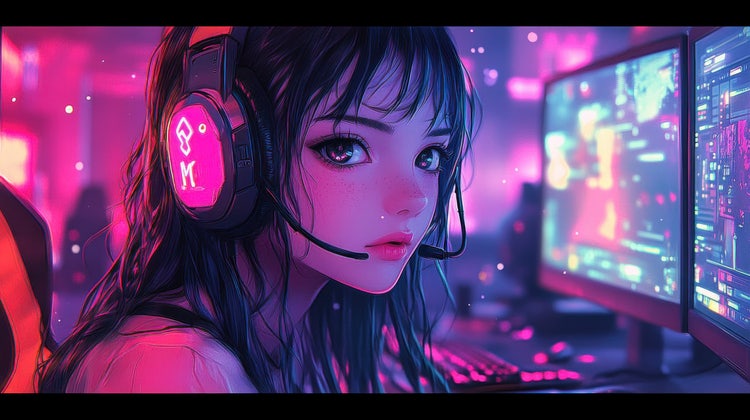
Easily transform your selfie into anime art. Upload your photo, describe the style you prefer and spruce up your social media profile or even gaming profile.
Make your profile stand out with AI anime art.
Easily transform your selfie into anime art. Upload your photo, describe the style you prefer and spruce up your social media profile or even gaming profile.
Make your profile stand out with AI anime art.
Easily transform your selfie into anime art. Upload your photo, describe the style you prefer and spruce up your social media profile or even gaming profile.
Start generating your own AI anime Art.
Power up your creativity with Firefly and generate your own anime images and videos. Try now
Create Captivating Cartoon-Style Videos
Turn your ideas into engaging visuals with easy-to-create cartoon-style videos. Whether you're crafting a tutorial to capture students' attention or building a product demo to highlight your latest launch, cartoonising your video can simplify complex topics and make them more memorable for your audience.
Remix content from the community.
Discover Firefly prompts to remix and submit your own images to the gallery.
Questions? We have answers.
How does the AI anime generator work?
Can I create anime-style art using just text?
Can I convert my own images, photos, or sketches into anime?
Yes, you can convert your own images, photos, or sketches into AI anime art by using them as starting points for generating AI-enhanced images.
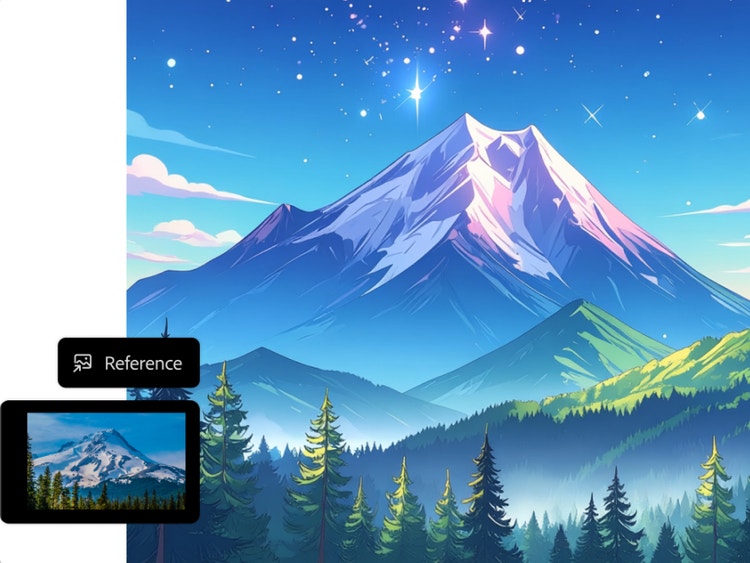
- Text to Image: You can upload an image whose style or composition you want to replicate by selecting the Reference dropdown menu in the Styles and Composition tabs.
- Generative Fill: You can upload or open your own photo or sketch in Photoshop with Generative Fill, powered by Firefly. Remove, replace, or add elements to your image using AI prompts, use your image as a base and selectively enhance it, and turn sketches into full compositions.
- Generative Recolour: If you're working with vector sketches or artwork, you can use the Firefly-powered Generative Recolor feature to apply AI-generated color themes.
What are the best prompts to get stunning anime AI images?
The best prompts are detailed yet concise and include elements like art style (e.g., chibi, retro, cyberpunk), perspective (e.g., close-up, wide angle), mood (e.g., moody, cheerful), and setting (e.g., rainy street, mountain temple).
Example: “anime character in traditional attire standing by a monsoon street at dusk.”
Can I customise the style and dimensions of generated anime images?
Do I need design skills to use Firefly’s AI anime generator?
Can I use AI anime-generated images for commercial use?
Is the Firefly AI anime art generator free?
Yes, Adobe Firefly is free to use and includes limited generative credits that let you try various features. For unlimited access to standard tools or premium options like Text to Video, a Firefly plan subscription is required.
Users with an Adobe Express, Adobe Firefly, or Creative Cloud free membership may be provided with a limited number of generative credits at no cost. These credits allow access to generative Al features for users to play, experiment, and create with Firefly across mediums.