• File size larger than 100 MB
  • Unable to process the request
  • We are unable to process this file type. Please try again.
  • Only one file can be uploaded at a time.
  • Image is smaller than the minimum dimensions (512 x 512 pixels). Please resize and try again.
cgen
promoid=QTV3NS2W&mv=other

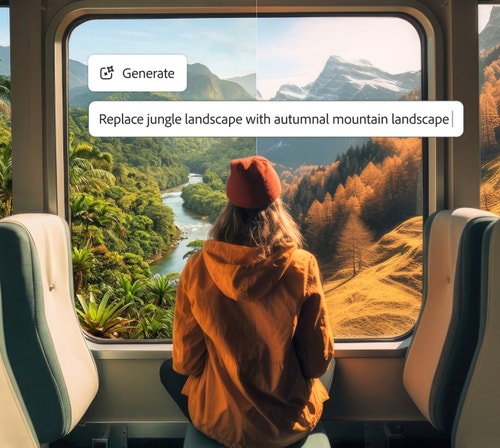
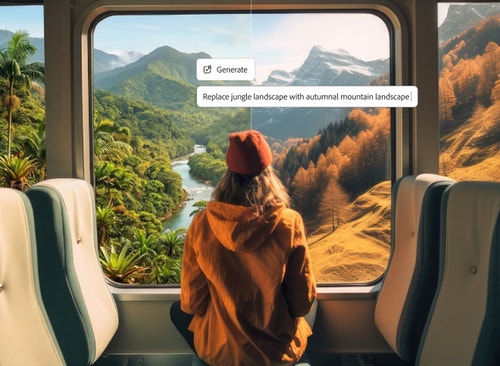
Prompt to Edit in Firefly lets you easily refine and edit photos with AI.

Prompt to Edit is a powerful AI photo editing feature that lets you describe changes in simple text, making it easy to understand how to edit a photo with AI without advanced design skills.

A pink tabletop with flowers in vases and the text prompt "remove dropped flower petals" shows how to use the AI photo editor to remove distractions.

Clean up photos by removing distractions.

Remove unwanted objects, people or visual clutter from your photos using AI image correction. Firefly analyses your image and fills gaps naturally for clean, realistic results.

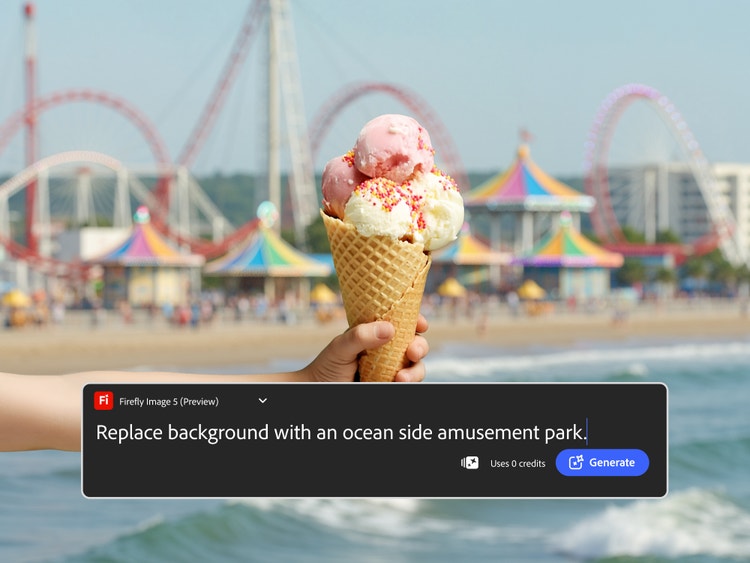
A hand holding a waffle cone with scoops of ice cream and the AI photo editor text prompt used to replace the background with an oceanside amusement park.

Swap backgrounds with AI.

Instantly replace or refine backgrounds using the AI image editor, whether you want a studio look, outdoor scene or brand-ready backdrop for ecommerce and marketing visuals.

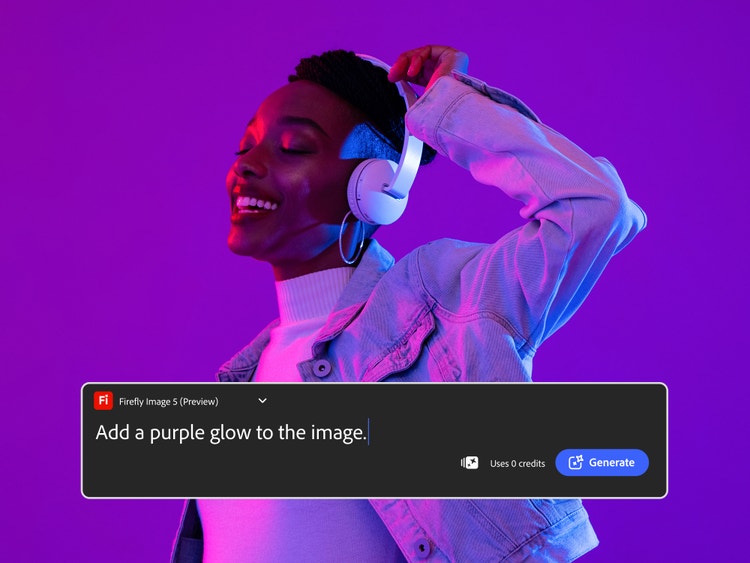
A smiling person with headphones wearing a denim jacket dancing to music with the Firefly AI photo editor text prompt used to add a purple glow to the image.

Refine style, colour and mood.

Change lighting, colour tones and overall atmosphere with AI photo editing prompts to match a specific mood, aesthetic or creative direction.

Advanced photo editing tools powered by AI.

Experience faster, more intelligent editing with Prompt to Edit AI photo editor capabilities. Powered by generative AI, Firefly simplifies image enhancement — from auto-retouching and colour correction to background removal and object replacement.

https://main--da-cc--adobecom.aem.page/cc-shared/fragments/products/firefly/features/ai-photo-editor/z-carousel-default

How to edit photos using the Firefly AI photo editor.

What makes Firefly ideal for AI photo editing.

Firefly gives you powerful, intuitive AI photo editing with the confidence of commercially safe results and the flexibility to choose the model that fits your creative style.

#FFF
A series of images including a robotic fly and a neon-lit building within a tundra demonstrate the creative range of Firefly.

Professional-grade results

Adobe Firefly combines creative expertise with advanced generative AI to deliver stunning, high-quality images you can trust for personal and commercial projects.

#FFF
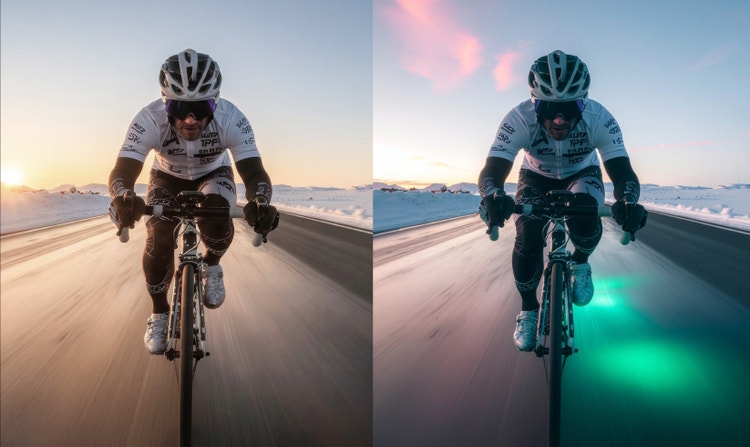
A before and after image of a cyclist on a road show a realistic image paired next to one showing glowing green light beneath the wheels.

Smarter creative workflow

Use natural-language prompts to enhance photos, remove distractions or generate entirely new visuals in just a few clicks.

#FFF
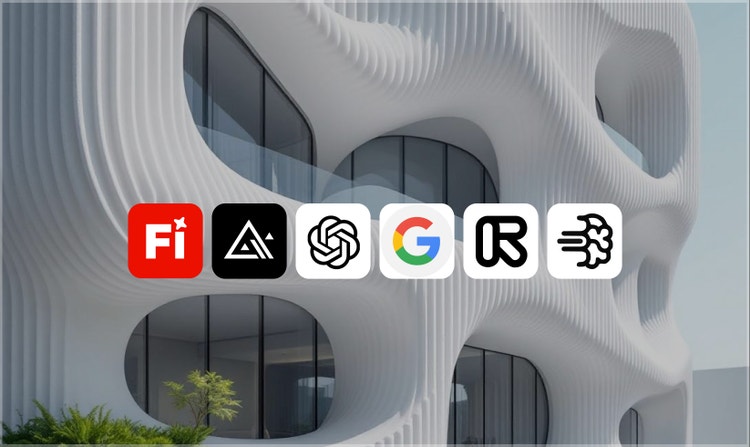
An generated image of a futuristic building is shown underneath logos for AI partner models available in Firefly.

Flexible AI models

Choose between Firefly models for commercially safe, brand-ready results trained on licensed Adobe and public domain content or explore partner models from Google, OpenAI, Runway and more for faster style experimentation.

#FFF
A man standing in a flooded car park is covered in a purple brush mark indicating they will be removed from the image.

Creative control made simple

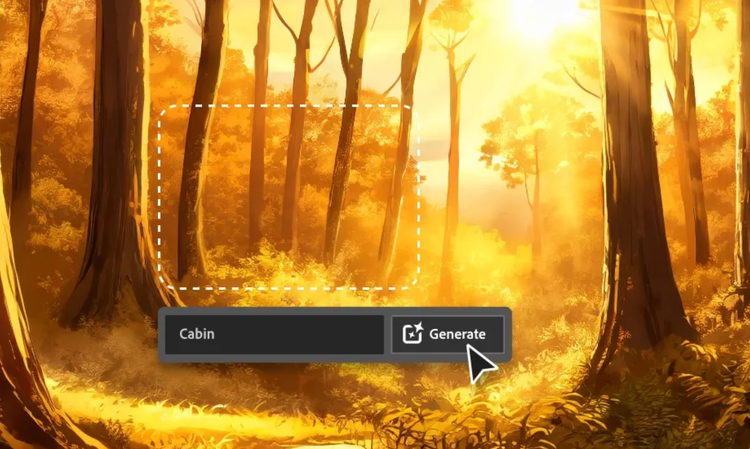
Fine-tune your image from lighting and composition to tone and texture with Prompt to Edit, Generative Fill, Generative Recolor, Replace Background and one-click Quick Actions like crop or resize for instant polish.

Creating and refining visuals in Adobe Firefly is as simple as describing what you imagine. From marketing assets and product shots to social content and artistic compositions, Firefly gives you the power to experiment, refine and produce professional-quality images in one smart AI photo editor.

See what you can do in Firefly.

Discover even more features.

Frequently asked questions about the Firefly AI photo editor.

What is an AI photo editor?
An AI photo editor uses artificial intelligence to simplify image editing and enhancement. With Adobe Firefly, you can upload or generate an image, then use intuitive prompts to remove objects, adjust lighting, change backgrounds or refine colour and composition easily.
What is Prompt to Edit in Adobe Firefly?
Prompt to Edit is an AI-powered photo editing feature in Adobe Firefly that lets you edit photos using simple text prompts. You can describe changes such as removing objects, replacing backgrounds or adjusting lighting and style, and Firefly applies those edits automatically using AI.
What types of photo edits can I make with AI?

With Adobe Firefly, you can:

  • Use Prompt to Edit to add, remove or replace objects and backgrounds.
  • Clean up images with Generative Fill to remove unwanted elements.
  • Transform photos into new styles or moods using image-to-image editing.

The online AI photo editor gives you flexible tools to enhance, reimagine and perfect any image.

Do I need any design skills to use an AI photo editor?
No. The Firefly AI image editor is designed for everyone, allowing you to create professional-quality photo edits using simple text prompts, even if you have no prior photo editing experience.
Which AI photo editor is best for beginners?
Adobe Firefly is ideal for beginners thanks to its easy-to-use interface and simple text-based editing. You can start creating straightaway, experiment freely and refine results without advanced photo editing experience.
Which AI photo editor gives natural results?
Adobe Firefly is built for realism and professional-grade quality. Its models are trained on licensed content to produce commercially safe, natural-looking edits that blend seamlessly into your images.
Can I regenerate or refine an AI-edited photo after it’s created?
Yes. After generating an edit in Adobe Firefly, you can refine or regenerate your image by adjusting the prompt, changing settings or applying additional AI tools such as Generative Fill, Image-to-Image or Generative Match. This allows you to explore variations, fine-tune details and achieve the exact result you want.
Can I use Firefly photo editor capabilities on mobile devices?
Adobe Firefly works seamlessly across devices, so you can create and edit on desktop, mobile or tablet, whether you’re using Mac, Windows, iOS or Android. Start refining images on your laptop, then switch to your phone or tablet to keep editing on the go.

Projects sync automatically through Creative Cloud, making it easy to collaborate with teammates or clients and maintain a consistent workflow across platforms. Firefly also supports style transfers and other creative effects, so you can match looks or themes between devices without losing quality or context.
Is the Adobe Firefly AI photo editor free to use?
Yes. You can use the Prompt to Edit feature in Firefly with a Firefly Free plan, which includes access to free AI photo editing capabilities. Free users receive a limited number of monthly generative credits for both standard and premium features, and no paid subscription is required to get started.

Share this page

#F0F0F7

Learn more about generative AI.