
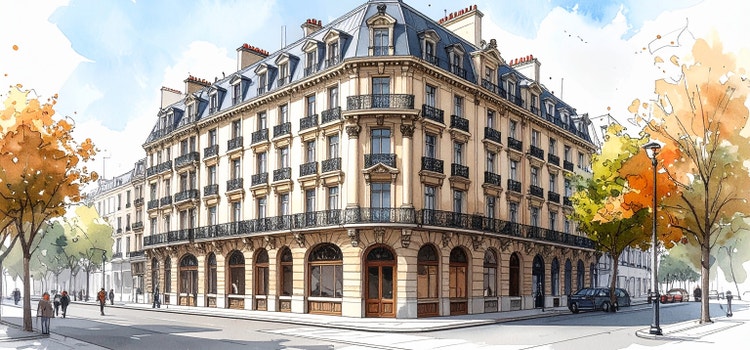

Turn ideas into realistic sketches with the free AI sketch generator.
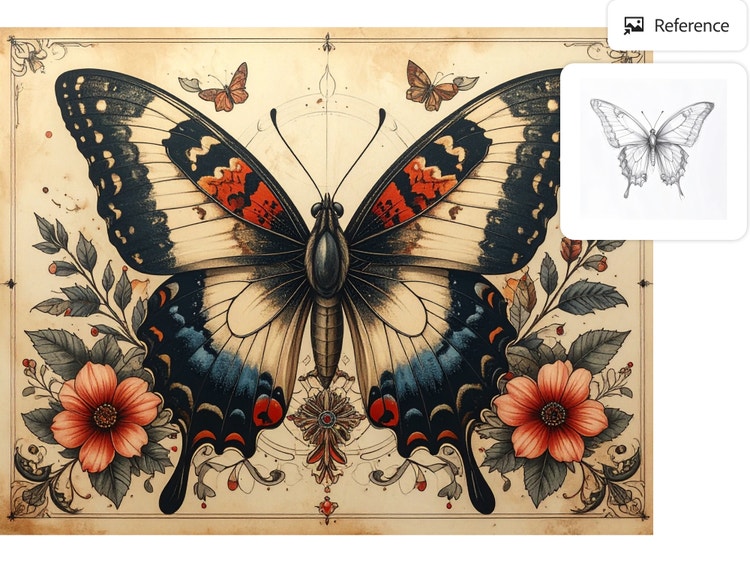
Use the AI sketch generator to transform images or text prompts into beautiful sketches that look hand-drawn. Experiment with multiple sketch styles, ranging from line-drawn and minimalist to pencil with shading.
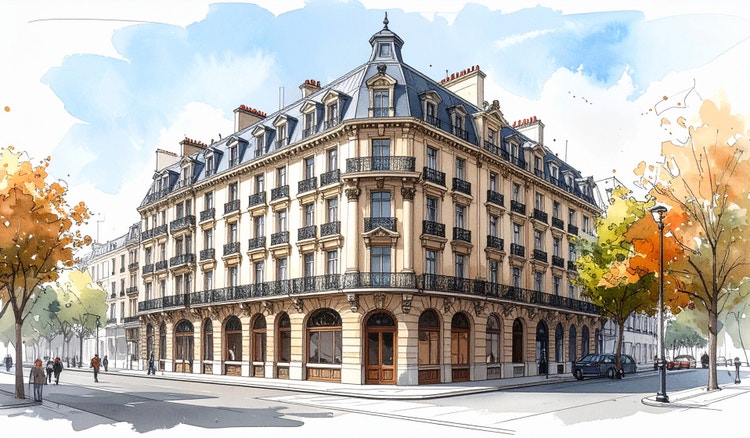
Create an AI-generated sketch that looks hand-drawn.
Turn your ideas into sketches that look hand-drawn with the free AI sketch generator. Start with a reference image or write a text-to-image prompt, and the AI image generator will transform it into a stylized sketch. Whether you want a photo-to-sketch AI effect or a completely new drawing from scratch, it’s easy to get creative sketch results in minutes.

https://main--cc--adobecom.aem.live/cc-shared/assets/img/product-icons/svg/firefly-80.svg
Adobe Firefly
https://main--cc--adobecom.aem.live/cc-shared/assets/img/product-icons/svg/firefly-80.svg
Adobe Firefly
Use everyday language to create extraordinary results with generative AI.
Create art anywhere with the AI sketch generator.
You can skip the sketch pad and pencils with a browser-based AI sketch generator that lets you create concepts quickly on desktop or mobile. Firefly AI runs online with no app to download, so you can explore ideas wherever inspiration strikes. Try the AI sketch generator free and start turning prompts or photos into hand-drawn styles.
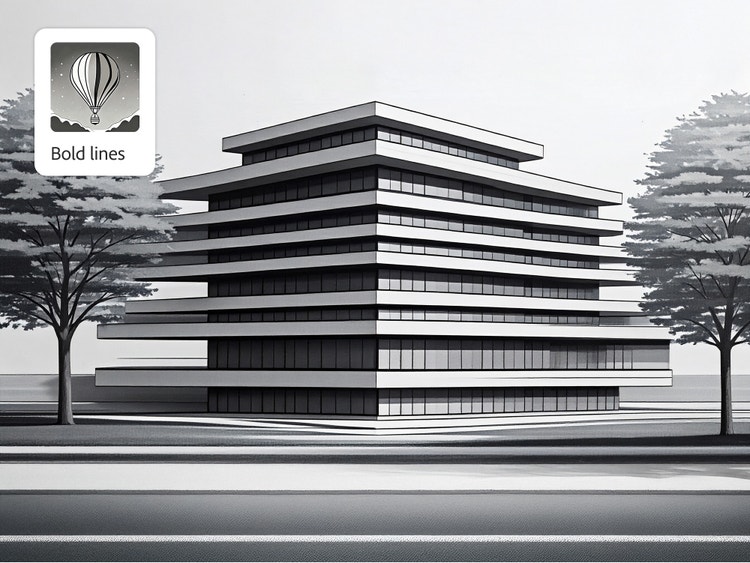
Experiment with multiple sketch styles.
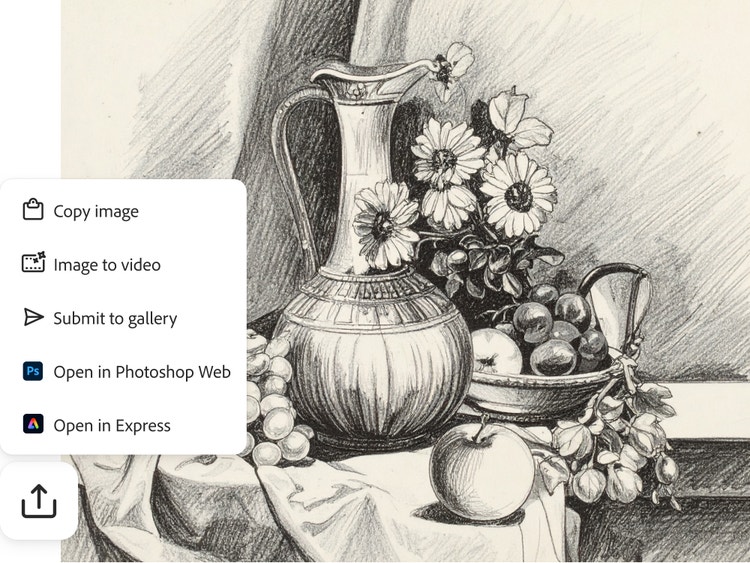
From simple outlines to richly shaded art, Firefly makes it easy to try different looks and create unique AI-generated sketches. Experiment with pencil sketch, line art, crosshatching, minimalist outlines, shading, or even charcoal and ink-inspired styles. Use AI art prompts to generate brand-new pieces, or transform your own hand-drawn or AI-created images into sketch form with the AI art generator.
Transform AI sketches into tattoos, portraits, and more.
Turn simple prompts or reference images into detailed AI sketches even if you’ve never drawn before. Use Firefly as an AI tattoo generator to explore design ideas, create AI pet portraits that capture your favorite animals, or draft logos, character concepts, and stylized portraits. Whether you want AI-generated sketches for personal inspiration like a mood board, or professional projects like presentations, it’s an easy way to give shape to your sketch ideas.
Collaborate and share sketches in one click.
Download, export, or share your AI-generated sketches to collaborate and receive feedback fast. Send concepts to teammates for review or share your AI sketch ideas with friends and family. It’s an easy way to keep projects moving and creativity flowing.
Springboard new ideas with AI-generated sketches.
Use the AI sketch generator to spark ideas, then refine them further with other Firefly tools and your favorite Adobe apps.
Use AI-generated sketches to kick off:
- Classroom projects or creative workshops
- Brainstorming sessions and visual notes
- Cartoons, comics, and character concepts
- Animations or full digital illustrations
From simple outlines to production-ready assets, sketches make it easier to imagine, share, and develop creative work at every stage of a project.
How to turn text or a photo into a sketch with the AI sketch generator.
If you’ve ever wanted to turn a photo into a sketch or try out a quick text-to-sketch idea, the Adobe Firefly AI sketch generator makes it easy. Explore endless styles, from pencil lines to crosshatching, shading, or minimalist outlines, and see your concepts come to life in minutes. It’s a fast, fun way to experiment with different sketch styles and spark new creative ideas.
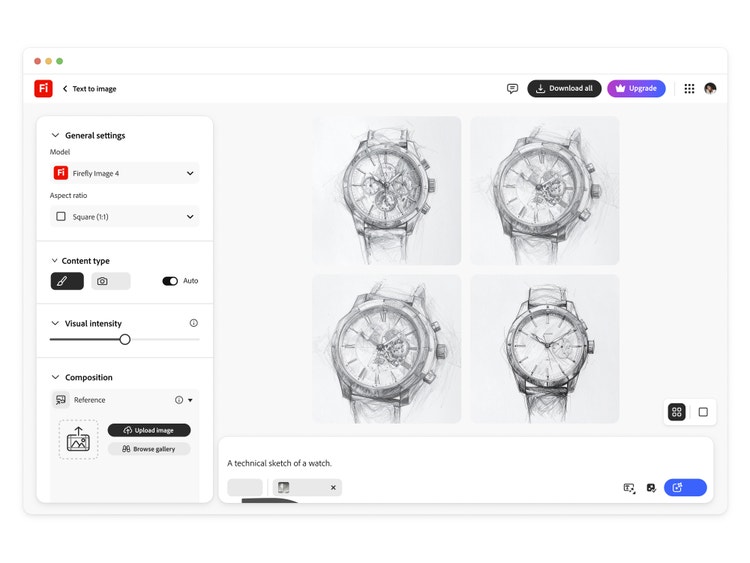
- Open Firefly and select the Generate Image tool.
Start by launching Firefly in your browser — no download required. The Generate Image tool can help you turn ideas into sketches in just a few clicks. - Upload an image, photo, or type a detailed text prompt.
Drag in a photo you want to turn into a sketch, or write a simple Generate Image prompt for what you’d like to see. The more detail you give, like subject, style, or mood, the more accurate your AI-generated sketch results will be. - Choose an AI sketch style.
Select from various sketch styles, including pencil sketch, line art, or shaded outlines. Each option gives your image a unique hand-drawn effect. - Generate and refine artwork.
Click Generate and Firefly will create your sketch. If you want to refine the results, adjust your prompt, add a style reference photo, or try a different sketch style until you achieve the desired look. - Download and share your AI-generated sketch.
Save your final sketch to your device, or share it directly to get feedback from friends, family, or teammates.
Discover even more generative AI art features.
AI image generator AI cartoon generator AI art generator AI drawing generator AI character generator AI tattoo generator Sketch to image AI pixel art
Questions? We have answers.
What is an AI sketch generator?
How do I make an AI sketch?
Can I use the AI sketch generator for free?
What AI sketch styles can I generate?
You can experiment with many different AI-generated sketch styles, such as:
- Pencil sketch
- Line art
- Crosshatching
- Minimalist outlines
- Shaded sketches
- Charcoal sketch
- Ink outline
- Stippling
Can I evolve a sketch into detailed artwork?
Do I need a perfect image to make an AI-generated sketch?
Are AI sketches safe to use commercially?
Can I turn my AI-generated sketch back into a photo or image?
Learn more about generative AI.
What is Generative AI & How it Works
Generative AI is all over the headlines, and that’s not empty hype. This new technology is likely to be part of your life soon — if it’s not already.
Learn more | Learn more - What is Generative AI & How it Works
What is AI art & How does it work?
Generative AI is quickly becoming a vital tool for artists. Read on to learn about what generative AI art is, how to create it, and how you can use it in your practice.
Learn more | Learn more - What is AI art & how does it work?
Revolutionizing Creation: AI Art Use Cases
Discover the many applications of AI art and how it’s transforming the creative landscape.
Learn more | Learn more - Revolutionizing Creation: AI Art Use Cases
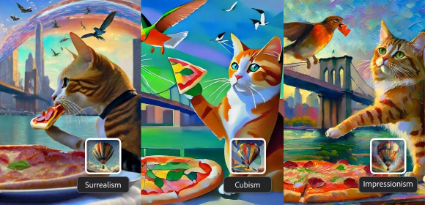
7 art styles for AI prompts
Surrealism, Cubism, Impressionism — find out how to create images in these and other art styles with generative AI.