https://main--cc--adobecom.aem.live/cc-shared/assets/img/firefly.svg Adobe Firefly

AI Pixel art generator: Turn any photo into pixel art.
Go from image to pixel art in seconds, no design experience needed. Type a prompt or upload a photo and let Firefly generate nostalgic 8-bit and 16-bit style pixel art for game sprites, social posts, icons, branding and more.

Or tap here
File must be JPEG (JPG), PNG or WEBP and up to 100 MB.
By uploading your image, you agree to the Adobe Terms of Use and Privacy Policy and confirm you are 18 years of age or older.
Or tap here
File must be JPEG (JPG), PNG or WEBP and up to 100 MB.
By uploading your image, you agree to the Adobe Terms of Use and Privacy Policy and confirm you are 18 years of age or older.
Or drag and drop here
File must be JPEG (JPG), PNG or WEBP and up to 100 MB.
By uploading your image, you agree to the Adobe Terms of Use and Privacy Policy and confirm you are 18 years of age or older.
- File size larger than 100 MB
- Unable to process the request
- We are unable to process this file type. Please try again.
- Only one file can be uploaded at a time.
- Image is smaller than the minimum dimensions (512 x 512 pixels). Please resize and try again.

https://www.adobe.com/cc-shared/assets/img/product-icons/svg/firefly-appicon-64-new.svg
Adobe Firefly
https://www.adobe.com/cc-shared/assets/img/product-icons/svg/firefly-appicon-64-new.svg
Adobe Firefly
The next evolution of creative AI is here for all your ideas, with image, video, audio and vector tools.
Turn your ideas into pixel-perfect art
A pixel art generator is a tool that turns text prompts or existing images into blocky, low-resolution artwork built from small, single colour squares called pixels. The style traces back to early video games and web graphics, and it's still popular today for game sprites, icons, stickers and retro inspired branding. With Firefly's pixel art generator, you can create this look from scratch with a prompt or go from image to pixel art by uploading a photo and letting Firefly convert it into an authentic 8-bit or 16-bit style, complete with customisable colour palettes and effects.
Travel back in time with a powerful pixel art generator.
Pixel art is a form of digital artwork made of small blocks (pixels) that create a complete image. Pixel art was used in some of the earliest web and game designs and is still used today in everything from fashion to NFTs for its striking visual quality and nostalgia.
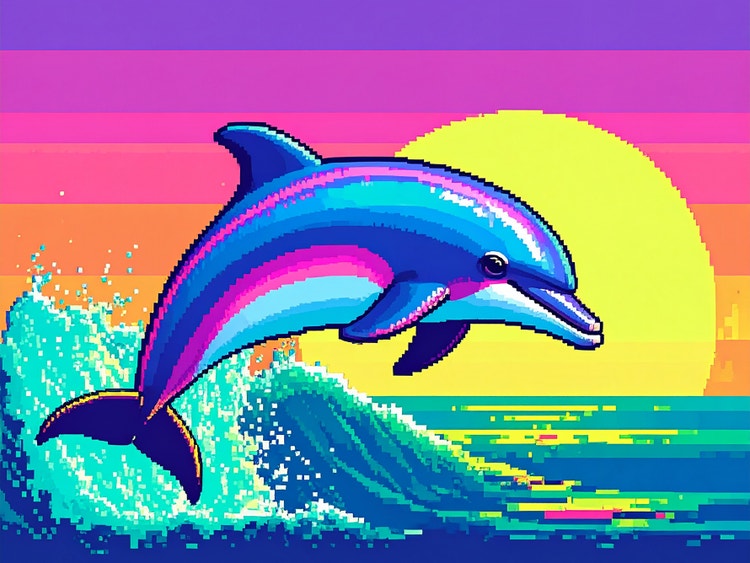
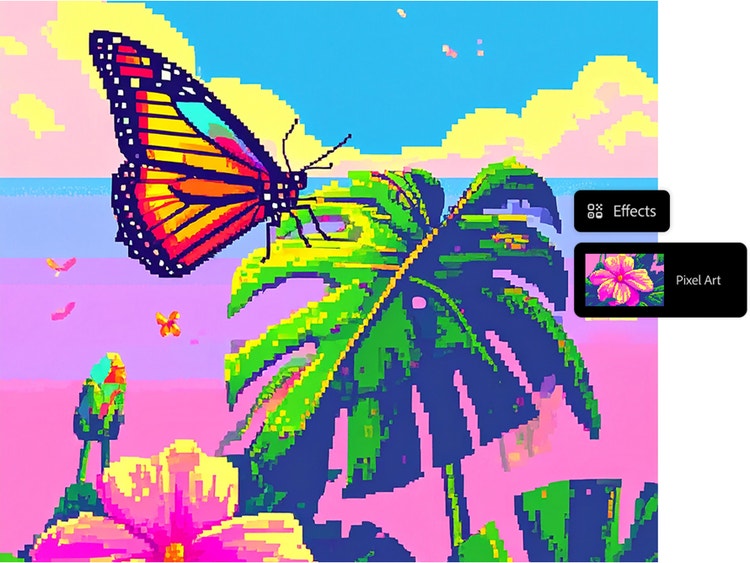
Go from prompt to pixel art.
It’s easy to create your own pixel art using the Generate Image feature in the Firefly web app. Simply write a descriptive prompt, select Pixel art from the Effects section and generate your results. A pixel art generator like Firefly is ideal for creating characters, scenes, icons and more.
Customise your results with the pixel art generator.
Get just the look you want by using detailed prompts and adjusting your settings. Use descriptive words like “retro” or even eras like “1980s” in your prompt. Try combining effects, such as selecting both the Pixel art and Simple options. Choose options from the Colour and Tone drop-down menu such as Vibrant Colours.
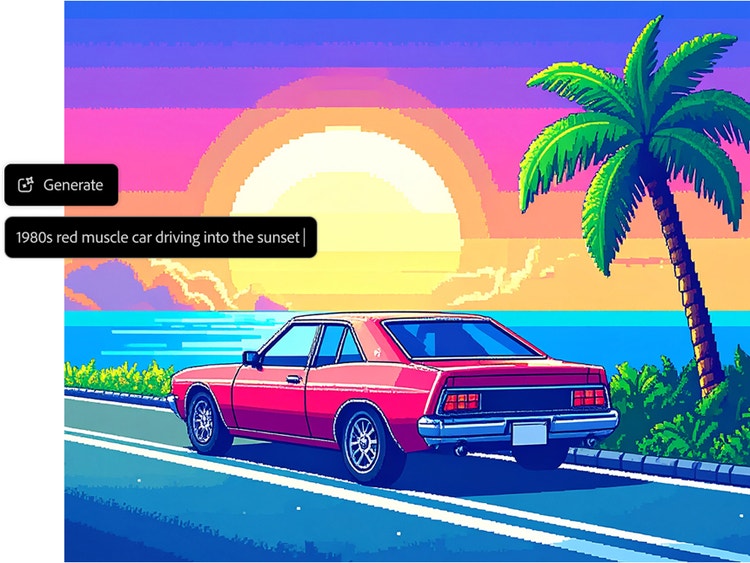
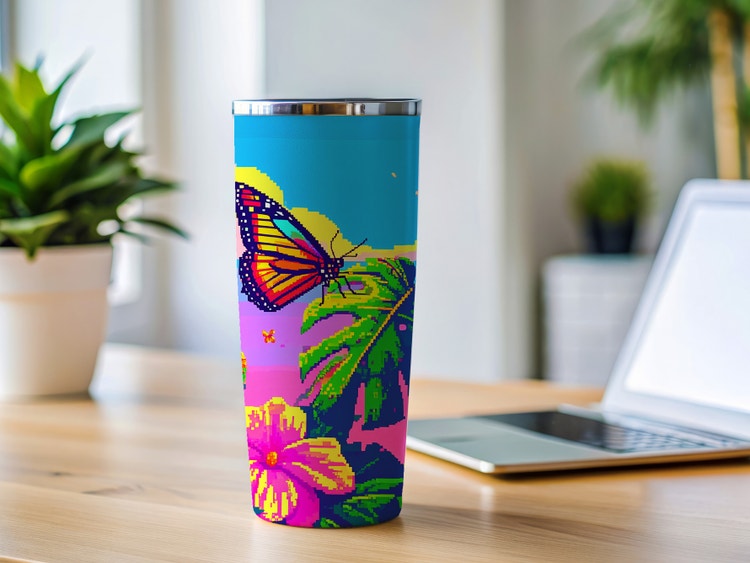
Pixelate images and apply them anywhere.
Simple, striking and fun, your pixel art creations are ideal for creating games, avatars, NFTs, stickers (both digital and physical) and beyond.
Go from image to pixel art.
Transform any image or photo into AI-generated pixel art using Adobe Firefly. Just select Generate Image, upload a reference image and then write a prompt to guide how it’s generated in a pixel art style.
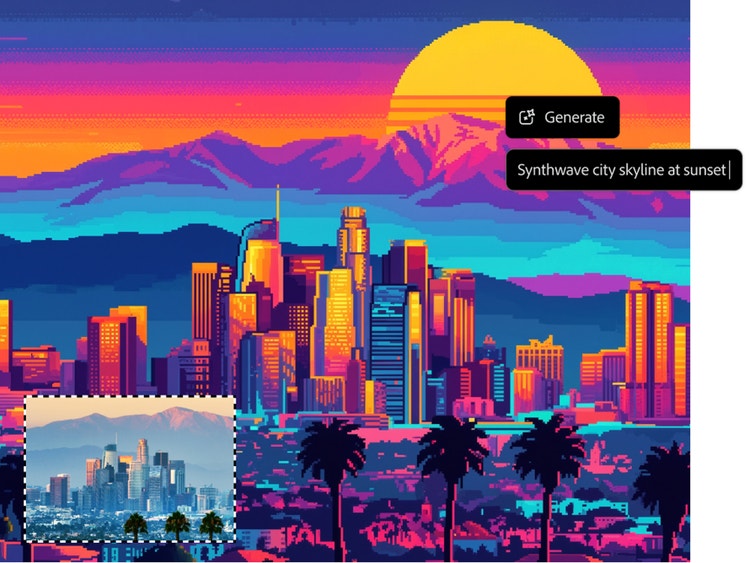
Create pixel art for any project.
Easily achieve nostalgic 8-bit and 16-bit visuals and create retro inspired artwork, game assets and digital illustrations in minutes.
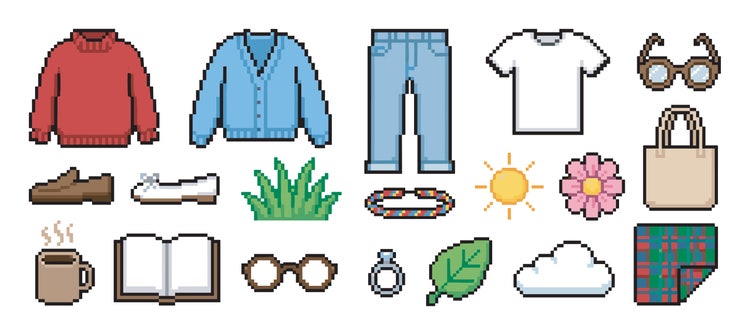
Game development
Character sprites, environment tiles, item icons, and concept art created for games and interactive experiences.
Social media marketing
Retro-style posts, profile pictures, stickers, and campaign visuals created for digital audiences.
Branding and design
Pixel-art graphics, banners, icons, and visual assets designed for creators, communities, and brands.
Photo-to-pixel art
Personal photos and portraits transformed into fun pixel artwork and digital collectables.
How to generate pixel art with Adobe Firefly.
Pixelated artworks are just a few clicks away when you use Generate Image as your AI pixel art generator.
Step 1
Log in to Firefly.
Step 2
Upload a photo.
Step 3
Write a text prompt.
Step 4
Select the Pixel art effect.
Step 5
Download and share.
- How to generate pixel art with Adobe Firefly.
- Steps on How to generate pixel art with Adobe Firefly.
- PT5M
- firefly
Start with simple, easy-to-read subjects.
Pixel art relies on clarity rather than detail. Simple subjects such as characters, logos, icons, pets, or objects usually convert better than busy scenes. For example, a photo with a single subject is likely to produce cleaner results than a crowded street market with many competing elements.
Use prompts designed for pixel art.
When generating pixel art from text, include style-specific terms such as "pixel art," "8-bit," "16-bit," "retro video game sprite," or "pixel character." An example: "pixel art elephant, 16-bit video game style, vibrant colours"
Focus on strong shapes, not tiny details.
At small resolutions, fine details often disappear. Instead of drawing every strand of hair or every brick in a wall, focus on bold silhouettes and recognisable forms.
Limit colours for a more authentic look.
Classic pixel art uses a restricted colour palette, usually ranging from 4 to 32 intentional colours. Rather than generating hundreds of colour variations, use fewer colours to create a cleaner and more cohesive design. Some of the most common pixel art colour palettes include PICO-8, NES Palette, Endesga 32, and Dawnbringer 32.
Game developers and designers.
A sprite sheet or icon set built by hand can take hours, especially when every piece needs to match. A written description or existing concept image becomes a consistent retro style asset in seconds, useful for prototyping characters, tiles and item icons without commissioning a full set.
Content creators.
A recurring pixel art avatar, profile picture or campaign sticker can be designed once, then reused across thumbnails, intros and posts without redesigning it from scratch every time. It keeps a channel or feed looking consistent, retro and unmistakably on brand.
Brand and graphic designers.
A logo, product shot or piece of artwork can be turned into pixel art in seconds, useful when a retro look needs to show up consistently across banners, icons and merchandise without building it from scratch each time.
Everyday creators.
Anyone can turn a holiday photo, a pet or a favourite selfie into pixel art worth using as an avatar, a sticker or a gift, no drawing or design skills required.
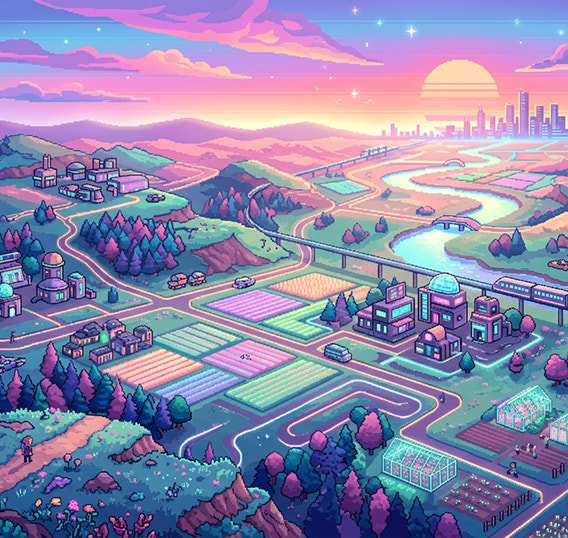
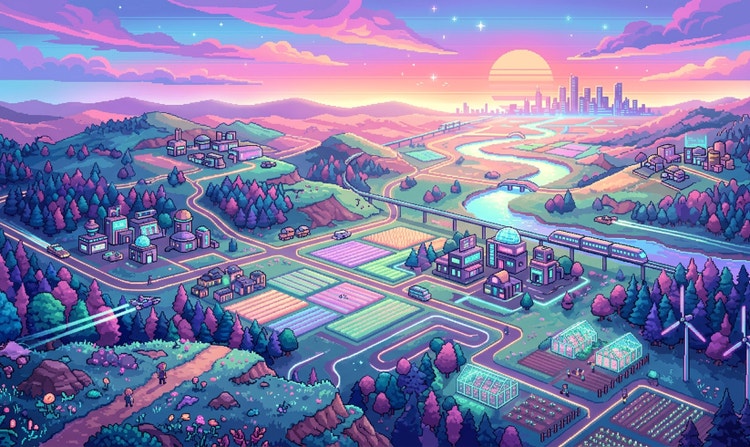
Authentic retro styles with creative control
Generate 8-bit and 16-bit -inspired pixel art with customisable colour palettes, grid details and composition controls to match classic game aesthetics or modern retro designs.
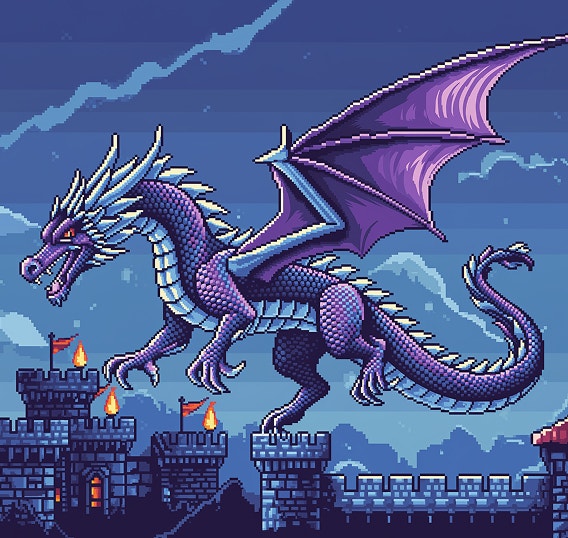
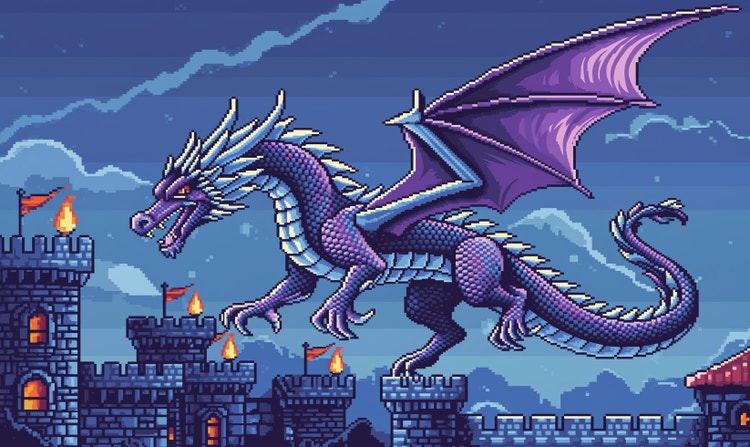
Built for real creative projects
Create pixel art for indie games, sprite sheets, character designs, merchandise, social media visuals and collectible art — all optimised for practical, production-ready use.
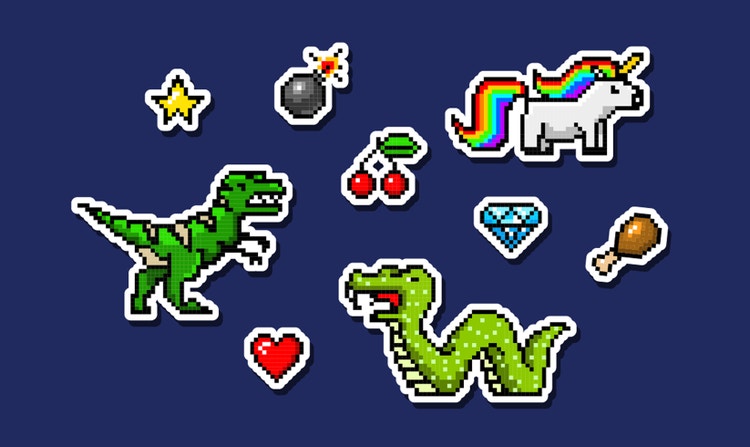
Consistent styles across assets
Easily maintain visual consistency across multiple pixelated images with matching colours, shading and pixel structures.
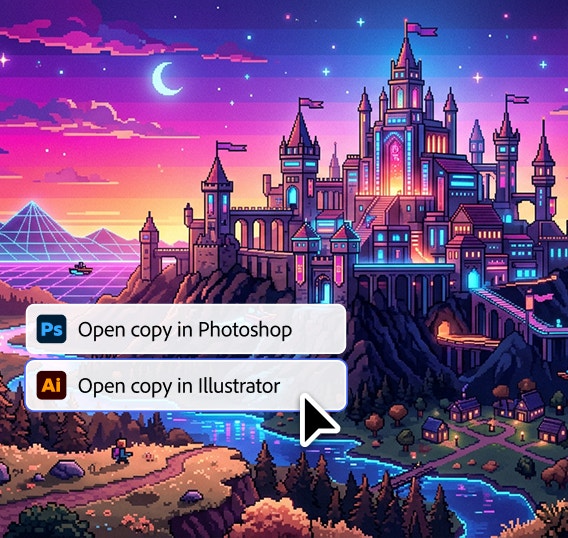
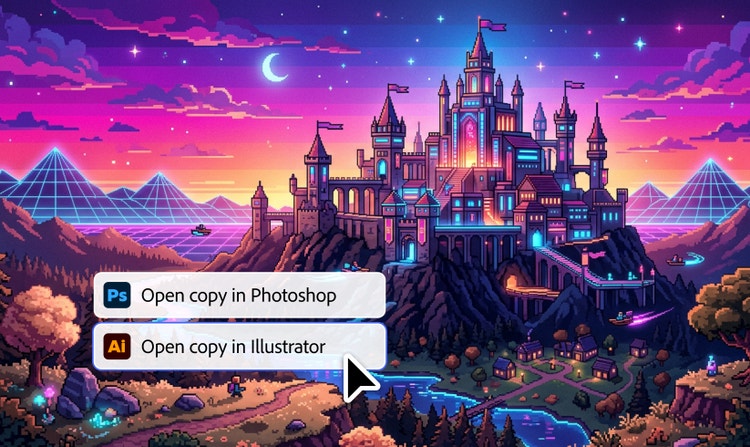
Seamless Creative Cloud integration
Refine, scale and extend the pixel art you create in Firefly thanks to integration with apps like Adobe Photoshop and Illustrator.
See what you can do in Firefly.
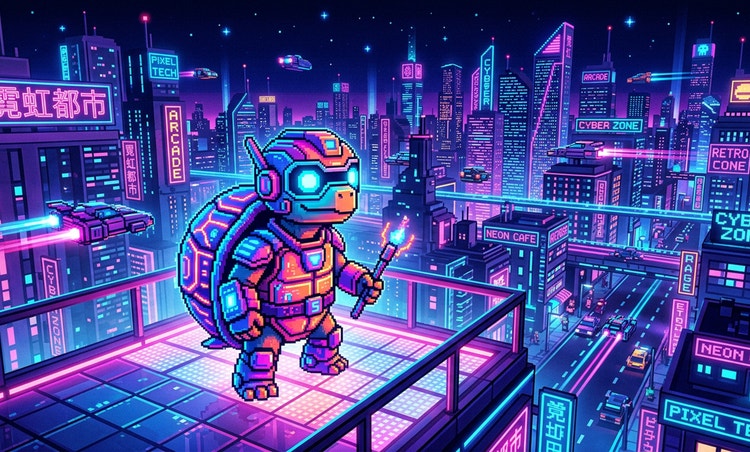
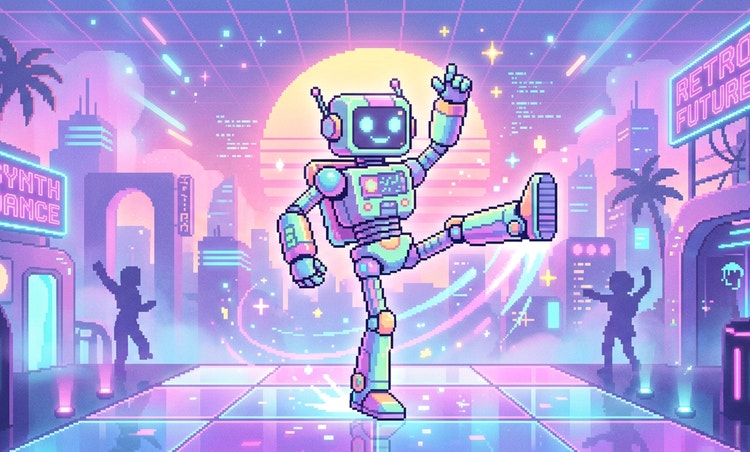
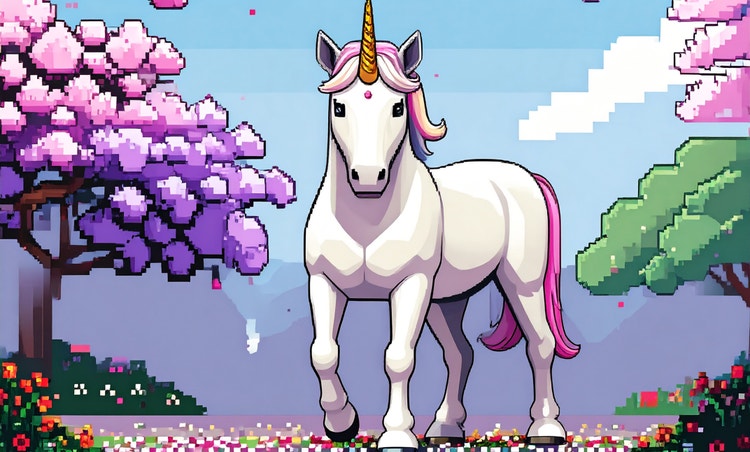
Discover even more features.
Questions about AI pixel art generator? We have answers.
What are the best AI pixel art generators available?
Can I choose the pixel art style or size?
Is the Pixel Art Generator features in Adobe Firefly commercially safe to use?
What formats and resolutions are available for download?
Can I turn pixel art into animations?
What other third-party models can I find in Adobe Firefly?
How can I write a good prompt for generating pixel art?
A good prompt for a pixel art generator clearly defines both the subject and the visual style so the image translates cleanly into a pixel format. Be specific about details like pixel art style, sprite or icon size, colour palette, resolution and perspective to guide the generator toward crisp, readable generated pixel art.
For example, to create pixel art characters or avatars, try a prompt like, “A detailed portrait of an armoured female knight, pixel art, limited colour palette, clean outlines, high contrast.”
To generate pixelated textures or background images, try, “Seamlessly tiling rough cobblestone texture, pixel art, muted colours, top-down view, game asset.”
To generate a pixelated scene or setting, try, “A quiet neon-lit street in Tokyo, pixel art, isometric view, small sprite size, controlled colour palette, cyberpunk aesthetic.”
Using clear subject descriptions and specific style constraints makes it easier to create pixel art with consistent structure, balanced colour and resolution that works well across icons, avatars and other digital art programmes.
Is Adobe Firefly Pixel Art Generator free?
What makes a great pixel art generator?
Share this page.
Explore more Firefly tools.
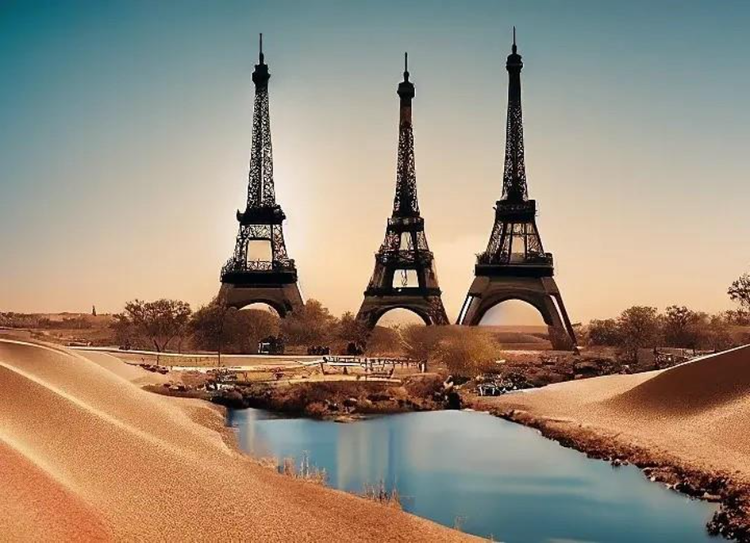
What is AI Art?
Generative AI is quickly becoming a vital tool for artists. Read on to learn about what generative AI art is, how to create it and how you can use it in your practice.
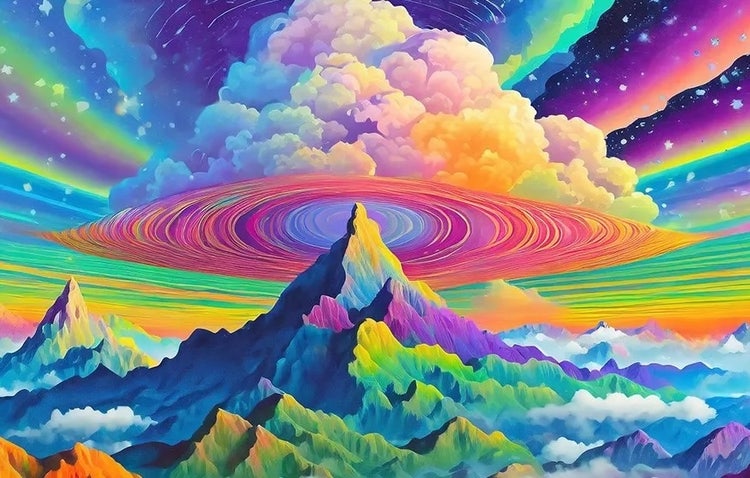
AI Art Use Cases
Discover the many applications of AI art and how it’s transforming the creative landscape.
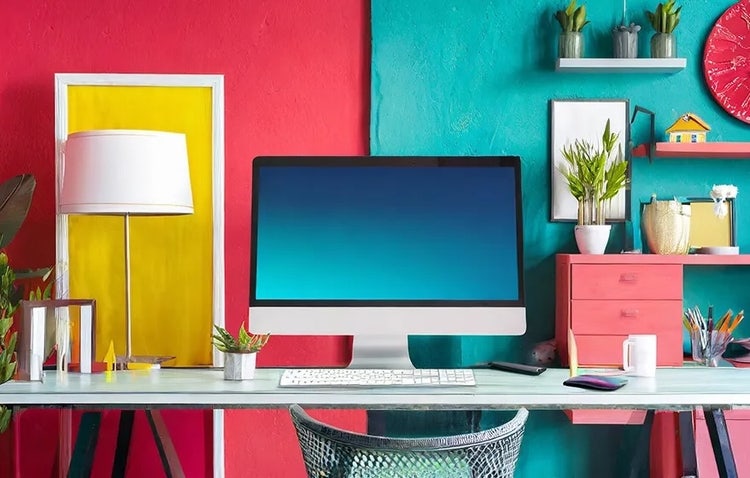
AI Art Prompts for Graphic Design
Learn how to write effective prompts for generative AI to get amazing results for graphic design.
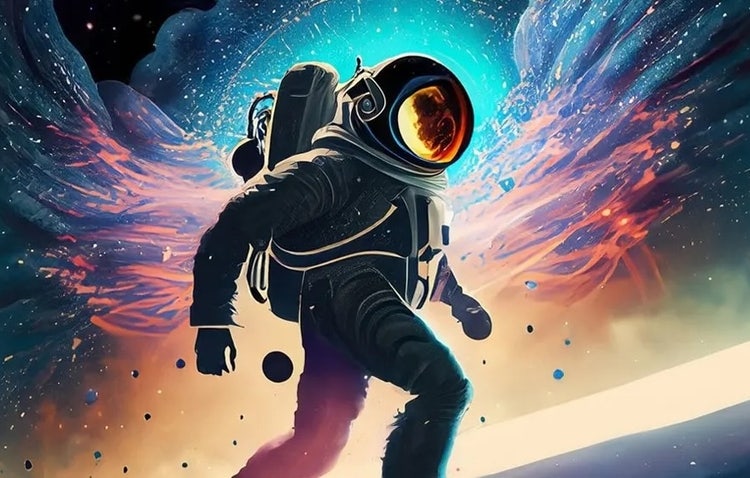
How AI Changes Creative Work
Generative AI produces impressive results but it still depends on human direction and imagination. Discover how it can enhance your ideas and open new creative possibilities.