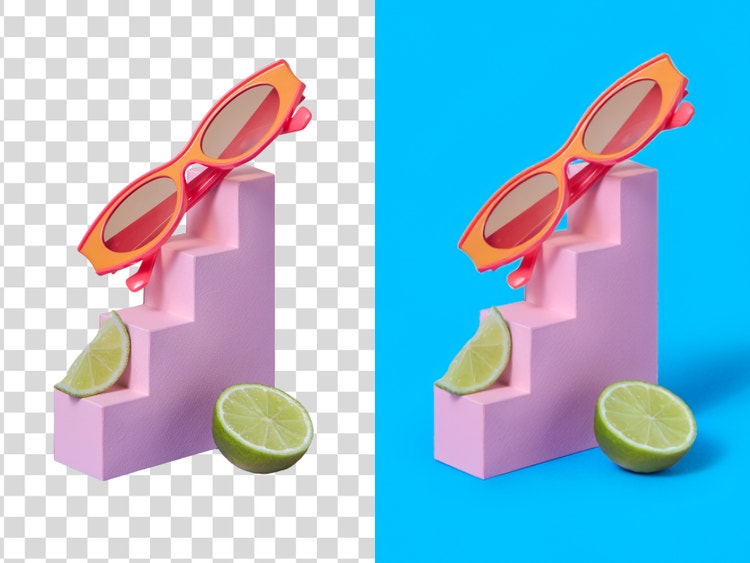
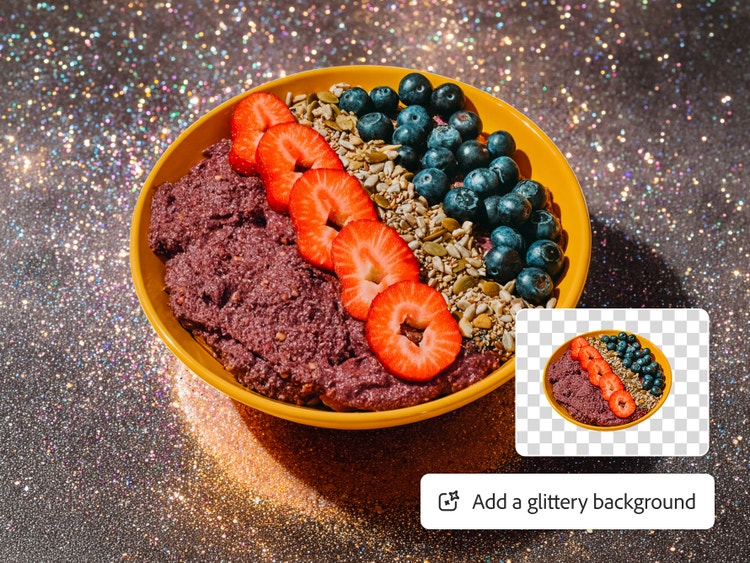
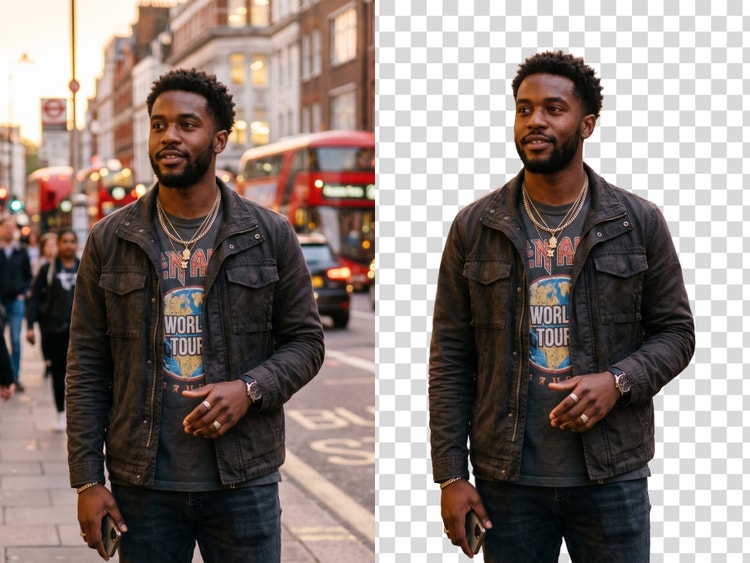
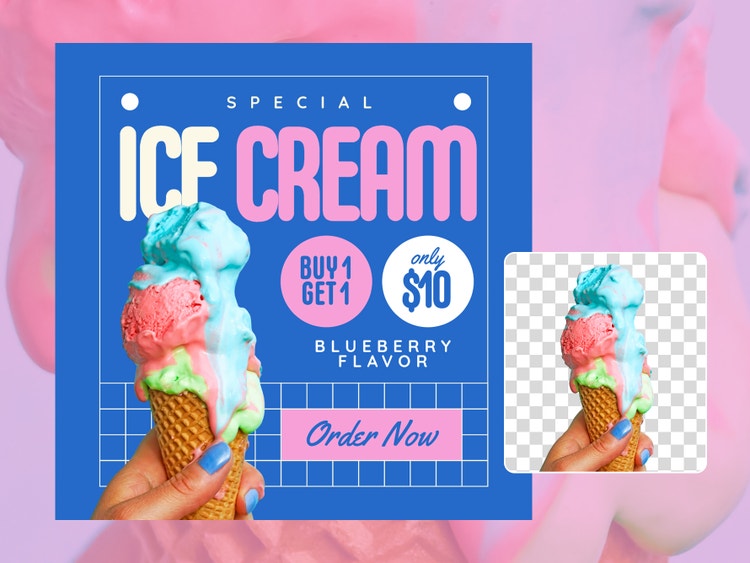
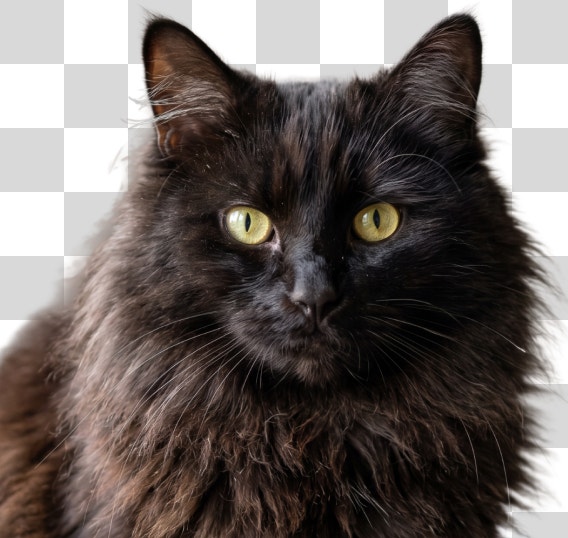
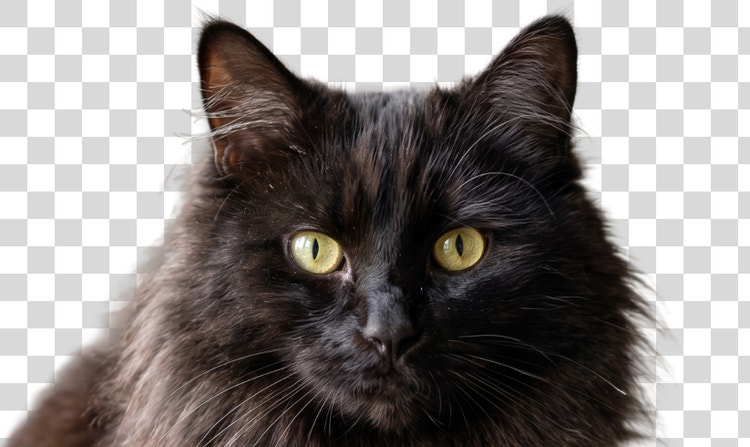
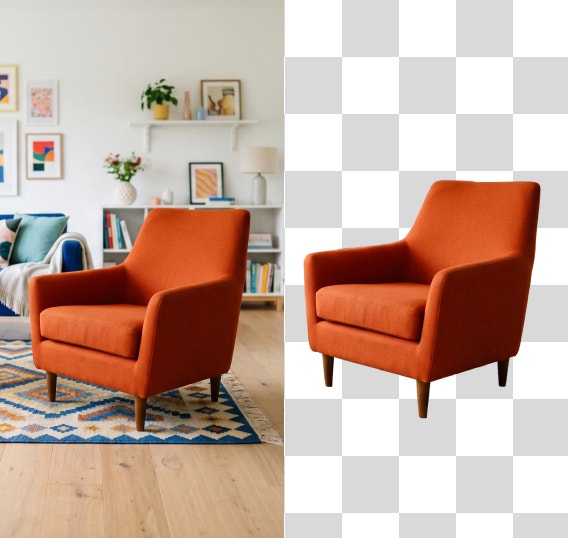
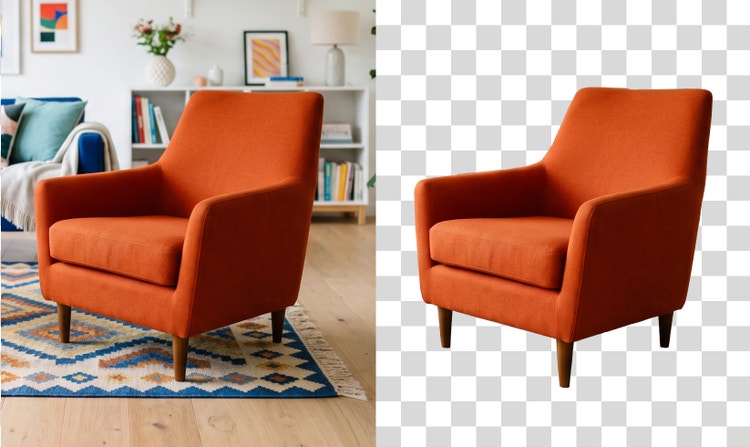
Easily remove the background from images in Adobe Firefly. Continue editing your image in Firefly to quickly change the background, add new elements, and more.
File must be JPEG (JPG), PNG, or WEBP and up to 50MB.
Uploading image, loading remove background
0%
Do more with this image.
By uploading your image or video, you agree to the Adobe Terms of Use and Privacy Policy and confirm you are 18 years of age or older.
Upload your image
Or tap here
File must be JPEG (JPG), PNG, or WEBP and up to 50MB.
By uploading your image or video, you agree to the Adobe Terms of Use and Privacy Policy and confirm you are 18 years of age or older.
Upload your image
Or tap here
File must be JPEG (JPG), PNG, or WEBP and up to 50MB.
By uploading your image or video, you agree to the Adobe Terms of Use and Privacy Policy and confirm you are 18 years of age or older.
Upload your image
Or drag and drop here
File must be JPEG (JPG), PNG, or WEBP and up to 50MB.
By uploading your image or video, you agree to the Adobe Terms of Use and Privacy Policy and confirm you are 18 years of age or older.
Your media must be smaller than 50MB. Please upload a new file.
Unable to process the request
Your media must be a JPEG, JPG, PNG, or WebP file. Please upload a new file.
Only one file can be uploaded at a time.
Download
Edit in Firefly
Do more with this image.
Uploading image, loading remove background
cgen
ff_source=adobe-com&ff_campaign=remove-background
Upscale
Remove
Generate new background
Studio lighting
style
dark
background
#000000
Easily remove image backgrounds.
Make your designs go further with Adobe Firefly. With the free background remover, it’s easy to isolate your subject and place it in a whole new setting so you can reuse it on multiple platforms in all new contexts.
Create transparent cutout backgrounds for your photos.
The free background remover in Adobe Firefly lets you highlight the subject of your photo and create a clean, clear background, so you can place your image into a variety of new designs and destinations. Drop it onto a colored backdrop or add a new background to put your subject in a completely new environment.
Remove the background from your picture and download instantly.
Erase image backgrounds faster than ever. It’s as easy as selecting your image, uploading it to our free photo background remover, and your image will be ready to download and share in an instant. Publish your image for audiences to enjoy across your social channels or continue to edit in Adobe Firefly.
Do more with your image.
Erasing the background of your image for a bigger project? Unleash your creativity with the photo-editing capabilities and design tools in Adobe Firefly. Use this online background generator and type a prompt describing the background you want. You can also use Firefly to apply filters, or create GIFs and animation for a dynamic design. There are countless ways to create a compelling image for any printed or digital format.
Make Adobe Firefly your go-to image background remover.
Remove the background from your image to make standout content. Use Firefly Boards to take your design to the next level. Easily brainstorm visual directions for your new background, or layer multiple cutout images for a unique collage to make your subject pop.
A fast and free online background remover.
Adobe Firefly makes removing a background quick and easy. It’s as simple as uploading your image to our Remove Background tool, letting our tool remove the background, and downloading your new image. Remove the background from both JPG and PNG images with ease. Your new image will be downloaded as a PNG file with a clear background.
Remove backgrounds to make even more images.
Adobe Firefly offers tools and quick editing features for you to bring any kind of content to life. Launch the app in your browser or on your mobile device to explore easy-to-use functionalities for editing images and videos. Use this tool as a photo background editor by taking your new transparent background image and putting it on a new background. Bring it into Adobe Express to add it to a collage for a flyer, poster, or infographic. Use the collection of free design assets including text templates, icons, shapes, and more to endlessly customize your image.
style
Static links
How to remove a background with Adobe Firefly.
To get started, log in to Adobe Firefly with your Adobe ID or create a free account if you don’t have one.
In the Image module, you can either choose a previously generated image from the Generate tab, or click the Edit tab to upload your own image.
In the Edit tab, select Remove Background from the Quick Actions menu in the left sidebar.
Click the Download button on the top right corner to download your image as a PNG with a transparent background.
Firefly uses artificial intelligence to isolate your subject and remove the background, no manual masking or design skills required. Whether you’re cleaning up a product photo, creating a transparent PNG for a presentation, or building a social post, Firefly removes the background with speed and precision for free.
Firefly detects the edges of your subject automatically, including fine details like hair, fur, and transparent objects, and removes the background with precision.
All the tools you need in one place
Continue editing your photo with the other editing capabilities in Firefly, or seamlessly pull your image into Photoshop to add finishing touches.
High-quality outputs with any subject
Firefly removes backgrounds from photos, product shots, illustrations, and more, whether your subject is a person, pet, object, or complex graphic.
style
Three up, s spacing top, xxl spacing bottom, show-2-desktop
background
#FFF
Time-saving automation
Upload your image and Adobe Firefly removes the background automatically, no manual selecting, masking, or refining required.
style
two up, s spacing top, l spacing bottom, show-2-desktop
"I love anything that helps me stay in the creative flow and background removal in Firefly does exactly that. The cutouts are super clean, which is especially helpful when you work in a fast-paced agency environment with tight deadlines. Being able to prep assets in seconds and stay focused on the creative work instead of jumping between tools makes a huge difference."
Andrea MarquezArt Director @ ANDSIOSA
"As a content creator and designer, I'm always shooting, and because I often build my work from my own photos and stills, I'm forever trying to lift the subject cleanly off its background. I've used a lot of tools for this, and Remove Background is the most reliable. It always delivers a crisp cutout in one step, which has meaningfully sped up my process."
EnContent Creator / Designer @en.somniac
“Creating YouTube thumbnails is so much faster now that I'm using the Firefly Remove Background tool. With a single click, I now have ready-to-use cutouts of myself. No more slowly cutting myself out of old photos manually!”
Greg PreeceContent Creator & AI Educator
"I like layering different portraits and adding text behind images but my curly hair can make that a nightmare. I used to manually key my green screen and switch between different software. Now I can generate and remove backgrounds in Firefly and it creates a much cleaner look in a couple of clicks. I haven't used my green screen in months and I've canceled all my other subscriptions!"
Fia Houston-HamiltonCreative Director & Writer @ Figure It Out With Fia
"I basically live with a camera in my bag and I am constantly editing or creating bits on the go or having to work around a super tight deadline, so being able to remove the background seamlessly in my work with literally one click is an absolute game changer, and all the outlines are super clean, too!"
Maria PearlCreative Director/Graphic Designer
"I used to manually cut subjects out of my images. This was a tedious job and often looked unnatural because of fine details like hair or fur. Remove Background gives me clean, precise cutouts in seconds, so I can spend my time and energy where it actually matters: the composition."
The best free background remover automatically detects your subject and separates it from the background with clean edges. Adobe Firefly does all of this, and also lets you swap in a new background, make targeted adjustments with Generative Fill, and expand your canvas, all in one place.
Adobe Firefly uses AI to accurately detect the edges of your subject, preserving fine details like hair, fur, and product outlines. For the best results, use a high-resolution image with clear contrast between the subject and background.
Yes, you can remove backgrounds in Adobe Firefly for free with an Adobe account. Free users get free daily generations in Adobe Firefly that they can use to remove backgrounds. Learn more about using Adobe Firefly for free. You can unlock unlimited use of this feature with a paid Adobe Firefly plan.
Yes, Adobe Firefly works on mobile. Upload your image, remove the background, and download or share your results directly from your phone or tablet.
Removing the background from your image in Adobe Firefly automatically makes it transparent. Your image downloads as a PNG file, which supports transparency, so you can place your subject onto a new background, design, or layout.
Once the background is removed, Adobe Firefly gives you a full set of tools to keep creating. Generate a new background, turn your subject into a sticker, or upscale your image all without leaving Adobe Firefly.
Yes. Once Adobe Firefly removes the background, you can use the Background Generator to replace it with any scene you describe, or apply a solid color background to your image.
Yes. Adobe Firefly works well for product photography. You can remove a busy or inconsistent background and replace it with a clean studio backdrop, a lifestyle scene, or a solid color that fits your brand.
The Adobe Firefly background remover accepts JPEG, PNG, and WEBP files up to 50MB. Your image downloads as a PNG file, which preserves the transparent background so you can layer it into any design or publish it directly.
Adobe Firefly offers batch background removal to enterprise users, and you can perform batch background removal with the Firefly AI Assistant. You can upload multiple images and process them all at once, replacing backgrounds with a transparent layer, a solid color, or a custom background.
Yes, using Adobe Firefly background remover as your image cutout tool works well for portraits, headshots, and social media content, not just product photography. You can remove a distracting background from a photo, swap in a clean or creative scene, and download the result for use on LinkedIn, Instagram, or anywhere else. Fine details like hair and flyaways are preserved by the AI edge detection.
The Adobe Firefly background remover goes beyond basic photo cutouts by combining AI background removal with Generative Fill, background replacement, image upscaling, and canvas expansion in one tool. While most standalone background removers stop at the cutout, Adobe Firefly lets you keep creating after the background is gone, making it a stronger choice for product photography, social content, and creative projects.
style
static-links
Share this page.
style
xxxl spacing bottom
Explore more Firefly tools.
style
Show-4-desktop, s spacing top, xxl spacing bottom
background
#F0F0F7
Adobe Firefly
The next evolution of creative AI is here for all your ideas, with image, video, audio, and vector tools.
You can control how Adobe websites use cookies and similar technologies by making choices below. But note that if you disable cookies and similar technologies entirely, Adobe websites may not function properly.
Cookies are small text files stored by your web browser when you use websites. There are also other technologies that can be used for similar purposes like HTML5 Local Storage and local shared objects, web beacons, and embedded scripts. These technologies help us do things like remembering you and your preferences when you return to our sites, measure how you use the website, conduct market research, and gather information about the ads you see and interact with.
You can make choices in the menu below about what cookies and other technologies you want us to use on Adobe sites when you visit them from this browser. You can always change those choices later by clicking on the Cookie Preferences link at the bottom of the page.
If enabled:
We can improve your experience by tailoring the site and the content to things we think might be of interest
We can better keep track of your preferences — like what language you prefer to use
We will better understand your likely interests so we can provide you more relevant Adobe ads and content on non-Adobe websites and in non-Adobe apps
It will help us improve the performance of our website and those of our partners who use the Adobe Experience Cloud
If disabled:
We won’t be able to remember you from session to session so the experience may not be tailored to your interests
You’ll still have access to the content of the site but certain features that depend on cookies may not function
You’ll still see ads, they just may not be as relevant to you
General information
You can control how Adobe websites use cookies and similar technologies by making choices below. But note that if you disable cookies and similar technologies entirely, Adobe websites may not function properly.
Cookies are small text files stored by your web browser when you use websites. There are also other technologies that can be used for similar purposes like HTML5 Local Storage, web beacons, and embedded scripts. These technologies help us do things like remembering you and your preferences when you return to our sites, measure how you use the website, conduct market research, and gather information about the ads you see and interact with.
You can make choices in the menu below about what cookies and other technologies you want us to use on Adobe sites when you visit them from this browser. You can always change those choices later by clicking on the Cookie Preferences link at the bottom of the page.
If enabled:
We can improve your experience by tailoring the site and the content to things we think might be of interest
We can better keep track of your preferences — like what language you prefer to use
We will better understand your likely interests so we can provide you more relevant Adobe ads and content on non-Adobe websites and in non-Adobe apps
It will help us improve the performance of our website and those of our partners who use the Adobe Experience Cloud
If disabled:
We won’t be able to remember you from session to session so the experience may not be tailored to your interests
We’ll still count your use of our site and services
You’ll still have access to the content of the site but certain features that depend on cookies may not function
You’ll still see ads, they just may not be as relevant to you
Operate the site and core servicesOperate site and measure engagement
Always active
These cookies are required, and they are used to enable the site and related services core functionality. Without them the site could not operate, so they cannot be disabled.
These cookies enable the site and related services’ core functionality and collect statistics about user engagement, such as counting active use to help us understand trends. These cookies cannot be disabled.
Measure performance
These cookies are used to analyze site usage to measure and improve performance. Without them Adobe cannot know what content is most valued and how often unique visitors return to the site, making it hard to improve information we offer to you.
These cookies are used to analyze site usage to measure and improve performance. Without them Adobe cannot know what content is most valued, making it hard to improve information we offer to you.
Extend functionality
These cookies are used to enhance the functionality of Adobe sites such as remembering your settings and preferences to deliver a personalized experience; for example, your username, your repeated visits, preferred language, your country, or any other saved preference.
Personalize advertising
These cookies are used to enable Adobe and our partners to serve ads more relevant to your interests. Without them you will still see ads, but they might not be as relevant to you.