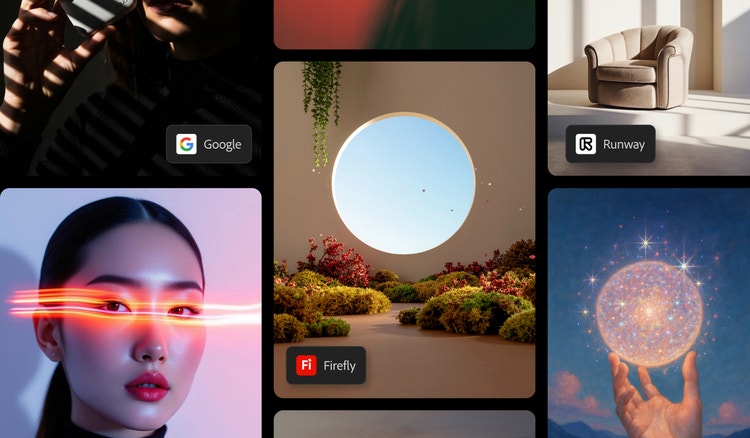
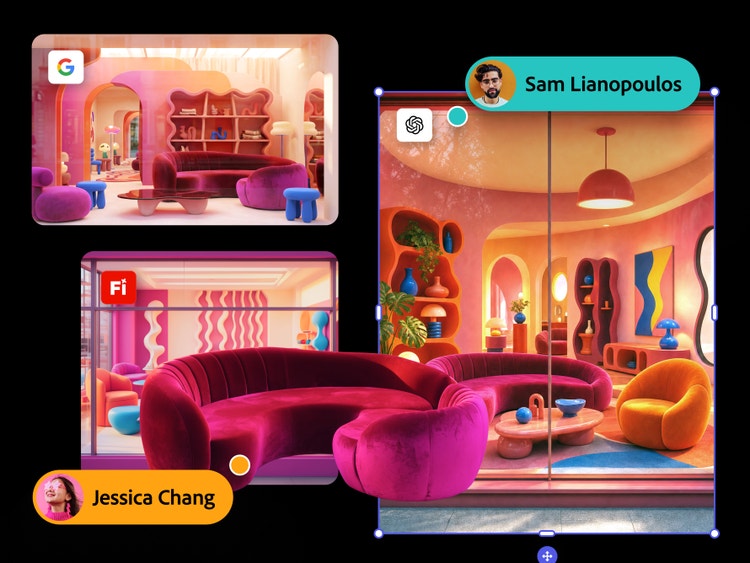
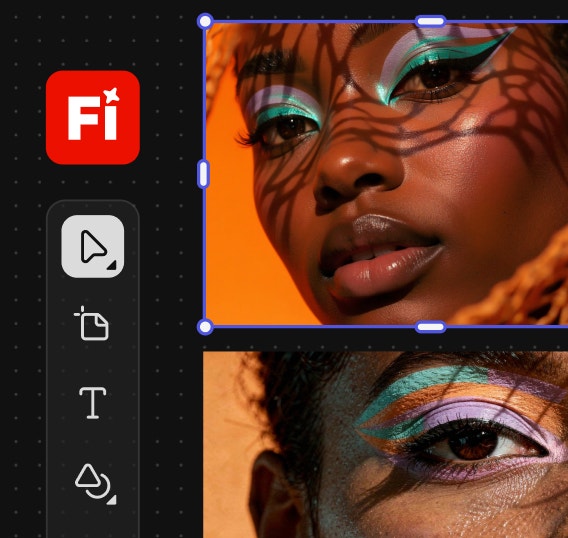
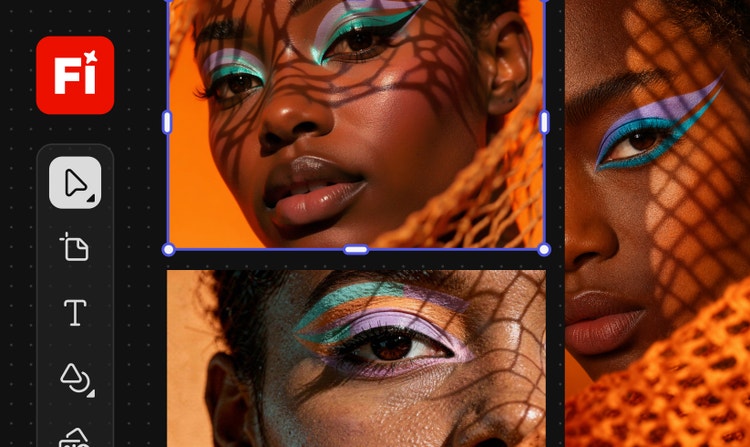
Adobe Firefly gives users the flexibility to choose from a variety of generative AI partner models for their creative workflows. With partner models, users can explore different aesthetic styles without switching between applications and workflows and select the partner model that best suits their needs.
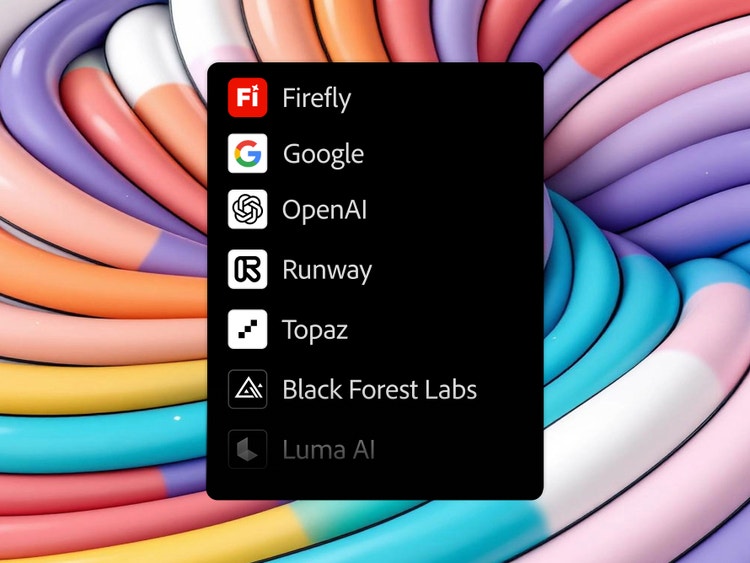
When generating content, you can select between Adobe proprietary models or a partner model from the Model drop-down menu.
Proprietary Adobe Firefly models and partner integrations are designed for professional use. You can explore, experiment and publish with confidence, knowing that Adobe and our partners do not train on your personal or project data.
Yes, Adobe Firefly supports multiple AI models across image, video and audio workflows. You can generate variations using models from Google, OpenAI, Luma AI, Black Forest Labs, Kling AI and Runway, all accessible within the unified interface in Adobe Firefly.
In choosing model partners, Adobe Firefly takes a community-first approach and collaborates with the latest AI innovators. Each partner model is evaluated for quality, user control, reliability and creative diversity, ensuring every integration enhances your workflow without disruption.
Adobe Firefly provides access to information on the partner models you can use in Adobe apps, but it is the responsibility of the creator to decide whether partner models are appropriate for their projects, taking into consideration factors such as the focus of the model, how it was trained and whether or not it is safe for commercial use.
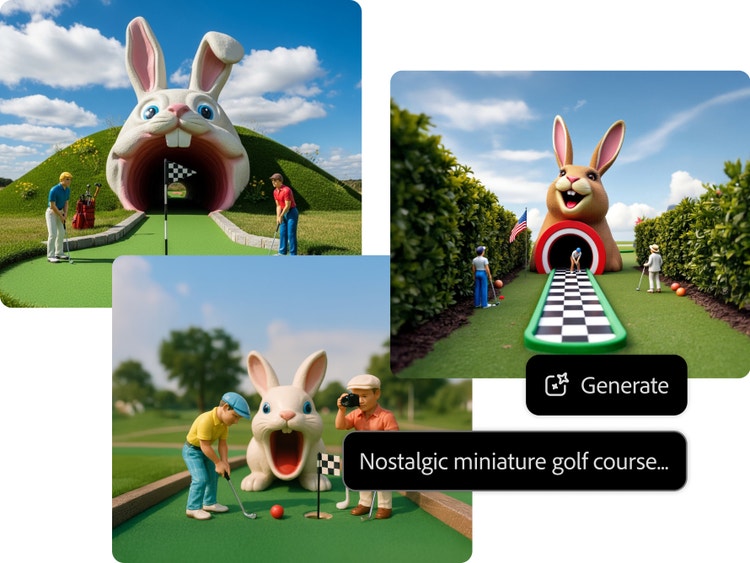
Be specific about subject, style, lighting and mood. For example, "close-up portrait, golden hour light, film grain, editorial style." Once your prompt is clear, generate outputs across different AI models and choose the partner model that best matches your desired output. GPT Image is best for photorealistic detail, Gemini for prompt accuracy and Kling AI for consistency.