AI storyboard generator: Plan and visualise faster with Firefly Boards.
Plan scenes, design characters and create shot sequences with consistency for pre-production using the AI storyboard generator powered by Firefly. Turn text and images into visual shots even with no art experience.
What is a storyboard?
A storyboard is a visual outline that maps out key scenes and sequences before production begins. It’s a vital part of the process for creatives like filmmakers, marketers and content creators, but it can be time-consuming. With modern storyboard AI tools like Firefly Boards, the AI storyboard generator makes it easy to turn text and images into professional-looking storyboards in minutes. Whether you're planning a full production or a quick concept, you can organise ideas, design shots and share your vision even with no prior storyboarding experience.
A well-structured storyboard helps directors and stakeholders make confident creative decisions before investing time and budget in filming or animation. It brings clarity to complex ideas and keeps everyone aligned.
Create and refine storyboards with AI.
Building on the fundamentals of storyboarding, Firefly Boards helps you generate, refine and organise scenes quickly using intelligent AI-powered tools. From script to final sequence, every step is designed to simplify pre-production.
A fast and efficient storyboard creator.
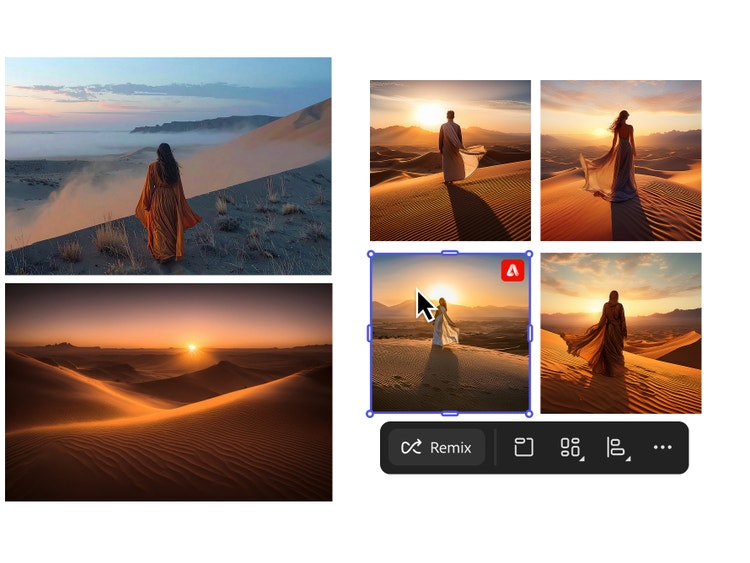
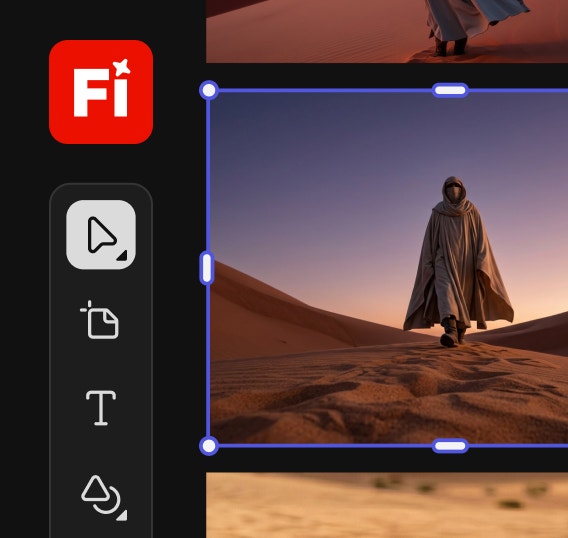
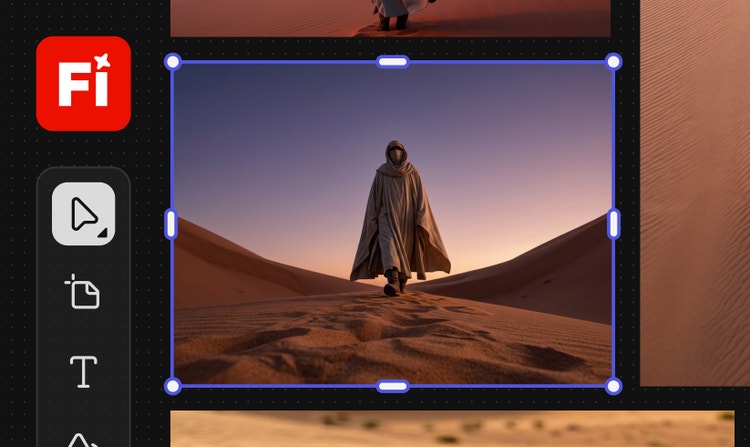
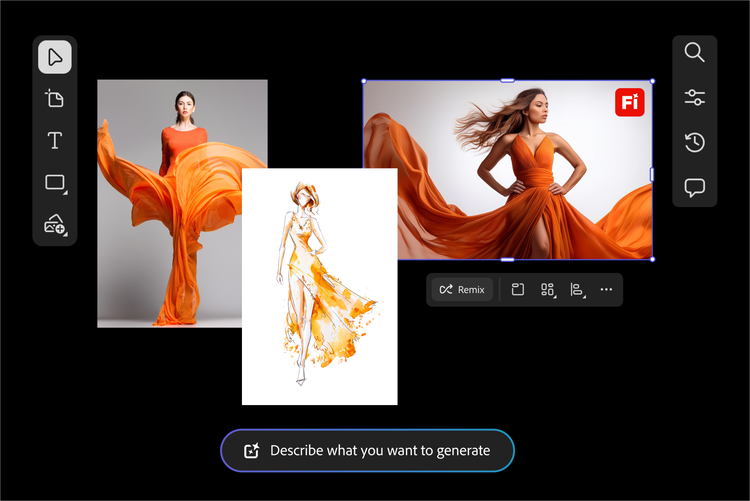
The Firefly Boards storyboard generator AI streamlines the pre-production process so you can spend more time creating. Easily generate scenes from text prompts, make quick edits and refine your visuals without starting over. Built-in tools for image remixing and collaboration make it simple to adjust layouts, explore new creative directions and share with collaborators for feedback.
Generate storyboards from scripts using AI.
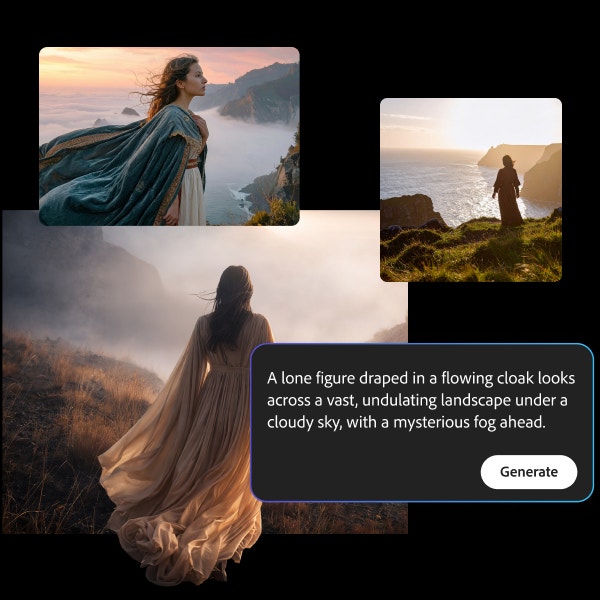
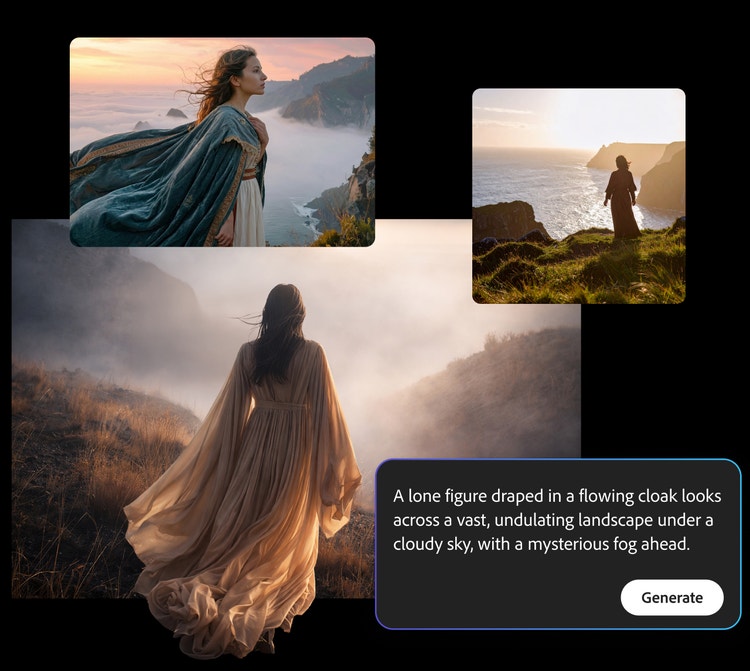
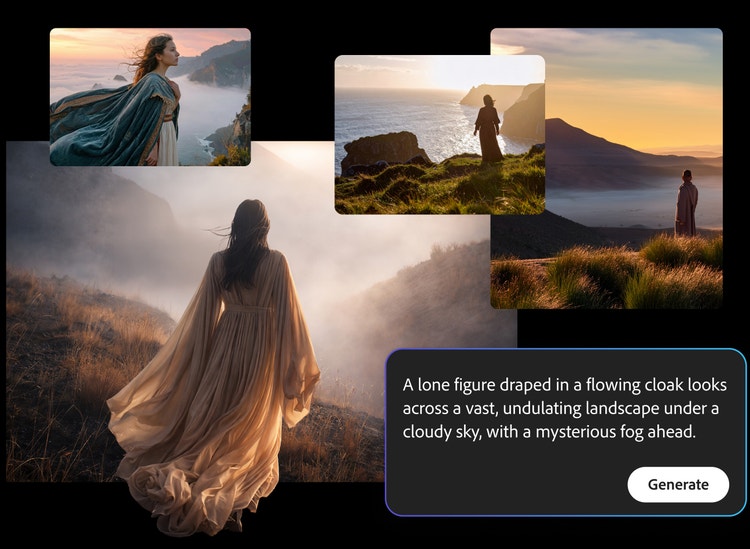
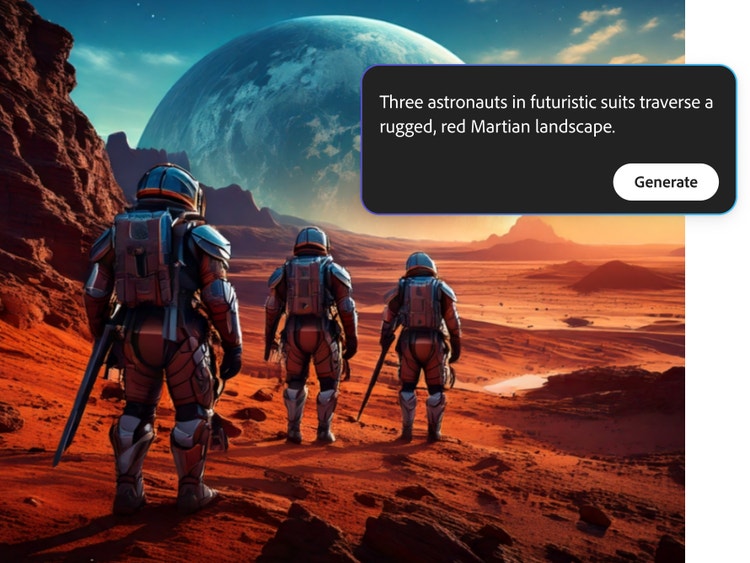
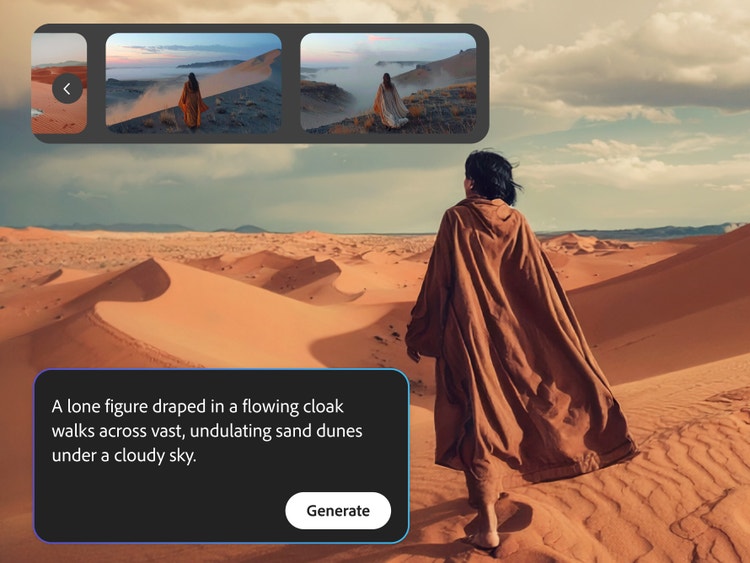
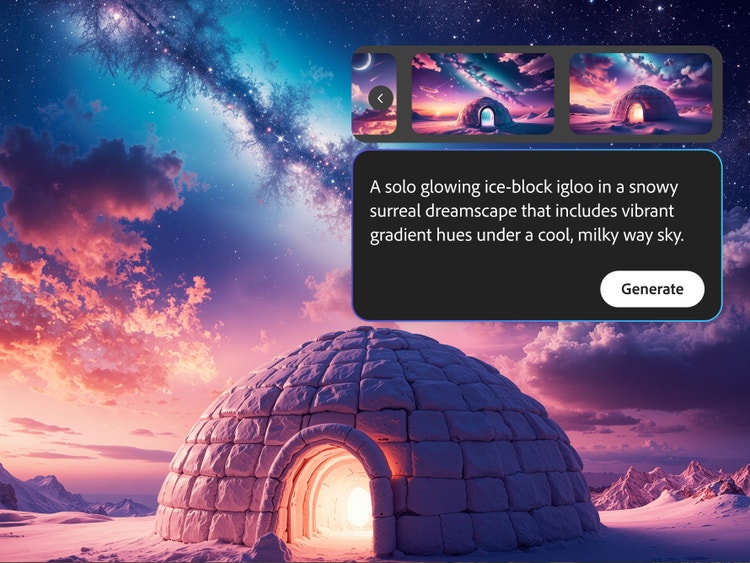
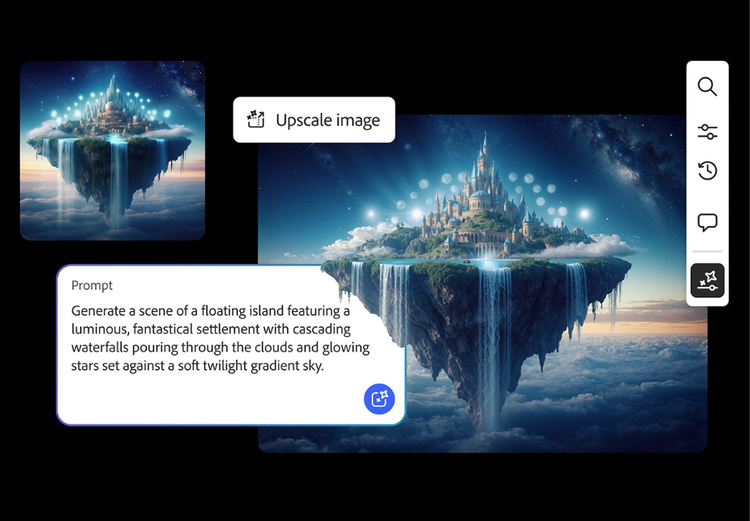
You don’t need art experience to create outstanding visuals for your storyboard. The text-to-storyboard generator AI converts simple descriptions into dynamic storyboard images and videos in minutes. Just enter your scene and let Firefly AI create artwork that captures the tone, setting and pacing of your story. Using text to image is a simple way to visualise your script, even if you’ve never storyboarded before.
Maintain visual consistency across every frame.
The storyboard generator AI can help you to keep visual continuity across every frame so your project feels cohesive from start to finish. Whether you’re planning a dialogue scene, product walkthrough or animated short, Firefly AI can maintain consistent lighting, character style, background elements and overall tone across multiple panels. This makes it easy to build sequences with recurring shots or scenes in Firefly Boards without manually recreating each frame.
Collaborate and gather feedback instantly.
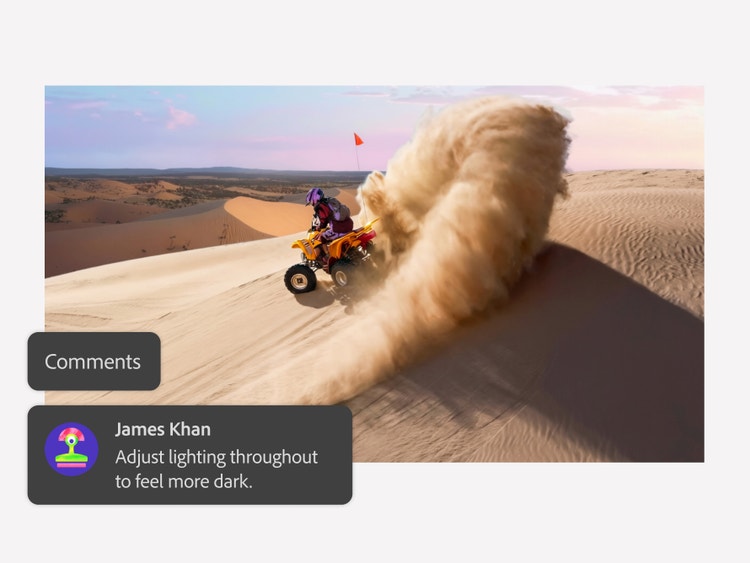
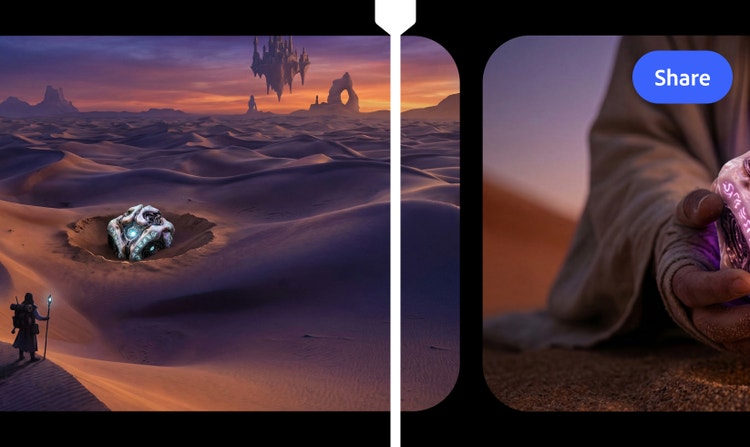
Firefly Boards makes it easy to share your storyboard with team members and stakeholders for quick review. You can preview scenes, comment on panels and make updates without disrupting your overall layout. Real-time collaboration helps directors, designers and clients stay aligned throughout pre-production, reducing revisions and accelerating decision-making.
How to create a storyboard using AI.
Turn your script or story idea into a structured visual sequence using Firefly Boards. Whether you are starting from scratch or using reference images, the AI-powered tools help you generate, refine and organise storyboard panels efficiently before production begins.
- Open Firefly and start a new storyboard.
Open Firefly Boards and click “Create new” to start building your storyboard. Use the flexible canvas to lay out scenes one frame at a time or structure full sequences as you go. - Add a prompt or upload reference visuals.
Use text or script-based AI art prompts to generate customised visuals that match your scene. If you have reference shots, upload them to Firefly directly or search Adobe Stock for more high-quality images to complete your creative vision. - Remix and refine your storyboard panels.
The AI storyboard generator makes it easy to adjust your visuals as your story evolves. Refine the style, mood, composition or structure without redrawing each panel from scratch. - Review, organise and export your storyboard.
Rearrange scenes to perfect your narrative flow, then export individual frames or the full storyboard as JPEG, PNG or MP4 files. Share storyboards with your team or drop them directly into your pre-production deck.
Generate cinematic storyboards with Firefly.
Watch award-winning visual artist Heather Crank demonstrate how to create style frames, shape visual narratives and generate cinematic storyboards using Adobe Firefly.
An online storyboard generator for everyone.
Whether you’re mapping out a film, animatic, social media skit or creative pitch, Firefly Boards helps bring your ideas to life at any stage of the creative process. Designed to support beginners and professionals alike, it adapts to different storytelling styles, industries and production needs.
With Firefly Boards, you can:
- Social media and digital content creation: Structure reels, web series episodes or short-form sketches efficiently before filming or animating.
- Independent filmmaking: Plan short films, streaming platform pitches or documentary concepts with structured visual sequences before presenting to producers or collaborators.
- Advertising and branded campaigns: Storyboard digital ads, festive promotions and product launch videos to align creative teams before production begins.
- Education and student projects: Develop classroom assignments, animation projects or film school submissions with clear scene planning and visual continuity.
- Startup and product storytelling: Visualise explainer videos, investor pitch decks or app walkthroughs to communicate ideas clearly to stakeholders.
Remix content from the community.
Discover Firefly prompts to remix and submit your own images to the gallery.
Frequently asked questions about the AI storyboard generator.
Learn more about generative AI.
Adobe Firefly vs. DALL·E 3
Brainstorm at lightning speed and turn your dreams into amazing AI creations with Firefly.
Firefly vs Nightcafe Comparison
Find out how you can turn your ideas into images — and your pretty good images into great ones — with the latest in generative AI.
How generative AI is changing creative work
Generative AI can mimic — but not replace — human intelligence. Learn how it can help you to take your creativity to new places.
Learn more | Learn more - How generative AI is changing creative work
AI for graphic designers: 3 major benefits
Learn about the AI tools available to graphic designers and how they can help you be more productive and take your work in surprising directions.
Learn more | Learn more - AI for graphic designers: 3 major benefits