con-block-row-lockup (s-icon)
https://main--cc--adobecom.aem.page/cc-shared/assets/img/ff-lockup.svg
Con-block-row-bgcolor
#000000

Get the word out with an AI avatar generator.

Create a studio-grade video featuring an engaging, life-like avatar with Text to Avatar. It’s fast, easy and always safe for commercial use. Perfect for business, education or social media content.

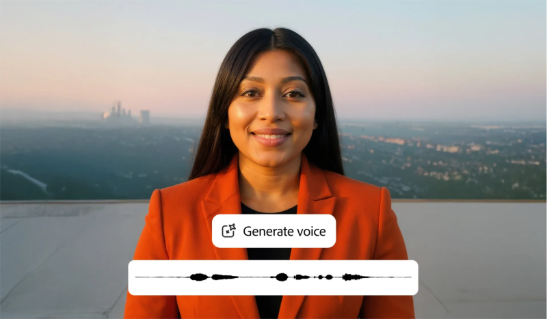
A woman on screen speaking with a generated voice, showcasing how Adobe Firefly’s AI avatar generator creates lifelike talking avatars for videos.
Con-block-row-text (m-body)
Create an avatar
Con-block-row-text

Create standout videos with the AI avatar generator.

Simplify video creation with an AI avatar generator. Text to Avatar has tons of diverse avatars and is super simple, so you can produce professional content in minutes — not days.

Go from text to AI avatar in minutes.

Simply paste your script, blog post, or article. Then choose an avatar, select their accent and background, and click Generate. The AI avatar generator instantly creates a polished, ready-to-share video for any audience or platform.
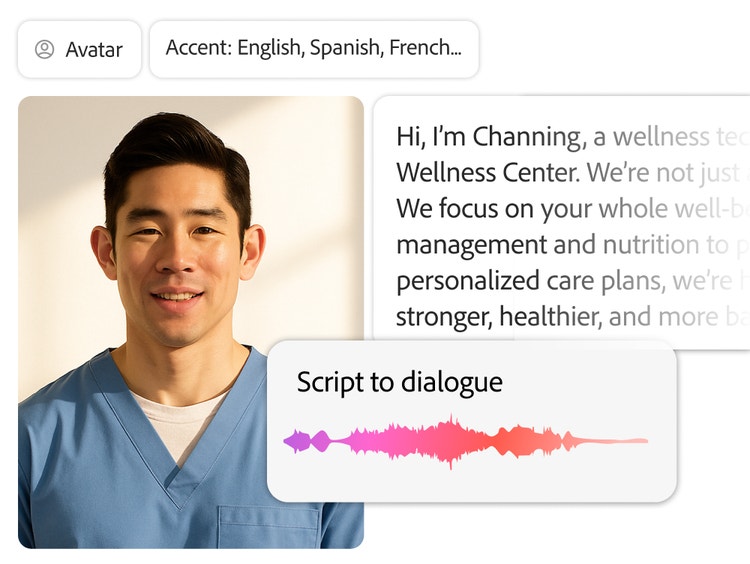
A man on screen speaking with AI-generated dialogue, showing how Adobe Firefly’s AI avatar generator turns scripts into lifelike talking avatars for videos.
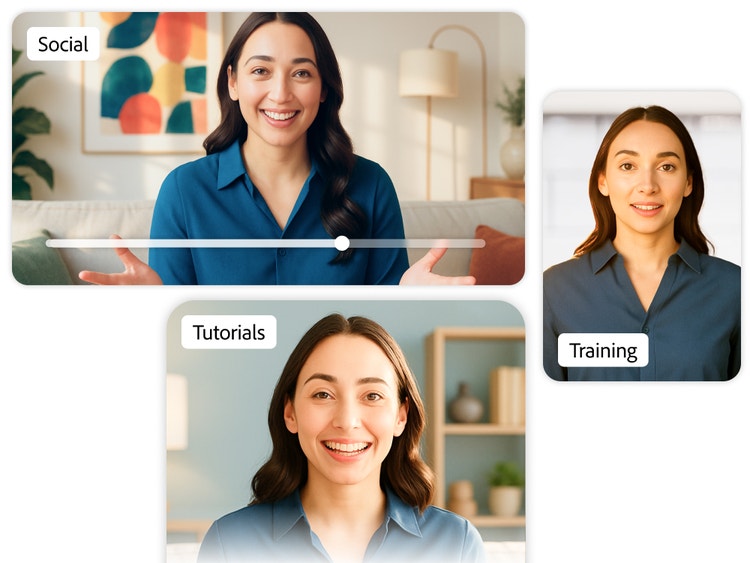
A woman on screen shown in multiple video frames for social, tutorial and training content, demonstrating how Adobe Firefly’s AI avatar generator creates versatile avatars for different uses.

An avatar generator for any occasion.

Corporate training and onboarding. Sales and social media content. Interactive lessons for students. How-tos. Passion projects. Whatever your message is, get the word out with Text to Avatar.

Cast the perfect avatar for every story.

Representation matters. Adobe Firefly offers a diverse range of avatars with unique accents, appearances, and styles so you can create content that connects with every audience.

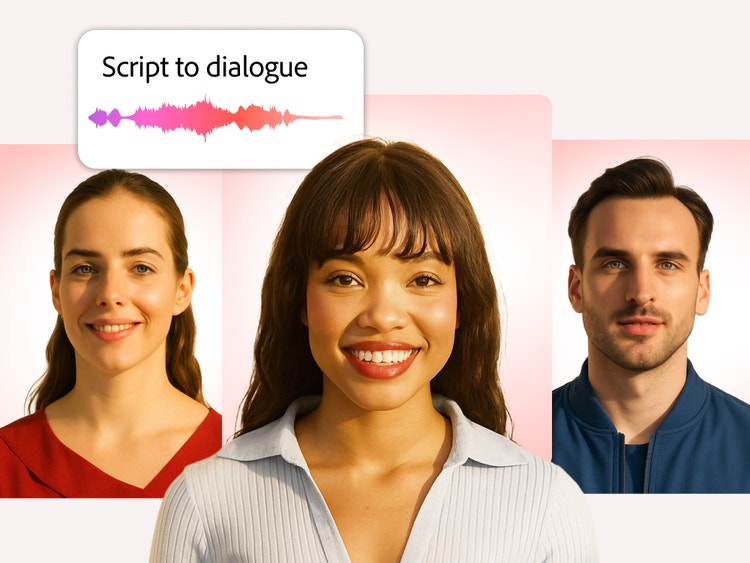
A diverse group of AI-generated avatars with a script-to-dialogue feature, showing how Adobe Firefly’s AI avatar generator creates inclusive, lifelike characters for videos.
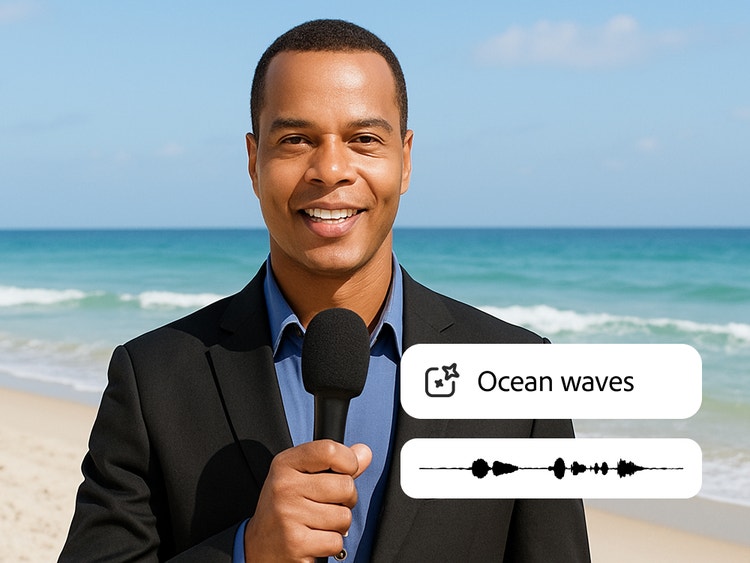
A man holding a microphone on the beach with the ‘Ocean waves’ sound effect, showing how Adobe Firefly’s AI tools add realistic sound effects to boost audience engagement.

Take your video to the next level.

Firefly does way more than just avatars. Add customised cinematic sound effects with Generate Sound Effects — or drop in some video effects and elements with Text to Video to boost audience engagement and enjoyment.

How to create an AI avatar in Firefly.

Following these steps to go from script to amazing video, fast:

  • Open Firefly.
    On the Adobe Firefly homepage, select Video and choose Text to Avatar (beta). Start a new project by selecting Create New.
  • Choose your avatar and customise.
    In the left panel, select from a variety of supported accents under Avatar Accent. Whether casual or formal, choose from a diverse set of avatars and backgrounds.
  • Script it.
    After finalising your avatar, enter your text script, ensuring that it's at least 15 characters long. For the best results, be descriptive and spell out numbers to help guide the avatar's tone and delivery. You can also preview your audio before generating your video.
  • Generate.
    Click Generate to create your video. If needed, make adjustments or quick edits, then regenerate. Once satisfied, download your final video and get the word out.
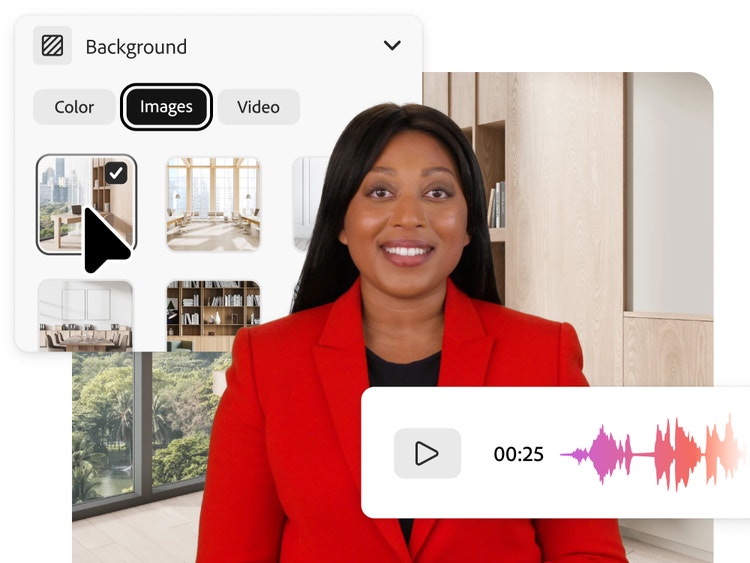
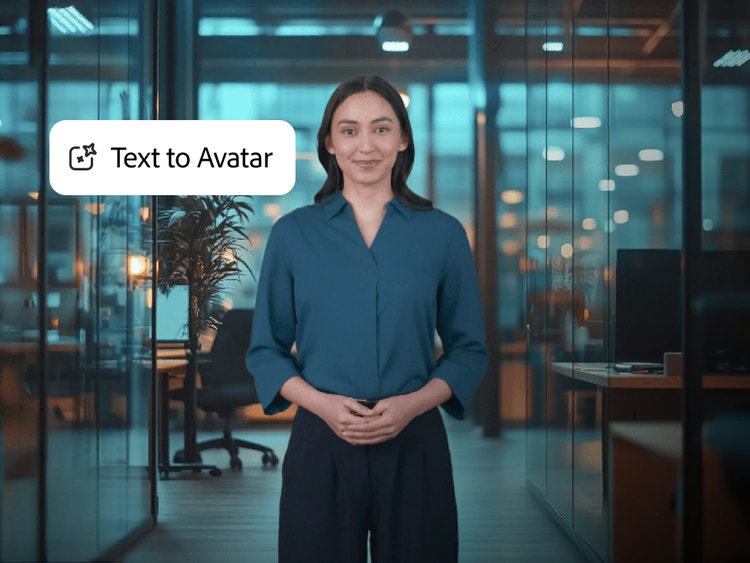
A woman standing in an office setting with a ‘Text to Avatar’ label, showing how Adobe Firefly’s AI avatar generator transforms written text into lifelike talking avatars.

Power your storytelling with AI avatars.

Create scroll-stopping ads that capture attention.

Use AI avatars to produce lifelike, presenter-led videos for social media and digital campaigns. With natural facial expressions and voice generation, your ads stand out on platforms like Instagram, YouTube, and LinkedIn, helping your brand connect faster with audiences.

Turn blogs and scripts into talking videos.

Transform existing written content into professional video explainers. Simply upload your text, choose an avatar, and generate a polished presenter-led video, perfect for sharing updates, educational content, or tutorials in minutes.

Produce training and onboarding videos.

Save time on internal communications by generating clear, consistent video messages with AI avatars. Deliver training, onboarding, and company updates through avatars that present naturally and can adapt to different tones or roles.

Create multilingual content for global audiences.

Generate videos in multiple languages using AI avatars with diverse accents and speech styles. Reach audiences across regions without the need for reshoots or multiple presenters.

Personalise customer engagement.

Use avatars to add a human touch to customer service or product walk-throughs. AI avatars can explain processes, highlight product features, or deliver personalised video messages that strengthen audience trust and engagement.

Questions? We have answers.

What is an AI avatar generator?
An AI avatar generator is a tool that uses artificial intelligence to create lifelike digital presenters or characters that can speak, move, and express emotion naturally, often used for videos, tutorials, or virtual communication.
What is Text to avatar (beta)?
Text to Avatar (beta) lets you choose an AI avatar and input a script to automatically generate professional, presenter-led videos with no filming or editing required.
How do I create an AI avatar?
You can create an AI avatar by selecting from Firefly’s catalogue of diverse avatars or designing one in Avatar Maker. Once ready, add your script in Text to Avatar to generate a talking presenter that fits your message.
How can I make my AI avatar talk?
Type or paste your script into Text to Avatar, select your avatar’s voice, accent, and language, and click Generate. The AI avatar will deliver your script naturally with synchronised lip movement and gestures.
Can I convert my photo into an AI avatar?
Currently, Firefly does not support turning personal photos directly into avatars. You can, however, customise avatars in Avatar Maker to reflect your look or brand by adjusting features, wardrobe, and backgrounds.
Do I have to upload a photo or can I create avatars from text?
No upload is needed. You can choose from over 25 diverse, pre-designed avatars in Firefly’s catalogue and generate videos directly from text.
Can I choose a different avatar wardrobe?
Yes, you can choose from different avatar styles. You can also add a background colour, green screen, video or image to personalise your video further.
How long does it take to generate an avatar?
The generation time depends on your script length. For instance, a one-minute video typically takes about seven minutes to produce.
Is the AI avatar generator free to use?
You can try Adobe Firefly’s AI avatar generator for free with a limited number of generative credits included in your plan. You can check out Firefly plans to purchase additional credits or upgrade for extended use.

https://main--cc--adobecom.hlx.page/cc-shared/fragments/products/firefly/firefly-sketch-to-image-four-cards-up