https://main--cc--adobecom.aem.live/cc-shared/assets/img/firefly.svg|AdobeFirefly Adobe Firefly
Free AI video translator for translation in 15+ languages.
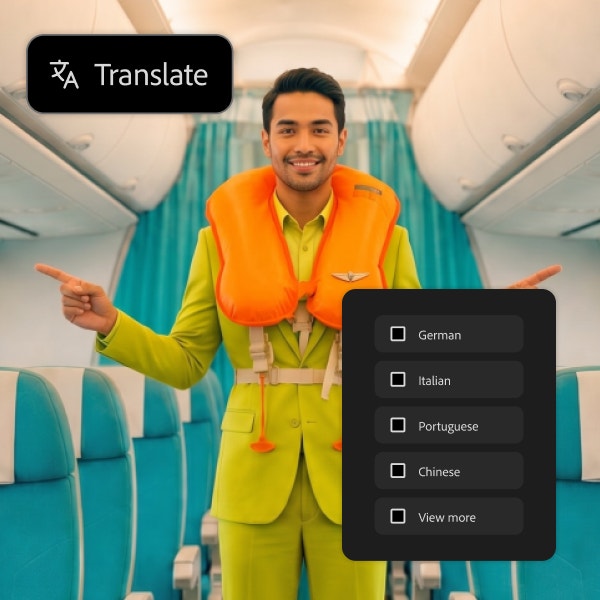
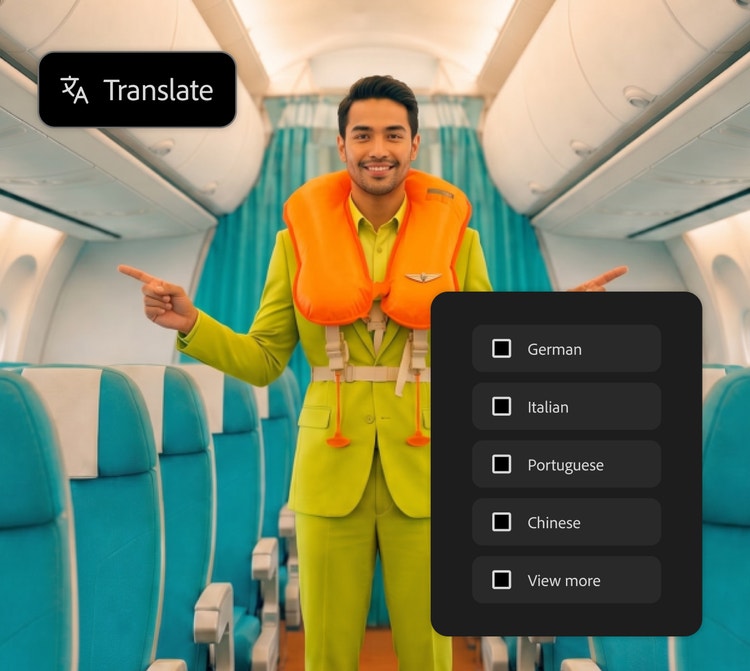
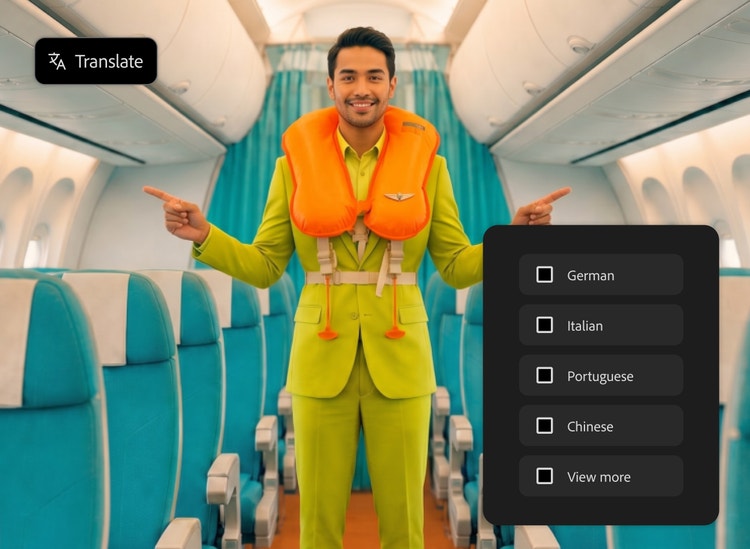
Translate a video into English, Spanish, French or Japanese in a snap. With Firefly, you can sound just like a native speaker in 15+ languages.
Translate a video | Translate a video: Free AI video translator for translation in 15+ languages.
{{Firefly}}
https://www.adobe.com/cc-shared/assets/img/product-icons/svg/firefly-appicon-64-new.svg
{{Adobe Firefly}}
The next evolution of creative AI is here for all your ideas, with image, video, audio and vector tools.
https://www.adobe.com/cc-shared/assets/img/product-icons/svg/firefly-appicon-64-new.svg
{{Adobe Firefly}}
The next evolution of creative AI is here for all your ideas, with image, video, audio and vector tools.
Break the language barrier with AI translation.
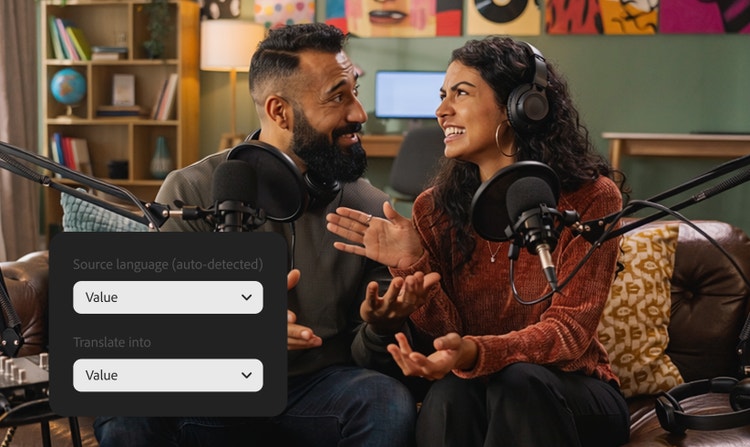
Translate video into over 15 languages with multiple accents. Listen to examples generated with Adobe Firefly and then upload your own video, choose a language and output your content for a broader audience.









Translate video with AI to go global and sound local.
Spread your message further than ever by translating your videos into different languages with the Translate Video module, now available for free with Firefly, the ultimate creative AI solution. Generate fast, high-quality video translation without a production team or localisation experts.
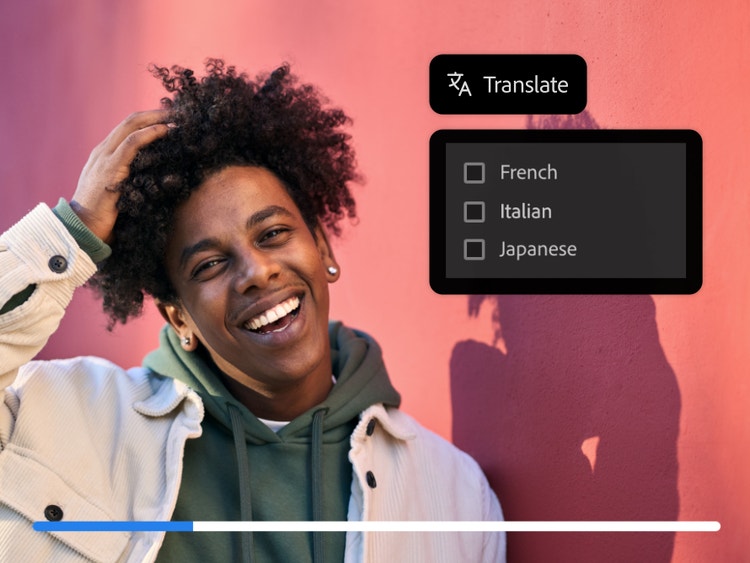
Translate videos and reach a wider audience.
Whether you're creating social media reels, long-form content for YouTube or translating a training video, you can quickly render your content into any of the available languages and share it with global audiences. From tutorials and announcements to creative storytelling, it's never been easier to translate video and connect across borders.
Keep your voice in many languages.
Keep the same voice, tone, cadence and acoustics as the original video to sound like you’re a native speaker in multiple languages. With an AI video translator, your message feels more natural and relatable, helping you build trust and engagement with local audiences.
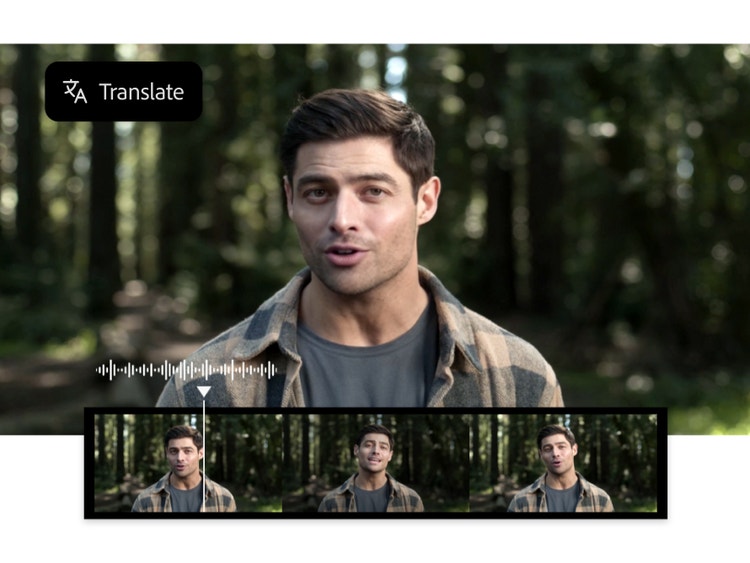

Translate videos for any use case.
Firefly AI video translation makes it easy to adapt video content for different audiences and needs. From scaling eLearning courses and onboarding global workforces to sharing the same video across multiple languages on social media, AI-powered video translation makes it easy to adapt audio without re-creating it. Explore different use cases to see how video translation and dubbing fit into real-world workflows.
Transform ideas into reality with Translate Video.
Enterprise users get exclusive access to features like Lip Sync. Make anyone appear as though they are speaking in another language by matching the mouth movements of newly translated audio.
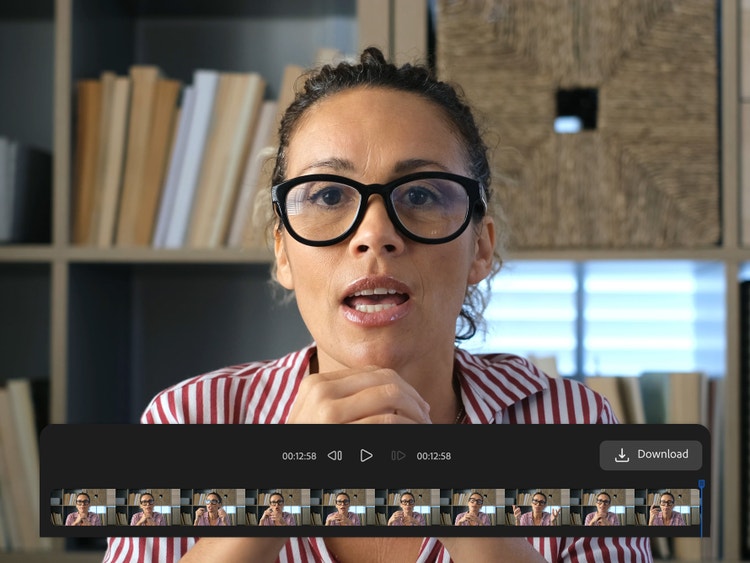
How to translate a video with Firefly.
Step 1
Upload a video file for translation.
Step 2
Choose a language.
Step 3
Translate video with AI.
Step 4
Download and share.
- How to translate a video with Firefly.
- Steps on How to translate a video with Firefly.
- PT5M
- firefly
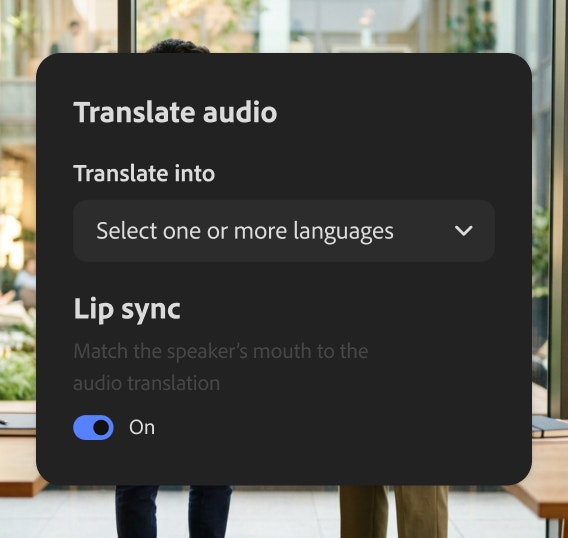

Enterprise features
Adobe Firefly delivers reliable, high-quality video translation with precise voice matching and lip-syncing for enterprise users.
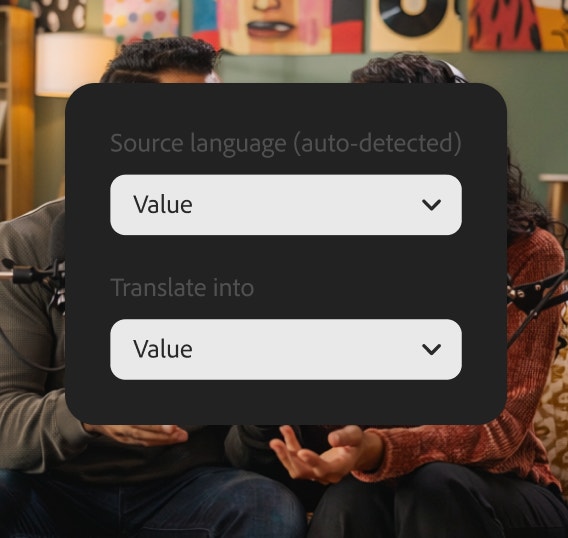
Authentic, natural voices
Preserve the tone, pacing and personality of the original speaker, so translated videos sound human — not synthetic — and stay true to your brand.
Seamless integration
Move smoothly from video translation to editing, assembly and publishing with deep integration across Adobe Creative Cloud tools, all within your existing workflow.


Safe for commercial use
Adobe Firefly models are trained on licensed data and public domain content, giving you confidence to use translated videos in professional and commercial projects.
See what you can do in Firefly.





Discover even more features.
Questions? We have answers.
What is AI dubbing?
What is an AI video translator?
What is the difference between voiceover and dubbing?
What are the advantages of AI video dubbing?
Can I re-translate a video back to its original language?
What is the best AI video translator?
Is the Adobe Firefly video translator free to use?
What video translation features come with Adobe Firefly?
Adobe Firefly offers several video translation features, like:
- Automatic language detection.
- Multi-language translation.
- Voice preservation.
- Lip Sync (available to enterprise users)
- Content Credentials
What other partner models can I find in Adobe Firefly?
How is my information managed within the platform?
Share this page
Explore more Firefly tools.

How generative AI works
Generative AI is all over the headlines and that’s not empty hype. This new technology is likely to be part of your life soon — if it’s not already
AI for graphic designers
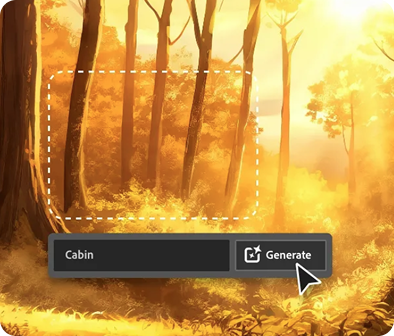
Learn about the AI tools available to graphic designers and how they can help you be more productive and take your work in surprising directions.

What are the benefits of generative AI for creatives?
New generative AI tools are quickly changing how we work and create.
Learn more | Learn more - What are the benefits of generative AI for creatives?

Generative AI is changing creative work
Generative AI can mimic — but not replace — human intelligence.
Learn more | Learn more - Generative AI is changing creative work