#1E1E1E

{{Adobe Firefly}}

Get Firefly free

https://www.adobe.com/cc-shared/assets/img/product-icons/svg/firefly-appicon-64-new.svg

{{Adobe Firefly}}

Use everyday language to create extraordinary results with generative AI.

Get Firefly free

https://www.adobe.com/cc-shared/assets/img/product-icons/svg/firefly-appicon-64-new.svg

{{Adobe Firefly}}

Use everyday language to create extraordinary results with generative AI.

Get Firefly free

Use AI audio translator to sound just like a native speaker.

Introduce your voice to new audiences around the world with the Translate Audio module, the latest feature in Firefly, the ultimate creative AI solution. Quickly translate your audio online with speech-to-speech translation and generative AI. Firefly’s audio language translator makes the process fast and intuitive. Just upload your file, choose your language and go. The advanced voice language translator workflow preserves your original tone, cadence and emotion, so your message always feels authentic. Whether you’re localising podcasts, audiobooks, client presentations or e-learning modules, Firefly makes high-quality AI audio translation easy.

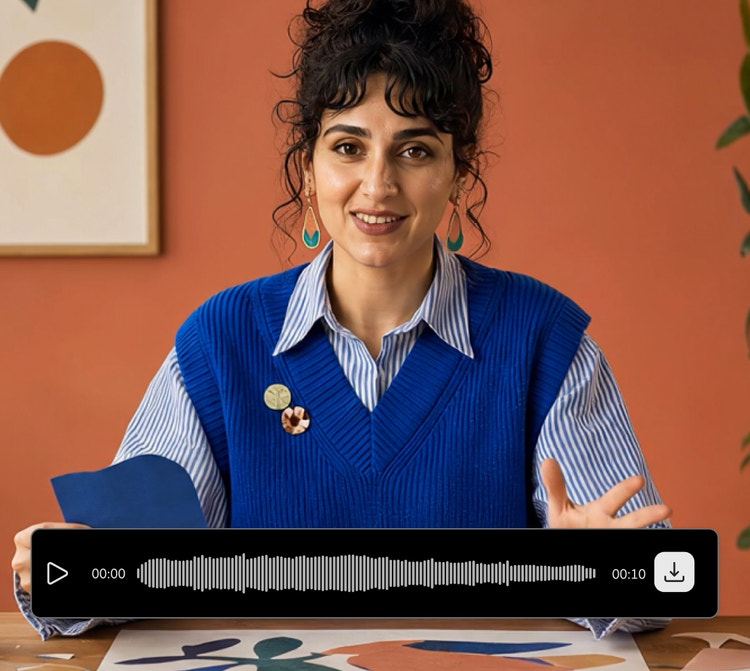
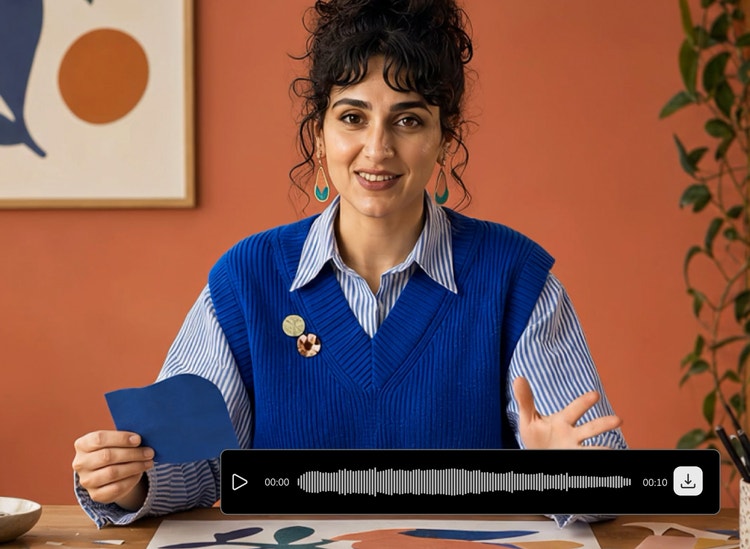
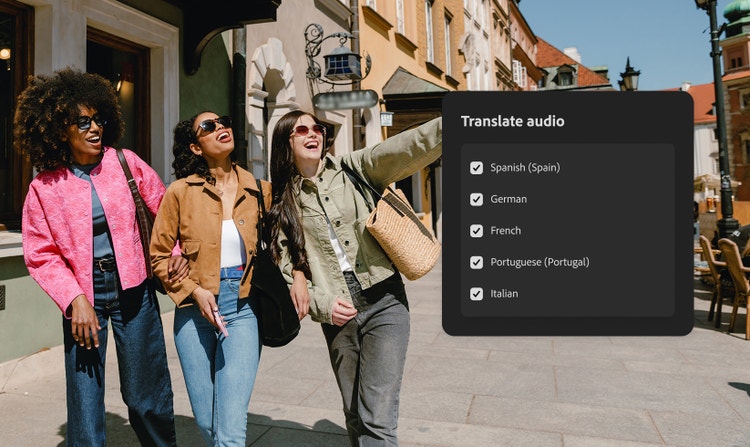
Three travellers with smartphone using audio translator with language selection menu to choose how to translate audio in real time

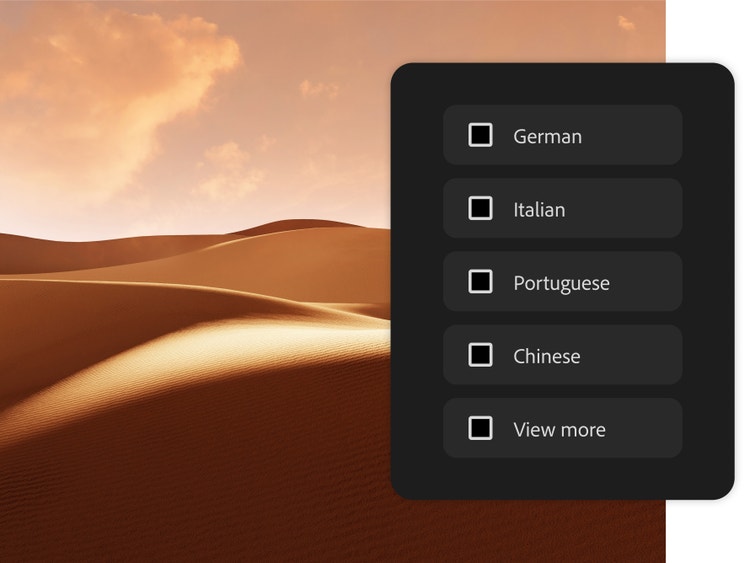
Translate your voice in over 20+ languages.

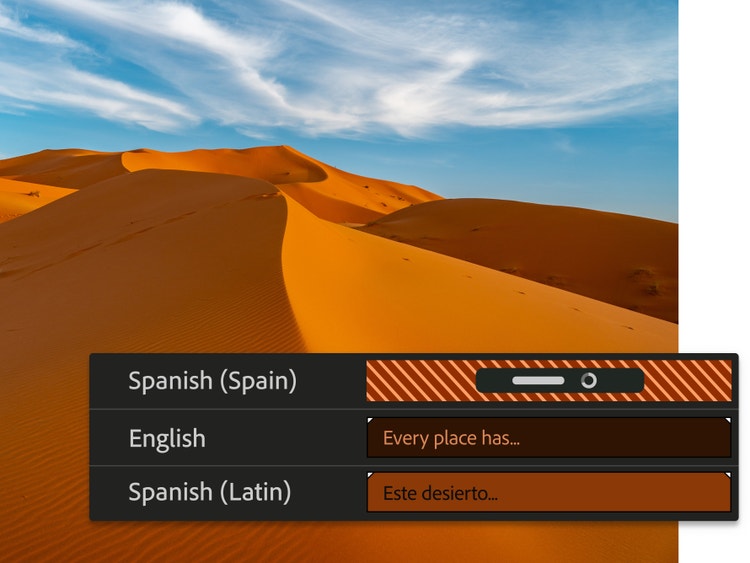
With a variety of languages to choose from, you can select up to five at a time to translate audio files and connect with new people worldwide even faster. Whether you need an English to Hindi audio converter for business calls or an English to Spanish translator for international marketing, Firefly offers flexible solutions.

Connect with more listeners globally.

Whether you’re translating MP3 audio tracks, audio snippets from an audiobook or soundbites from a podcast, share your translated audio and expand your audience. Creators in India can use the AI audio translator to reach both local (Hindi) and international audiences easily.

Translated audio keeps your authentic voice.

Maintain a more natural-sounding translation with the same voice, tone, cadence and acoustics even in another language. Unlike traditional dubbing, Firefly’s AI-powered voice translator online preserves your unique sound, making it ideal for professional creators.

Translate faster in audio workflows.

In just a few clicks, you can translate audio online with AI without having to do it yourself or learning several new languages. This is particularly useful for saving time when producing multilingual content.

Helping Indian creators strike the right chord with AI audio translator.

From educators to independent artists, the AI audio translator helps Indian creators share content globally and make English material more accessible in Hindi.

Cultural storytellers reaching wider audiences.

Podcasters or narrators of Indian history, art, and culture can translate English recordings into Hindi, Spanish, or French to attract global audiences.

Businesses localising communication.

Companies can turn English training modules, presentations, or ads into Hindi and other supported languages to reach employees and customers effectively.

Independent filmmakers expanding reach.

Directors can translate English audio tracks into Hindi or global languages like German and Japanese, helping Indian films connect with diverse audiences.

Musicians and performers sharing songs.

Artists can convert English intros, commentary, or lyrics into Hindi and other global languages, engaging both local listeners and international fans.

Educators making content accessible.

Teachers can translate English lessons or e-learning modules into Hindi, helping students in India access study materials more easily.

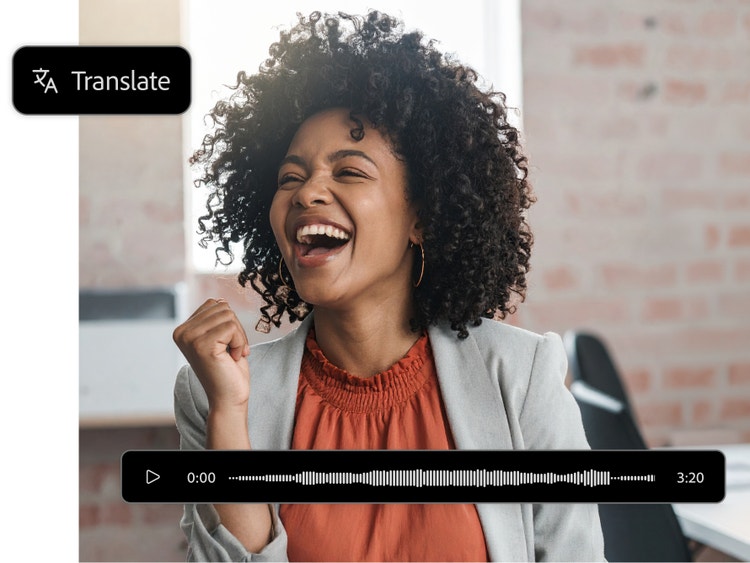
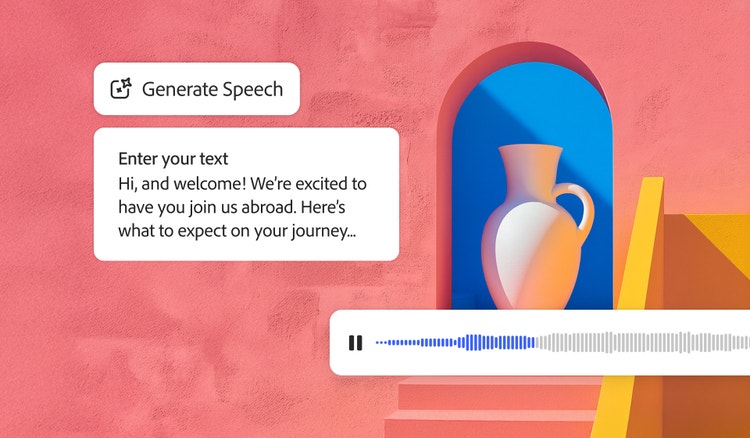
Group of friends laughing and using smartphones to translate audio file in real-time with waveform bar on bottom

How to translate audio with Adobe Firefly.

Translating your audio files is easier than ever. With the Firefly AI audio translator online, you can turn speech from one language into another while preserving the speaker’s tone, rhythm and intent. Just upload your file and select the target language. If you’ve ever wondered how to translate audio files quickly without hiring a translator or recording new voice tracks, here’s all you need to do.

  • Log into Firefly or create a free Adobe account.
    To get started using translating audio with AI, log in to Firefly with your Adobe account or create a new account for free.
  • Upload your audio file, MP3 track or voice recording.
    Open the Translate Audio module. Drag and drop an audio file recorded in one of the available languages that contains at least five consecutive seconds of speech with a maximum file length of five minutes.
  • Choose your target language for audio language translation.
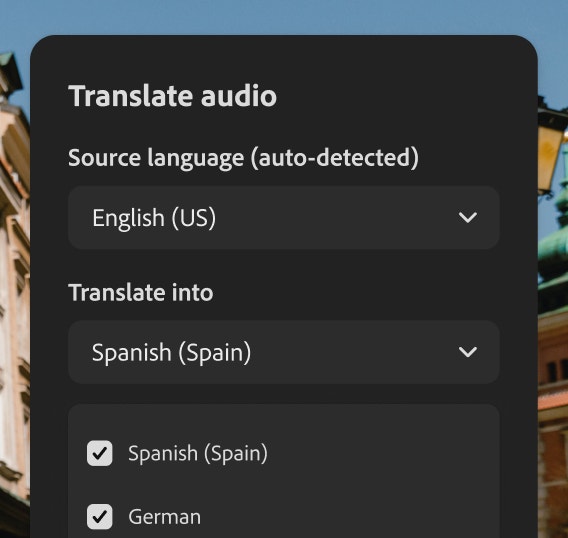
    Once your file is uploaded, you can select up to five target languages. Choose from any of the 20+ supported languages.
  • Translate audio with AI voice translator.
    Click Generate to begin translating audio file. Firefly’s audio translator will process your upload in just a few minutes.
  • Download and share.
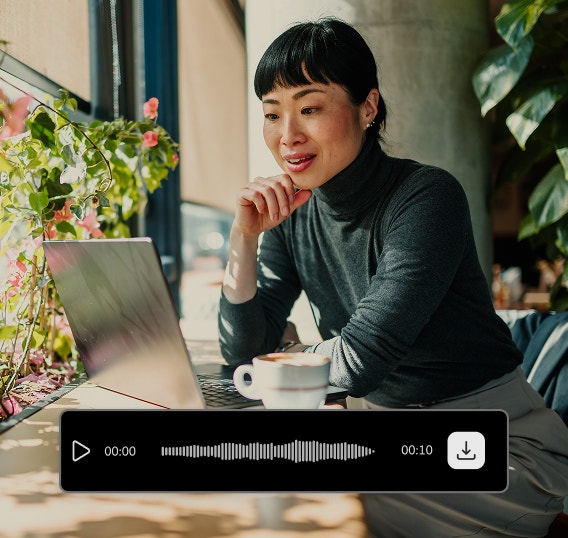
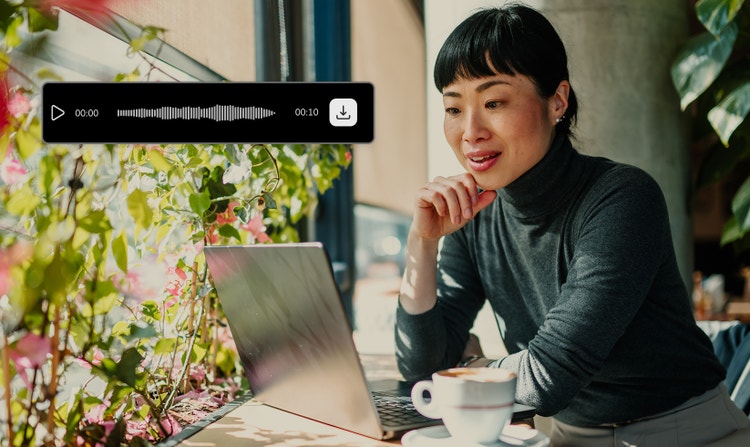
    When done, your newly translated audio file will appear in your queue, where you can download and share it. You can also edit the processed audio file further in Adobe Audition for sound refinements or in Adobe Premiere if you’re integrating it into video projects.

With the Firefly audio file translator, you’re in full control of your voice. Share ideas clearly and authentically, no matter the language. From client presentations to global content creation, you can adapt your audio to communicate across borders in a few simple steps. Or translate visuals and voice together with Firefly’s translate video feature.

Generate multilingual audio

AI audio translation languages.

Translating audio with Firefly helps you seamlessly communicate in over 20 widely spoken languages, including Spanish, French, Mandarin, Arabic and Hindi, one of the most requested in India. Whether you’re sharing a podcast, training module or creative project, the Firefly AI audio translator helps your message reach across cultures without a recording studio or multilingual team. It’s a fast, flexible way to localise content, build global connections and make your voice heard wherever your audience is.

  • English to Hindi
  • English to German
  • English to Italian
  • English to Portuguese (Portugal)
  • English to Portuguese (Brazil)
  • English to Japanese
  • English to Korean
  • English to Danish
  • English to Swedish
  • English to Norwegian
  • English to Chinese
  • English to Dutch

Remix content from the community.

Discover Firefly prompts to remix and submit your own videos to the gallery.

FAQs about AI audio translator.

How does an AI audio translator work?
An audio translator uses AI to convert spoken language from one language to another, while preserving the original speaker’s tone and cadence. It starts with uploading your audio file. The tool then applies advanced speech-to-speech models to perform accurate audio language translation. It’s a seamless way to make your voice content multilingual. Adobe Firefly follows Generative AI guidelines to ensure your translations remain responsible and reliable.
What are the advantages of AI audio translation?
AI audio dubbing lets you quickly translate and dub your audio files into multiple languages to share your message with a wider audience.
How do I translate audio into another language?
To translate audio into another language, upload your file to Firefly’s AI audio translator, choose your target language(s) and select Generate. It only takes a few minutes. This makes translating audio for global use fast, cost-effective and scalable. Translate up to five languages at once.
Can I transcribe my translated audio file?
Yes, you can use a transcription tool to turn your translated audio into text. This is helpful for creating subtitles and captions or meeting accessibility needs. Just upload your translated file to any transcription app or service to get started.
Can I translate audio from a voiceover or narration?
You can translate audio from a voiceover or narration if the audio is saved as a pre-recorded file. You can upload the file to Firefly, and the translation is usually ready within a few minutes. This makes it easy to work with existing recordings.
Does Adobe Firefly support real-time AI audio translation?
Adobe Firefly’s currently only supports audio translations from pre-recorded files. However, the workflow is fast, so you can still get quick results once your file is uploaded.
Can iPhone translate audio?
iPhones offer basic audio translation features through apps like Apple Translate or third-party tools, but they’re often limited in voice quality and language support. Firefly’s AI audio translation offers more voice control for professional-quality results. You can record on your iPhone, then upload your audio file to Firefly for AI audio translation.
Is Firefly AI audio translator free to use?
You can access the Firefly AI audio translator with a free Adobe account. Generative credits may apply depending on your plan and usage. It’s a great way to explore audio language translation without investing in expensive tools or services. Get started by exploring Firefly plans to see what works best for you.
Can I translate an audio file back to the original language?
You can translate your AI-generated audio file back into its original language by selecting it again in the target language menu. This can be useful for checking accuracy or refining content in both directions. Just keep in mind that translation isn’t always 1:1, so phrasing may vary slightly.
Who owns the copyright of the translated audio created with Adobe Firefly?
The copyright of the translated audio remains with you, the creator. Adobe Firefly’s AI audio translator processes your original recording but does not claim ownership of the output. You are free to use, distribute and edit the translated audio file, whether in Hindi or any other supported language, for personal, educational or commercial projects.