

https://main--cc--adobecom.aem.live/cc-shared/assets/img/firefly.svg | Adobe Firefly logohttps://main--cc--adobecom.aem.live/cc-shared/assets/img/ff-lockup-f4.svg | Adobe Firefly
AI headshot generator: Create professional headshots with Firefly.
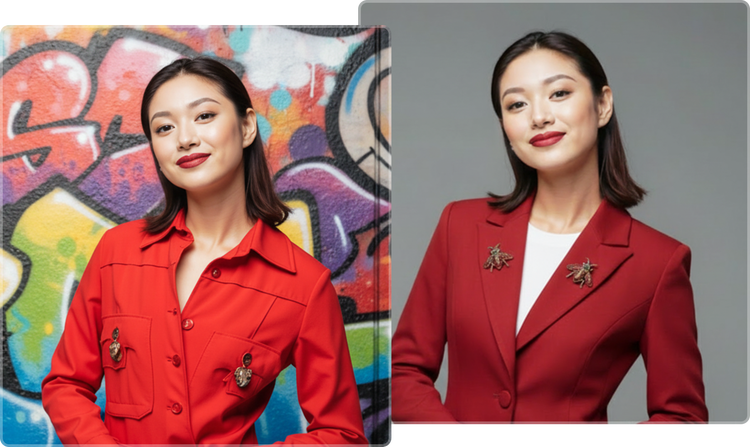
Generate realistic, professional headshots in minutes with Firefly, which lets you customise your style, background and other details with AI.
Or tap here
File must be JPEG(JPG), PNG or WEBP and up to 100 MB.
By uploading your image or video, you agree to the Adobe Terms of Use and Privacy Policy and confirm you are 18 years of age or older.
https://main--cc--adobecom.aem.live/cc-shared/assets/svg/s2-icon-upload-20-n.svg Upload your image
Or tap here
File must be JPEG(JPG), PNG or WEBP and up to 100 MB.
By uploading your image or video, you agree to the Adobe Terms of Use and Privacy Policy and confirm you are 18 years of age or older.
https://main--cc--adobecom.aem.live/cc-shared/assets/svg/s2-icon-upload-20-n.svg Upload your image
Or drag and drop here
File must be JPEG(JPG), PNG or WEBP and up to 100 MB.
By uploading your image or video, you agree to the Adobe Terms of Use and Privacy Policy and confirm you are 18 years of age or older.
- File size larger than 100 MB
- Unable to process the request
- We are unable to process this file type. Please try again.
- Only one file can be uploaded at a time.
- Image is smaller than the minimum dimensions (512 x 512 pixels). Please resize and try again.
https://main--cc--adobecom.aem.live/cc-shared/assets/img/product-icons/svg/firefly-80.svg
Adobe Firefly
https://main--cc--adobecom.aem.live/cc-shared/assets/img/product-icons/svg/firefly-80.svg
Adobe Firefly
The next evolution of creative AI is here for all your ideas, with image, video, audio and vector tools.
How can you get great results with a powerful AI headshot generator.
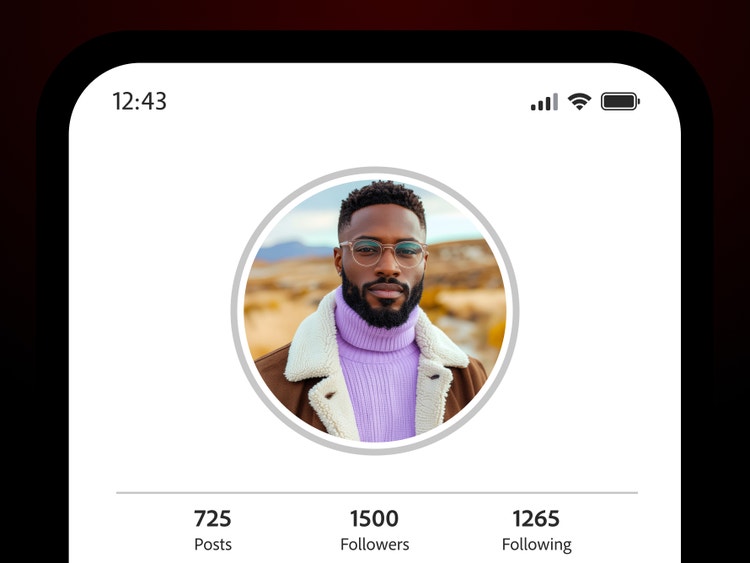
Firefly helps you to make your portraits pop on LinkedIn, printed marketing materials, your company website and more. This AI headshot generator makes it easy to create professional, studio-quality images for career profiles, business use and personal branding. Just upload a photo, give it a touch-up, change the background and make other adjustments to get just the look you want.
Make a great first impression with the AI headshot generator.
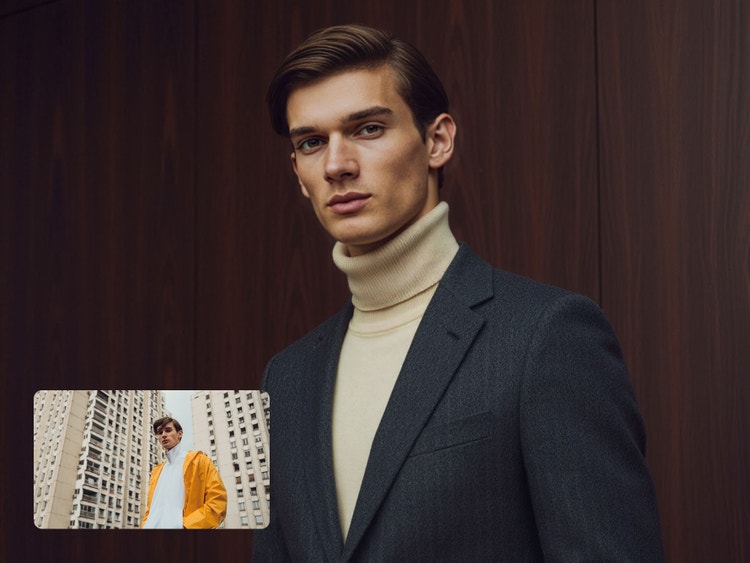
The Firefly headshot generator uses AI to create professional‑looking headshots. Simply upload a photo and use Prompt to Edit to describe the enhancements you’d like to see. Firefly analyses facial features, lighting and composition in your image to quickly produce realistic results suitable for your resume, LinkedIn profile, company directory and personal website.

Customise with full creative control in the headshot generator.
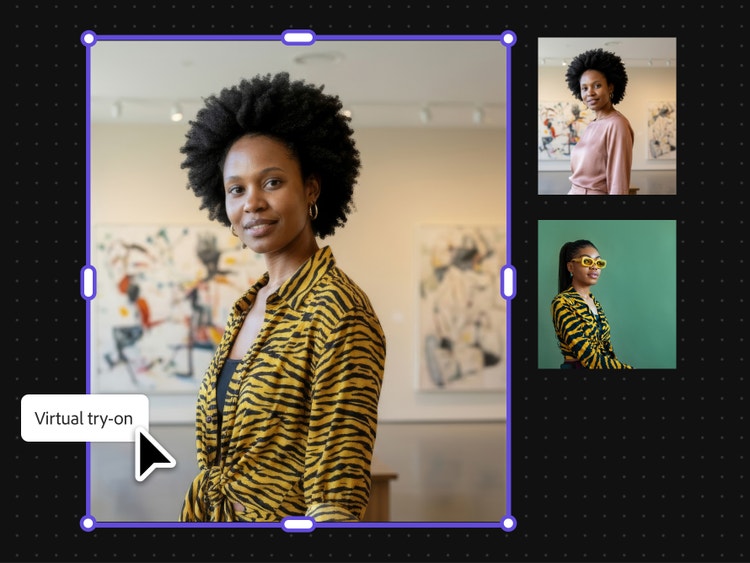
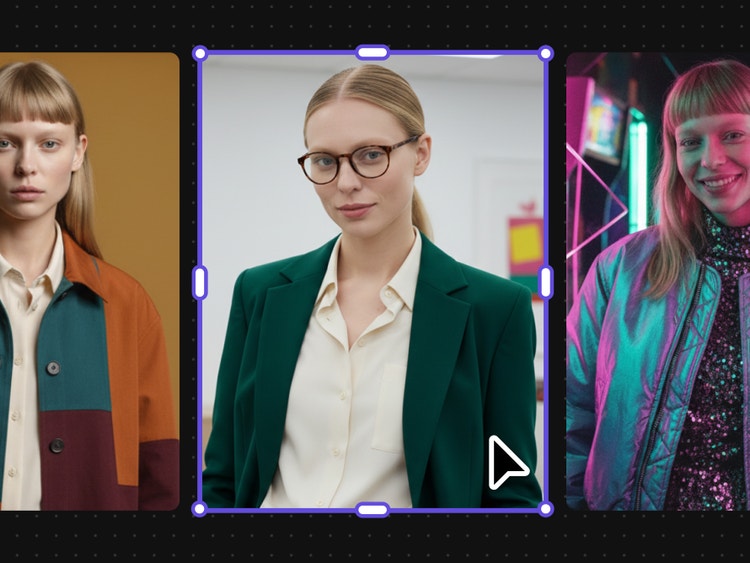
Go for a minimalist corporate look or try something more creative and bold. Add a customised background or frame. And use Firefly Boards to visualise and ideate — use presets or the virtual try-on workflow to see how your headshot looks when you choose different clothing and accessories.
Generate multiple professional headshots from a single image.
With the Firefly headshot generator, simply upload a couple photos to create multiple polished variations and experiment with different looks and styles for different needs. AI headshots are a quick way for individuals, teams and businesses to produce a variety of high-quality visuals at scale.
Choose a safe AI headshot generator for professional use.
Get high-quality, production-ready headshots suitable for work profiles, marketing materials and any online platform. Firefly AI models are built for commercial use, so you can create professional headshots without worrying about copyright issues or usage rights. (Models from third-party partners may have different usage terms.)
How to create professional headshots with Adobe Firefly.
Learn how to transform images using Generate Image as your AI headshot generator. This step-by-step guide shows how to use an AI headshot generator from photo to create polished, studio-quality results quickly.
Step 1
Open Firefly.
Step 2
Upload an image and enhance it with a text prompt.
Upload a reference photo and write a text prompt describing how you’d like to adjust it for your headshot. Try specific prompts with key terms like “photorealistic high-glam” and “subtle cinematic shadows” and add stylistic preferences like “polished Hollywood glamour aesthetic” to achieve the results you want.
For best results, use a clear, well-lit photo with a neutral background and a forward-facing angle. This helps the tool produce more accurate and natural-looking outputs.
Step 3
Adjust your settings.
Set the Intensity and Strength of your reference photo, choose Effects and select options from the Lighting, Camera Angle and Colour and Tone menus to customise your images.
Start with subtle adjustments, then gradually refine lighting and tone to match the look you want, such as corporate, creative or editorial styles.
Step 4
Generate your image.
Step 5
Download, share or keep editing.
- How to create professional headshots with Adobe Firefly.
- Steps on how to create professional headshots with Adobe Firefly
- PT5M
- firefly
One workflow for multiple variations
Use the headshot generator to create a range of styles, from clean corporate looks to more creative options, using a single image. This works well for updating job profiles, company directories and personal websites where different formats are needed.
Production-ready headshots
Generate high-quality headshots suitable for resumes, employee directories, event materials and business presentations. These images are ready for both digital platforms and print formats commonly used across workplaces and professional settings.
Powerful multi-model AI hub
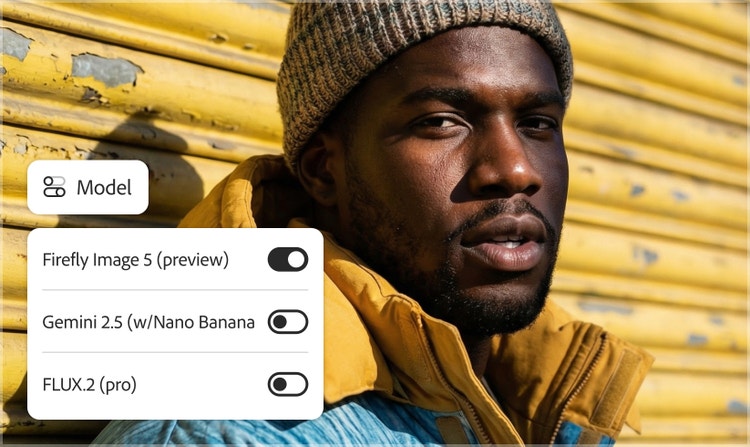
Choose from top partner models such as Gemini Nano Banana, GPT Image and FLUX directly inside Firefly to explore a diverse range of professional headshots. This allows you to experiment with different visual styles based on your industry, role or personal branding needs.
Consistent output
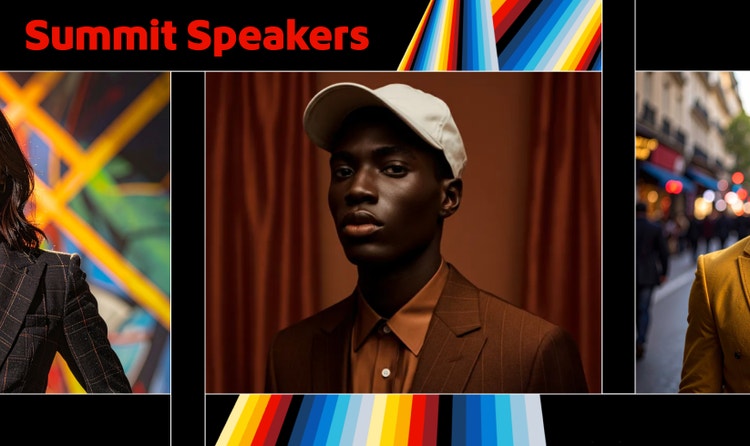
Create consistent lighting, posture and framing so your images work across resumes, company profiles and speaker bios. This helps maintain a cohesive look for individuals and teams across platforms while adapting to different professional contexts.
See what you can do in Firefly.