https://www.adobe.com/cc-shared/assets/img/product-icons/svg/firefly-appicon-64-new.svg {{ADOBE FIREFLY}}
Explore AI dubbing for video localisation.
Dub your videos into multiple languages, including Hindi, with ease using Translate Video in the Adobe Firefly web app. Perfect for creators, businesses, and educators in India and worldwide.
Break language barriers with easy AI dubbing.
With speech-to-text translation and generative AI, you can communicate in more than 15 languages while still sounding like yourself. Whether it’s Hindi or international languages like Spanish, French, and Japanese, AI video dubbing helps you connect with diverse audiences in just a few clicks.
What is AI dubbing?
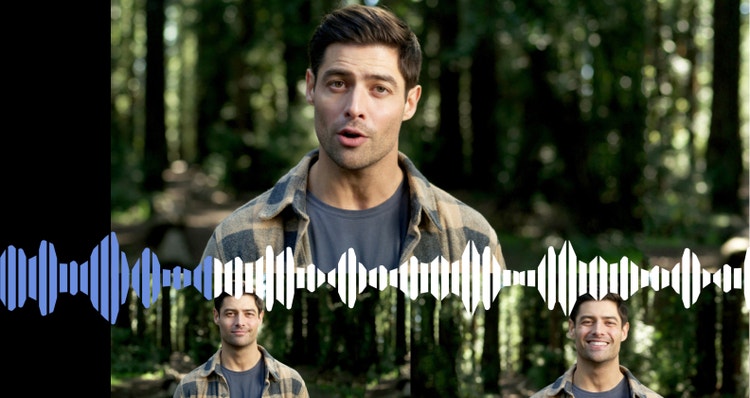
AI dubbing is the translation of video or audio dialogue using artificial intelligence. With Translate Video, Adobe Firefly recognises speech and translates it into another language, matching the original speaker’s voice to help your content reach a wider and more authentic audience.
AI dubbing for content creators.
AI video dubbing allows creators to share their work with audiences across different regions and languages. You can record a tutorial in English and instantly make it available in Hindi. Even personal projects such as blogs, podcasts or travel vlogs can find new followers when dubbed into languages like German or Italian. With AI dubbing, content creators can cross borders and expand their reach without the need for expensive studio resources..
AI dubbing for businesses.
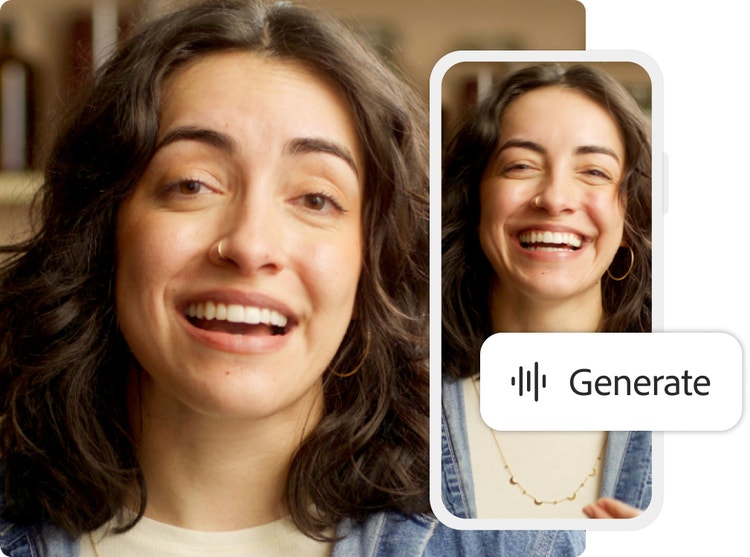
Whether you’re producing promotional videos, educational content or explainer videos, you can expand the market for your business by speaking to more potential customers in their preferred languages. With Firefly for enterprise, you can even lip sync while translating, ensuring your video both looks and sounds natural, which helps your brand connect more effectively with viewers wherever they are.
AI audio dubbing.
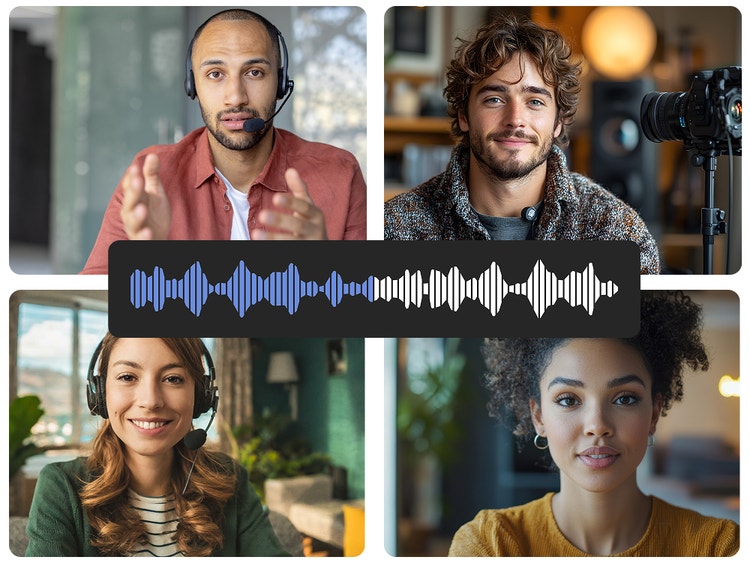
Dub an audio recording the same way you would a video. For maximum reach, translate everything from radio spots to slideshow voiceovers to narration for animated video. This flexibility makes it an essential tool for anyone looking to maximise reach through audio-first content.
Creative ways to bring your content to more audiences.
From filmmakers in Mumbai to educators in Delhi, creators across India are finding new ways to connect with audiences by dubbing content between English, Hindi and global languages with Firefly.
Share tutorials in Hindi and English.
Educators and YouTubers can make lessons more accessible by dubbing English tutorials into Hindi or turning Hindi sessions into English for wider global learning.
Take regional stories to the world.
Independent filmmakers from Kolkata, Chennai or Hyderabad can dub Hindi or English voiceovers into global languages to bring local stories to international film festivals and OTT platforms.
Expand product reviews across languages.
Tech reviewers and lifestyle vloggers can easily switch between English and Hindi dubbing to engage both urban and regional Indian audiences, while also translating into global languages for international reach.
Make art and music multilingual.
Musicians and performance artists can use AI dubbing to share Hindi songs or spoken word in English, or local performances in English translated into other global languages.
Grow business communication in India and abroad.
Small businesses and startups can dub explainer videos from English into Hindi for regional customers, or from Hindi into English and global languages to attract investors and clients worldwide.
How to use AI dubbing with Firefly.
If you are wondering how to dub a video with AI, Firefly makes the process straightforward. With this AI dubbing online tool, you can translate videos or audio clips into multiple languages in just a few steps.
- Log in to Adobe Firefly.
Go the Video section of the web app and select Translate Video to start your AI video dubbing project. - Upload your file.
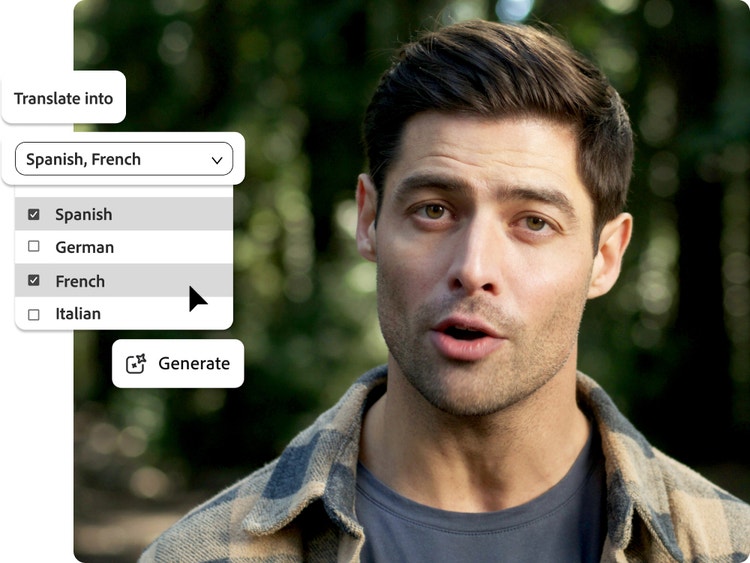
Select Browse Files or drag and drop to upload the video or audio file you want to translate. The recording must be in one of the available languages, contain at least five consecutive seconds of speech by a single speaker and be no longer than five minutes. - Choose new languages.
Once your file has finished uploading, you can select languages for translation. - Translate the audio.
Click Generate to begin the AI dubbing process. A progress bar will show the status. If you close the page and return later, you can download the new files from the Your Media section. - Download and share.
When the translations are finished, your new files will appear in your queue, ready for download and sharing. Share them directly with your audience, whether you are publishing on social media, sharing with colleagues, or embedding on your website.
Remix content from the community.
Discover Firefly prompts to remix and submit your own videos to the gallery.
FAQs about AI dubbing.
Firefly supports the following languages for Translate and Lip Sync for both audio and video:
- Hindi (India)
- English (Indian, American, British)
- Spanish (Spain, Argentina, Latin America)
- French (France, Canada)
- Danish (Denmark)
- Norwegian (Norway)
- Dutch (Netherlands)
- Swedish (Sweden)
- German
- Italian
- Portuguese (Brazil, Portugal)
- Japanese (Japan)
- Korean (South Korea)
- Chinese (Simplified)