https://www.adobe.com/cc-shared/assets/img/product-icons/svg/firefly-appicon-64-new.svg | Firefly {{Adobe Firefly}}

Translate French to English online for audio and video.
Translate French to English online with audio and video language translation tools designed for creators. Convert interviews, training videos, presentations and social content into natural-sounding English while preserving the speaker's voice.

https://main--cc--adobecom.aem.live/cc-shared/assets/img/product-icons/svg/firefly-80.svg
Adobe Firefly
https://main--cc--adobecom.aem.live/cc-shared/assets/img/product-icons/svg/firefly-80.svg
Adobe Firefly
The next evolution of creative AI is here for all your ideas, with image, video, audio and vector tools.
How to translate French to English audio.

Upload your French audio or video file.
Upload your French language audio or video to the Firefly AI audio translator to get started.
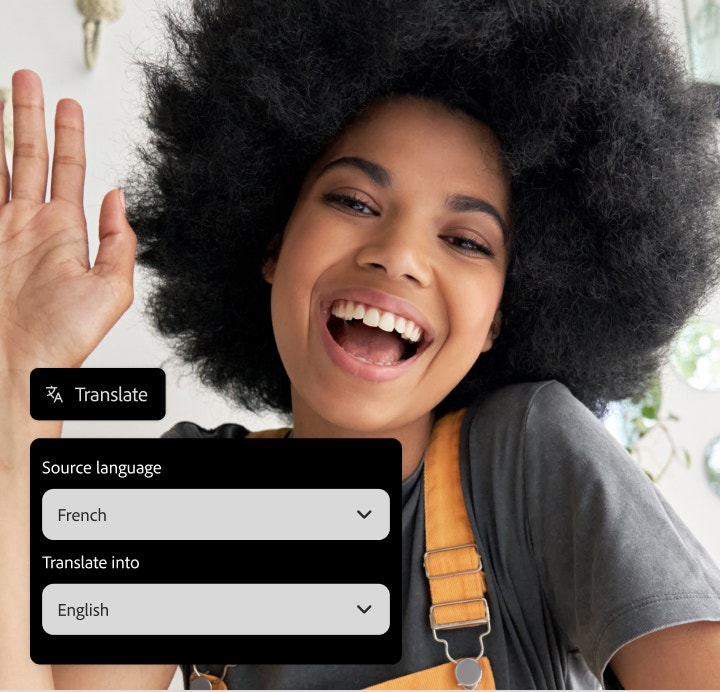
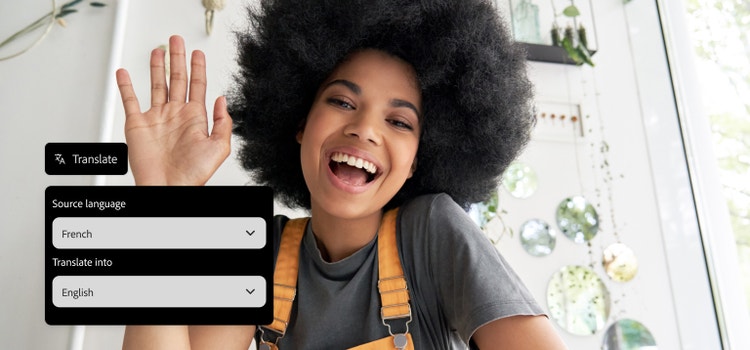
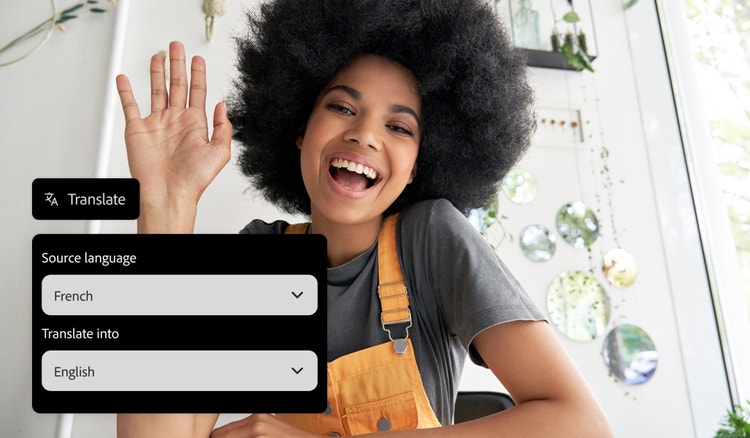
Select English as your target language.
Choose English from the available language options and Firefly will begin translating French into English.

Review and export your translated content.
Review your translated audio or subtitles, fine-tune the results and export your final file in the format of your choice.
What is a French to English audio translator?
A French to English audio translator is a tool that converts spoken French into natural-sounding English while preserving the speaker's voice and delivery. It works by recognising speech, translating the content and generating synchronised English audio that matches the original timing. Adobe Firefly makes it easy to translate audio for podcasts, product demos, webinars and educational content, helping you share information across languages with less manual work.
Translate French audio to English in your own voice.
Firefly lets you translate French audio to English while keeping your natural tone, pacing and style. Upload your French audio file in MP3, WAV or MP4 format and Firefly AI will generate fluent English output, making it sound like you’re a native speaker. It’s an easy way to produce fluent translations for voiceovers, podcasts or any audio project.
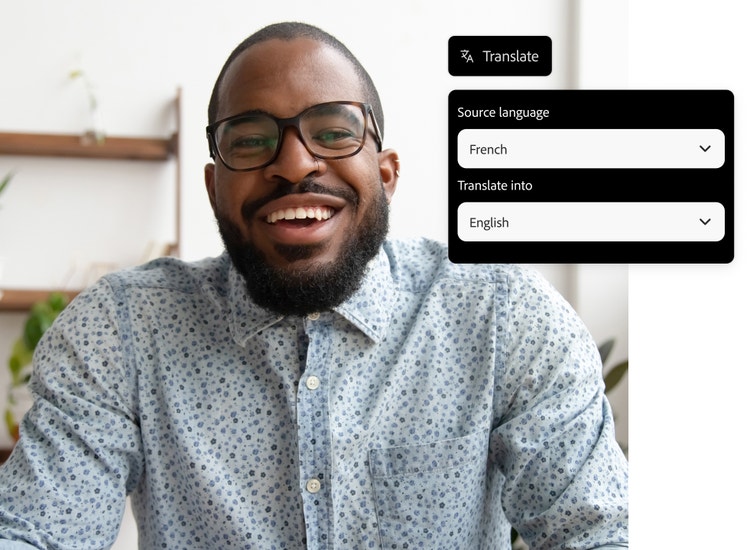

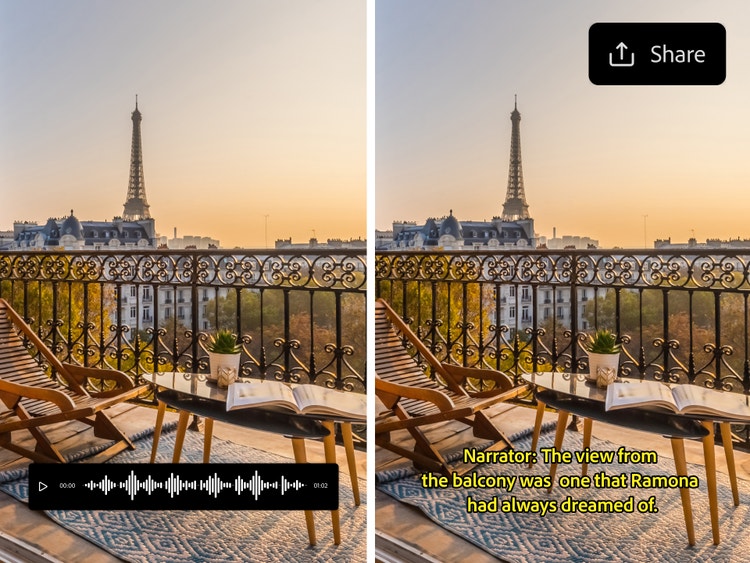
Built-in editing tools for French to English subtitles.
Firefly can translate video or translate audio from French to English and generate accurate subtitles for your content. Use the built-in editing tools to adjust phrasing, line breaks and tone, with a convenient side-by-side preview to review your work in real time. Once you’re happy with the results, export your subtitles as a burned-in caption or a downloadable file, ready to use across platforms.
Dubbing for French to English translation.
With the AI dubbing feature, you can generate natural-sounding French to English video translation for all types of projects with Firefly. Upload your video files in supported formats, such as MP4 or MOV and Firefly will sync the English audio to match your tone and pacing. The translation tool supports video outputs up to 4K resolution, so it’s easy to create polished, professional results for any platform.
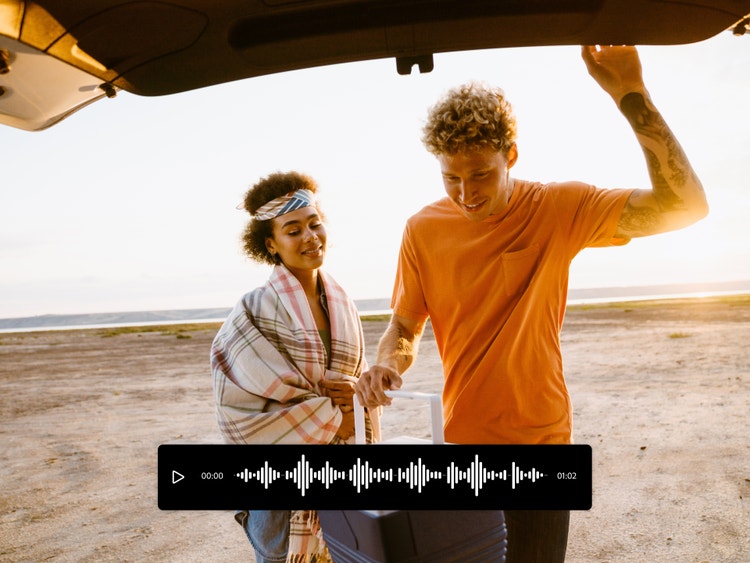
Share English translated videos faster than ever.
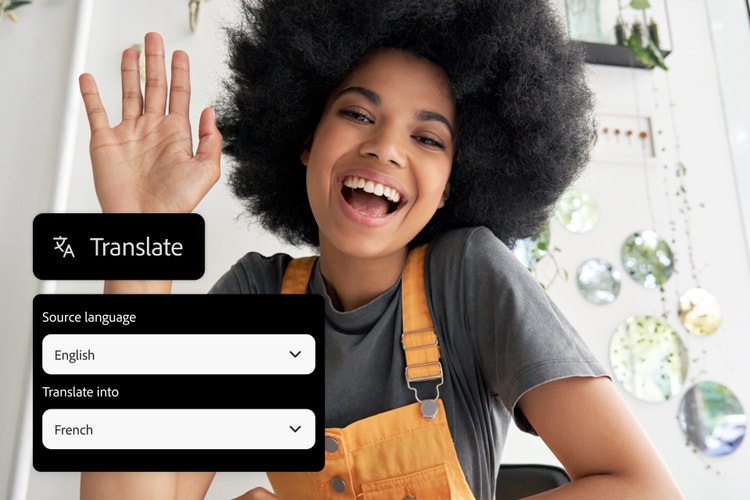
The AI-powered translate audio feature helps you to convert French content into English faster, so you can quickly connect with new audiences. Whether you’re working solo or on a tight deadline, it’s easy to generate English voiceovers or subtitles and get your project ready to share. You can also translate English to French with the same fast, intuitive workflow.
Natural AI translation for everything from business to social.
Firefly AI translation tools are designed for creators, businesses and anyone producing content for English-speaking audiences. Whether you need to adapt interviews, training videos, social clips or branded content, Adobe Firefly helps you to translate French to English while sounding natural and authentic across industries and platforms.
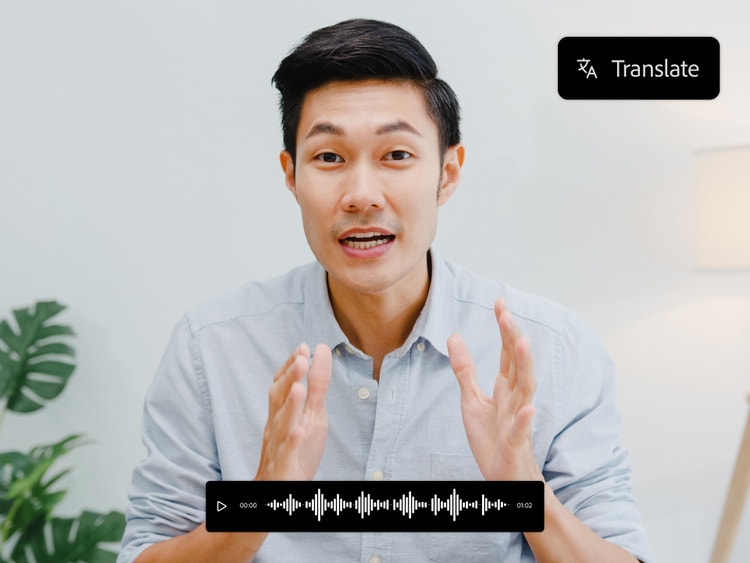
Translate French content for any audience.
Translate French audio and video into natural-sounding English for learning, business, content creation and customer communication. Reach wider audiences faster without re-recording or manually translating every project.

Education videos and lessons
French lectures, tutorials and learning content translated into clear, natural-sounding English.
Business presentations and demos
Product demonstrations and presentations localised for English-speaking audiences.
Podcasts and creator content
YouTube videos, podcasts and online content translated while preserving natural voice delivery.
Training and support resources
Onboarding videos, help content and training materials adapted for broader audience reach.
Tips for better French to English audio translations.
Create more natural and accurate English audio by improving speech clarity, translation quality and voice consistency. These practical tips can help you deliver polished results that sound professional and easy to understand.
Use clear, uninterrupted audio.
Record or upload audio with minimal background noise, echoes or overlapping speakers. Cleaner source audio helps the AI recognise speech more accurately, resulting in better translations, clearer subtitles and more natural English voice output.
Speak at a natural pace.
Maintain a steady speaking pace and avoid rushing through important phrases. Consistent delivery helps preserve meaning, improves translation accuracy and creates English audio that sounds smoother and easier for audiences to follow.
Review translated subtitles first.
Check translated subtitles before generating the final dubbed version. Reviewing terminology, names and key phrases early helps identify potential errors and improves the accuracy and quality of the completed translation.
Edit and refine before sharing.
Review pronunciation, subtitle timing and audio alignment before publishing your translated content. Small adjustments can improve clarity, enhance viewer understanding and create a more polished final result.
Professional audio translation for every workflow.
From global business teams to language specialists, Firefly helps professionals convert French audio into natural-sounding English while reducing manual translation and dubbing work.
Localisation specialists.
Translation professionals can speed up multilingual workflows by generating English audio from French recordings, allowing more time for quality checks, terminology reviews and final refinements.
Export and sourcing teams.
Businesses working with French-speaking suppliers or partners can translate recorded meetings and product discussions into English, making cross-border communication easier to review and share.
Corporate learning teams.
Learning teams can adapt French onboarding sessions, compliance updates and knowledge-sharing recordings into English, helping employees access the same information across different locations.
Everyday creators.
People exploring new languages, travel content or personal projects can translate French audio into English with minimal editing, making foreign-language content easier to understand and share.
How to translate French to English audio.
With Firefly, it’s simple to translate French into English online and create natural-sounding English audio or subtitles for any project. Here’s how to get started:
- Upload your French audio or video file.
Upload your French language content into the Firefly AI translation tool to start. Supported formats include MP3, MP4 and MOV, with at least five seconds of clear spoken audio. You can translate French to English audio for short clips, interviews or full-length videos. - Choose English as the output language for your project.
Once your file is uploaded, choose English as the target language. Firefly’s AI generates fast, accurate French to English translation while keeping your tone, pacing and style consistent. - Choose subtitles or dubbing for your French to English translation mode.
Decide if you want AI dubbing for your audio, English subtitles or both — perfect for video projects, voiceovers or social content. - Customise your subtitles or AI voice style.
Edit your subtitles for timing, phrasing or tone or select an AI voice style that matches the feel of your project. Firefly translation tools help your French to English project sound polished and natural. - Preview your English translation results.
Take a moment to preview your translated audio, subtitles or both to make sure everything is accurate and flows smoothly. - Export your translated content.
When you’re ready, export your finished media in MP3, WAV or MP4 format. Your English translation is ready to publish, share or use in your next project.