
• File size larger than 100 MB
  • Unable to process the request
  • We are unable to process this file type. Please try again.
  • Only one file can be uploaded at a time.
  • Image is smaller than the minimum dimensions (512 x 512 pixels). Please resize and try again.
cgen
promoid=QTV3NS2W&mv=other

How can you quickly generate customised backgrounds with Adobe Firefly?

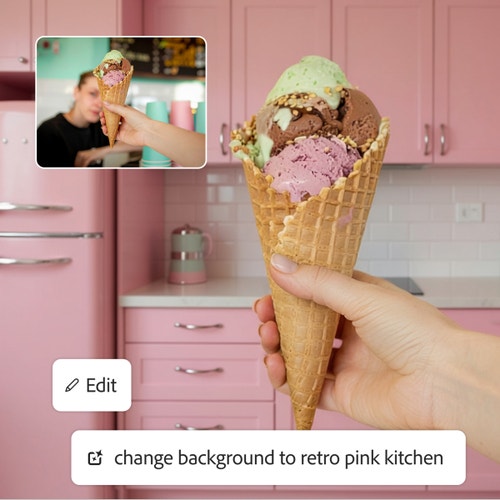
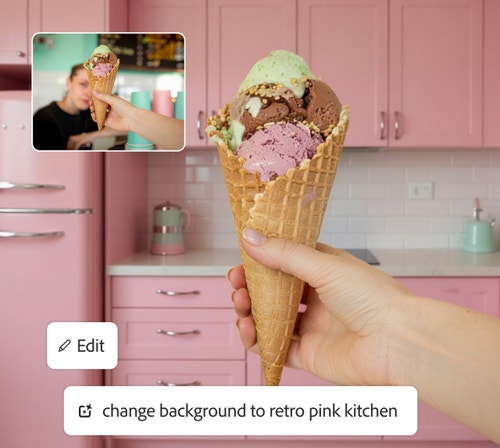
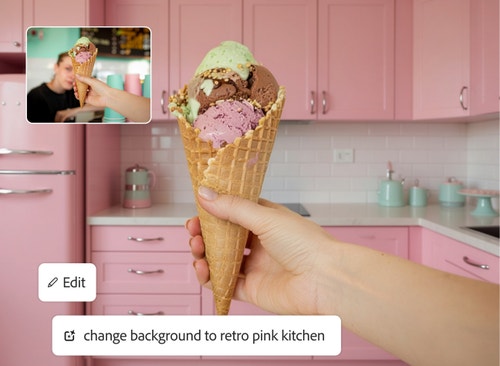
Remove and replace image backgrounds with ease. The AI background generator uses AI to detect the subject of an image, separate it from the background and generate an all-new environment.

Whether you’re editing product photos for online stores, designing social media creatives, or creating visuals for festive campaigns like Diwali sales or wedding invitations, this AI photo background generator helps you work faster without manual editing.

#ffffff

Swap your scene in moments with an AI background generator.

Quickly isolate subjects and replace image backgrounds with content that fits your needs. Create a transparent background and go from there or swap one background for another in a single prompt. Conjure a different mood by adding in a new sky or make product photos pop. It’s easy to place your product images in settings that match your brand, from a dreamy outer space scene to a stylish flat lay. Your new backgrounds blend seamlessly with your subject for a realistic, professional look.

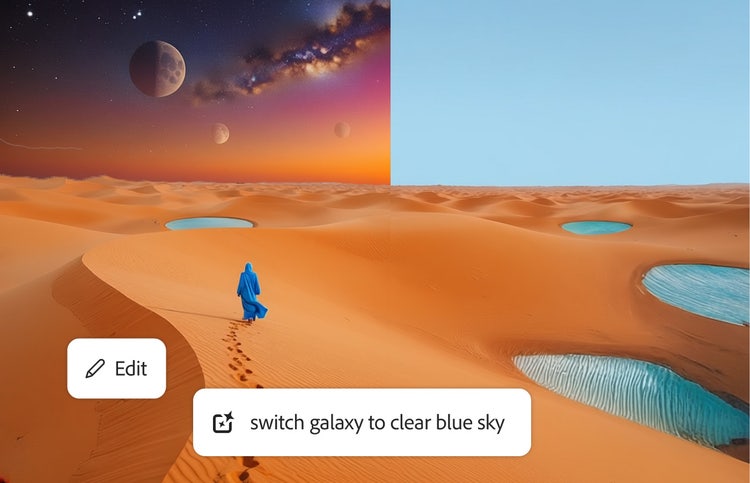
A fantastical desert landscape is edited in Firefly to swap an orange sky filled with planets for a clear blue sky.
#ffffff
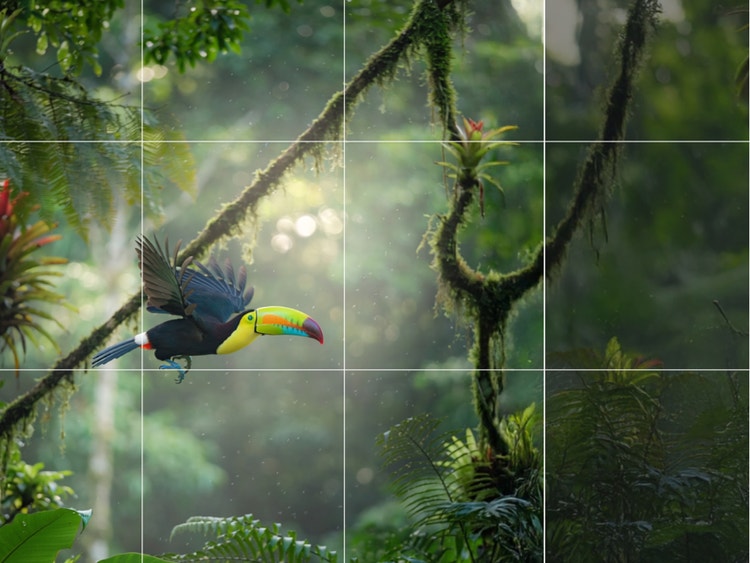
An image of a toucan flying through the jungle is overlaid with a grid indicating it will be resized in Firefly.

Resize and enhance backgrounds effortlessly.

Upscale and expand portions of your background so you can apply your images anywhere. Choose a new aspect ratio for your image, such as vertical, horizontal and square formats perfect for desktop or social media. Your visuals stay crisp, no matter the dimensions. Easily adapt visuals for platforms like Instagram, marketplaces, or presentations without losing quality.

#ffffff

Make precise edits with an AI background generator.

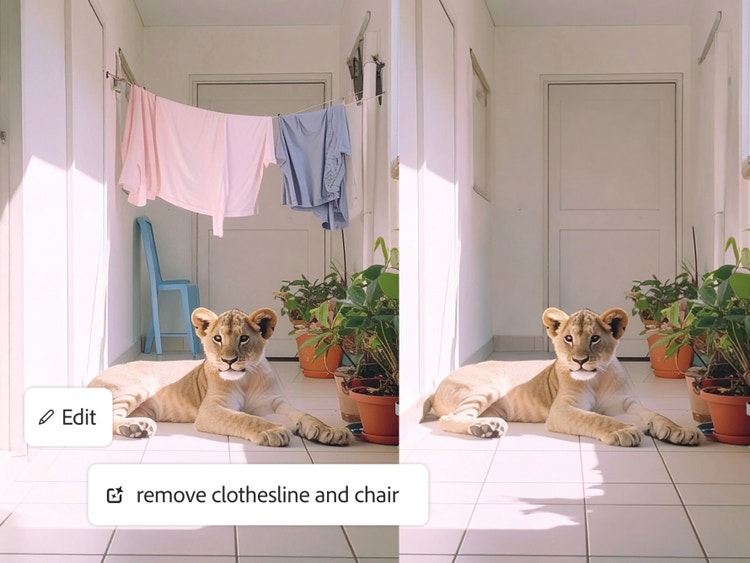
Use Generative Remove and Generative Fill to easily remove unwanted elements like power lines and add in new ones, like a flock of parrots soaring through the sky. With Firefly you can make fast, clean and flexible edits to your background with pinpoint precision. This allows you to refine specific areas, adjust details, and create polished visuals without complex tools.

A prompt is used to remove a clothesline and chair from an image of a lion cub lying in a hallway.

How to edit photos with an AI background generator.

Learn how to use an AI background generator to replace, customise, and enhance image backgrounds in just a few simple steps.

Why use Firefly for AI background generation?

Make your subjects pop with just the right background. Use the Firefly AI background generator to create eye-catching product images, whimsical social media content and more.

#FFF
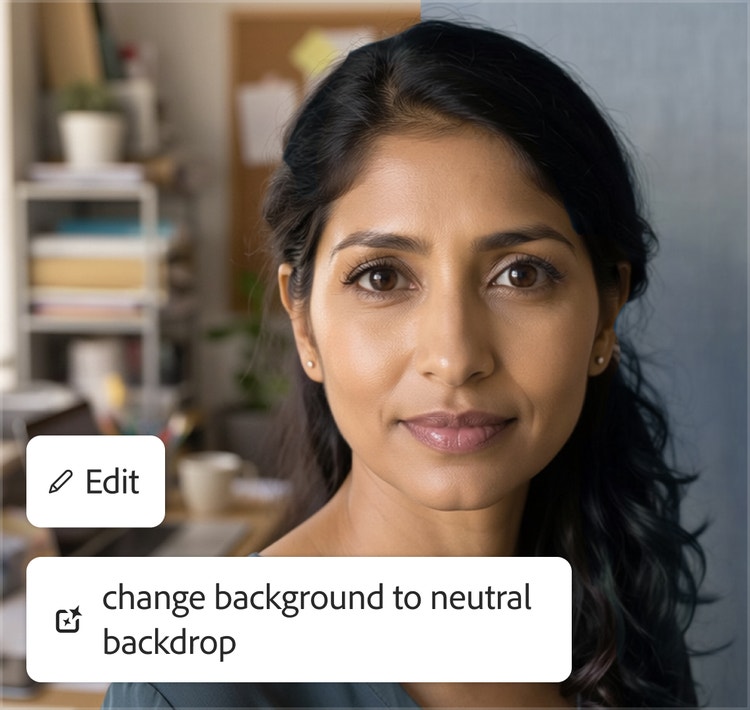
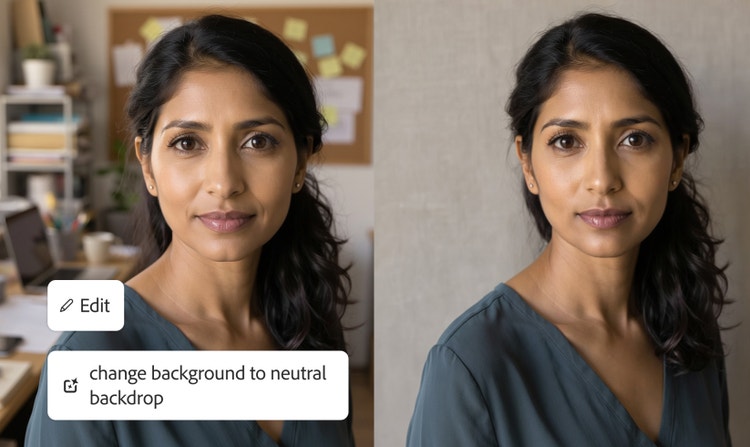
A portrait of a woman standing in front of an office setting is edited to swap in a plain, grey background.

High-quality results

Old backgrounds are cleanly removed and new ones blend seamlessly with your subject, providing crisp, realistic outputs. Ideal for festive creatives, wedding visuals, or product listings on online marketplaces.

#FFF
A fantastical image of a woman in a billowing dress riding a large bird is edited to have a nighttime background instead of a daytime setting.

Multiple AI models

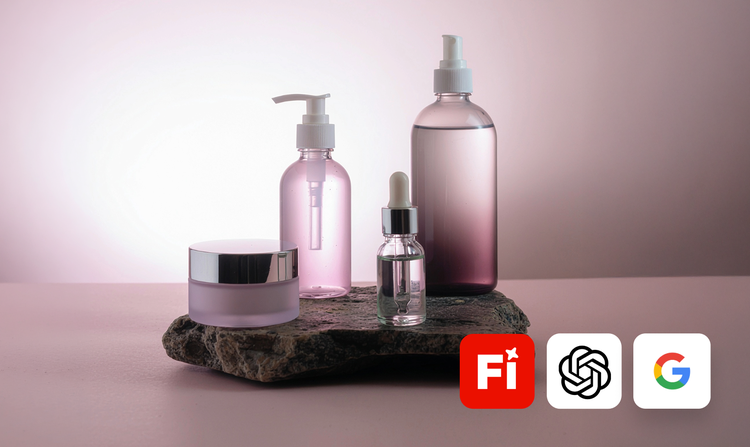
Get commercially safe results with the Firefly image model or explore variations using partner models from Google, OpenAI and more, without switching apps. Ideal for creating diverse visuals for regional campaigns or product ads.

#FFF
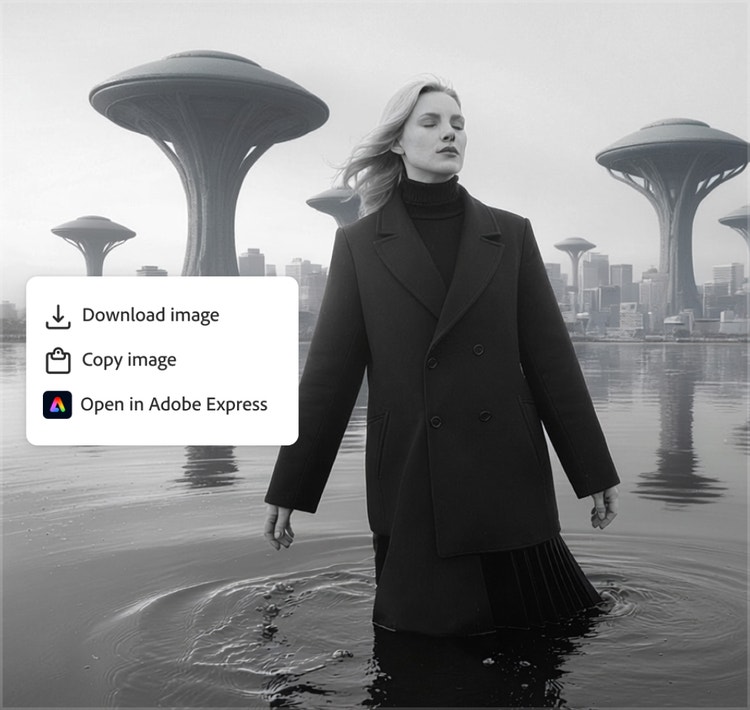
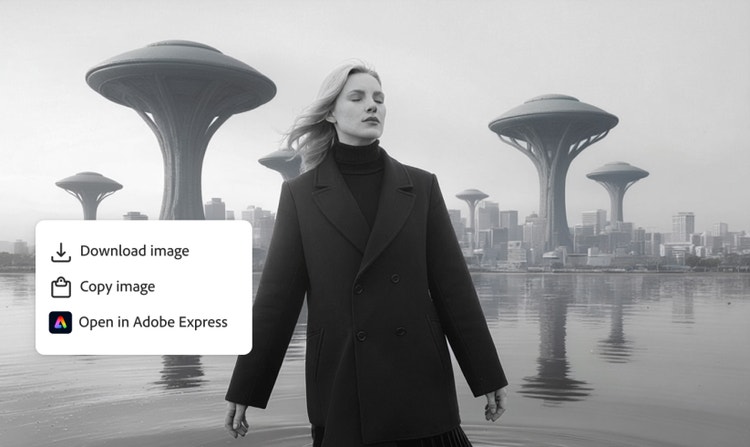
Options to download, copy or open an image of a woman standing in front of a futuristic landscape are displayed atop the image.

Seamless integration

Open your designs in Photoshop on the web or Adobe Express right from Adobe Firefly. Download or access them via the cloud to edit in Photoshop, Illustrator and more for social posts, ads, or catalogues.

#FFF
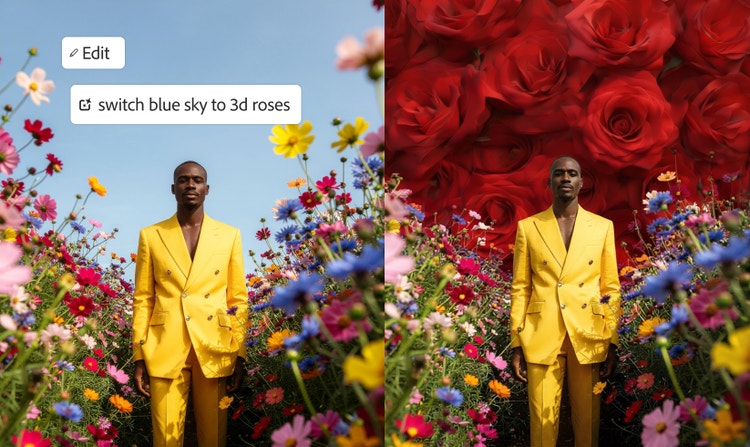
A man in a yellow suit stands in a field of flowers against a blue sky. The sky is replaced with close up images of roses.

Streamlined workflows

Skip the tedious work of removing a background pixel by pixel so you can focus on transforming and perfecting your final image. Perfect for quick campaign creatives, festive sales, or daily social media content.

See what you can do with Firefly.

Discover even more features.

Questions about AI Background Generator? We have answers.

How does an AI background generator work?

An AI background generator works by detecting the background in an image, removing it and filling in the space with a new background based on a prompt or a preexisting image, to blend seamlessly with the subject. The Firefly AI background generator delivers these capabilities along with ease, speed and precision.

Do I need design skills to use an AI background generator?

No, you don’t need design skills to use an AI background generator. Tools like Adobe Firefly make it easy to replace or create backgrounds using simple text prompts or a few clicks, making them suitable for beginners and professionals alike.

What is the best AI background generator?

The best AI background generator offers automatic subject detection, realistic background generation, maintains realistic light and shadows that match the original image and high resolution downloads. Firefly offers all of these benefits in addition to commercially safe outputs with the Firefly image model.

Will the generated backgrounds look realistic?

Yes, modern AI background generators create realistic results by matching lighting, shadows, and perspective with the subject, ensuring a natural and professional look.

What are the benefits of using an AI background generator to create backgrounds?

An AI background generator helps you:

  • Add context with relevant or creative backgrounds
  • Transform photos into clean, professional visuals
  • Enhance product images with realistic or stylised settings
  • Make subjects stand out with better focus and appeal
  • Control the final look using prompts or quick edits

Is the AI background generator free to use?

Yes, you can use Firefly as a free AI background generator with limited generative credits. For unrestricted use, advanced features or higher-resolution outputs, a paid plan is available.

Are AI-generated backgrounds safe for commercial use?

Yes, AI-generated backgrounds can be safe for commercial use when created with tools designed for it. Adobe Firefly offers commercially safe outputs trained on licensed data, making them suitable for business, marketing, and professional projects.

Can I customise the background after generating it?

Yes, you can customise the background after generating it. You can make selective edits to portions of it by adding and subtracting elements with Generative Fill. You can also use text prompts to make subtle transformations to your edit, describing adjustments to light, shadow, colour and more.

Share this page

#F0F0F7

Explore more Firefly tools.