
.

Mood board maker: Ideate and collaborate with Firefly Boards.

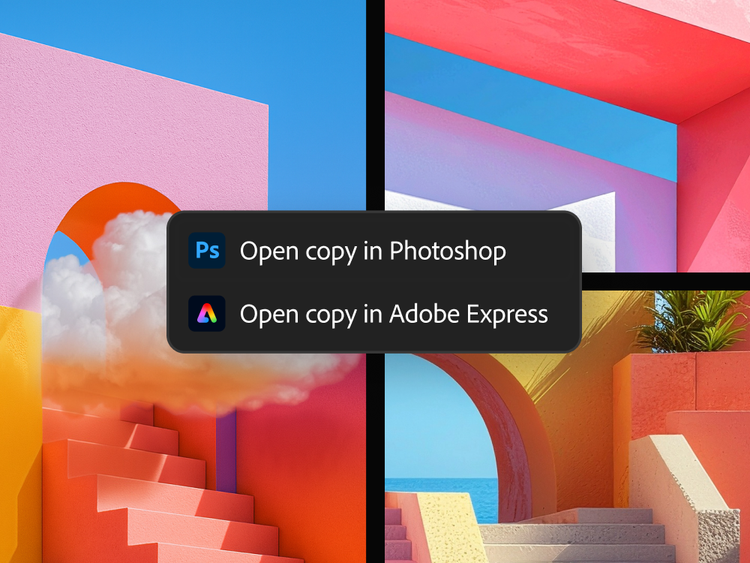
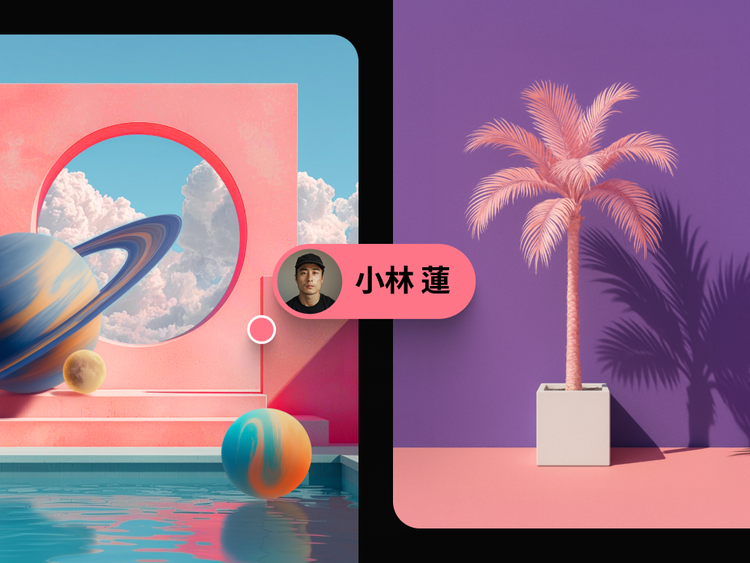
Quickly visualise ideas with the Firefly Boards mood board maker, the generative AI-first approach to mood boarding. Confidently define, direct and refine your vision all in one place — and with more partner models, you have the control to create with choice on an infinite canvas. Available in 30+ languages worldwide.

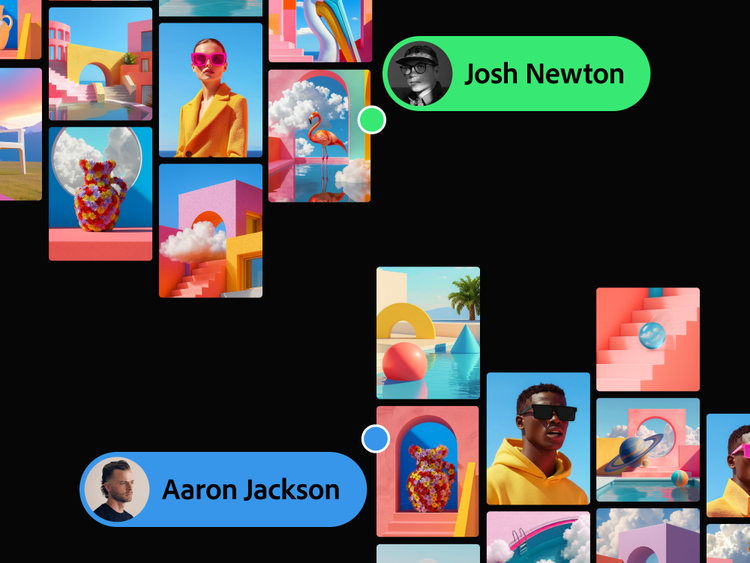
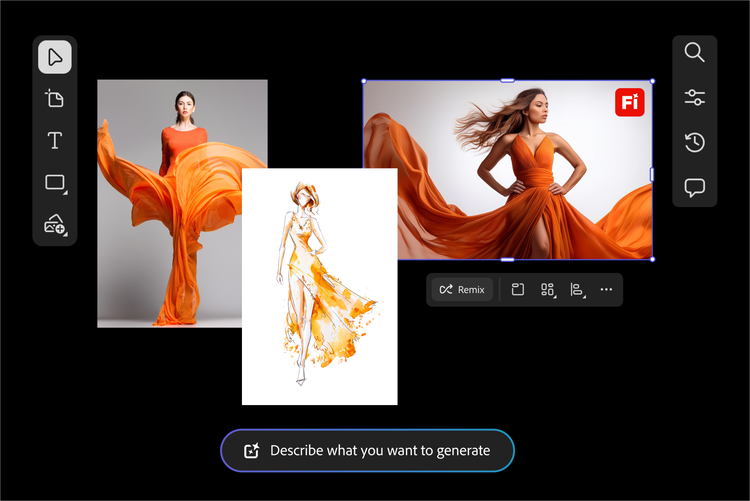
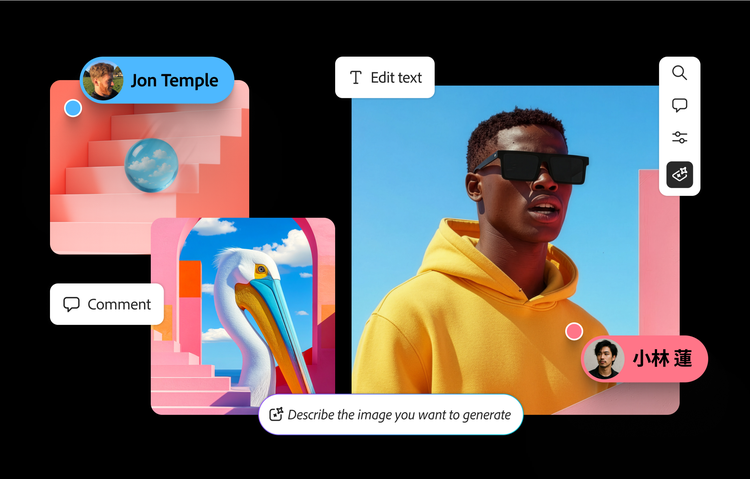
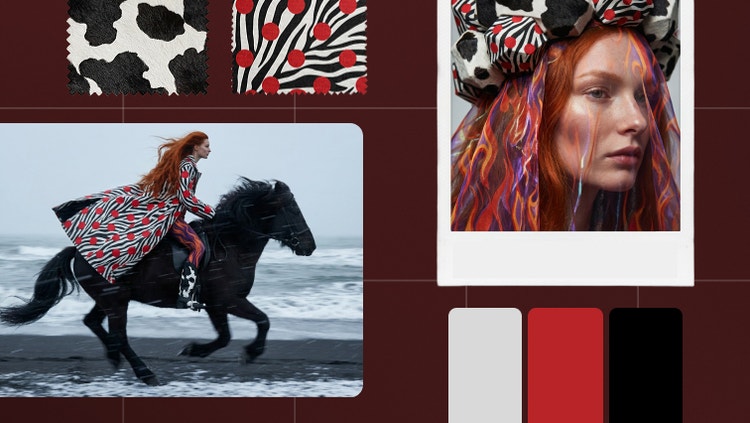
Online mood board maker interface with creative image tiles, including abstract art, fashion photography and editing tools for visual storytelling.

What is a mood board creator?

A mood board creator is a tool that brings images, colours, text and textures into one visual layout to express a creative concept or design direction, without needing separate design software. It is used to plan a look before committing to it, whether that is a brand campaign, an interior, an outfit or a personal project. Firefly's mood board creator, called Boards, lets you create a mood board online by uploading your own images, searching Adobe Stock, generating new images from a prompt, and arranging everything on one digital canvas that you can share or keep refining.

Grow your skills while you create.

It’s easy to learn new creative processes, get ideas down and take designs further with Quick Guides in Boards.

Create mood boards for any project.

Leverage a mood board maker to organise ideas, curate inspiration, and build a collaborative workspace that sparks creativity.

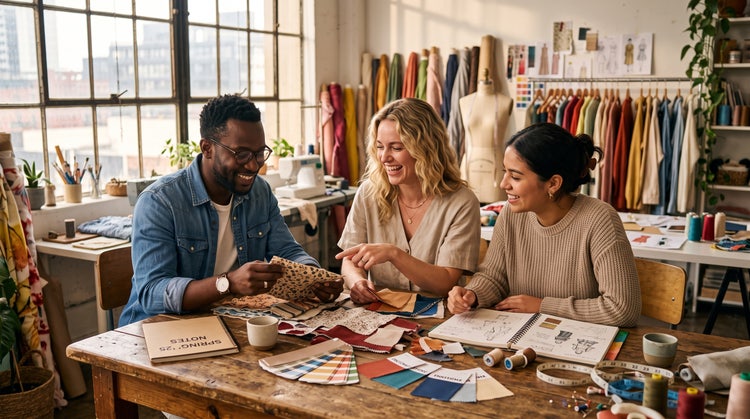
Three designers using a moodboard maker to review fabric swatches and sketches in a creative studio workspace.

Fashion

Fabric swatches, patterns, textiles, and visual inspirations curated for collections and campaigns.

Interior design and renovation

Colour palettes, materials, furniture, and décor references gathered into cohesive design concepts.

Events

Themes, décor ideas, floral arrangements, lighting concepts, and styling references organised in one place.

Editorial and publishing

Photography styles, illustrations, typography, and layout inspirations curated for creative projects.

Tips for creating stimulating mood boards.

Every great project starts with a clear vision. Use a mood board maker to organise inspiration,
explore creative directions, and align your ideas before design work begins.

Define your creative direction before collecting assets.

Before adding images and inspo, write down 3-5 keywords that describe the desired mood or aesthetic. Deciding if you want modern, vibrant, handcrafted, and premium can help guide asset selection and prevent the board from feeling scattered.

Focus on a few strong references.

Avoid filling your moodboard with every image you find inspiring. Instead, choose a smaller set of visuals that clearly represent the style, colour palette, and mood you're aiming for. A curated selection often communicates ideas more effectively than a large collection of unrelated images.

Go beyond photos.

The best moodboards include more than just imagery. Add colour swatches, typography samples, textures, patterns, and materials to create a fuller creative direction. For example, a mood board for an Indian luxury brand could include terracotta colour palettes, Banarasi silk textures, serif typography, and architectural details inspired by jharokha windows.

Collaborate and gather feedback early.

Share your mood board throughout the creative process rather than waiting until it's finished. Feedback on visual direction, colours, or themes is easier to address at the moodboard stage than later in production. Early collaboration helps ensure everyone is aligned before design work begins.

A mood board for every kind of project.

Pull references, generate images and organise a visual direction in
one board, for campaigns, content, events and personal projects.

Explore and blend styles for faster iteration and prototyping.

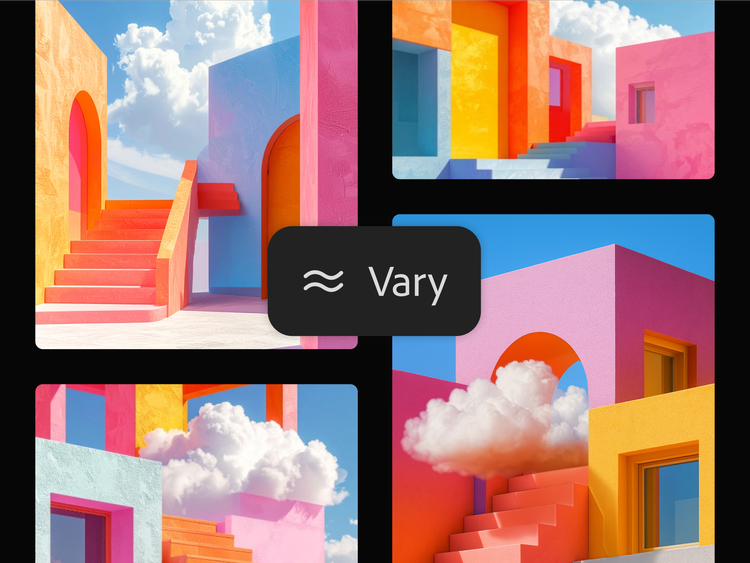
Expand your creative palette and iterate faster by generating variations in different models and comparing them side-by-side in a single AI design tool. You can even blend them for hybrid outputs.

Combine the models’ diverse strengths to solve problems and avoid blind spots.

Work through complex creative challenges more efficiently by taking advantage of different models. You can also cross-reference your outputs to avoid single-model limitations or biases.

Create high-quality work that impresses clients and gets faster buy-in.

Generate multiple, distinct creative directions to help your stakeholders make decisions. Then draught in one model and polish in another to create the best outputs.

Mood board with interior design and furniture images.
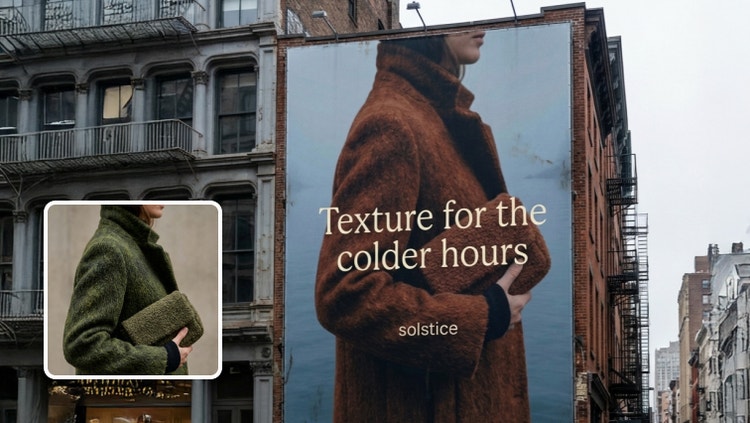
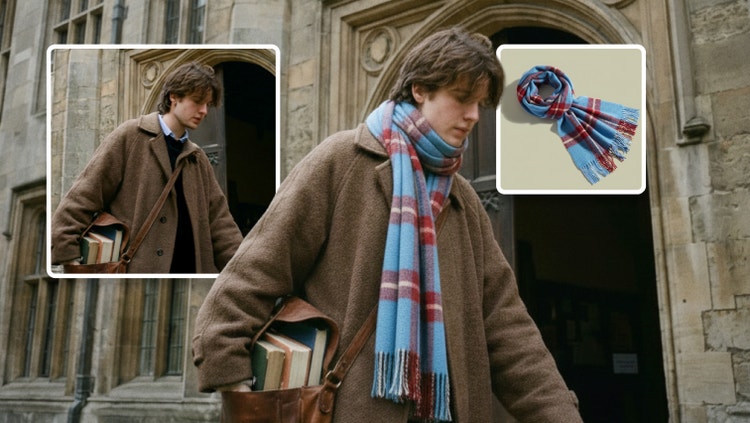
Mood board with fashion images.

Remix content from the community.

Discover Firefly prompts to remix and submit your own images to the gallery.