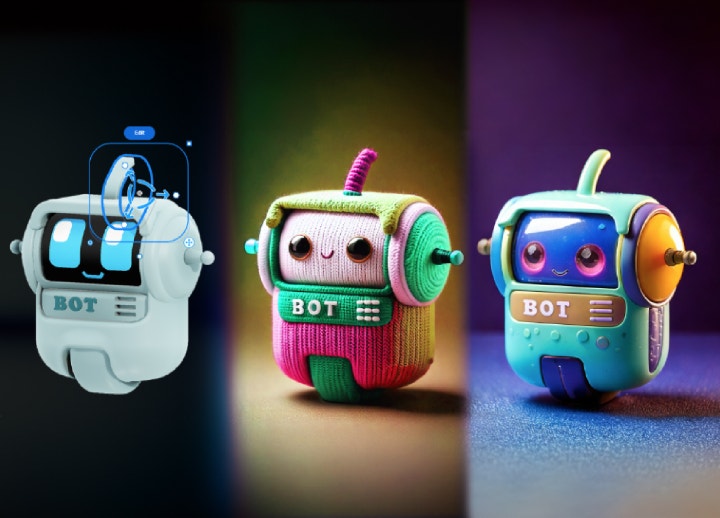
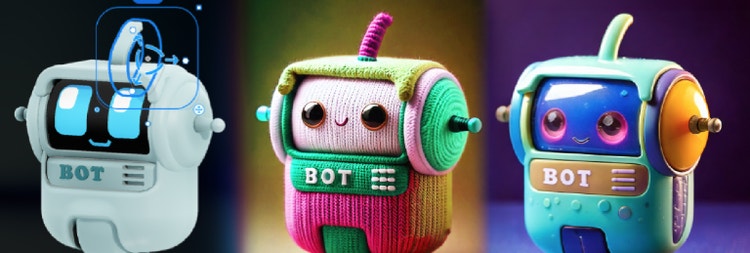

Put your images into perspective with Scene to Image AI.
Create compositions for product visualisations, architectural renders, concept art and much more. With Scene to Image in Adobe Firefly, you can build precise structures to use as references for generating new images.
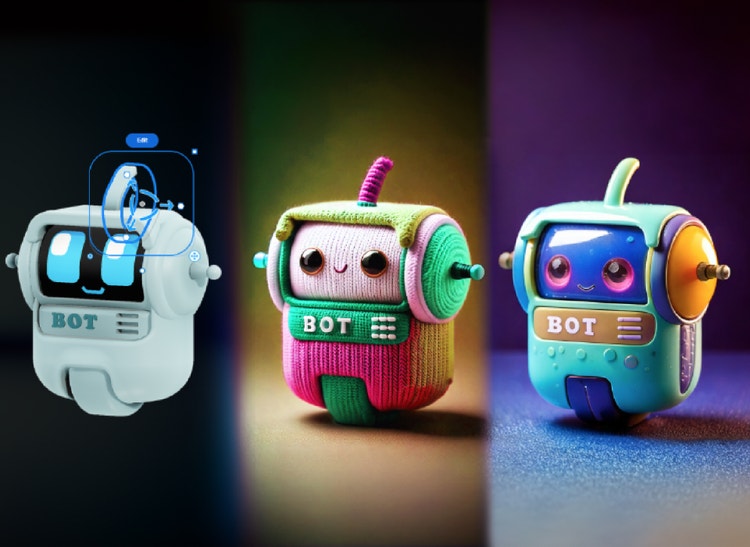
Combine and blend shapes for stunning dimensional images.
Use familiar 3D tools to create brand graphics, illustrations and more. With Firefly’s 3D image creator features, you can design prototypes, marketing visuals, or even classroom projects with speed and accuracy.
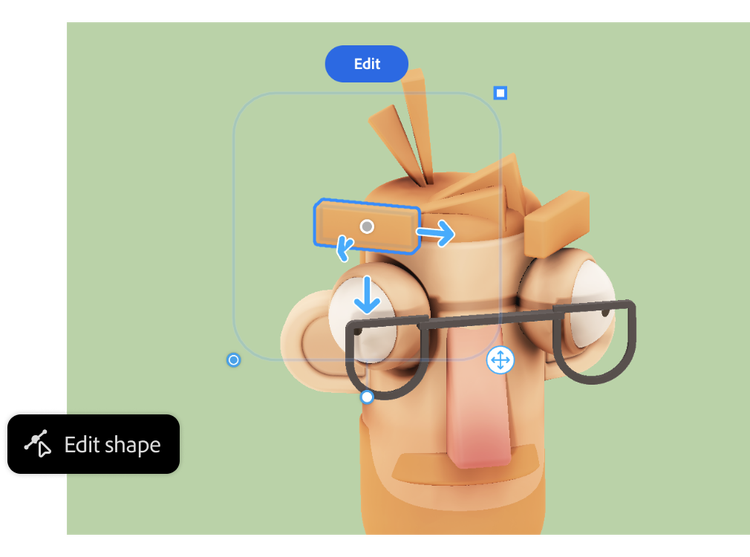
Set up perfect perspectives.
Create precise spatial relationships and perspectives using simple 3D shapes. Change angles, lighting and rotation in real-time without needing to recomp or redraw. This makes Firefly a smart choice if you’re looking for an AI 3D image generator that can instantly set up perspective for concept art or product design mockups.
Control every detail.
From product shots to architectural concepts to interior design mockups, build scenes with exact camera angles and structural elements so your output matches your creative vision. The AI 3D model generator gives Indian creators, from furniture makers to jewellery designers, the flexibility to refine every detail before moving to final production.

One space. Limitless dimensions.
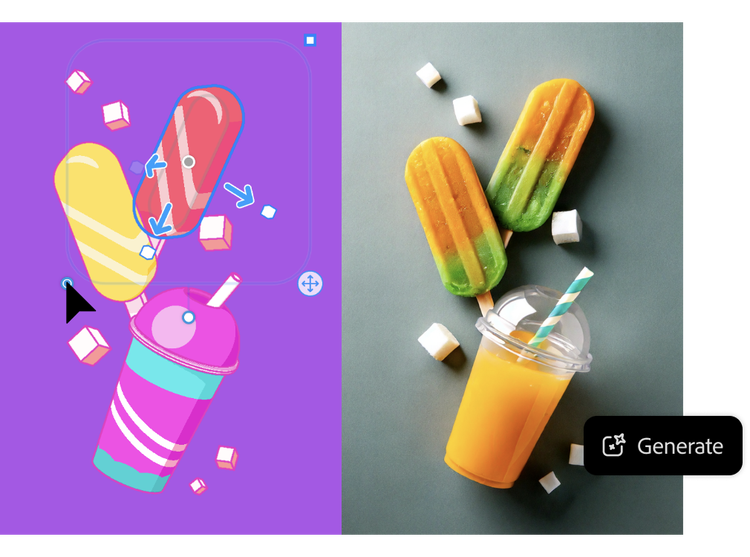
Move effortlessly between 3D creation and image generation in one unified workspace. Experiment with multiple variations until you find the right one. You can easily convert 3D models into photorealistic images or generate entirely new concepts, all within Firefly’s workspace.
Where 3D images fits into India’s creative journey.
From students to professional designers, the 3D image generator in Adobe Firefly is helping creators across India transform simple shapes into unique visuals.
Product designers using the 3D image maker.
They can quickly turn 3D shapes into product mock-ups for fashion, jewellery, or consumer goods.
Architects exploring the AI 3D image generator.
They can create accurate perspectives for buildings, interiors, and design concepts without complex modelling.
Artists creating with concept to AI image.
They can bring creative and sketch concepts to life by transforming them into high-quality 3D-driven images.
Students learning through the 3D image generator.
They can practise with shapes, experiment with perspectives, and generate images for class projects or portfolios.
How to create 3D images with Adobe Firefly's AI Scene to Image.
Easily generate scenes with these easy steps.
- Build your scene.
Add shapes to build a 3D scene to guide your image generation. Firefly works as a AI 3D model generator, letting you sketch with basic geometry before generating polished results. - Generate variations.
Click the Generate button to generate images from the scene. - Refine your creation.
Return to Create mode to edit the scene and create more generations. Firefly’s AI scene generator adapts quickly, allowing you to refine the output until it matches your creative vision by exploring multiple interpretations of your scene. - Export and implement.
Export easily to PNG or SVG formats. For further editing in your favourite Creative Cloud app, designers can integrate results into Adobe Photoshop, Illustrator, or Premiere Pro, streamlining workflows from concept to final content.
Start using 3D image generator.
Create shapes, adjust perspective, and build 3D scenes that transform into stunning images with Adobe Firefly. Explore endless variations powered by AI.
Remix content from the community.
Discover Firefly prompts to remix and submit your own images to the gallery.
FAQs about AI 3D model generator.
The ultimate in creative AI. Now with video.
Create stunning images, audio and now video, all in one place, with Adobe Firefly. Go from ideation to production seamlessly with your favourite Adobe apps and commercially safe Firefly models. Control even more details along the way so you can get to final faster.
Discover even more features.
AI image generator AI painting generator AI art generator AI video generator Translate video Translate audio Image style transfer