Step into the future with Adobe Firefly.
Use generative AI and simple prompts to create the highest-quality output — images, text effects, colour palettes and more.


Discover how AI for graphic design and Adobe tools like Firefly, Photoshop and Illustrator can speed up your workflow and expand your creative possibilities.
Like the printing press in the 15th century and the personal computer in the 20th, artificial intelligence is disrupting how people create in the 21st. Though it may take some time to get used to new AI-powered tools, you’ll find that they can eliminate old headaches and open up new possibilities for your work.
With AI tools for graphic design becoming more intuitive, you can spend less time on repetitive tasks and more time experimenting, iterating and refining your creative vision.
Through machine learning, software makers like Adobe have automated the most tedious processes to make design work easier and faster. Before smart selection tools, for example, if you wanted to replace the background of an image in Adobe Photoshop, you had to spend a lot of time carefully outlining the subject. Just tracing a person’s hair could take hours. But thanks to Auto Selection and Select Subject, that process now takes just a few minutes (with a little refining)..
The Content-Aware Fill tool in Photoshop is another great example of AI we now take for granted. When you want to fill in an area in an image, instead of using trial and error to match the colour and tone, you can instantly and seamlessly fill it with content sampled from another part of the image. This is because the app is performing incredibly fast calculations based on the values in surrounding pixels.
Just as these AI-powered features have become indispensable for designers, amazing new generative AI tools are finding their place in the designer’s toolset. As machine learning continues to evolve, designers can expect even smarter AI features for graphic design to support everything from image editing to layout decisions.

Today, AI for graphic design plays a central role in boosting productivity, simplifying complex workflows and helping designers explore ideas more freely. With AI tools for graphic design becoming more intuitive, both beginners and professionals can create smarter and iterate faster.
Together, these advantages show why AI for graphic designers is becoming an essential part of modern workflows, helping creators design faster, smarter and with greater confidence.
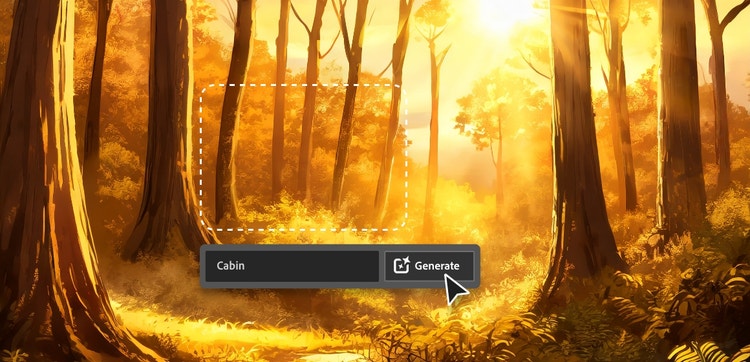
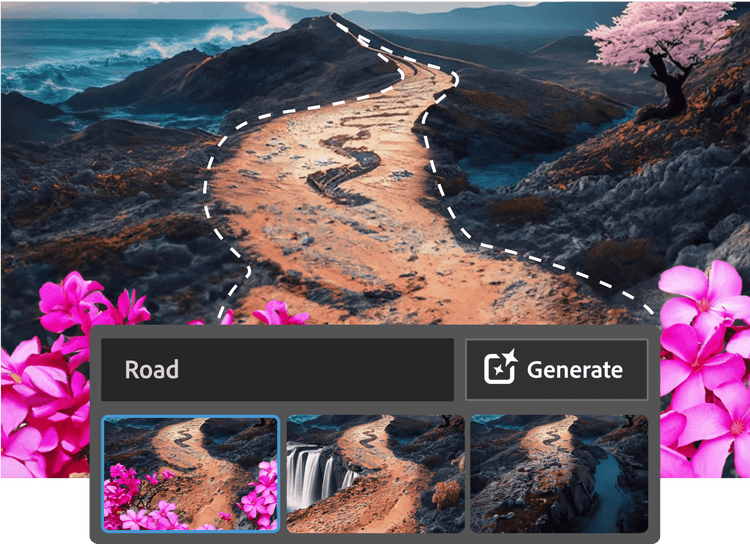
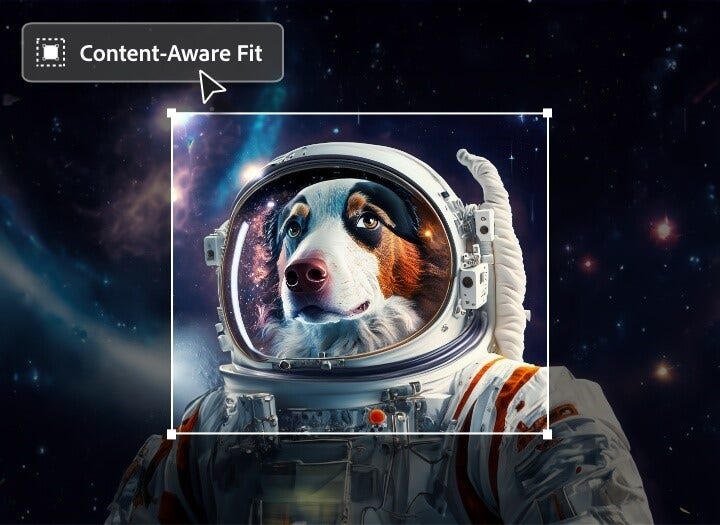
With Generative Fill, you can now add or remove content in your images with a simple text prompt. If you want to swap a briefcase for a surfboard or remove a distracting person from the background, you can do it instantly. You can also expand the canvas or change the aspect ratio with Generative Expand. (Gone are the days of squeezing text into an image that doesn’t have room for it.) These prompt-driven tools show how AI for graphic design can dramatically speed up concepting and visual adjustments.
In addition to generative AI tools, Photoshop has other AI tools like Face Aware Liquify that automatically detect faces and facial features in an image. With intelligent controls, you can manipulate facial features accurately and easily. If you need to draw unique curves, the Curvature pen tool uses AI to allow you to create paths intuitively and simply push and pull segments to modify them. Together, these features make Photoshop one of the most versatile AI tools for graphic design, blending creativity, precision and automation in a single workflow.
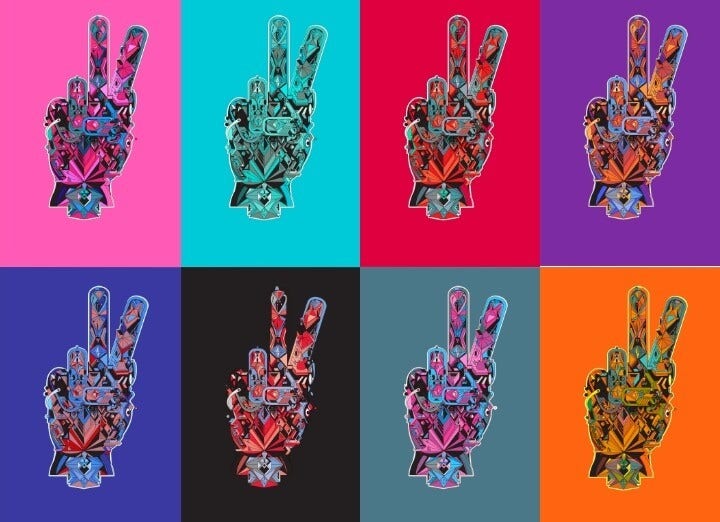
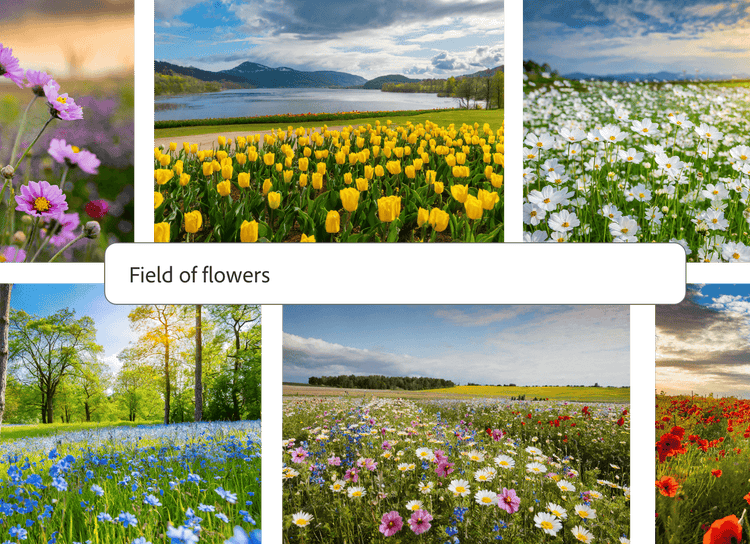
New generative AI features in Illustrator can make it a lot easier to work with scalable images. Now you can transform a simple text prompt into a fully editable vector graphic with Text to Vector Graphic. With Generative Recolor, you can use text prompts to experiment with different colour palettes. So just type your inspiration, like “pumpkin spice” or “spring wildflowers” and see what happens. Also, the new Retype feature allows you to select static images or outlined text and quickly identify matching fonts from Adobe Fonts.
Other AI features in Illustrator include a global editing feature that automatically identifies similar vector shapes in a document so you can edit all shapes at once. Puppet Warp lets you make changes to objects without redrawing or modifying each anchor point, so you can create variants faster. And with Content-aware Crop, you provide an image and get AI suggestions on how to crop it. Altogether, Illustrator’s AI-powered tools help graphic designers create clean, scalable artwork with less manual effort, making it a key part of any modern AI design workflow.
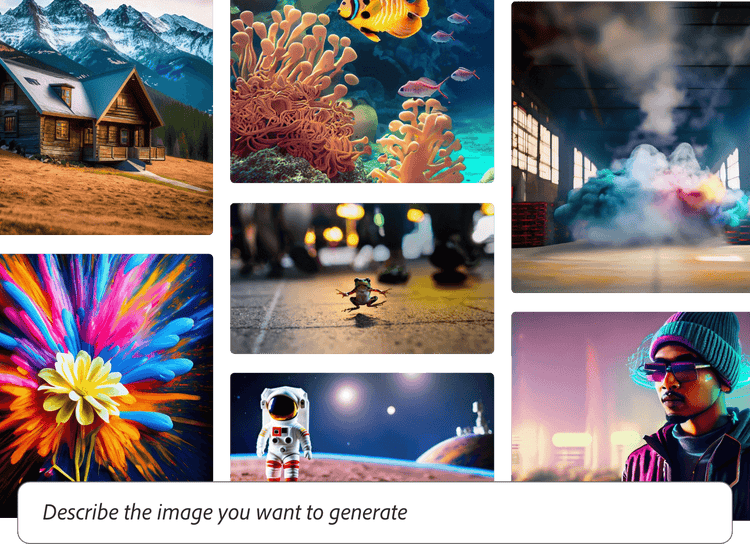
With the Firefly web app as your AI generator, you can create images in any style and in a variety of aspect ratios with a text prompt. Use it to try new ideas, get out of creative ruts or to start a new design when you’re pressed for time. You can also use Firefly to create unique text effects and add or remove objects with Generative Fill. You can also find these features in Adobe Express. This makes Firefly especially helpful when exploring how to create graphic design with AI or when you need quick visual concepts for pitches, moodboards or social content.
Firefly’s generative AI models are designed to be commercially safe, which means you can create content with confidence knowing that you can use the content in both personal and professional projects. Its ease of use and creative flexibility make Firefly a powerful starting point for anyone learning how to use AI as a graphic designer.
Adobe Fresco uses AI to bring natural painting and drawing experiences to digital canvases, making it a valuable tool for illustrators and graphic designers who want realistic textures and expressive brushes. These AI-powered behaviours help artists create richer, more dynamic artwork without traditional materials.
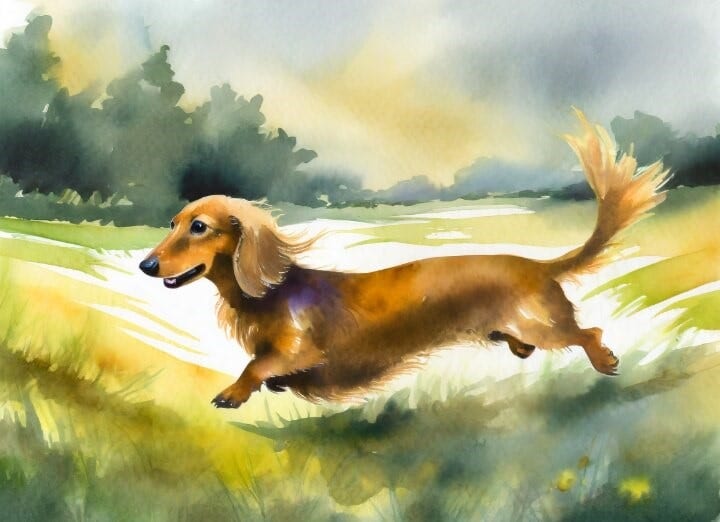
Thanks to AI, you can paint digitally with Live Brushes that look, feel and act like the real thing. Create watercolours that bleed in real time or build up paint thickness for a 3D effect. These responsive, lifelike tools make Fresco ideal for designers exploring AI-generated graphic design details, hand-drawn effects or mixed-media styles while still maintaining full creative control.
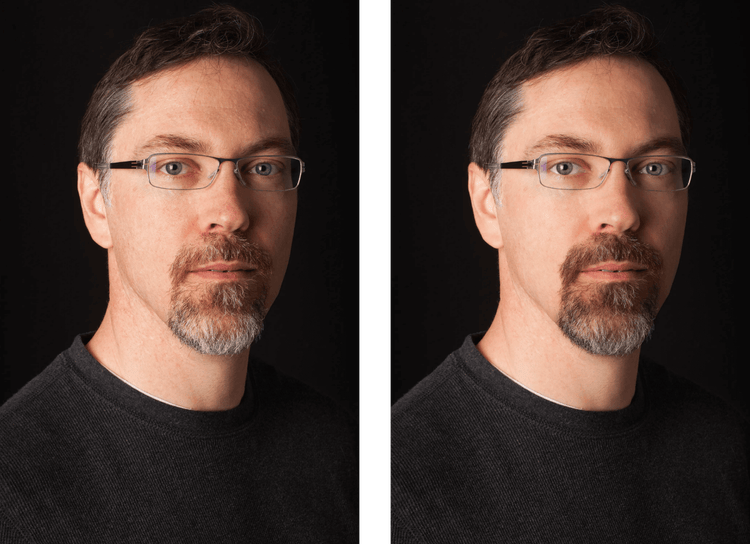
Add in the final touches to enhance an entire portrait with a single click or tap with Polished Portrait and/or Darken Beard. These smart tools help designers create cleaner, more professional imagery with minimal manual adjustment, making Lightroom an essential part of an AI-supported design workflow.


Based on your location, we think you may prefer the United States website, where you'll get regional content, offerings, and pricing.


