


What makes Adobe Acrobat one of the best PDF tools?
Get the PDF tools you trust, now enhanced with AI. Generate fast insights and presentations from your files and create content all in one place.
Why choose Acrobat?

Trusted by millions of people worldwide

Built-in PDF security and compliance tools

Premium PDF tools including AI Assistant

Use Acrobat in Microsoft 365 and ChatGPT
How does Acrobat compare to other PDF tools?
With 70+ PDF tools and built-in AI features, Acrobat offers everything you need to edit, convert, summarise, e-sign and share your documents. Complete everyday PDF tasks in a fast and efficient way – whether you’re working from your desktop, web or mobile.
Discover how Acrobat compares to other PDF platforms and apps in the table below.
iLovePDF
-
-
Smallpdf
-
-
Canva
-
-
https://main--da-dc--adobecom.aem.page/dc-shared/assets/images/product-icons/svg/acrobat-pro-40.svg

Acrobat Studio
-
The complete AI-powered PDF and design solution for business workflows
-

How Acrobat transforms your PDF workflows.
Acrobat’s PDF tools are designed to boost productivity by bringing together connected workflows and AI-driven features. Simplify how you handle, share, and collaborate on digital documents.



https://main--da-dc--adobecom.aem.page/dc-shared/assets/images/product-icons/svg/acrobat-pro-64.svg Acrobat Studio

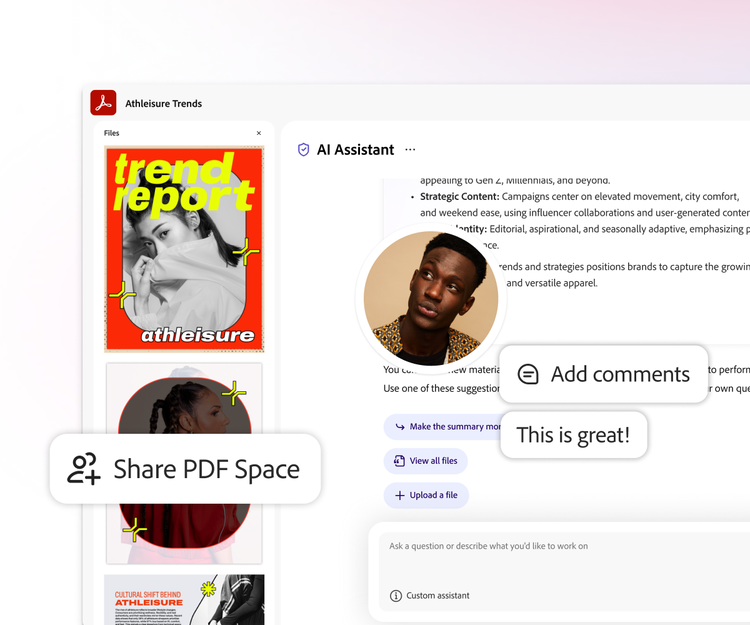
Collaborate across multiple documents in a shared AI-powered workspace.
Acrobat Studio includes Acrobat Pro, AI Assistant, and Adobe Express Premium, giving you 70+ PDF and AI-powered tools — all in one place. Simplify document workflows from editing, converting, and e-signing to AI-powered summaries and presentations.
Start free trial | Start free trial Acrobat Studio Learn more | Learn more Acrobat AI Assistant
Questions? We have answers.
Acrobat Reader is free to use for essential tasks like viewing, printing, reading and signing PDFs.
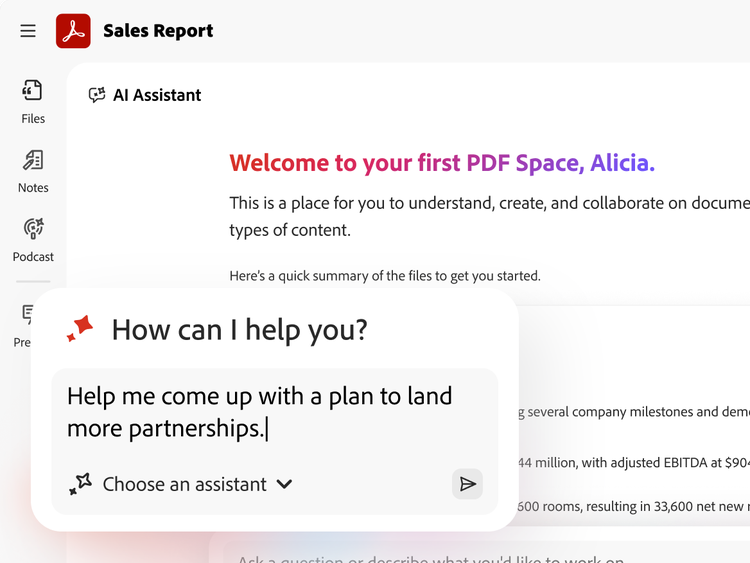
You can try Acrobat Studio with a free 7-day trial which gives you full access to edit, convert, protect and e-sign documents. You can also take advantage of advanced features like AI-powered PDF Spaces to chat with your docs for faster insights and content creation tools powered by Adobe Express. If you need more time to try all the features, you’ll still have an extra 14 days to cancel and receive a full refund. You won’t be charged until your 7-day trial ends.
Acrobat online offers free PDF tools to use directly in your browser.
The best PDF software depends on your specific needs. Adobe Acrobat is one of the most widely used solutions for individuals and teams to create, edit, convert, sign, and manage PDFs across devices. Adobe Acrobat Studio includes everything in Acrobat Pro, plus an AI‑powered workspace that helps you organize files and understand documents faster with AI Assistant, and turn documents into polished presentations and visuals using Adobe Express Premium.
To find the right PDF solution for you, compare features and capabilities in the table above.
If you need to remove pages from a PDF file, it’s simple when using Adobe Acrobat. All you need to do is:
- Drag and drop your file into Adobe Acrobat
- Head to “Tools”, then “Organize pages”
- Select the pages you don’t want
- Select "Delete” and then “OK” to finalize it
- Save a new version of the PDF.
You can also use our free PDF page remover online to edit documents quickly and easily.