
使用 Photoshop 尝试这些教程
编辑照片以创建新的图像和图形。
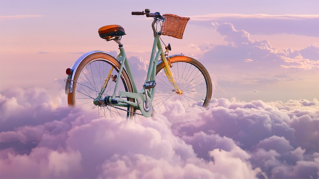
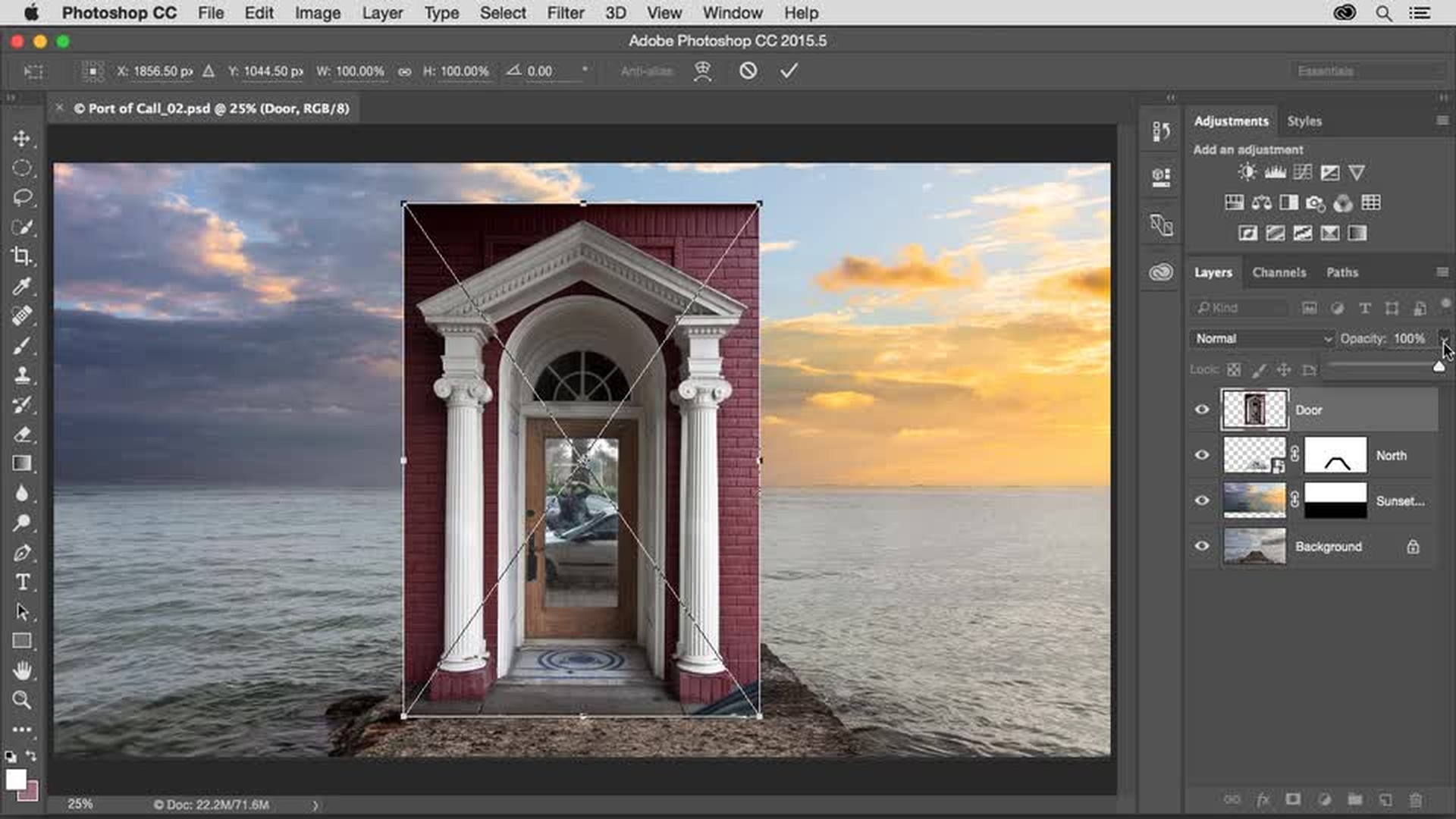
Learn creative compositing techniques for combining images in Photoshop.

学习在合成图像中添加图像、使用图层蒙版将图像融合在一起以及通过变换智能对象来改变图像形状的技巧。
Add an image (0:17); Add layer mask (1:22); Place Embedded Smart Object (2:45); Apply Overlay Blend Mode (3:20)
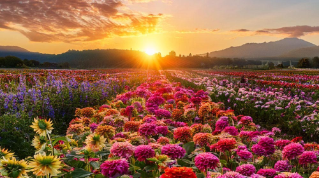
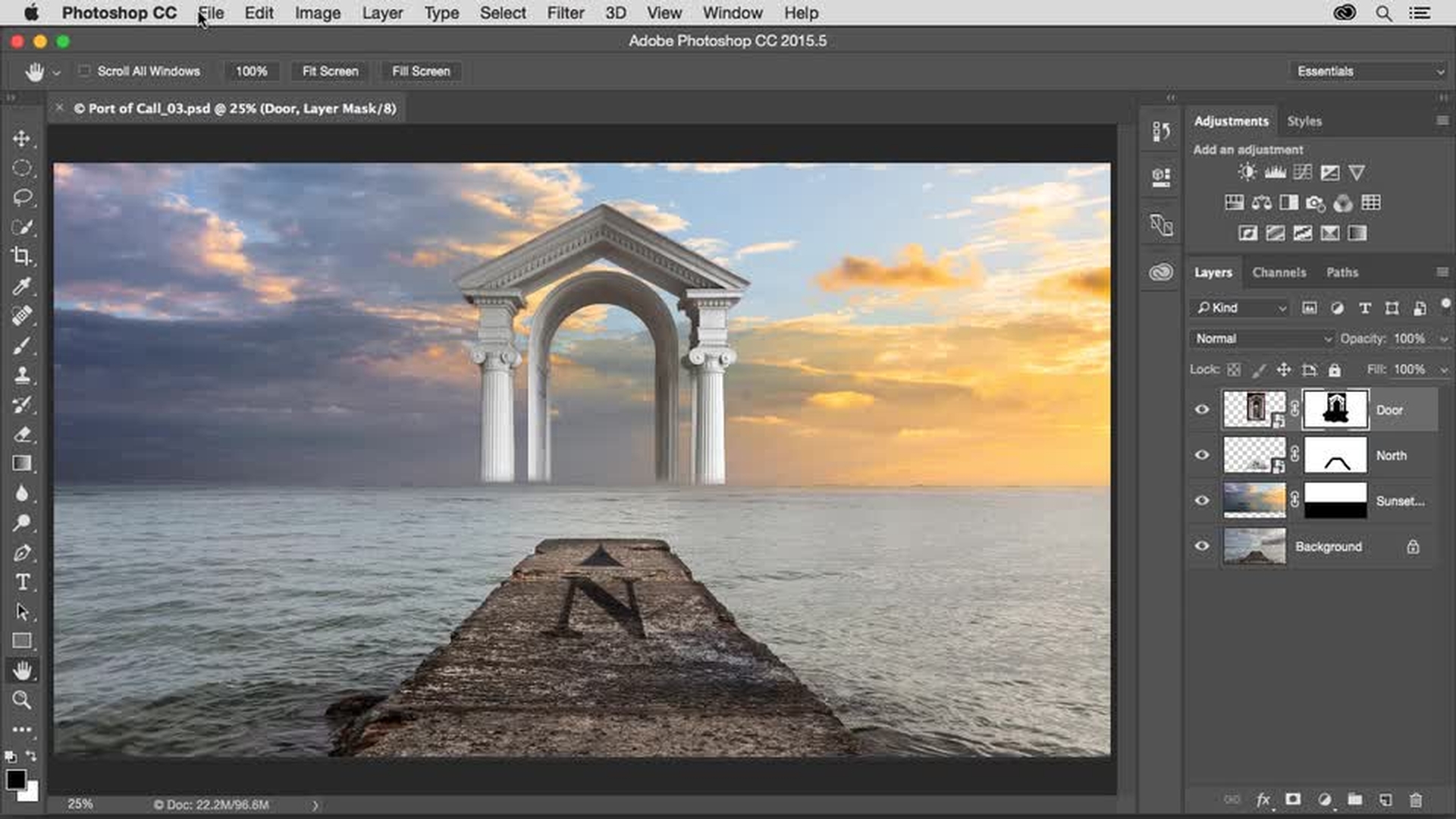
使用图层蒙版、选区和 Brush(画笔)工具为合成图像添加中心元素。
Place another image (0:08); Select and mask (00:48)
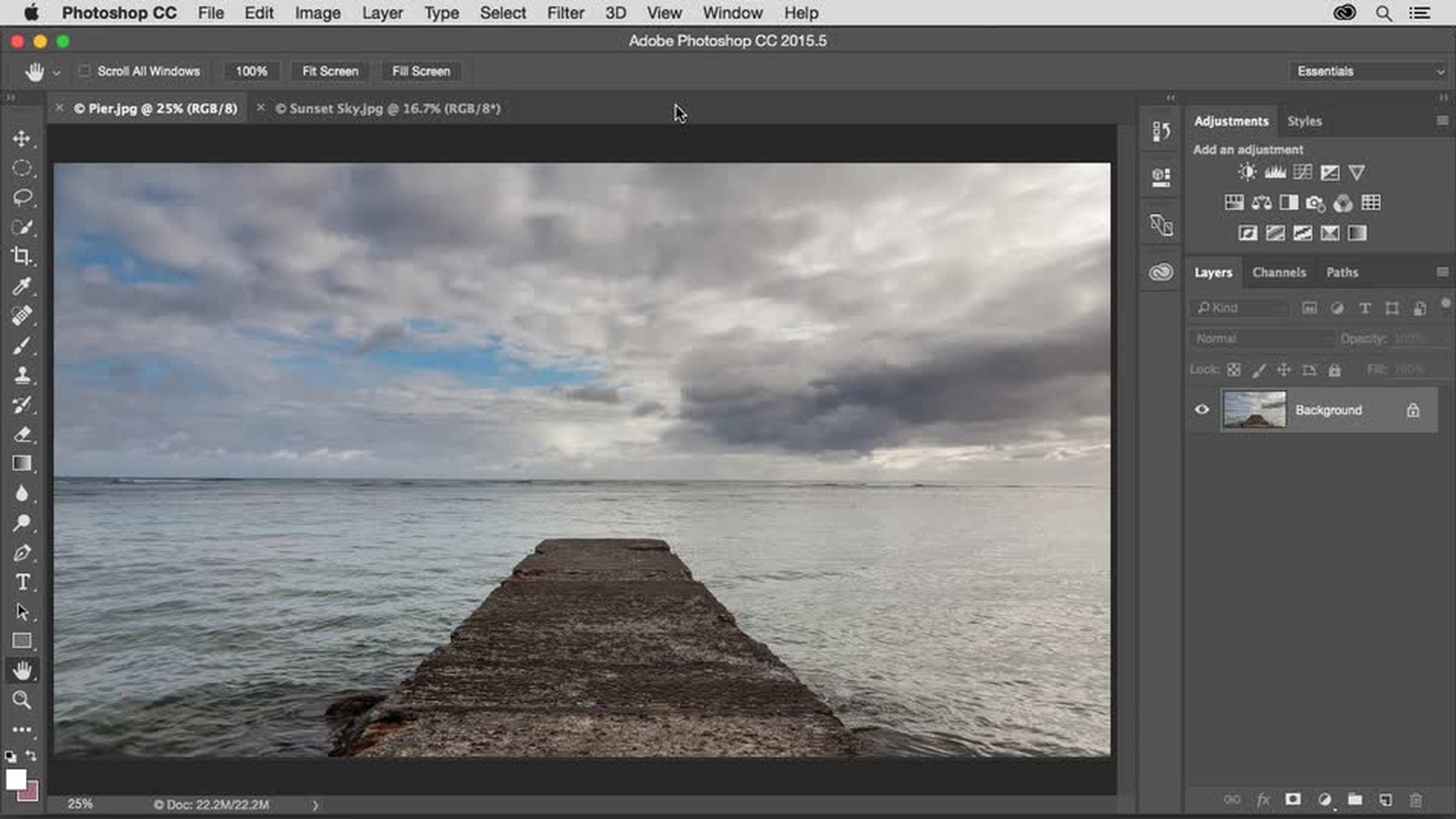
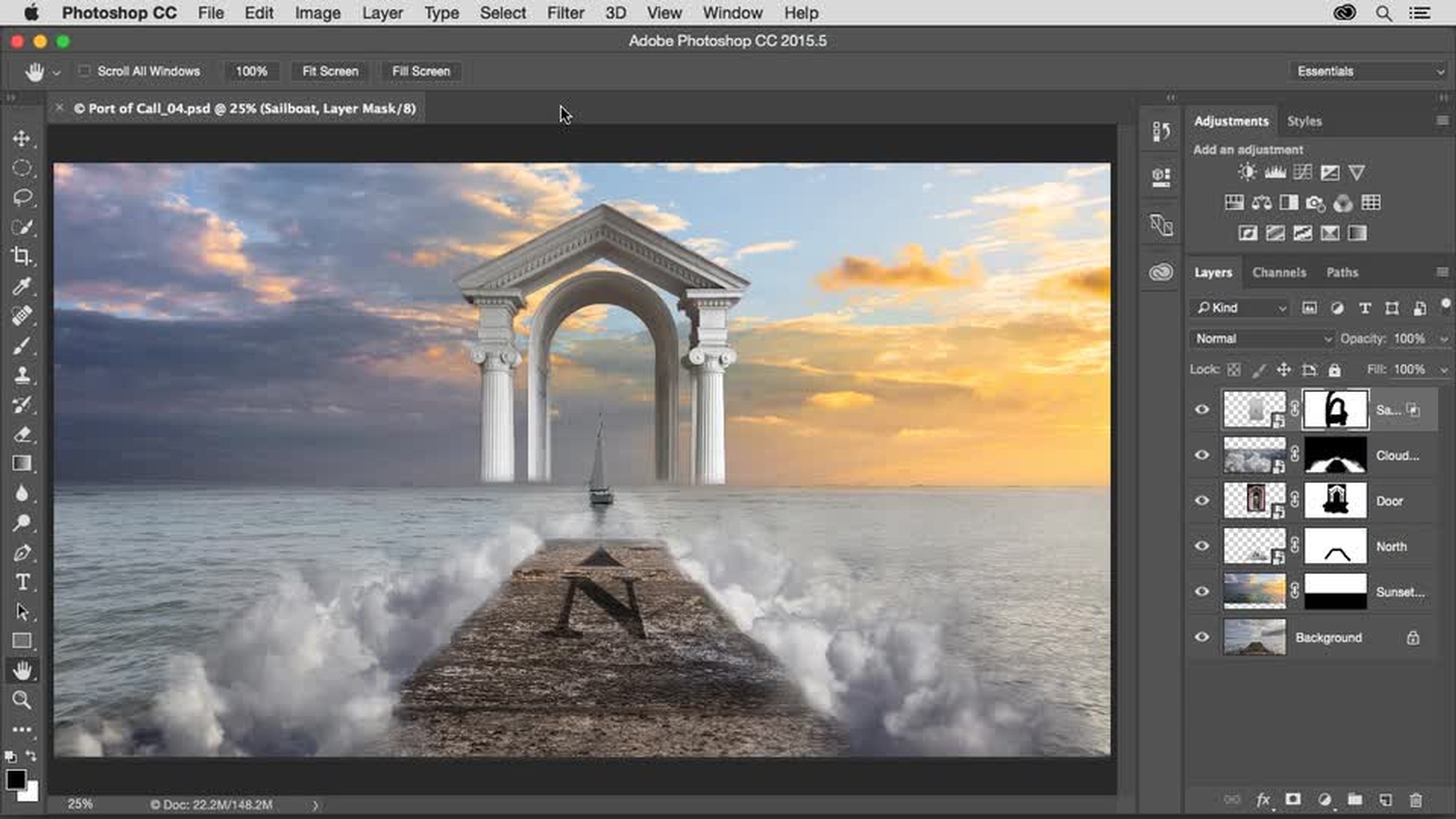
在合成图像中添加几片云,打造梦幻效果,给一个图层蒙版填充上色,勾勒出云层。然后学习如何使用 Blend If(混合颜色带)滑块把一张帆船照片融入场景中。
Add layers to create depth (0:17); Change layer order (2:05); Apply Multiply Blend Mode (3:35); Resize layer (3:54)
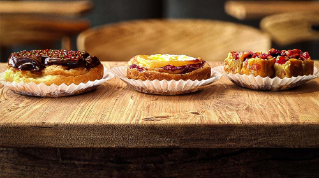
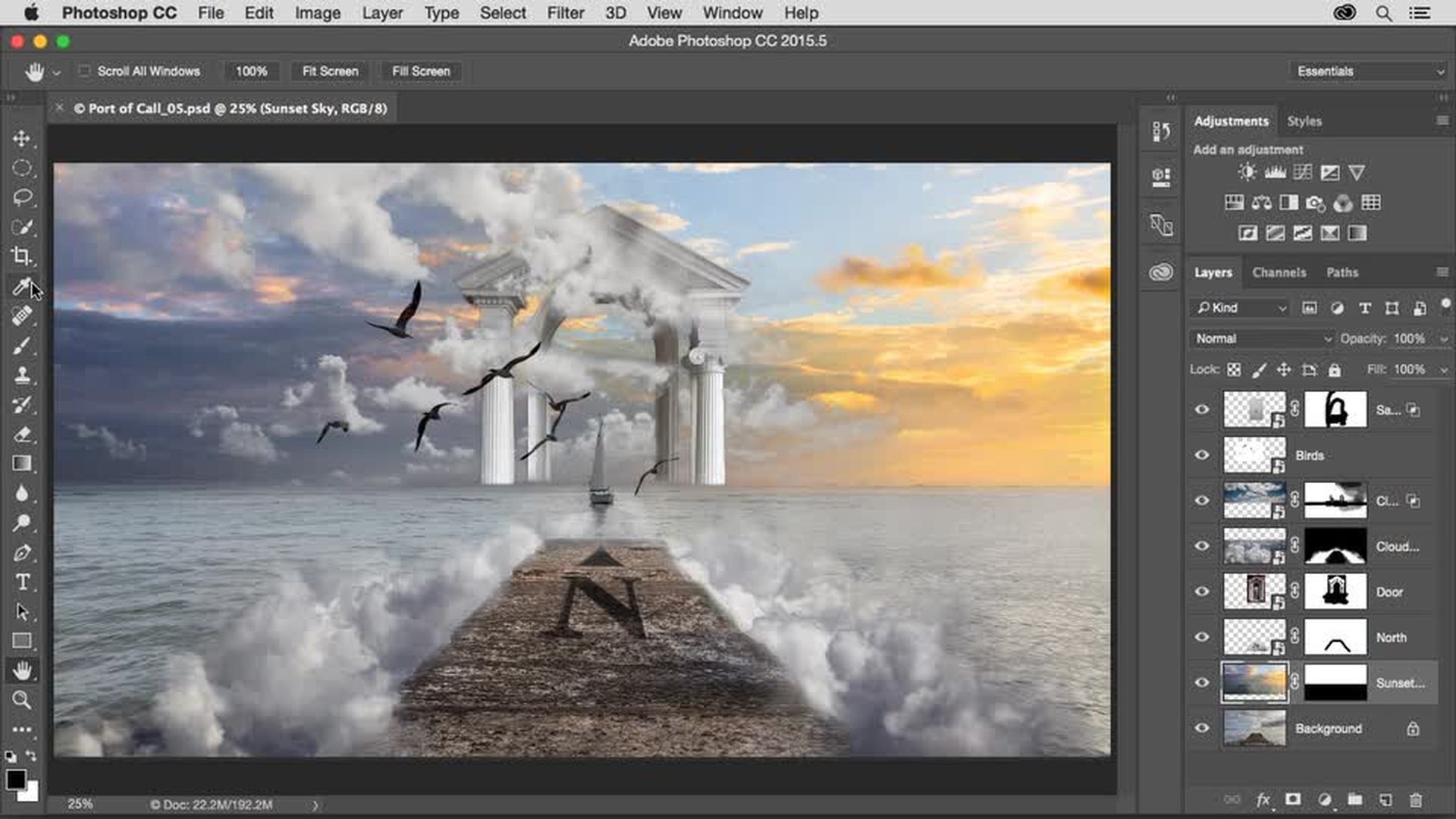
添加表现前景和背景元素的图层,扩展场景视角。 给一个图层蒙版填充上色,使云层和其它对象交织在一起。 之后,使用一种图层 Blend Mode(混合模式),去掉图层的白色背景。
Add more images (0:20); Use Blend If sliders to hide content (2:53)
颜色是合成图像的核心要素。 学习使用填充图层、图层 Blending Modes(混合模式)和剪贴蒙版来调控颜色的技巧。 最后,使用 Curves(曲线)工具调整亮度和对比度,对梦幻作品进行美化处理。
Add Solid Color Fill layer (0:38); Apply Color Blend Mode (1:02); Add Clipping Mask (1:20); Add Gradient Fill layer (2:01); Apply Soft Light Blend Mode (3:55); Apply Curves adjustment layer (4:32)
Everyone can Add Layers - Combine photos to create an amazing new image.


All Consent Allowed