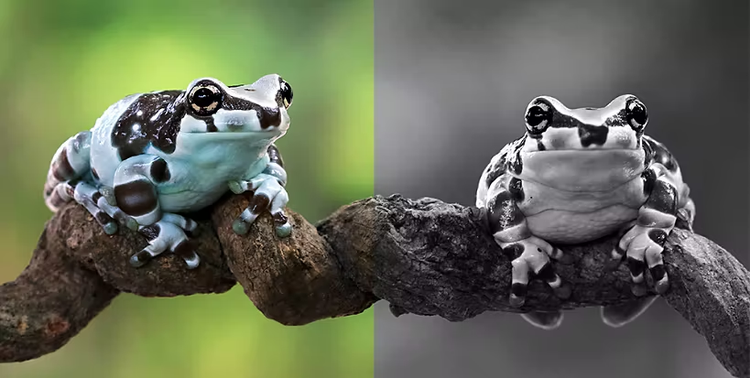
Add drama by subtracting color.
Create customized black-and-white effects by creating a Black & White adjustment layer. Darken or lighten the gray values of particular colors for better contrast.


Tap to upload the image
File must be JPEG, JPG, or PNG and up to 40MB
By uploading your image or video, you agree to the Adobe
Terms of Use and Privacy Policy
Tap to upload the image
File must be JPEG, JPG, or PNG and up to 40MB
By uploading your image or video, you agree to the Adobe
Terms of Use and Privacy Policy
Drag and drop an image
to try it today
File must be JPEG, JPG, or PNG and up to 40MB
By uploading your image or video, you agree to the Adobe
Terms of Use and Privacy Policy
Make old photos look new, new photos look old, and all photos look better with Photoshop tools and filters.
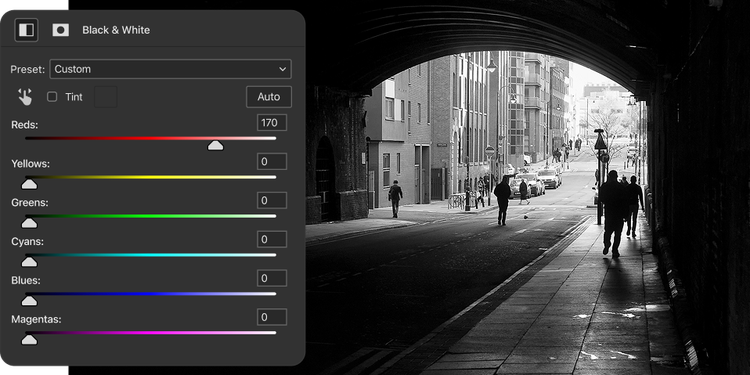
Create customized black-and-white effects by creating a Black & White adjustment layer. Darken or lighten the gray values of particular colors for better contrast.
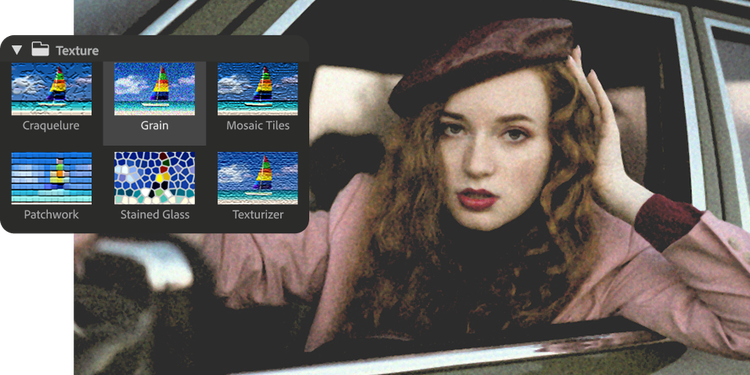
Add film grain from the Artistic submenu in the Filter Gallery or add noise to simulate the dirt or scratches on old photos.
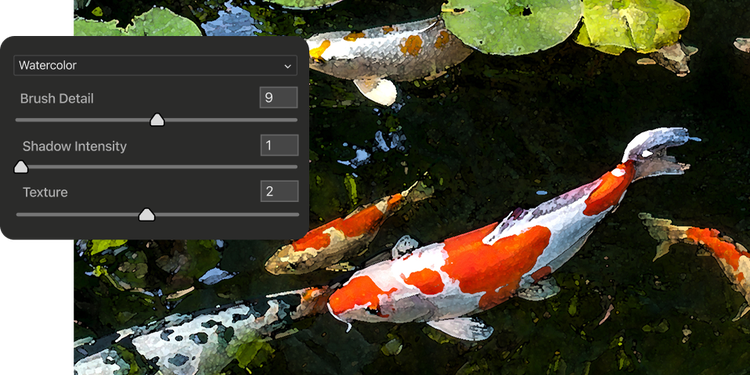
Give your photo a personal touch with a wide selection of Brush Stroke filters. Simulate a pointillist painting by applying a Pixelate filter, or create a collage effect with a Cutout filter.
Retouch any blemishes or unwanted elements in portraits with the Spot Healing Brush tool. Create a new layer to work on so your edits remain nondestructive.
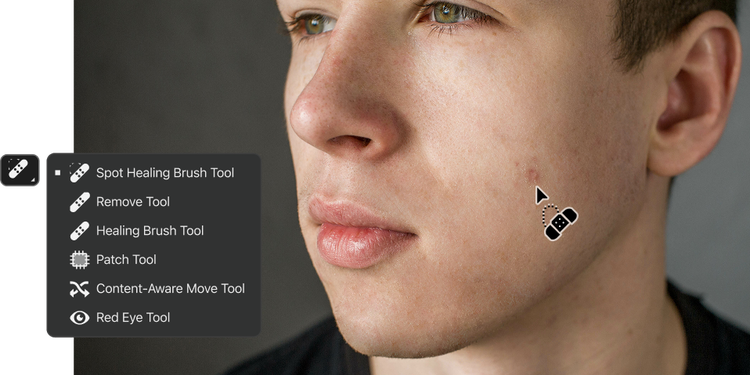
If you can dream it, you can make it in Photoshop. Add to your knowledge with these tutorials.
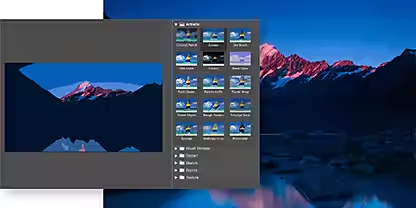
Learn how to use and combine filters. Try adding a lens flare with a Render filter, or apply a Lens Correction filter to create a vignette and give your photo a Lomo camera effect.
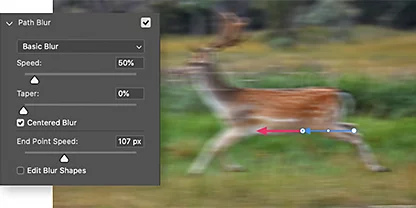
Adding blur effects can create a sense of movement or draw a viewer’s eye to a particular focal point. Experiment with Field blur, Iris blur, Tilt-Shift, and Motion blurs.
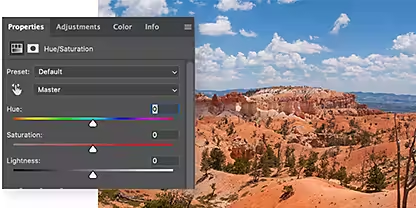
Make your photos more vivid by brightening certain colors and dimming others. Learn how to make targeted Hue/Saturation adjustments.
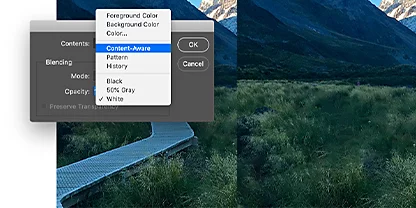
Cut unwanted elements like stray arms or photobombers from your photos. Add objects by cloning, and fix other imperfections with this tutorial.
Make pixel-perfect edits on-the-go with powerful features, now on Photoshop on the iPad.
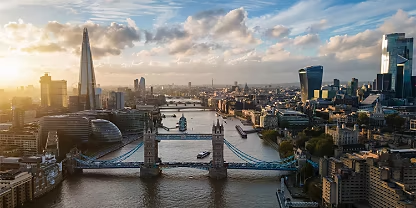
Leave no detail untouched with Camera Raw support on iPad. Import your raw image, make basic edits, and then get to creating your next photo masterpiece.

Protect your photo files or Photoshop layers on the iPad by converting them to Smart Objects, which keep your original content safe from permanent changes.

Brighten shadows or darken highlights with Dodge and Burn — the must-have tools for painting small exposure adjustments onto photos.
Annual, billed monthly
US$22.99/mo
Get Photoshop on desktop and iPad as part of Creative Cloud.
Annual, billed monthly
US$69.99/mo
Get 20+ Creative Cloud apps, including Photoshop on desktop and iPad.
Annual, billed monthly
US$19.99/mo
Save over
Annual, billed monthly
US$99.99/moper license
Industry-leading creative apps with simple license management.