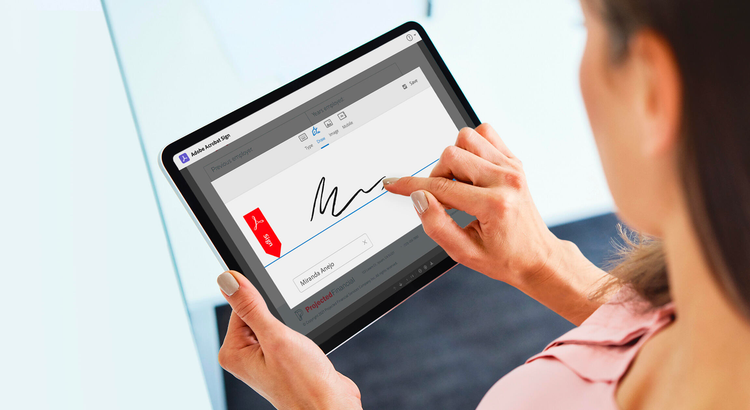
Er elektroniske underskrifter retsgyldige? Helt sikkert
Adobe Acrobat Sign er en af de mest anerkendte elektroniske underskriftsløsninger. Uanset om du skal bruge en kvalificeret elektronisk underskrift (QES) i et EU-land, Schweiz eller England eller en e-KYC-kravspecifik underskrift i Indien, så hjælper Acrobat Sign dig med at overholde lovene over hele verden - herunder de skrappeste juridiske krav.
Hvorfor skal du vælge elektroniske underskrifter fra Acrobat Sign?
Elektroniske underskrifter er lovfæstede, anerkendte og retsgyldige i mange industrialiserede lande over hele verden. Selvom der kan være stor forskel på lovgivningen, giver Acrobat Sign dig maksimal fleksibilitet i en enkelt global elektronisk underskriftsløsning. Fra simple elektroniske underskrifter til elektroniske underskrifter med stærk identifikation til yderst sikre, regulerede digitale underskrifter i skyen, kan du vælge den rigtige type til ethvert behov – og enhver underskriver.
Fordi den er understøttet af åbne standarder og vores store globale netværk af digitale identitetsleverandører, kan du anvende en topsikker, kravspecifik cloud-underskrift direkte fra din telefon.
Sikkerhed ved elektronisk underskrift.
Hos Adobe har digital dokumentsikkerhed topprioritet. Læs alt om, hvordan vi beskytter dine elektroniske underskrifter i Acrobat Sign Security-oversigt.
Globale love.
Afhængigt af dit anvendelsesformål har love om elektroniske underskrifter over hele verden nogle ligheder, men kan rumme vigtige forskelle vedrørende retsgyldighed eller juridisk virkning afhængig af land eller landsdel.
Anvendelse i USA.
I USA udgjorde lovene E-Sign Act og Uniform Electronic Transactions Act (UETA) det juridiske grundlag for elektroniske underskrifter, der finder anvendelse i alle stater.
Anvendelse i EU.
I EU udgjorde forordningen om elektronisk identifikation og tillid (eIDAS) lovgrundlaget, der hjalp med at normalisere elektronisk underskriftsstatus på tværs af landegrænser.
background
#FAFAFA
style
three-up, xl spacing
Nøglebegreber for overholdelse af krav til elektroniske underskrifter.
Acrobat Sign hjælper din organisation med at håndtere overholdelse af lovens krav for dine elektroniske fortegnelser sågar på det individuelle dokumentniveau. Lær hvordan man hjælper teams i din organisation med at identificere og mindske risici vha. Adobes processer for elektroniske underskrifter.
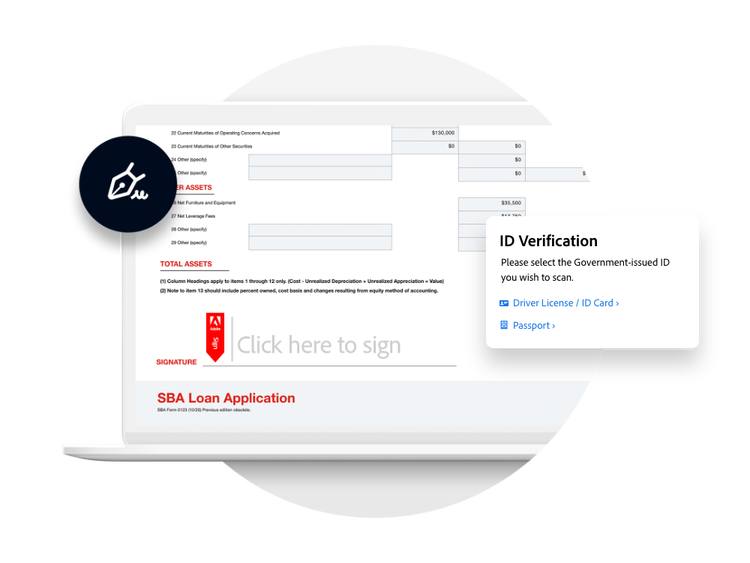
Ikke alle elektroniske underskrifter er ligeværdige.
Fra en simpel elektronisk underskrift til en certificeret cloud-underskrift, så giver Acrobat Sign dig valget mellem en elektronisk underskrift og det nødvendige identifikationsniveau for at bekræfte underskriveridentiteten – inden dit dokument eller elektroniske formular underskrives. Kort sagt er Acrobat Sign den mest fleksible løsning til at hjælpe dig med, på en sikker måde, at leve op til lovens krav og juridiske rammer for elektroniske underskrifter over hele verden.
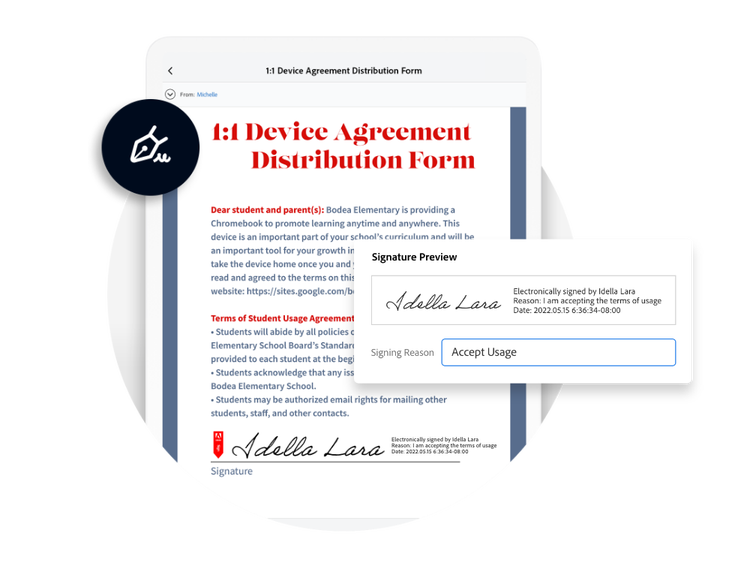
Fuld af funktioner, der er beregnet til juridiske arbejdsgange.
Med Acrobat Sign-funktioner kan du angive en årsag til underskrivning, anmode om samtykke til at udføre elektroniske handler og give mulighed for at underskrivere kan underskrive i hånden. Se alle Acrobat Sign-funktionerne, der gør det nemt at sende, underskrive, spore og håndtere elektroniske underskriftsprocesser – overalt, altid – direkte fra en browser eller telefon.
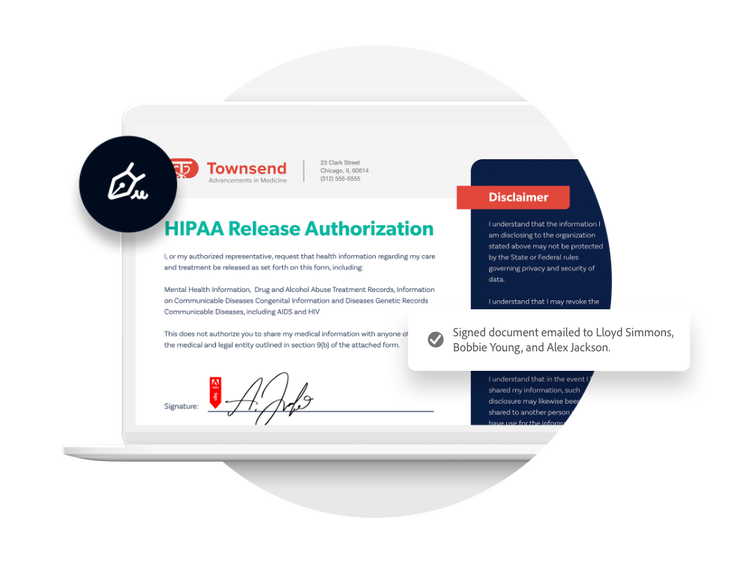
Fremvis bevis for underskrivning.
Afhængig af den anvendte type af elektronisk underskrift kan Acrobat Sign kontrolsporet og underskriftspanelet hjælpe med at bevise, at en specifik underskriver godkendte sin underskrift på et dokument. Og hvis du bruger en topsikker, reguleret digital underskrift, vil den også være kryptografisk bundet til dokumentet og kan valideres i op til 10 år. Ved udfyldelse sendes der kopier af underskrevne dokumenter automatisk til alle parter, og certificeres af Adobe med en forsegling, der er sikret mod manipulation.
Vil du vide mere?
Uanset om du skal bruge nogle grundlæggende informationer om vores løsninger eller du gerne vil have et tilbud, der er tilpasset efter dine unikke forretningsbehov, er vi klar til at hjælpe dig med at få dine spørgsmål besvaret.
You can control how Adobe websites use cookies and similar technologies by making choices below. But note that if you disable cookies and similar technologies entirely, Adobe websites may not function properly.
Cookies are small text files stored by your web browser when you use websites. There are also other technologies that can be used for similar purposes like HTML5 Local Storage and local shared objects, web beacons, and embedded scripts. These technologies help us do things like remembering you and your preferences when you return to our sites, measure how you use the website, conduct market research, and gather information about the ads you see and interact with.
You can make choices in the menu below about what cookies and other technologies you want us to use on Adobe sites when you visit them from this browser. You can always change those choices later by clicking on the Cookie Preferences link at the bottom of the page.
If enabled:
We can improve your experience by tailoring the site and the content to things we think might be of interest
We can better keep track of your preferences — like what language you prefer to use
We will better understand your likely interests so we can provide you more relevant Adobe ads and content on non-Adobe websites and in non-Adobe apps
It will help us improve the performance of our website and those of our partners who use the Adobe Experience Cloud
If disabled:
We won’t be able to remember you from session to session so the experience may not be tailored to your interests
You’ll still have access to the content of the site but certain features that depend on cookies may not function
You’ll still see ads, they just may not be as relevant to you
General information
You can control how Adobe websites use cookies and similar technologies by making choices below. But note that if you disable cookies and similar technologies entirely, Adobe websites may not function properly.
Cookies are small text files stored by your web browser when you use websites. There are also other technologies that can be used for similar purposes like HTML5 Local Storage, web beacons, and embedded scripts. These technologies help us do things like remembering you and your preferences when you return to our sites, measure how you use the website, conduct market research, and gather information about the ads you see and interact with.
You can make choices in the menu below about what cookies and other technologies you want us to use on Adobe sites when you visit them from this browser. You can always change those choices later by clicking on the Cookie Preferences link at the bottom of the page.
If enabled:
We can improve your experience by tailoring the site and the content to things we think might be of interest
We can better keep track of your preferences — like what language you prefer to use
We will better understand your likely interests so we can provide you more relevant Adobe ads and content on non-Adobe websites and in non-Adobe apps
It will help us improve the performance of our website and those of our partners who use the Adobe Experience Cloud
If disabled:
We won’t be able to remember you from session to session so the experience may not be tailored to your interests
We’ll still count your use of our site and services
You’ll still have access to the content of the site but certain features that depend on cookies may not function
You’ll still see ads, they just may not be as relevant to you
Operate the site and core servicesOperate site and measure engagement
Always active
These cookies are required, and they are used to enable the site and related services core functionality. Without them the site could not operate, so they cannot be disabled.
These cookies enable the site and related services’ core functionality and collect statistics about user engagement, such as counting active use to help us understand trends. These cookies cannot be disabled.
Measure performance
These cookies are used to analyze site usage to measure and improve performance. Without them Adobe cannot know what content is most valued and how often unique visitors return to the site, making it hard to improve information we offer to you.
These cookies are used to analyze site usage to measure and improve performance. Without them Adobe cannot know what content is most valued, making it hard to improve information we offer to you.
Extend functionality
These cookies are used to enhance the functionality of Adobe sites such as remembering your settings and preferences to deliver a personalized experience; for example, your username, your repeated visits, preferred language, your country, or any other saved preference.
Personalize advertising
These cookies are used to enable Adobe and our partners to serve ads more relevant to your interests. Without them you will still see ads, but they might not be as relevant to you.