Create gauge charts for free.
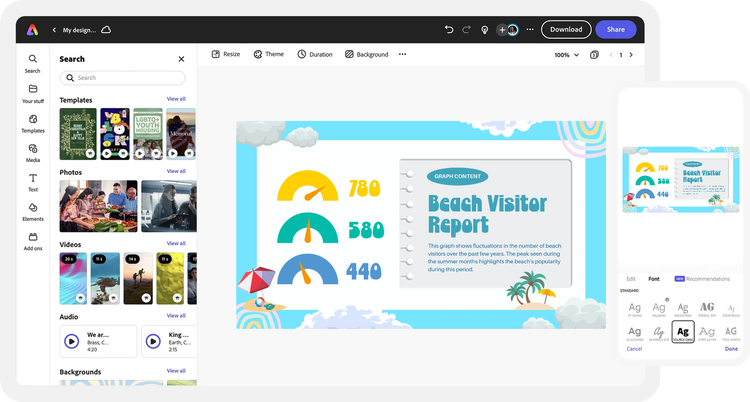
Gauge charts are an excellent visual tool for showing a population’s interest in something, how much progress has been made, or the most important metrics in an executive dashboard. Our gauge chart creator lets you create stand-out charts and graphs in minutes.
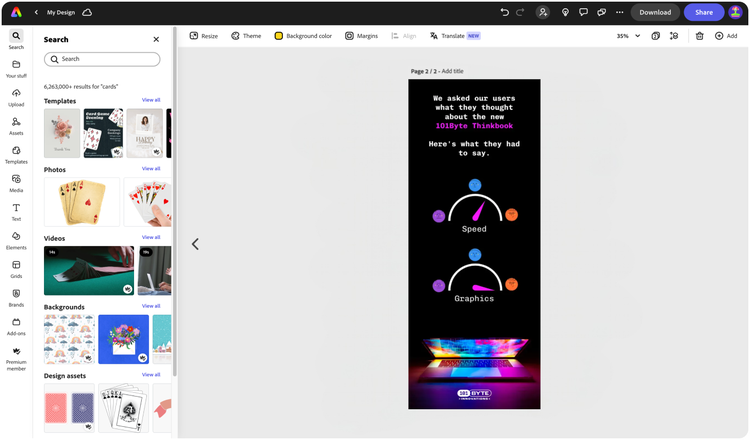

Easy all-in-one editor

One-click edits from any device

Fast creation with generative AI

Thousands of professionally-designed templates
Easily get started in Adobe Express.
- Upload Content
- Stock Content
- AI
Upload or import your content.
Add your own photos or videos and start your creation from there. You can also import your PSD or Ai files and Adobe Express will recognize all of your layers.


Upload your photos or videos
Upload your PSD or Ai files
Upload or import your content.
Add your own photos or videos and start your creation from there.
Upload your photos or videos
Start from our amazing collection of stock content.
You can start your project from the Adobe Stock royalty-free photo, video, or audio collection.


Start with video

Start with photo

Start with audio
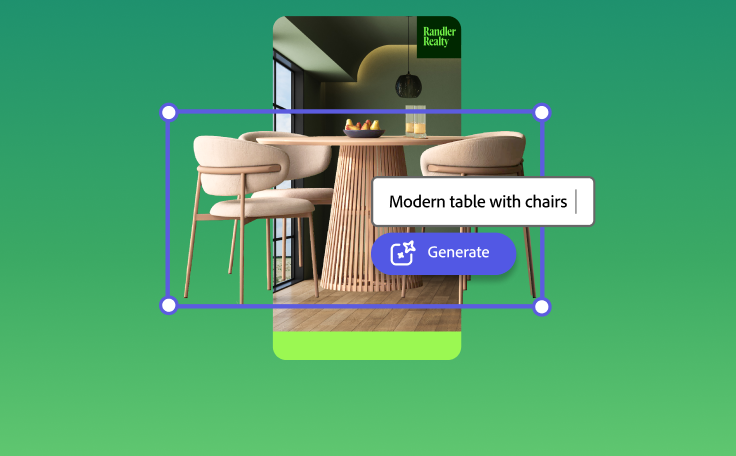
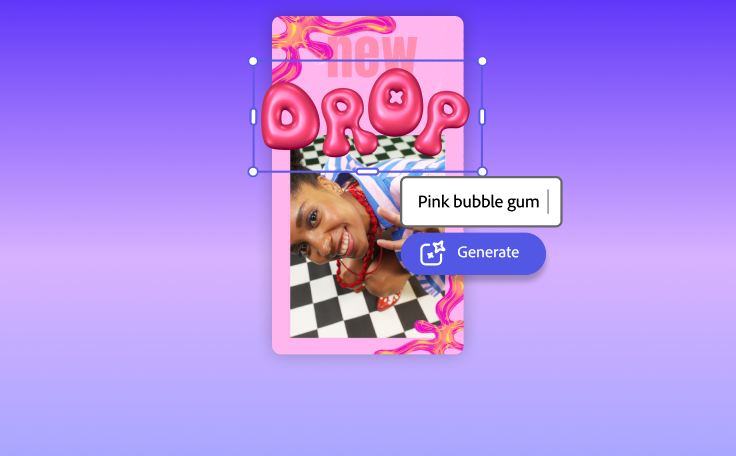
Imagine and create from a text prompt.
Your imagination is your only limitation. You type it. Adobe Express generates it.


How to make a gauge chart.
See what people are saying about Adobe Express.

Abs Ahlijah
Marketing & Content Coordinator @ Soul Session

Liz Mosley
Owner, Liz Mosley Design

Penuel Stanley-Zebulon
Student @ Pennsylvania State University

Attabeira German de Turowski
Owner, Attabeira Oneline

Mike Nappi
Owner, NappiMusic
Discover even more features for easy content creation.
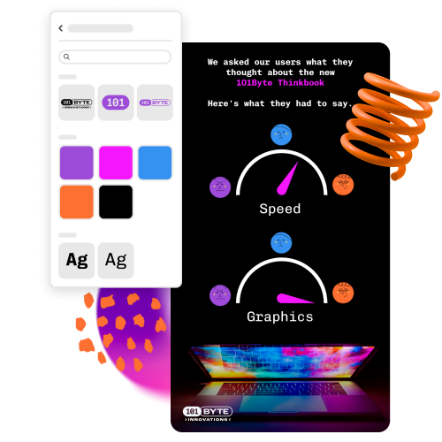
Add your brand to your gauge chart design.
The more visually appealing you can make your data presentation, the better. With the Adobe Express Premium plan, you can add your pre-set branding to your gauge chart with one click. Watch your gauge chart transform with your brand’s color schemes, logo, and fonts. Now you can share your data easily and in style.
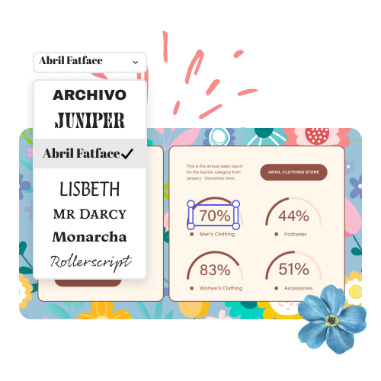
Create effective presentations with gauge charts.
After you’ve created a beautifully branded gauge chart, let the rest of your presentation or document sparkle with high-quality images, videos, and fonts from Adobe Stock and Adobe Fonts. Take it to another level with one-click animations, icons, and shapes. You don’t need to be a designer to create a compelling presentation. Adobe Express templates and curated design recommendations make getting started easy.