



Free wedding reception invitation maker.
Celebrate your vows with honored guests by creating wedding reception invitations in Adobe Express. Start with a professionally designed template then customize to make it yours. All that’s left to do is print and mail.
* Available for print in US, UK, Australia, and Canada
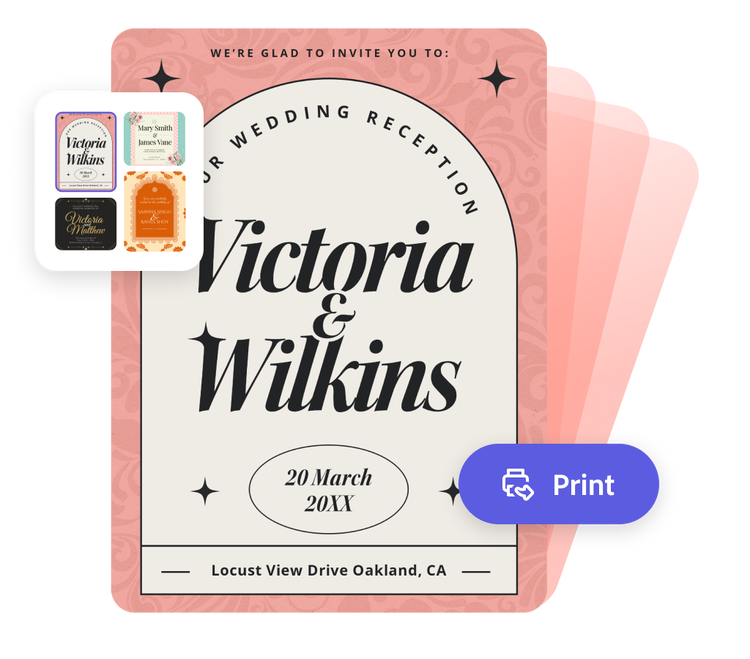
Start making an invitation by searching for an event
Create custom invitations fast with Adobe Express. Easy to use, endlessly customizable, and perfect for any occasion.


 Free to use
Or start with these popular templates


1. Pick a template.
Launch the wedding reception invitation maker, then search for a template that matches your style. From sophisticated and minimal to flashy and fun, Adobe Express has tons of templates to help you get started.
2. Customize it.
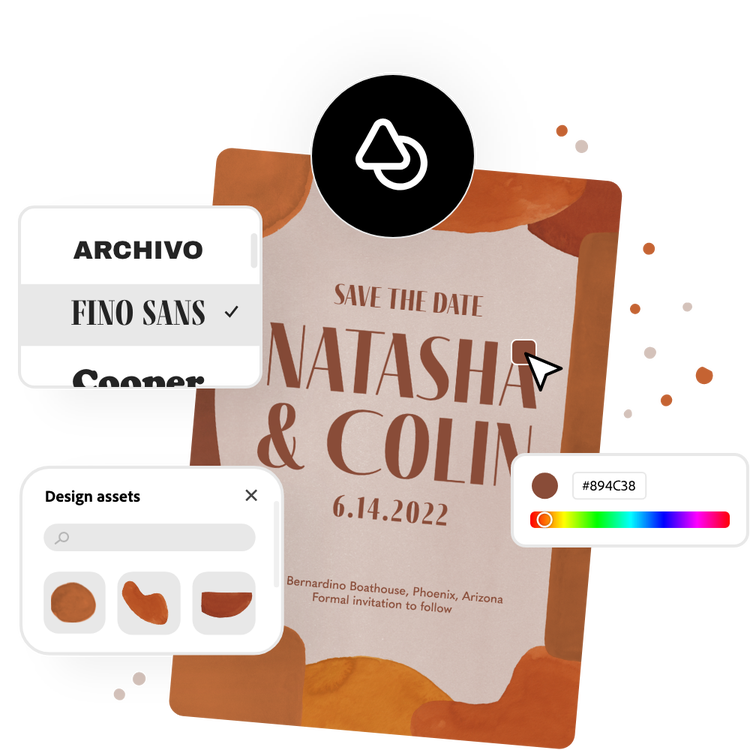
Select any text box to change font styles and add in your invitation's details such as invitees' names, date, location, website, and registry. Upload engagement photos for a personal touch or open the full Adobe Express editor to create a monogram logo to use as your design focal point.
3. Download or print.
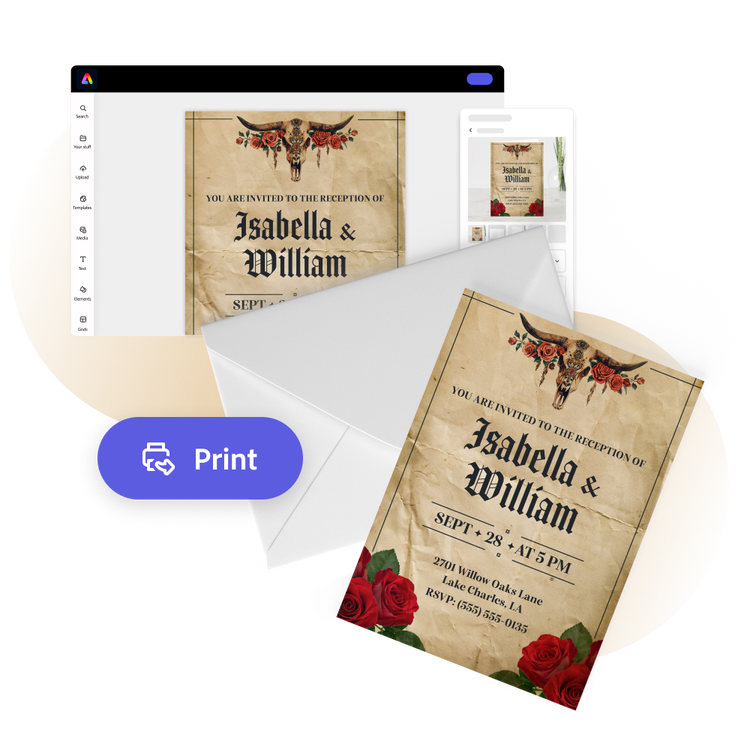
It’s traditional to send wedding reception invitations through the mail. Order high-quality prints from Adobe Express (if you’re a US, UK, Australia, or Canada desktop or mobile user) and have them delivered to you. Or download your invitation as a PDF, JPG, or PNG file to share anywhere or print on your own.
Make bespoke wedding reception invitation designs.
Adobe Express lets you create wedding invitations that excite attendees and kick off the celebrations in a simple and easy way. Embellish your wedding reception invitation design with gorgeous Adobe Font recommendations, graphics, and so much more. Our easy-to-use tools save you time and effort so you can stress less and enjoy the day.
Use photos to tell your story.
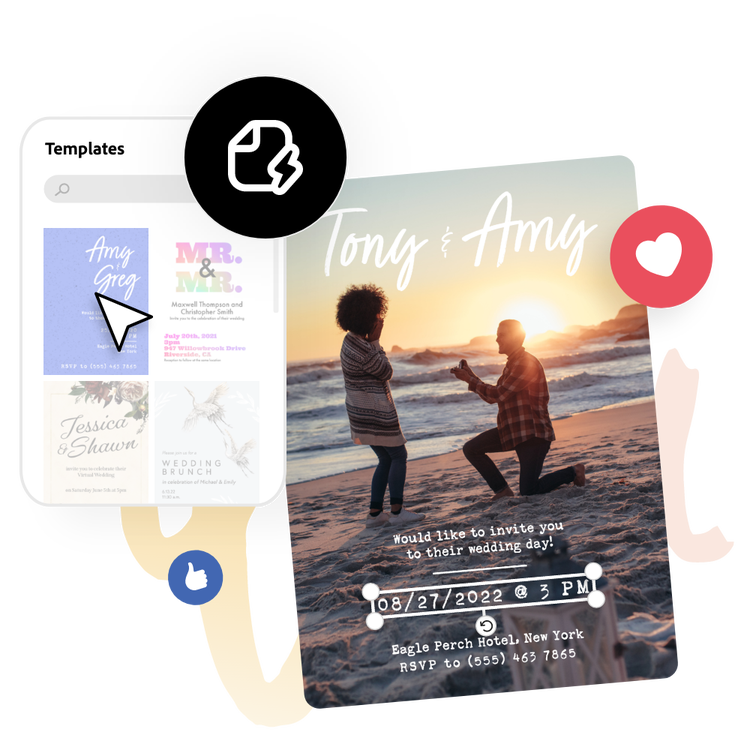
Upload your favorite photo and use it to fill up the entire space as the focal point, then layer on the event details like the newlywed’s name, time, date, and so much more. Play around with built-in photo editing tools in Adobe Express to increase contrast, add images, remove the background from subjects, and more for the perfect shot that best represents your love story.
Send off wedding invitations you’ll want as a keepsake.
It’s easy to go from design to print when using the wedding reception invitation maker. Once you’ve created an invitation that perfectly encapsulates your hopes for the special day, select Print to get started on the final step. If you’re a US, UK, Australia, or Canada Adobe Express user, you can order high quality professional prints straight from the app. Whether you’re planning to have hundreds of guests or just a few for a destination reception, your invitations are covered in Adobe Express.
The simple wedding reception invitation maker for everyone.
Whether you're a busy event planner or a DIY bride or groom, Adobe Express can help you design the perfect wedding reception invitation. It’s as easy as choosing a template below, filling in the ceremony details, and uploading photos of the happy couple. Your wedding reception invitation is done in just a few clicks. No experience needed.
Frequently asked questions.
What is the standard size of a wedding reception invitation?
A standard wedding reception invitation size is 5 x 7 inches. Adobe Express offers your standard invitation size, as well as A5, 7 x 5 inches, 3.5 x 5 inches, and 5 x 3.5 inches. Open the full Adobe Express editor to see all the invitation sizes we have to offer.
What should I include on my wedding reception invitation?
Feature the usual who, what, where, when, and why, along with a dress code, RSVP contact details, or a website or registry if applicable.
When should I send out my wedding reception invitation?
Six to eight weeks in advance is normally a good time to send out invitations for formal events. For a more casual wedding reception, 2 weeks is an ample amount of notice. If you don’t have your wedding reception invitations ready in time, you can always send out a Save the Date card, followed by your invitation once it’s ready.
How do I share my wedding reception invitation as an e-card?
Sharing your new invitation as an e-card is quick and easy with Adobe Express. Just download your finished wedding reception invitation when you’re done, then share it via email or among your friends on social media.
Can I get Adobe Express for free? If so, what’s included?
Yes, Adobe Express has a free plan that includes core features like photo editing tools and effects and thousands of free templates. Learn more about our plans and pricing.
illustrator

