GRAPHIC DESIGN
What is an infographic? Meaning, types, and how to create one.
In classrooms, offices, and digital spaces, people increasingly expect information to be clear, visual, and quick to absorb. Infographics meet this expectation by helping ideas travel faster across subjects, skill levels, and attention spans. Whether you’re explaining a concept, supporting an argument, or sharing insights visually, understanding how infographics fit into modern communication can help you choose the right format and tools with confidence.
Key takeaways:
- Infographics transform complex information into easy-to-digest visuals.
- Effective infographic design balances clarity, structure, and visual appeal.
- Different infographic types serve different purposes: statistical, process, timeline, comparison, informational, list, and hierarchical.
- Choosing the right format and size improves readability across print and digital platforms.
What is an infographic?
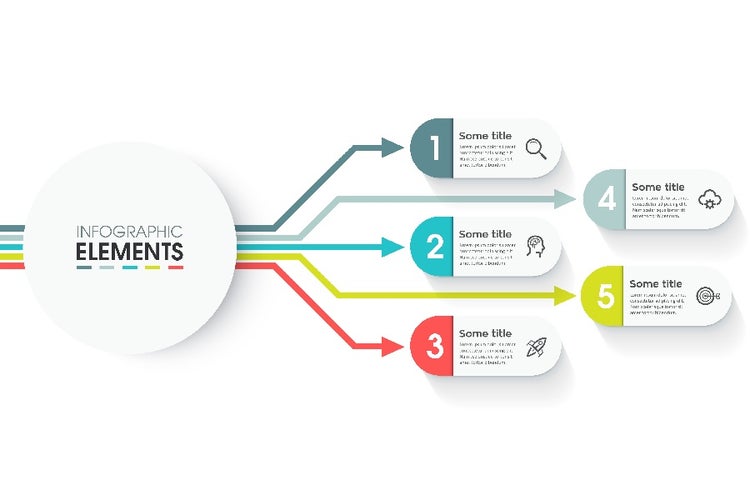
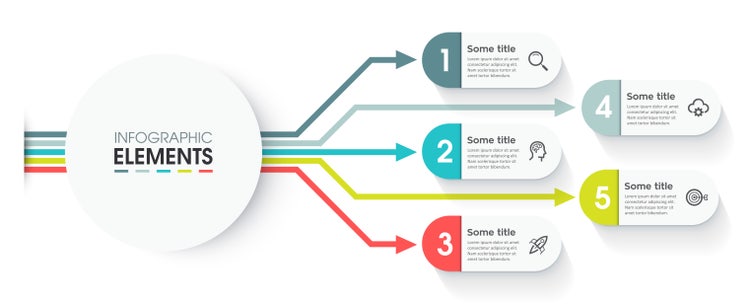
An infographic is a visual representation of information, data, or knowledge, which is designed to communicate ideas quickly and clearly. Instead of relying only on text or tables, infographics use a combination of visuals (such as icons, charts, illustrations, and minimal text) to explain a concept or tell a story.
In the simplest of terms, an infographic is a way to simplify and present information so it can be understood at a glance. It is used in many kinds of content, such as:
- School and college presentations
- Exam notes and academic projects
- Business reports and startup pitch decks
- Social media posts and marketing materials
- Posters, brochures, and flyers
What are the elements of a good infographic design?
A strong infographic design guides the reader through the content in a logical flow, reduces cognitive effort, and highlights what matters most. Here are the key elements that define a good infographic design:
Visual hierarchy: Helping the reader know where to look first.
Visual hierarchy refers to the way elements are arranged to show their order of importance. Through size, spacing, alignment, and placement, it directs attention to the main message before supporting details.
An exceptional visual hierarchy:
- Draws attention to the main message first
- Clearly separates headings, subheadings, and supporting information
- Guides the reader’s eye naturally from top to bottom or left to right
Typography: Making information easy to read and scan.
Since infographics are designed to be scanned quickly, typography must be clean and readable across devices. Even in business and academic settings, well-chosen fonts help improve credibility and make the infographic feel more professional.
Excellent typography in infographics involves:
- Using simple, legible fonts
- Limiting the number of fonts to maintain consistency
- Creating distinct contrast between headings and body text
- Using short phrases instead of long paragraphs
Colour and contrast: Highlighting what matters most.
Colour is used strategically to organise content and draw attention to important data. This helps viewers quickly identify the most important insights without feeling overwhelmed.
Brilliant use of colour means:
- Using a limited, consistent colour scheme
- Applying contrast to highlight important figures or trends
- Ensuring text remains readable against backgrounds
- Avoiding overly bright or clashing colours that distract from the message
Icons and illustrations: Simplifying complex ideas.
Icons and illustrations replace long explanations with instantly recognisable visuals. For instance, a simple icon can represent the concepts of tools, time, apps, and functionality far more adequately than spelling it out or using a sentence.
When used correctly, icons and illustrations:
- Make abstract ideas easier to understand
- Reduce the need for heavy text
- Improve engagement and visual appeal
- Help viewers remember information better
Consistency and alignment: Creating a polished look.
Consistency across colours, fonts, spacing, and icon styles gives the infographic a cohesive look. Proper alignment ensures the layout feels organised rather than scattered.
Consistency in infographic design:
- Makes the infographic easier to follow
- Improves visual balance and clarity
- Gives the design a professional finish
What are the common types of infographics?
Infographics come in many shapes and sizes, and choosing the right type is key to communicating your message effectively. Each type serves a different purpose, depending on the kind of information you want to convey and the audience you are addressing. Here’s a detailed guide to the most commonly used infographic types:
Statistical infographics.
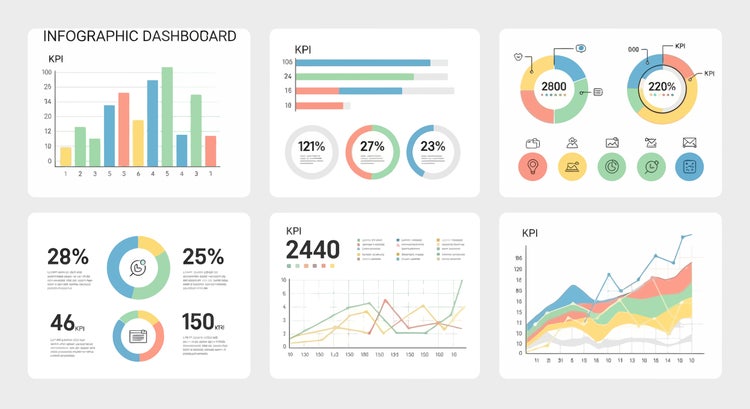
Statistical infographics visualise numbers, data, and research findings to make them easy to digest. They work best when presenting numbers as charts, graphs, or percentages, making the information visually appealing and easier to understand. For example, a startup in India might use a bar graph infographic to show market share across cities or regions.
Process infographics.
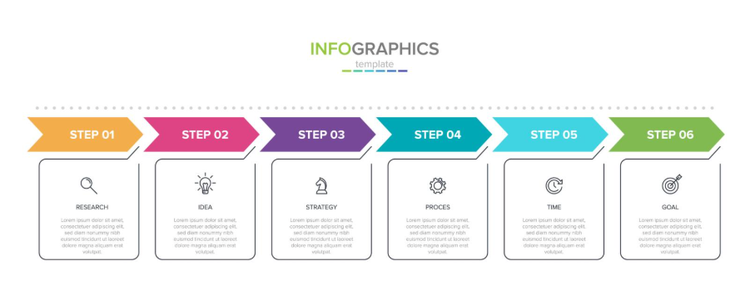
Process infographics break down workflows, procedures, or step-by-step instructions. They are ideal for turning complex procedures into a clear, sequential visual that guides the viewer from start to finish without confusion. For example, an accounting firm in India might use a process infographic to explain how to file GST returns step by step.
Timeline infographics.
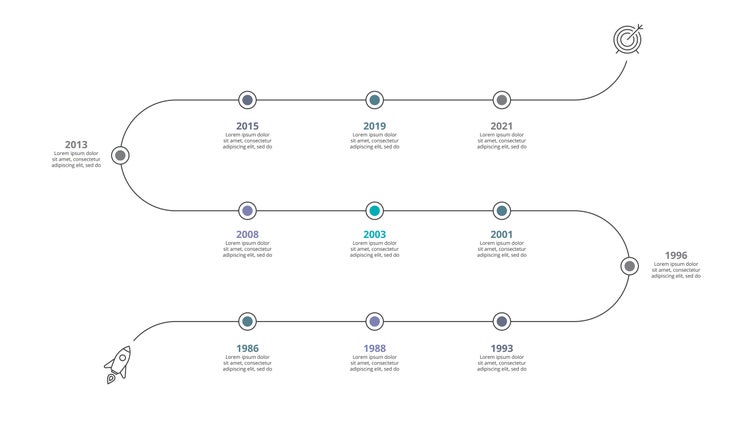
Timeline infographics display events in chronological order. They help viewers understand how events unfold over time. For instance, a university project in India might use a timeline infographic to show the evolution of technology in the country or the history of a social movement.
Comparison infographics.
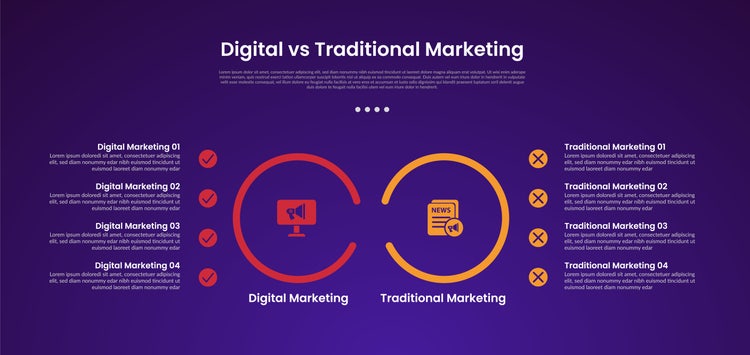
Comparison infographics highlight the differences or similarities between two or more items, ideas, or options. They’re especially useful in showing viewers contrast of choices. For example, an Indian SMB might use a comparison infographic to show the difference between digital vs. traditional marketing during a pitch.
Informational infographics.
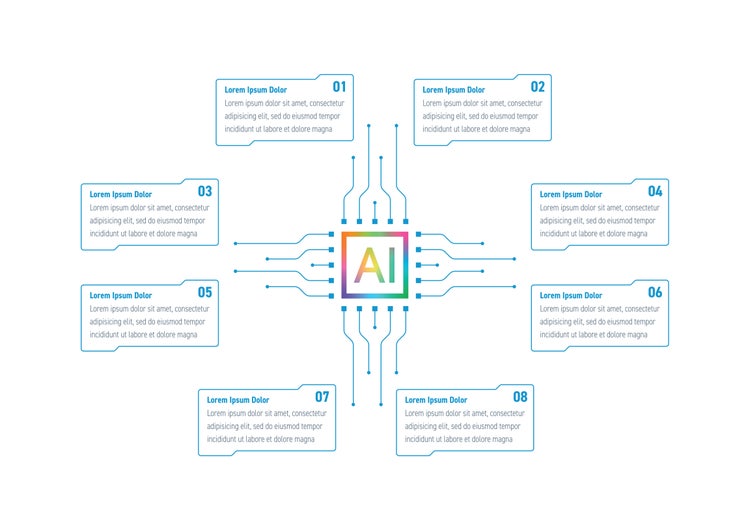
Informational infographics break down concepts into easy-to-understand visuals and text. By combining symbols, headings, and concise explanations, these infographics help people grasp even the most complex ideas in the quickest, simplest way possible. These are often considered the best infographics for school use, as they simplify complex topics into clear, structured visuals for presentations and assignments.
List infographics.
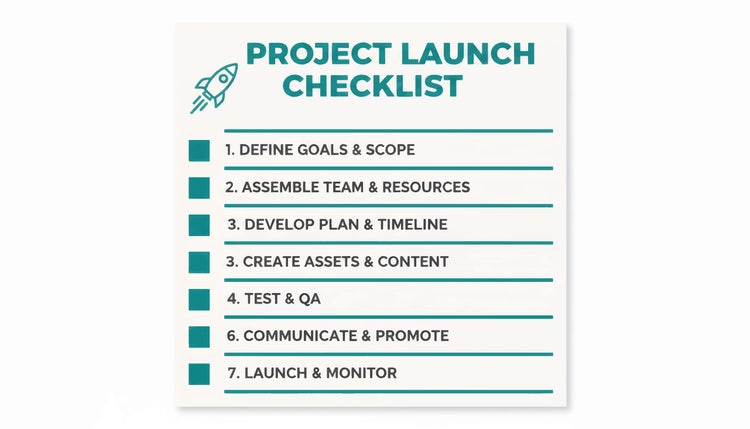
List infographics organise information as a ranked or bullet-pointed list. They are widely used because they are easy to scan and understand. A tech team in India, for example, might use a list infographic in preparation for a project launch to ensure that everything is ready.
Hierarchical infographics.
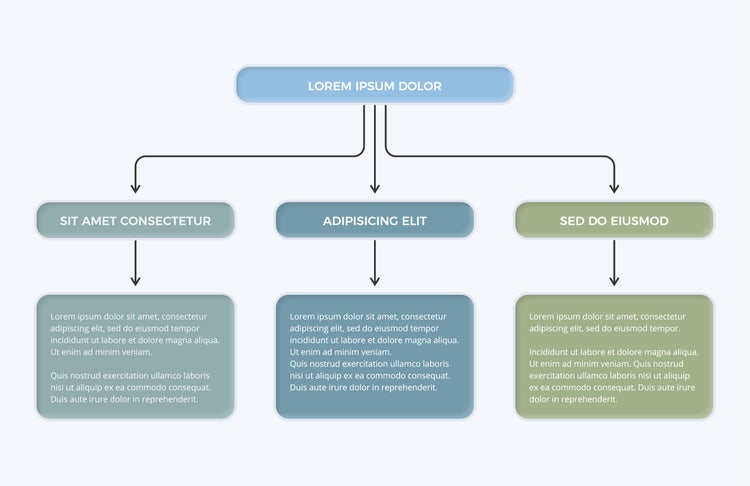
Hierarchical infographics display information in order of importance or levels of priority. By visually representing hierarchy, these infographics help viewers understand relationships and importance. For instance, a corporate team in India might use a hierarchical infographic to explain their reporting structure or workflow approvals.
How to create an infographic: A step-by-step guide.
- Define your goal and audience. Decide what you want to communicate and who it’s for: students, teachers, clients, or online audiences.
- Collect and simplify your data. Focus on key points. Remove unnecessary details and highlight insights that matter.
- Choose the right infographic type. Select a format that best fits your content: comparison, timeline, statistical, or others.
- Plan your layout. Sketch a rough structure to decide where headings, visuals, and data will appear.
- Start designing. Adobe Creative Cloud offers tools that support infographic creation at every skill level:
- Adobe Illustrator for precise vector-based infographic design
- Adobe Photoshop for image-rich visuals
- Adobe Express for quick designs using ready-made infographic templates
- Review and refine. Check for clarity, consistency, and readability before exporting for print or digital use.
Best practices for designing impactful infographics.
Designing an infographic is about balancing clarity, structure, and visual appeal. Following these best practices can significantly improve how well the information is understood:
- Keep text concise and easy to scan.
- Use consistent colours and fonts.
- Avoid overcrowding the design.
- Focus on clarity, not decoration.
- Ensure visuals support the message, not distract from it.
- Choose the right infographic size for the platform.
- Vertical infographics work well for blogs, reports, and mobile scrolling.
- Horizontal infographics are ideal for presentations and slide decks.
- Square infographics are commonly used on social media platforms.
- For print materials such as posters or classroom displays, higher resolution and larger formats are recommended. For digital use, optimised sizes ensure faster loading and a better viewing experience across devices.
Frequently asked questions.
What is the easiest way for students to create an infographic?
Students can quickly create infographics using ready-made templates in Adobe Express, which offers simple drag-and-drop editing and fast customisation. Students can choose a template, add their content, adjust colours and fonts, and export their work in minutes.
For building advanced, future-ready design skills, exploring tools in Adobe Creative Cloud (such as Illustrator and Photoshop) can be a valuable next step. Learning these industry-standard tools not only improves design quality but also develops creative skills that are useful for higher education and future careers. Adobe also offers discounted student plans, making Creative Cloud accessible and affordable for learners.
Why are infographics more effective than plain text?
When should you use an infographic instead of a chart or table?
Can infographics be used for academic work and exams?
Are infographics suitable for professional and business use?
Yes. Infographics are widely used in business reports, pitch decks, internal documentation, training material, and marketing communication.
How can infographics help small businesses communicate better?
Infographics help SMBs simplify complex ideas, such as services, pricing, workflows, or performance metrics. This helps customers and stakeholders understand this information quickly.
What mistakes should beginners avoid when designing infographics?
You may also like
Content as a Service v3 - file-type graphic design collection - Wednesday, 1 April 2026 at 13:14
caas:product-categories/graphic-design
caas:product-categories/graphic-design/illustrator
caas:topic/creativity-design
caas:topic/data-visualization
caas:topic/visual-communication
caas:topic/education-and-learning
caas:topic/marketing-strategy