1. Surreal compositions.
Combine unrelated elements into a dream-like scene.
- Collect assets: Photograph or source images of people, objects and backgrounds.
- Mask subjects: Use Select and Mask to isolate each element cleanly.
- Match lighting: Adjust Levels and Curves so shadows and highlights align.
- Blend layers: Experiment with Blend If sliders in the Layer Style dialog to merge textures.
- Add finishing touches: Apply a global Colour Lookup adjustment for a cinematic colour grade.
Example: Merge a floating island with a human portrait to evoke a sense of wonder.
2. Double exposure effect.
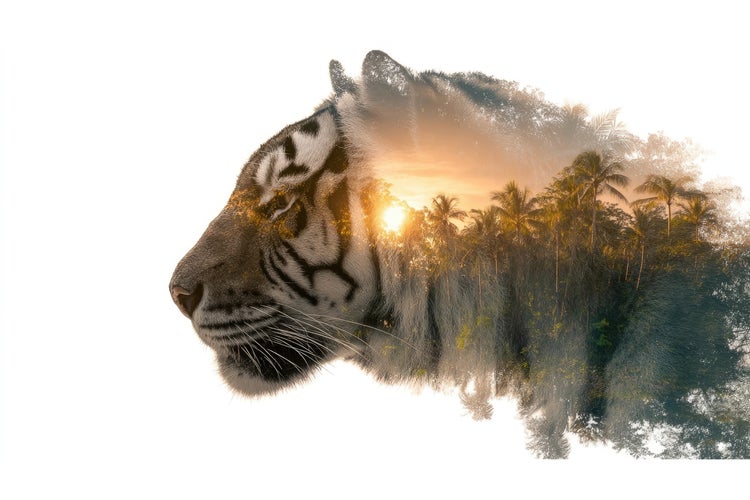
Overlay two images to create ethereal portraits.
Steps:
- Desaturate the portrait layer to black and white
- Place a landscape or texture layer above and set its blend mode to Screen
- Use a Layer Mask to reveal the secondary image within facial contours
Tip: Use a soft brush at low opacity for smooth transitions.
3. Dispersion effect.
Animate a shattering or dissolving look around a subject.
- Duplicate layer: Work on one copy for the effect.
- Select fragments: Use the Polygonal Lasso to create small shapes.
- Transform fragments: Move, rotate and warp each selection outward.
- Mask edges: Add a Layer Mask and erase fragment bases softly.
- Colour match: Apply a slight Hue/Saturation adjustment to unify fragments.
4. Glitch art.
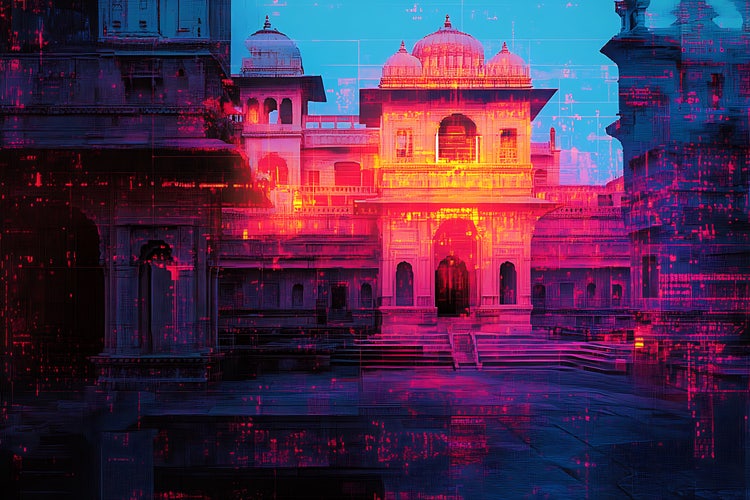
Introduce digital artefacts and colourful pixel shifts.
Process:
- Convert image to a Smart Object
- Duplicate the layer and shift channels in the Channels panel
- Apply Displace filter with a custom displacement map
- Add noise and scan lines using Filter > Noise and Filter > Sketch
Troubleshooting: If artefacts look random, control the Displace strength and experiment with channel offsets.
5. Cinematic colour grading.
Emulate filmic looks with precise colour control.
Techniques:
- Use Gradient Maps with blend modes Soft Light or Overlay
- Create Curves adjustment layers to tweak RGB channels individually
- Apply the Film Grain filter at subtle intensity
Tip: Save your grade as a LUT for reuse in Photoshop and {{premiere}}.
6. 3D text and objects.
Add depth and dimension with Photoshop’s 3D features.
- Create 3D text: Type your headline, then choose 3D > New 3D Extrusion from Selected Layer.
- Adjust depth: In the 3D panel, set Extrusion Depth and bevel style.
- Light the scene: Position infinite lights to cast realistic shadows.
- Render: Choose Ray Traced Draft or Ray Traced Final for quality output.
Example: Design a product name that appears to float above a reflective surface.
7. Text effects.
Transform typography into graphical elements.
Ideas:
- Neon glow: Outer Glow layer style with bright colour and low spread
- Frozen text: Use Ice texture overlays and bevel emboss
- Liquid distortion: Apply Liquify filter and custom displacement maps
8. Custom brushes and painting.
Create painterly illustrations or textured backgrounds.
Workflow:
- Combine scanned textures with standard brushes to craft unique brush presets
- Paint directly on a tablet for organic strokes
- Use Mixer Brush for wet-on-wet blending
Tip: Save brush libraries to Creative Cloud Libraries for access across your devices.
9. Photo manipulation collages.
Merge multiple photographs into a cohesive collage.
Steps:
- Plan layout on a rough sketch
- Align perspectives with Free Transform and Warp
- Unify colour and lighting with Selective Colour adjustment
- Add drop shadows and borders for depth
10. Animated GIFs Directly in Photoshop
Bring your static designs to life.
Process:
- Open Timeline panel, choose Create Frame Animation
- Duplicate frames and adjust layer visibility or positions
- Set frame delays and Loop options
- Export via File > Export > Save for Web