{{lightroom-features}}
Spice up your fall photos with Adobe {{lightroom}} presets.
Crisp and fresh presets can help to amplify the glory of the fall season. Discover how you can give your photos an autumnal spritz with fall {{lightroom}} presets.
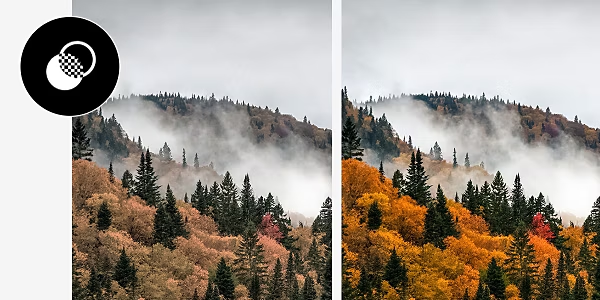
Elevate your seasonal photoshoot.
From the oranges of pumpkin patches to the reds and yellows of the changing leaves, fall is a season exploding with distinctive colours. {{lightroom}} presets are like adjustable filters that you can apply to your photos in {{lightroom}} and {{lightroom-mobile}}. With these filters, you can make the right autumn colour — whether it’s matte, sepia or pastel — stand out in any photograph.
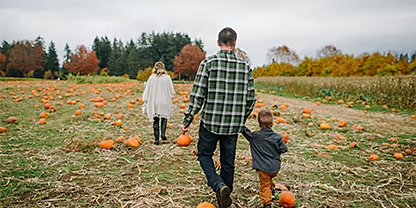
The right vibrance for autumn photos.
If you’re creating a photobook, collage or portfolio, fall presets allow you to add rich autumn tones to all your photographs to bring a seasonally warm tone to the entire project.
Share and import new presets.
If you’ve created a signature filter or look, you can export it easily to share with other photographers. Importing is just as quick and there are hundreds of preset collections available online.
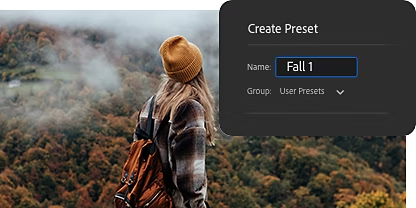
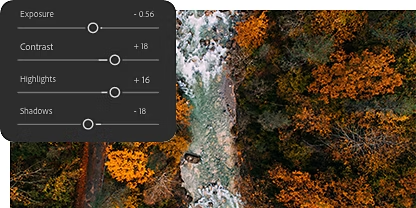
Easy to apply and customise.
Presets are quick to apply to your photo editing process and can be customised to your liking with easy-to-use sliders. Spice up your fall photos in seconds.
Edit wherever you are.
{{lightroom}} is available on desktop, web and mobile, so you can edit your seasonal photos with mobile {{lightroom}} presets wherever you find yourself.

Great fall presets in {{lightroom}}.
{{lightroom}} offers numerous presets to help make your fall colours pop — all can be found under the Yours tab.
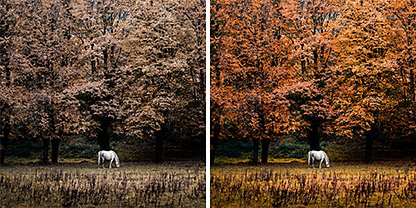
Basics › Colour › Vivid
Bring out the stark contrast of a fall scene in all its glory and brightness with this preset.
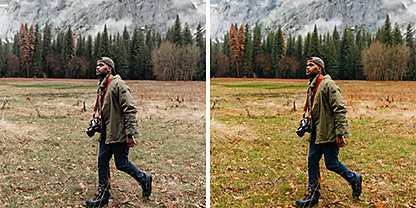
Basics › Colour › Natural
Focus on balancing the entire image with this preset, which applies minimal changes to hue and saturation, but enhances the light and shadow of your photo.
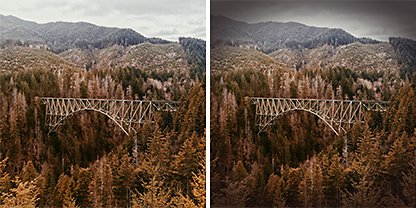
Basics › Vignetting › Medium
A vignette provides a small amount of framing to a fall photo, which can draw more attention to your subject.
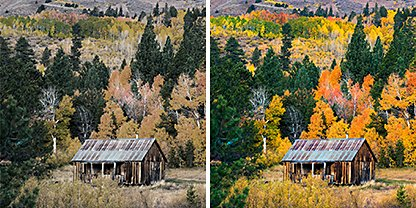
Basics › Curve › Cross Process
This preset allows you to adjust the tonal range and contrast of an image to tap into interesting colour shifts.
How to use and create your own fall presets.
A fall scene with a high-quality preset is just four steps away.
- Select it:
With your photo selected in {{lightroom}}, select the Edit icon and click Presets. - Preset it:
Choose the right preset for your photo. Hover over them to get a preview. - Slide it:
Once you’ve selected a preset, you can customise the sliders to modify the effects of the preset to make it your own. - Save it:
Save your photo or if you want to return it to its original state, select the Revert to Original command.
{{lightroom}} tutorials for your photographs.
Learn how presets work and also how you can give your photos the enhancement they deserve with {{lightroom}}.
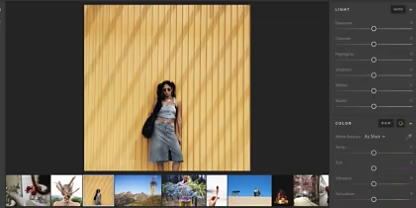
Get started with {{lightroom}}.
Familiarise yourself with {{lightroom}} features and functions.
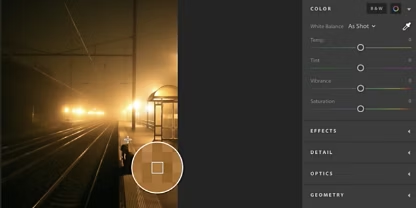
Adjust the light and colour of your images.
{{lightroom}} gives you the tools to skillfully adjust the light, colour and saturation of your images.
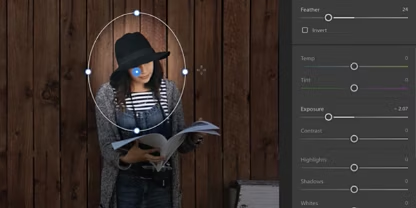
Edit small (or large).
Discover how radial gradients and other tools can help you selectively edit your pictures.
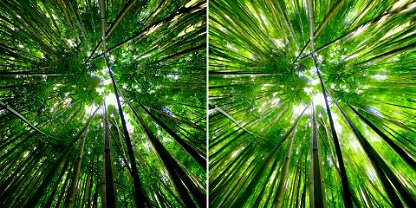
Turn mobile photos into breathtaking illustrations.
Learn how you can use the {{lightroom-mobile}} app to filter effects to change your photos into illustrations.