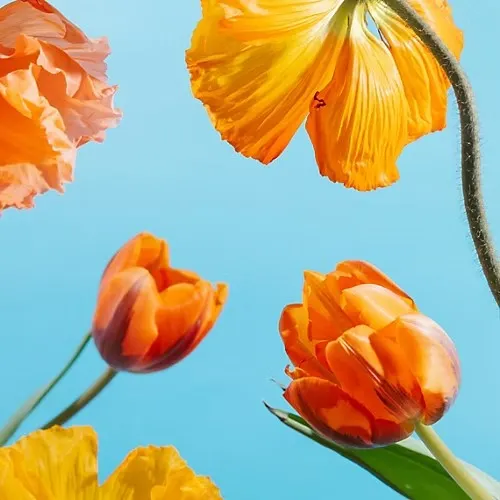
Change what you want.
Keep what you love.
Tell AI Assistant in Photoshop what you need. It edits just what you ask for and keeps the rest of your image intact. Now available on web and mobile.

Remove objects, remove backgrounds, and change backgrounds with the power of Photoshop on the web. Try this powerful online photo editor with a free Photoshop trial today.

Tap to upload an image.
File must be JPEG, JPG or PNG and up to 40 MB
By uploading your image or video, you agree to the Adobe
Terms of Use and Privacy Policy
Tap to upload an image.
File must be JPEG, JPG or PNG and up to 40 MB
By uploading your image or video, you agree to the Adobe
Terms of Use and Privacy Policy


Drag and drop an image
to get started for free with Photoshop on the web.
File must be JPEG, JPG or PNG and up to 40 MB
By uploading your image or video, you agree to the Adobe
Terms of Use and Privacy Policy
Tell AI Assistant in Photoshop what you need. It edits just what you ask for and keeps the rest of your image intact. Now available on web and mobile.
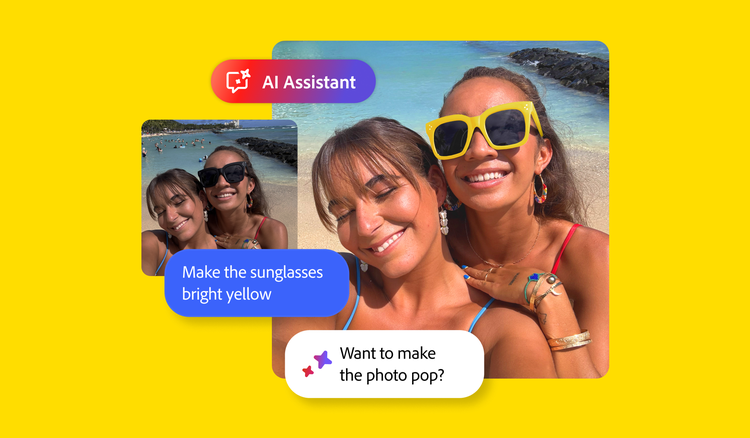
Start creating instantly with Photoshop on the web for free — no download needed. Quickly isolate and enhance details and colours in your images, remove unwanted elements with precision and bring your ideas to life with full creative control using next-gen AI. Try these features and more today, for free, online with Photoshop.
Photoshop on the web gives you access to many of Photoshop’s most popular tools directly in your browser, with no installation required. It is available with any Photoshop plan, including the Photoshop Mobile and Web plan, so you can create and edit from virtually anywhere.
Photoshop on the web offers a streamlined and flexible workspace that supports everything from photo retouching and graphic design to creating marketing content.
Photoshop on the web is ideal for creators who want flexibility without compromising on power. It makes it easier to create, enhance, and share your work wherever you are.

Create at the speed of imagination with generative AI tools in Photoshop online. Use Generative Fill and Generative Expand to quickly add detailed elements to your images, remove unwanted objects, extend backgrounds, and bring your creative vision to life, all within your browser.
Make dramatic colour adjustments to your images in Photoshop online using hue and saturation sliders. Quickly enhance or soften tones and achieve the perfect colour balance with total creative control.


Easily enhance and transform images online in just a few clicks. Use tools such as Spot Heal to swiftly remove imperfections, or replace the background with something entirely new using Generative Fill, powered by Adobe Firefly generative AI.
Choose from over 30,000 fonts to craft visually engaging designs that blend text with imagery. Add striking headlines, captions and more to create attention-grabbing graphics, from social media posts to posters. Customise font size, spacing, colour and more to achieve the ideal look.


Edit images with precision using Photoshop’s powerful online photo editor, designed for creators of all skill levels — no download needed. Just open your browser, upload JPEG, PNG, or PSD files, and start editing.
Take your creativity to new places. Crop and expand images, adjust colour, add and remove objects and more with Photoshop on desktop, web and mobile. Get them all with a Photoshop plan or download the mobile app for free.

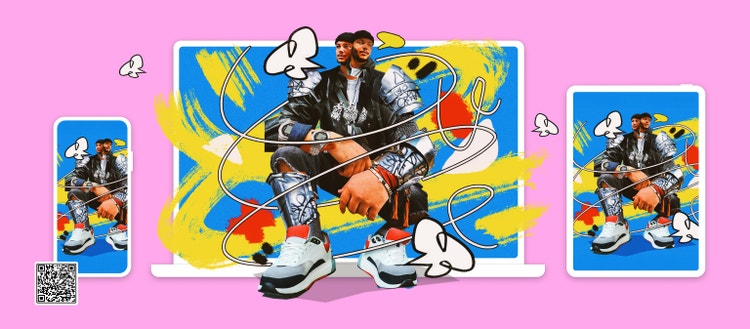



Create gorgeous images, rich graphics and incredible art on desktop, web, mobile and iPad.
Based on your location, we think you may prefer the United States website, where you'll get regional content, offerings, and pricing.