Rimani nell'inquadratura con le Zone sicure gratuite di TikTok.
Ottieni risultati perfetti e professionali per i tuoi video TikTok utilizzando le Zone sicure di TikTok su Adobe Express. Che tu stia lavorando alla tua prossima clip di danza o che stia partecipando alla sfida TikTok di questa settimana, assicurati che elementi cruciali come testo e grafica rimangano visibili e non siano ostacolati da vincoli della piattaforma o sovrapposizioni. Non è richiesta alcuna esperienza.
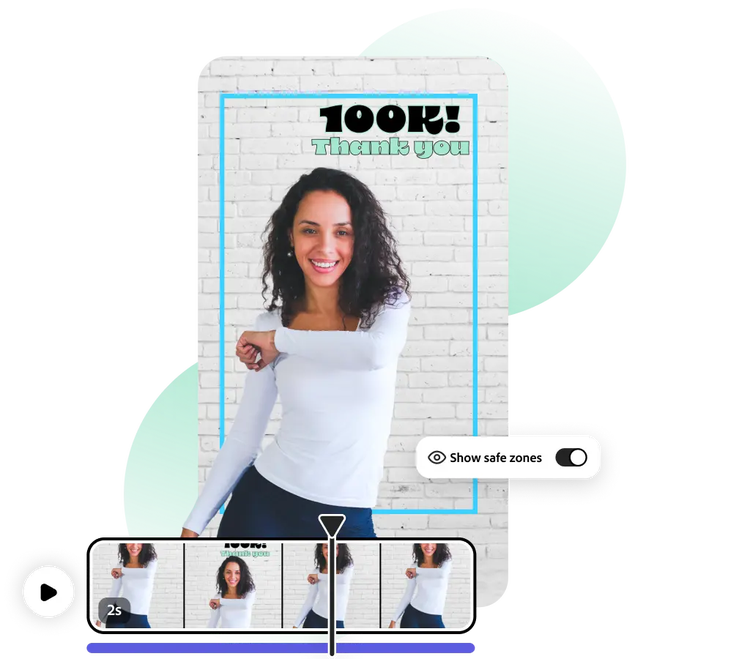
Come progettare video per TikTok con le Zone sicure.
1. Scegli un modello per TikTok.
Scegli dal menu il modello più adatto al tuo progetto TikTok. Oppure cerca il tipo di post sui social media che intendi creare.
2. Applica Zona sicura.
Attiva le Zone sicure di TikTok per vedere quali parti del tuo progetto saranno visibili sulla piattaforma social per cui stai creando. Una guida blu mostra cosa è visibile in modo sicuro, così puoi personalizzare con sicurezza e mantenere in primo piano testo, immagini o loghi chiave.
3. Condividi su TikTok.
Sei pronto? Condividi su TikTok direttamente dalla piattaforma Adobe Express. Oppure scarica il tuo progetto per pubblicarlo in seguito.
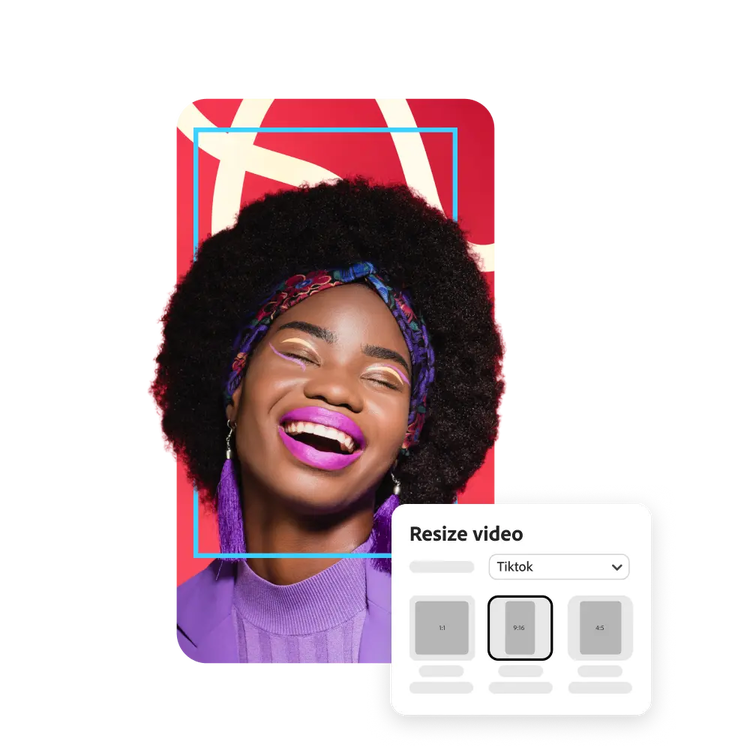
Ottimizza perfettamente i tuoi contenuti per TikTok.
Con la Zona sicura di TikTok su Adobe Express, puoi facilmente assicurarti che ogni elemento sia posizionato perfettamente in tutti i tuoi post su TikTok. Basta caricare i tuoi contenuti multimediali e potrai vedere immediatamente come verranno visualizzati prima ancora di aprire l'app TikTok.
Crea con sicurezza con le Zone sicure di TikTok.
Se la tua immagine o il tuo video deve essere modificato per essere visualizzato correttamente, puoi farlo in modo semplice e veloce. Basta apportare le modifiche necessarie per adattarlo alla Zona sicura di TikTok per ottenere le proporzioni ideali per TikTok.
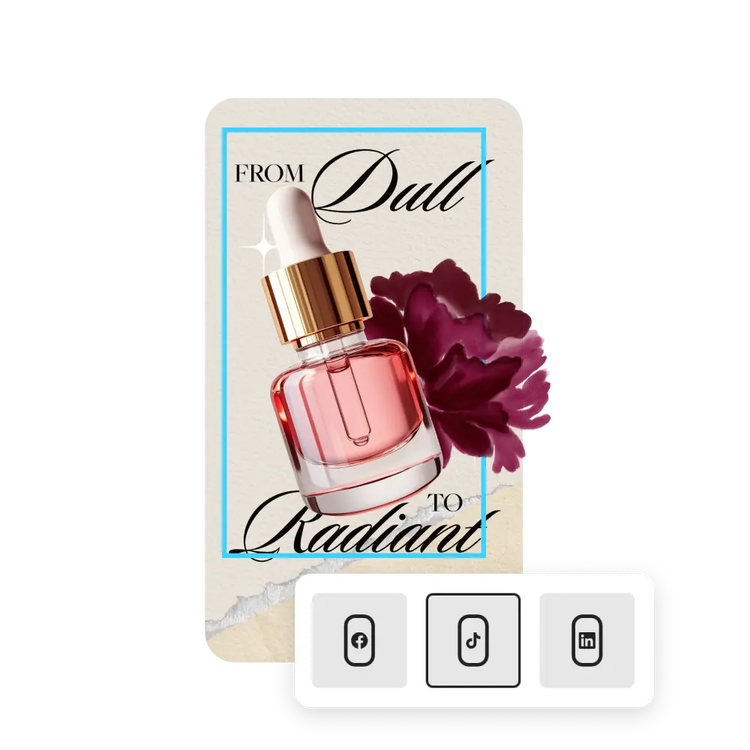
Le Zone sicure di TikTok sceglieranno le dimensioni e la forma migliori.
Hai bisogno di modificare il layout? Trascina e ridimensiona loghi, testo o video all'interno delle guide della Zona sicura per ottenere il risultato desiderato. Mantieni il tuo progetto chiaro, equilibrato e pronto per la condivisione, senza bisogno di strumenti aggiuntivi.
Migliaia di modelli, video e risorse audio gratuiti da cui partire.
Per iniziare, lasciati ispirare e risparmia tempo con modelli progettati da esperti. Adobe Express offre una raccolta in continua espansione di modelli verticali, orizzontali e quadrati per creare video, presentazioni e progetti che si distinguono su qualsiasi canale e dispositivo.
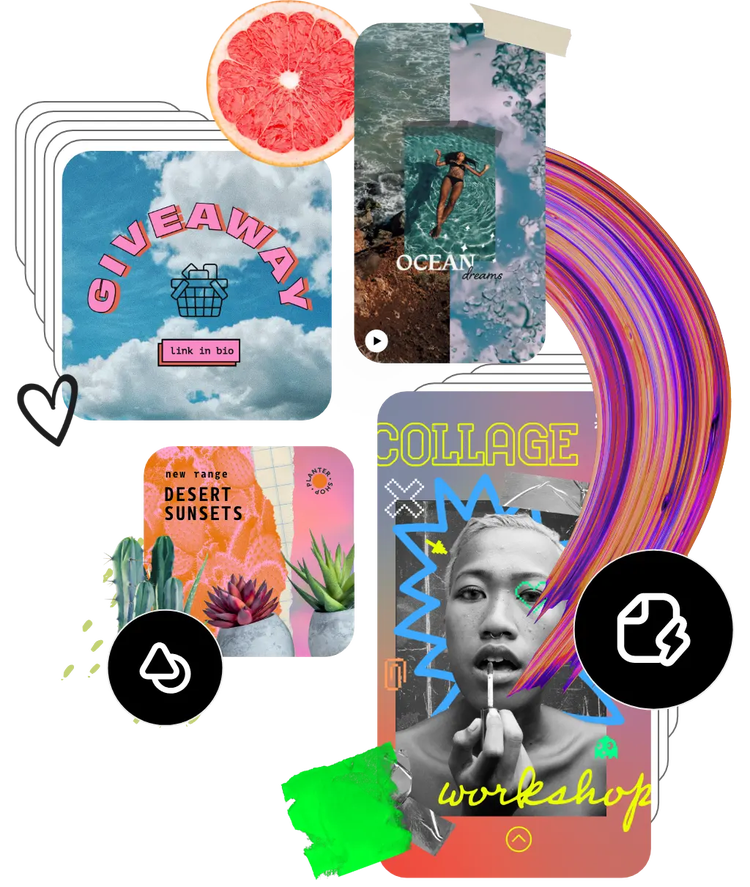
Utilizza facilmente le Zone sicure di TikTok con Adobe Express.
Domande più frequenti.
Posso usare Zone sicure di Adobe Express per TikTok sul mio telefono?
Assolutamente sì. Scarica e avvia l'app gratuita Adobe Express sul tuo dispositivo mobile e attiva la funzione “Zona sicura” dei social media (dalla barra in alto) per poter modificare i tuoi contenuti di TikTok in tempo reale.
Le dimensioni o la qualità cambiano dopo aver utilizzato Zone sicure per TikTok?
Le dimensioni e la qualità non cambieranno e le linee guida di Zona sicura di TikTok non saranno visibili nel progetto scaricato.
Posso utilizzare le Zone sicure per i social media in qualsiasi social network?
Le Zone sicure su Adobe Express sono disponibili per i formati social statici e animati su canali quali Instagram, TikTok, LinkedIn e Facebook.
Posso apportare modifiche alle mie foto e ai miei video per adattarli alle Zone sicure di TikTok?
Sì, puoi modificare le tue foto o i tuoi video in Adobe Express per assicurarti che rientrino correttamente nelle guide della Zona sicura dei social media.
È possibile ottenere Adobe Express gratuitamente? Se sì, cosa è incluso?
Sì, Adobe Express ha un piano gratuito che include funzioni fondamentali come strumenti di editing, effetti e migliaia di modelli gratuiti. Scopri di più sui nostri piani di abbonamento e prezzi.

You can control how Adobe websites use cookies and similar technologies by making choices below. But note that if you disable cookies and similar technologies entirely, Adobe websites may not function properly.
Cookies are small text files stored by your web browser when you use websites. There are also other technologies that can be used for similar purposes like HTML5 Local Storage and local shared objects, web beacons, and embedded scripts. These technologies help us do things like remembering you and your preferences when you return to our sites, measure how you use the website, conduct market research, and gather information about the ads you see and interact with.
You can make choices in the menu below about what cookies and other technologies you want us to use on Adobe sites when you visit them from this browser. You can always change those choices later by clicking on the Cookie Preferences link at the bottom of the page.
If enabled:
We can improve your experience by tailoring the site and the content to things we think might be of interest
We can better keep track of your preferences — like what language you prefer to use
We will better understand your likely interests so we can provide you more relevant Adobe ads and content on non-Adobe websites and in non-Adobe apps
It will help us improve the performance of our website and those of our partners who use the Adobe Experience Cloud
If disabled:
We won’t be able to remember you from session to session so the experience may not be tailored to your interests
You’ll still have access to the content of the site but certain features that depend on cookies may not function
You’ll still see ads, they just may not be as relevant to you
General information
You can control how Adobe websites use cookies and similar technologies by making choices below. But note that if you disable cookies and similar technologies entirely, Adobe websites may not function properly.
Cookies are small text files stored by your web browser when you use websites. There are also other technologies that can be used for similar purposes like HTML5 Local Storage, web beacons, and embedded scripts. These technologies help us do things like remembering you and your preferences when you return to our sites, measure how you use the website, conduct market research, and gather information about the ads you see and interact with.
You can make choices in the menu below about what cookies and other technologies you want us to use on Adobe sites when you visit them from this browser. You can always change those choices later by clicking on the Cookie Preferences link at the bottom of the page.
If enabled:
We can improve your experience by tailoring the site and the content to things we think might be of interest
We can better keep track of your preferences — like what language you prefer to use
We will better understand your likely interests so we can provide you more relevant Adobe ads and content on non-Adobe websites and in non-Adobe apps
It will help us improve the performance of our website and those of our partners who use the Adobe Experience Cloud
If disabled:
We won’t be able to remember you from session to session so the experience may not be tailored to your interests
We’ll still count your use of our site and services
You’ll still have access to the content of the site but certain features that depend on cookies may not function
You’ll still see ads, they just may not be as relevant to you
Operate the site and core servicesOperate site and measure engagement
Always active
These cookies are required, and they are used to enable the site and related services core functionality. Without them the site could not operate, so they cannot be disabled.
These cookies enable the site and related services’ core functionality and collect statistics about user engagement, such as counting active use to help us understand trends. These cookies cannot be disabled.
Measure performance
These cookies are used to analyze site usage to measure and improve performance. Without them Adobe cannot know what content is most valued and how often unique visitors return to the site, making it hard to improve information we offer to you.
These cookies are used to analyze site usage to measure and improve performance. Without them Adobe cannot know what content is most valued, making it hard to improve information we offer to you.
Extend functionality
These cookies are used to enhance the functionality of Adobe sites such as remembering your settings and preferences to deliver a personalized experience; for example, your username, your repeated visits, preferred language, your country, or any other saved preference.
Personalize advertising
These cookies are used to enable Adobe and our partners to serve ads more relevant to your interests. Without them you will still see ads, but they might not be as relevant to you.