AIアシスタントでパフォーマンスを最大化
AIで明確に理解して、対話形式で編集
パーソナライズしたAIアシスタントを使用して、文書タスクに関するインサイト、要約、サポートを数秒で得られます。
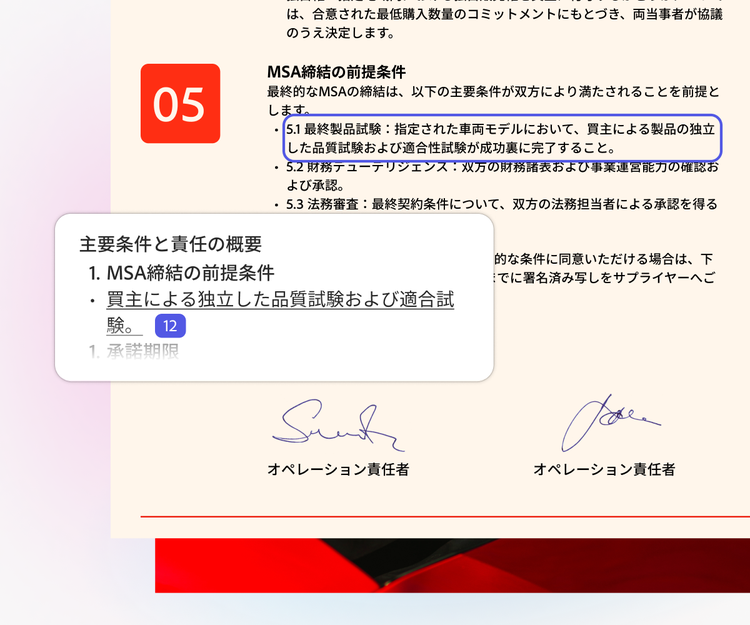
AI要約
ワンクリックで
精度の高い要約を生成
文書内のソースに直接リンクする正確な引用付きで、ファイルの明確で概要を迅速に生成します。
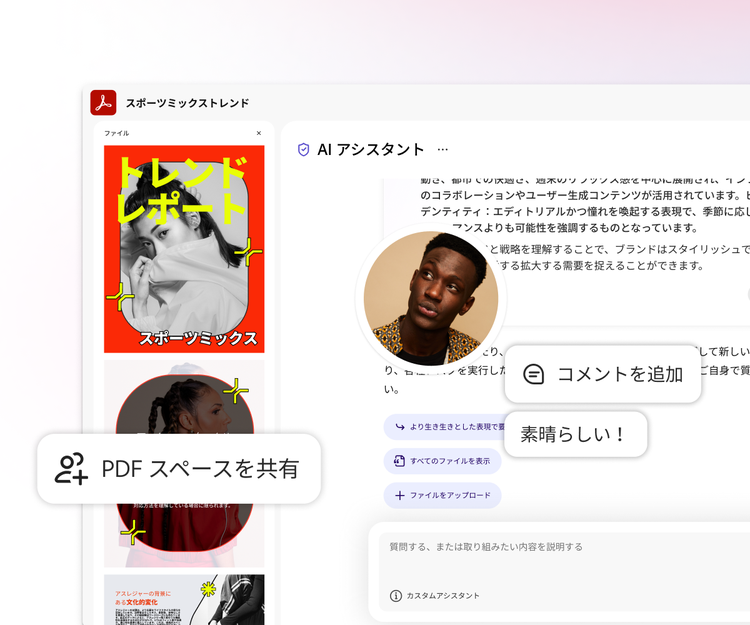
PDFスペース
情報とアイデアをインタラクティブなコンテンツとして共有
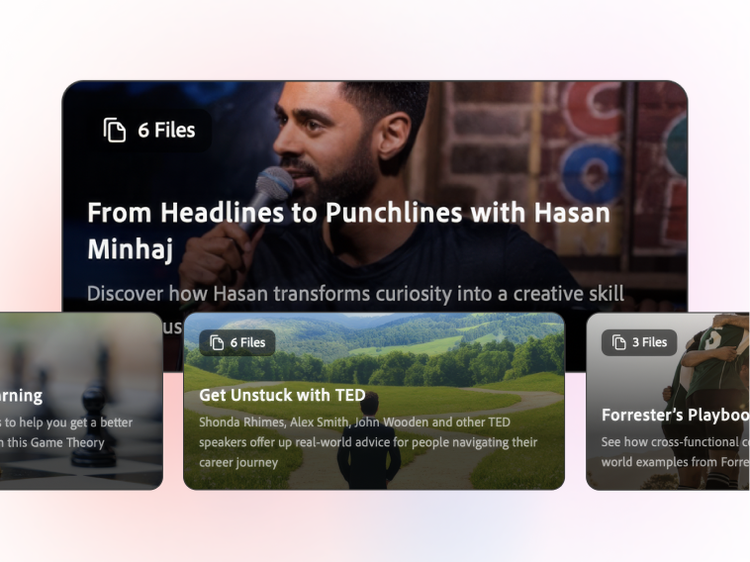
PDF、ファイル、画像をAIを活用したワークスペースに取り込めば、インサイト、音声概要、洗練された文書を生成して、AI アシスタント付きのカスタムコンテンツとして共有することができます。
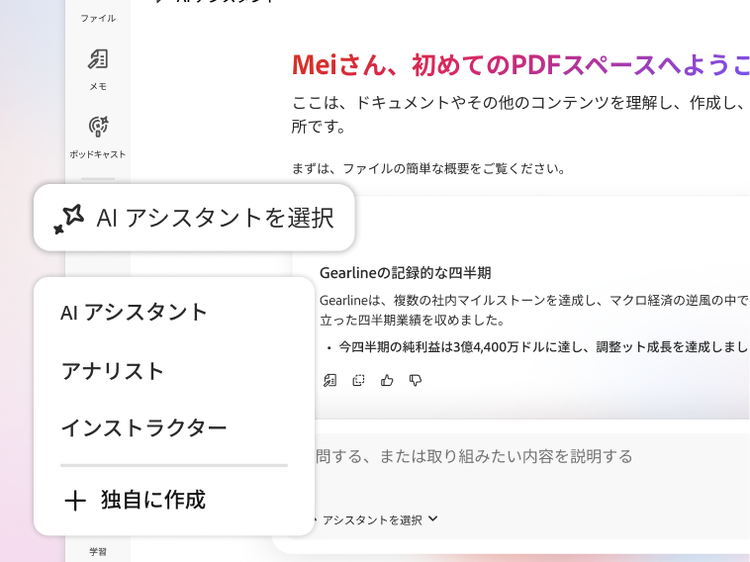
AIアシスタントを選択
事前構築されたアシスタントを選ぶか独自のアシスタントを作成して、目標に合わせて応答を導くことができます。
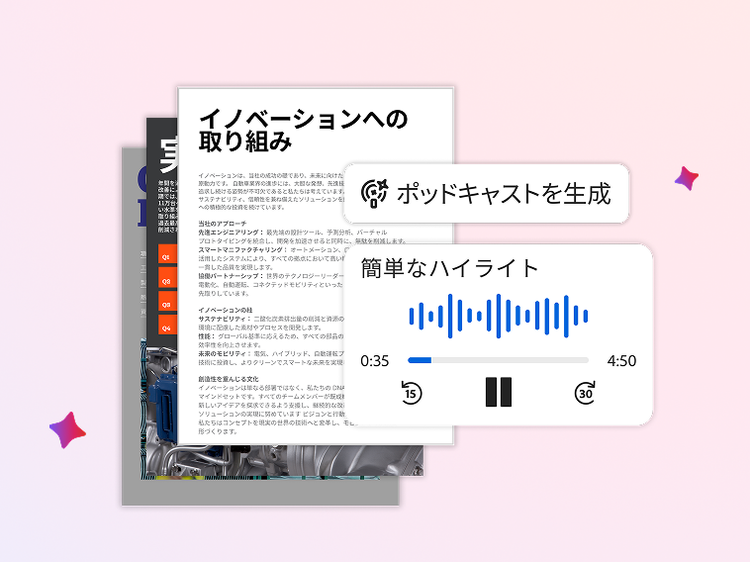
外出先で音声概要を取得
複数または長いドキュメントからポッドキャスト形式の音声概要を生成し、短い要約や重要事項、または詳細な分析にまとめることができます。
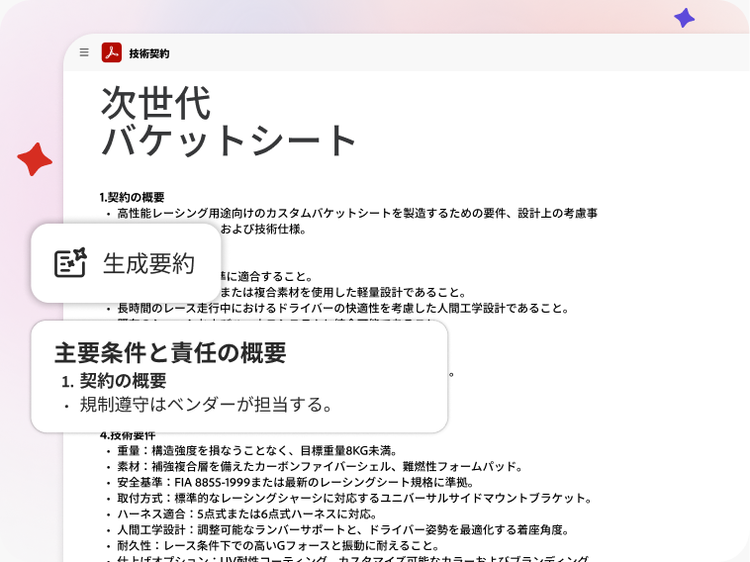
ワンクリックで契約書を分析
AIアシスタントが自動的に契約書を認識し、重要な条項を表示します。
プロジェクトを洗練
Adobe Expressならテンプレートとカスタム画像を使って、ファイルをプレゼンテーションや新しいコンテンツに変換できます。
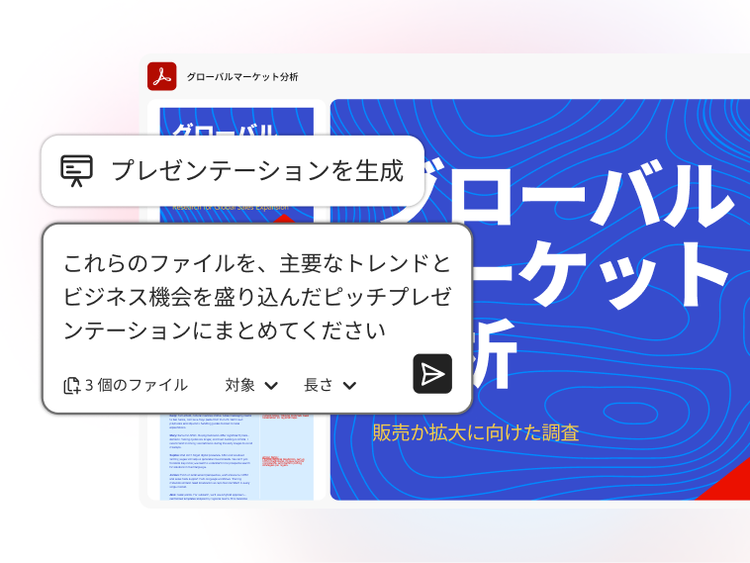
プレゼンテーションを生成
数回クリックするだけで、複数のファイルをプロ仕様のプレゼンテーションに変換できるので、アイデアをより効果的に伝えることができます。
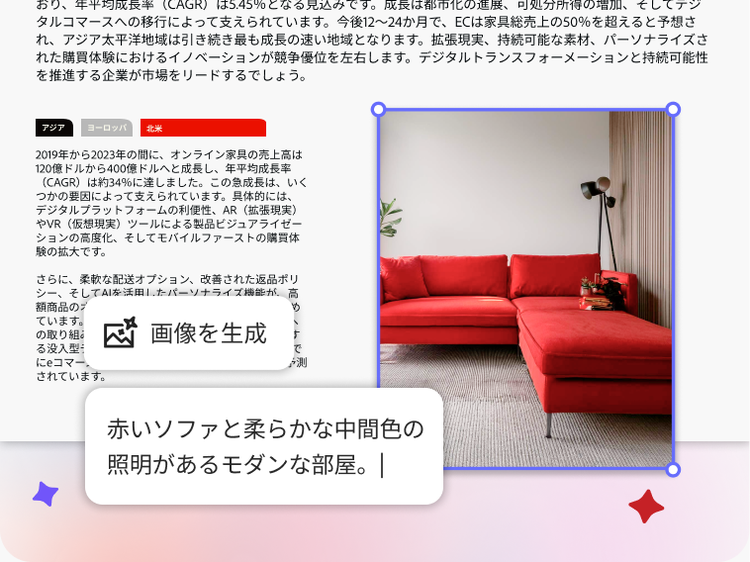
カスタム画像を作成
数秒でプロンプトからカスタムAI搭載画像を生成できます。
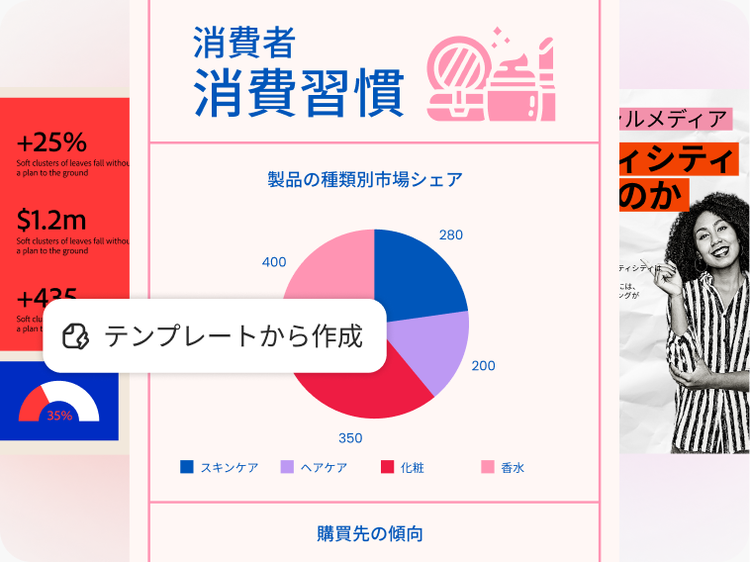
すぐに共有可能なコンテンツをデザイン
500,000以上のプロ仕様のテンプレートを使って、SNS投稿、チラシ、インフォグラフィックなどを作成できます。



データプライバシー
作業内容やデータを常に保護
AI アシスタントを使用する際、お客様のコンテンツがアドビのAIモデルトレーニングに使用されることはなく、文書、チャット、やり取りは完全に保護されます。さらに、AIの応答は常にソース文書が引用されるため、透明性が確保されています。
AIに関するリソースを参照
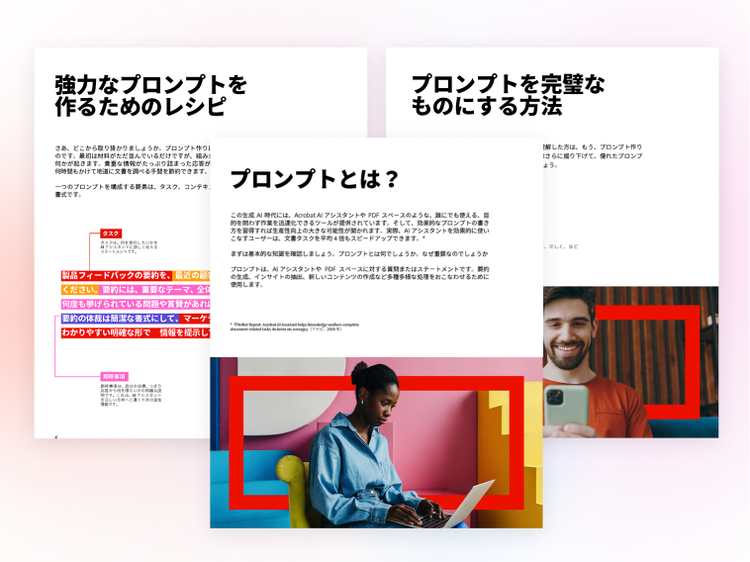
Adobe AcrobatのAI機能の使い方がわからない場合は、こちらで詳しく学べます。


既にAcrobatをご利用ですか?
Acrobat Reader、Standard、またはProプランを既にご利用のお客様は、AcrobatまたはAcrobat Readerアプリにログインするだけで、AIアシスタントをすぐにお試しいただけます。