


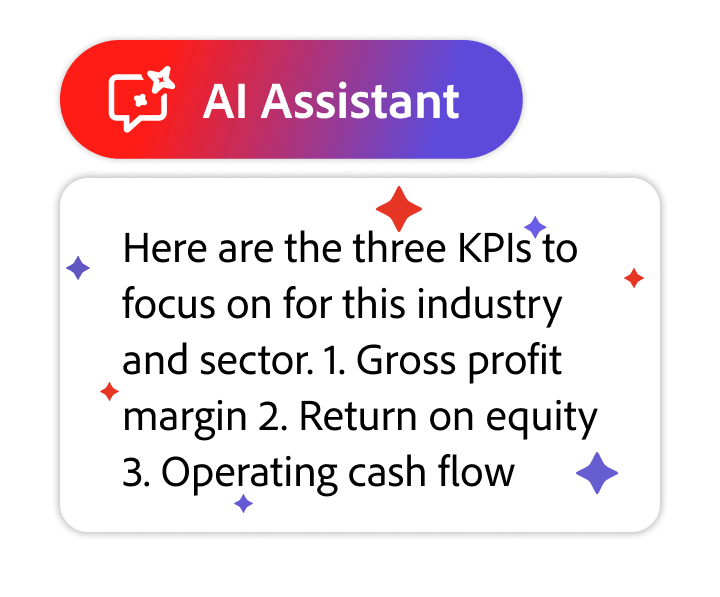


Save time for the work that matters. Explore our vast prompt guide, featuring a variety of questions and commands to help you get answers from your doc fast. Soon you’ll be writing your own stellar prompts.
Featured prompts
 Ask
AskExecutive summary
AnalyzePro/Con list
BrainstormWebinar ideas
GenerateEmail highlights
Get started with these sample prompts.
We have prompts to help you do it all, whether you need to get quick answers from your docs, analyze or edit content, or brainstorm fresh new ideas. Explore our extensive prompt guide to jump-start your chats with AI Assistant. Show me how
AskSum it up
AskGet the gist
AskBreak it into bullets
AskFind what matters most
AskMake an outline
AskIdentify key players
AskPull out the stats
AskOutline action items
AskConfirm deadlines
AskReveal the reasoning
AskFind the address
AskDiscover top value props
AskDig into the details
AskOutline research strategy
AskPinpoint the perspective
AskFind the contact info
AskUnderstand customer pain points
AskOutline the orgs
AskNote any disclaimers
AskGet the low-down
AskSteer clear of jargon
AskRecap the presentation
AskScan for safety info
AskPrep your grocery list
AskCheck in on time
AskDiscover product use cases
AskCalculate recipe time
AskCreate a study guide
AskSum up lecture notes
AskUnderstand anything
AskCompare and contrast
AskGet the TL;DR
AskGet to the point of any paper
AskSum up your syllabus
AnalyzePoint out tech advantages
AnalyzeDiscover false info fast
AnalyzeTake action on tips
AnalyzeSum up any meeting
AnalyzePut your content to work
AnalyzeIdentify the main point
AnalyzeFind your ideal audience
AnalyzeCut out repetition
AnalyzeSwitch it up for new audiences
AnalyzeMake it even better
AnalyzeIdentify the key challenge
AnalyzeComplement your docs
AnalyzeFind risks of skipping advice
AnalyzeAnticipate customer concern
AnalyzeDetect risks and benefits
AnalyzeSee what your doc is missing
AnalyzeDiscover data outliers
AnalyzeIdentify effects of data trends
AnalyzeSum up any doc
AnalyzeFind tips to solve any problem
AnalyzeSign your lease confidently
AnalyzeTravel like an expert
AnalyzeUnderstand the fine print
AnalyzeUnderstand opposing views
AnalyzeFocus on the main subject
AnalyzeDrive your point home
AnalyzeMake your report stand out
AnalyzeIdentify test-worthy topics
AnalyzeSummarize the plot
ModifyShorten up the intro
ModifyPut clarity first
ModifySwitch up the tense
ModifyMake it conversational
ModifySound like an expert
ModifyMake it scannable
ModifyCreate content that converts
ModifyMake it technical
ModifyList it out
ModifyFrame it for your audience
ModifySwitch the POV
ModifyPut it in layman’s terms
ModifyAdd some personality
ModifyWin over your audience
ModifyTrim up bios
ModifyShow off your skills
ModifyClean up your resume
ModifyLand your dream job
ModifyRephrase it
ModifyMake it crystal clear
ModifyCite sources in seconds
ModifyCreate a checklist
ModifyKeep it concise
ModifyReword it
GenerateAttract top talent
GenerateGenerate a helpful email
GenerateCreate a video script
GenerateMake marketing look easy
GenerateCreate engaging banner ads
GenerateGive your boss the rundown
GenerateSum up a lab report
GenerateTurn docs into keynotes
GenerateMake a script superfast
GenerateCreate a lesson plan
GenerateCraft a nifty newsletter
GenerateOutline simple instructions
GenerateMake sales easier
GeneratePromote it on social
GeneratePrep an insightful interview
GenerateWrite web copy in a click
GenerateFind the perfect title
GenerateMake a conference itinerary
GeneratePersonalize any interview
GenerateGenerate fresh titles
GenerateRemember every ingredient
GeneratePrep for your book club
GenerateCreate a cover letter
GenerateNail your interview
GenerateSum up travel details
GenerateAce the test
GenerateWin the debate
GenerateKnow your concepts
GenerateFind essay topics
GenerateBuild a study guide fast
BrainstormGet your CEO’s POV
BrainstormWork around any drawback
BrainstormSpark webinar ideas
BrainstormBrainstorm blog topics
BrainstormIdentify SEO keywords
BrainstormKeep the convo going
BrainstormCreate instant taglines
BrainstormGet more from your content
BrainstormCreate essay questions in a click
BrainstormTrain employees effortlessly
BrainstormSee how data can level up business
BrainstormThink like the board
BrainstormCreate the perfect talk track
BrainstormGet quick KPI recommendations
BrainstormBrainstorm a new workshop series
BrainstormUnlock learning opportunities
BrainstormLevel up customer experiences
BrainstormMake onboarding a breeze
BrainstormCraft engaging courses
BrainstormBoost your bottom line
BrainstormBuild handy demos
BrainstormProve your expertise
BrainstormCollaborate quickly with AI
BrainstormCreate the perfect itinerary
BrainstormStand out from the crowd
BrainstormBring home an A
BrainstormGet pointers for any paper
BrainstormMake a compelling case
BrainstormFind the main points
BrainstormChannel your inner storyteller
Frequently asked questions
Prompts are text-based guides given to AI tools to generate content in a desired structure, tone, and relevance. Prompts can come in the shape of questions, commands, or statements and are essential to maximizing the use of AI Assistant
By adding your preferred length, word count, or character count to a prompt, AI Assistant can generate a response that includes only the information you need.
To generate the most informative and useful responses from AI Assistant, you should clearly define your goals, provide relevant context, use clear and concise language, offer examples, outline steps, and build on prior interactions. The more details you give AI Assistant in your prompt, the better and more accurate its response will be.
You can make your response as concise as you need it to be by asking AI Assistant to stay within a certain length, word count, or character count.

