



Adobe MAX 2026 - The Creativity Conference
videoId
nVOt5Q4XYE
skinId
adobe
autoplay
true
show-info-bar
true
session-id
73780ead-37b1-4dfe-8b4b-dc7c84b67519
view-all-details-devices
mobile,tablet,desktop
view-all-details-label
View all details
background
transparent
Video Player is loading.

Welcome to Adobe MAX

Live | Build Worlds Faster: A Hybrid AI Workflow in Photoshop

This is a modal window. This modal can be closed by pressing the Escape key or activating the close button.

Build Worlds Faster: A Hybrid AI Workflow in Photoshop

Accelerating Creativity with AI

Learn how to use AI in Photoshop and Firefly to skip the tedious parts of asset prep so you can spend more time animating, designing, and playing. Creative technologist Don Allen III walks through how he built a modular, interactive art world, one island at a time, using a hybrid AI and Adobe pipeline.

In this session, Don will show you how to:

  • Turn a hand sketch into a full concept art scene using Firefly and Nano Banana Pro in Photoshop
  • Split flat artwork into clean, named asset layers in seconds with new Photoshop AI features
  • Use 3D rotation to quickly set-dress a scene without rebuilding your artwork
  • Hand off a fully labeled file to After Effects so you can focus on motion
  • Use JSON prompting to get precise timing from AI tools

Catch these upcoming sessions.

Asia Pacific Opening Keynote

Get a first-hand look at the ideas, imagination, and human creativity that spark fresh thinking and help you dream up what comes next. Discover the tools and techniques that give you more creative freedom, control, and possibilities. The Opening Keynote features creative pros and creators sharing workflow demos and videos, along with Adobe executives who will discuss how to advance your creativity and craft.

Keynotes & Sneaks

Beyond Content: The Art of Making Better Ads

What if your in-house team could create advertising people actually remember, not just content they scroll past? Join DGA director AJ Bleyer for this fast-paced session shaped by more than a decade of creating premium campaigns for brands like Ferrari, Riot Games, and Red Bull. AJ breaks down what separates forgettable content from advertising that cuts through. Designed for in-house creatives, this session covers what it really takes to make advertising that lands. You'll learn how to find the emotional hook, build stronger concepts, and turn safe briefs into campaigns people remember. Learn how to: - Find the emotional hook that turns brand messaging into advertising people care about - Build stronger concepts rooted in human psychology, audience behavior, and social trends - Sell bigger, bolder ideas with confidence to risk-averse stakeholders - Use generative AI to spark concepts, sharpen pitches, and polish visuals

Video, Audio, & Motion

Inspiration Keynote

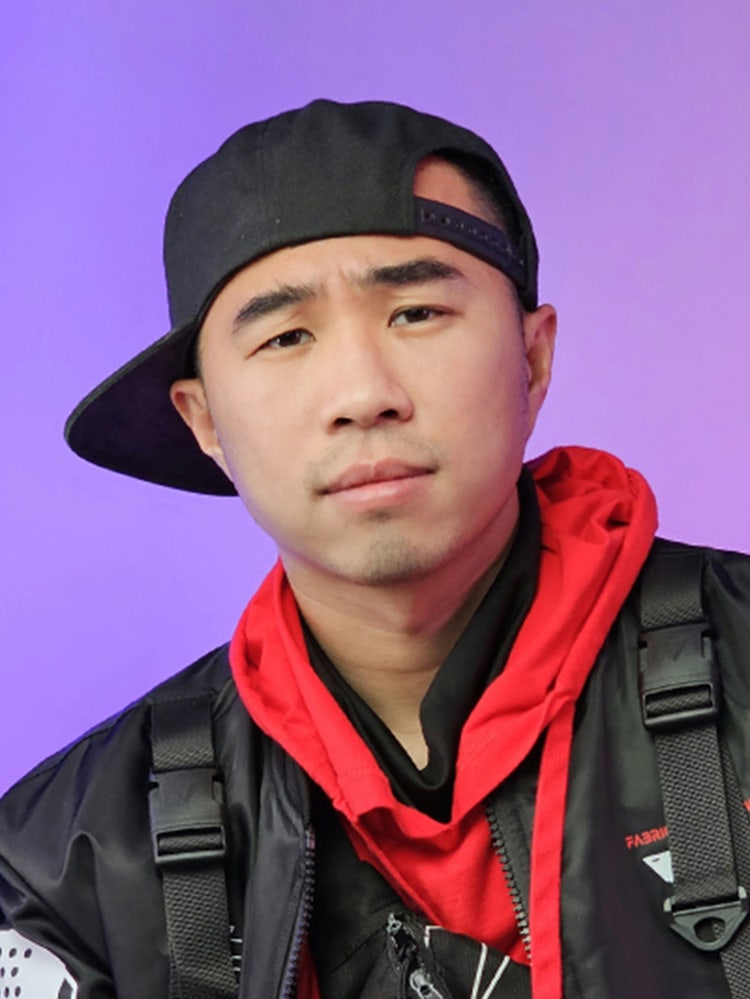
Hear compelling stories from top creatives as they share their process, creative passions, and what keeps them moving forward. We’ll learn what keeps them dreaming big and creating bigger and why human creativity is at the center of everything they do. The Inspiration Keynote features creative director and designer Jonathan Anderson, creative director and co-founder at They Are Creative Siobhán Maroney, creative pioneer and viral filmmaker Drex Lee, and writer/director Omar S. Kamara

Keynotes & Sneaks

Seriously Unserious — How Play Became My Biggest Creative Strength

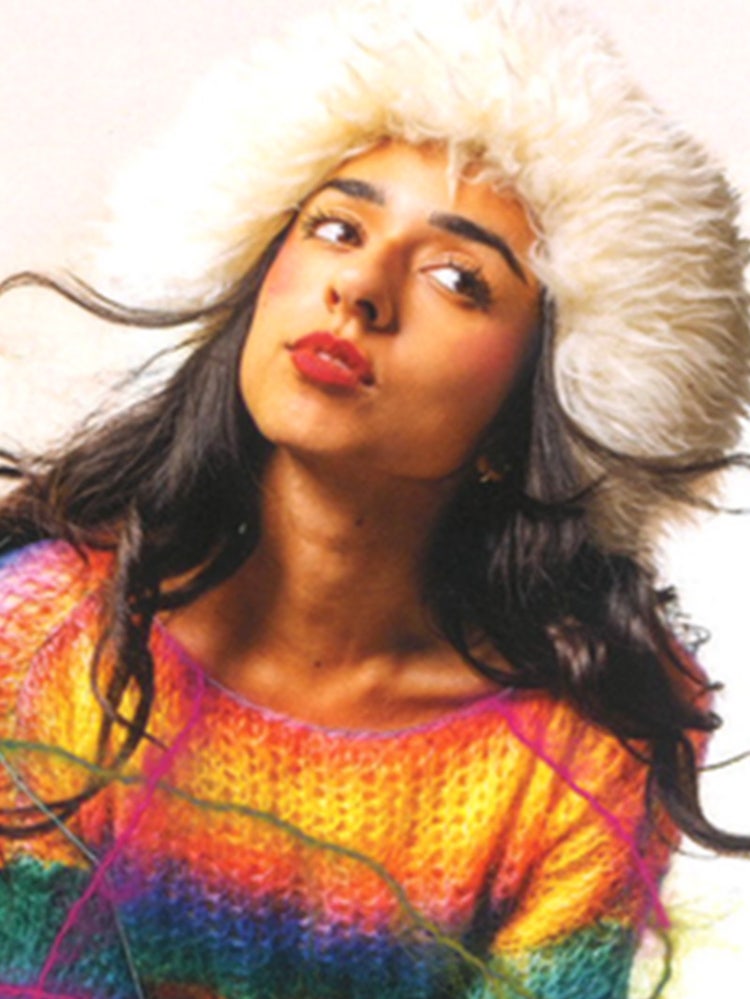
Ramisha Sattar built a globally recognized visual universe out of scrapbook collages, hand-drawn type, and a refusal to make anything that wasn't fun to make. As creative director for Chappell Roan, she's brought that handmade, personal aesthetic to album art, tour visuals, merch, and festival animations — at Coachella scale. She's breaking down exactly how she did it. If you’re a creative — at any stage — who feels like the fun has been squeezed out of the process, join Ramisha to explore: - How a self-taught designer with a scrapbook aesthetic ended up animating for major music festivals and designing for global brands - How to build a creative identity and personal brand so distinct that clients and collaborators come to you - How to prioritize play and focus on the parts of your creative process that bring you the most joy - How to combine analog techniques with digital tools to create immersive creative worlds

Design, Imaging, & Illustration+1

The Creative's Guide to Surviving (and Loving) Rejection

Four years ago, a single rejection sent graphic designer Liz Mosley on a side quest she never could have predicted — one that started with a DM to Chris Do, CEO and Founder of The Futur — and ended up reshaping her entire career. That rejection sparked a challenge: To collect 100 of them. What she discovered changed everything. In this session, Liz and Chris unpack why your fear of rejection is the real thing holding you back, the stories you're telling yourself about what "no" means, and why collecting rejections might be the best career move you’re not making. Together they'll share: - Why a "no" doesn't mean what you think it does - How to turn rejection into momentum - What it actually means if you're not getting rejected - How to reframe fear as a signal — not a stop sign

Creator Economy+1

MAX Sneaks

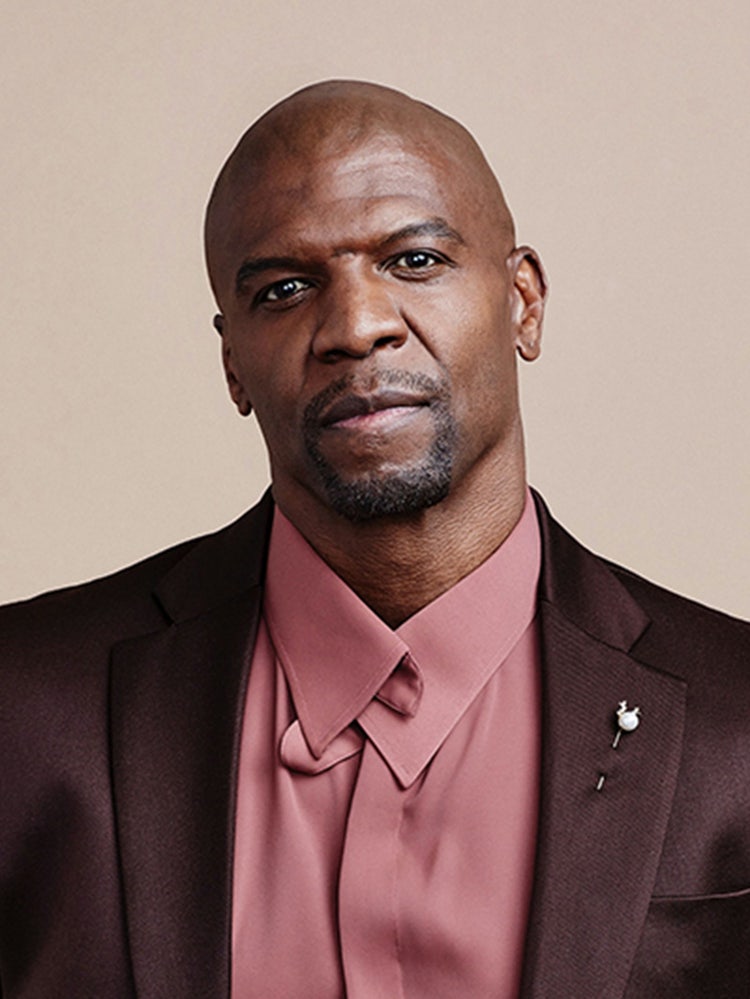
One of our most popular events, Sneaks offers a first-hand look at what we’re working on in Adobe Labs. This year’s co-host is Terry Crews, an award-winning actor, author, activist, and motivational speaker.

Keynotes & Sneaks

Asia Pacific Inspiration Keynote

Hear compelling stories from top creatives as they share their process, creative passions, and what keeps them moving forward. We’ll learn what keeps them dreaming big and creating bigger and why human creativity is at the center of everything they do. The Inspiration Keynote features creative director and designer Jonathan Anderson, creative director and co-founder at They Are Creative Siobhán Maroney, creative pioneer and viral filmmaker Drex Lee, and writer/director Omar S. Kamara

Keynotes & Sneaks

Build Worlds Faster: A Hybrid AI Workflow in Photoshop

Learn how to use AI in Photoshop and Firefly to skip the tedious parts of asset prep so you can spend more time animating, designing, and playing. Creative technologist Don Allen III walks through how he built a modular, interactive art world, one island at a time, using a hybrid AI and Adobe pipeline. In this session, Don will show you how to: - Turn a hand sketch into a full concept art scene using Firefly and Nano Banana Pro in Photoshop - Split flat artwork into clean, named asset layers in seconds with new Photoshop AI features - Use 3D rotation to quickly set-dress a scene without rebuilding your artwork - Hand off a fully labeled file to After Effects so you can focus on motion - Use JSON prompting to get precise timing from AI tools

Accelerating Creativity with AI

Don’t miss Keynotes and Sneaks.

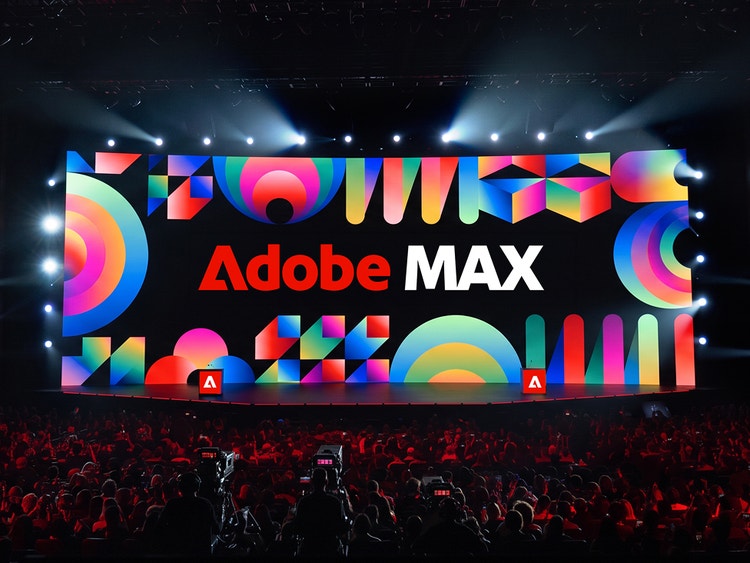
Opening Keynote

On Demand

Get an inside look at the tools and techniques that give you more creative freedom, control, and possibilities.
Watch now

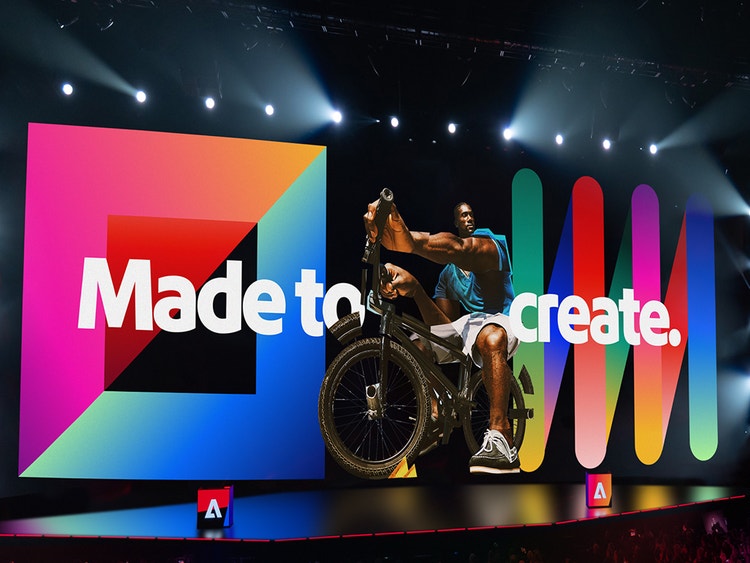
Inspiration Keynote

November 11, 10am EST | 3pm GMT

Hear from leading creative voices about their process and how they are dreaming big and creating bigger.
Learn more

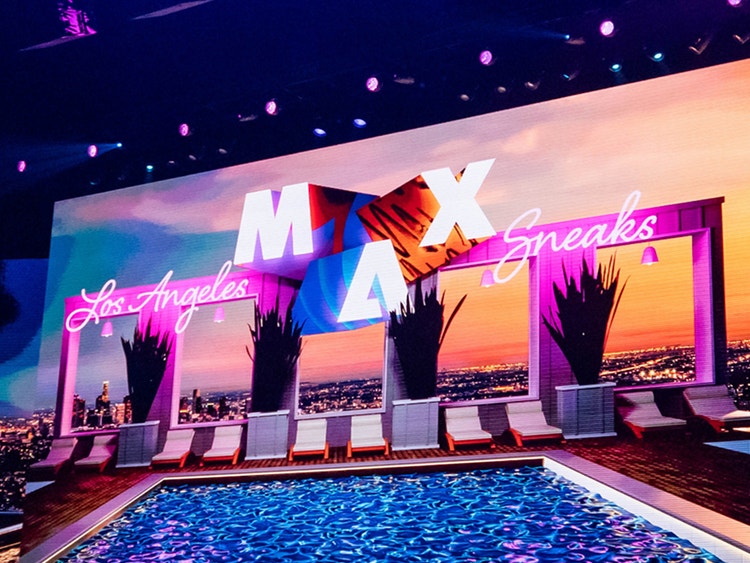
Sneaks

November 11, 5:30pm EST

One of our most popular events, Sneaks offers a first-hand look at what we’re working on in Adobe Labs.
Learn more

Learn new skills in every creative discipline. Walk away with fresh ideas, time-saving workflows, and the tools to bring your vision to life.

Hear from the best.

Creative luminaries will share new perspectives and expert techniques to help you create with confidence and make your ideas distinctly yours.
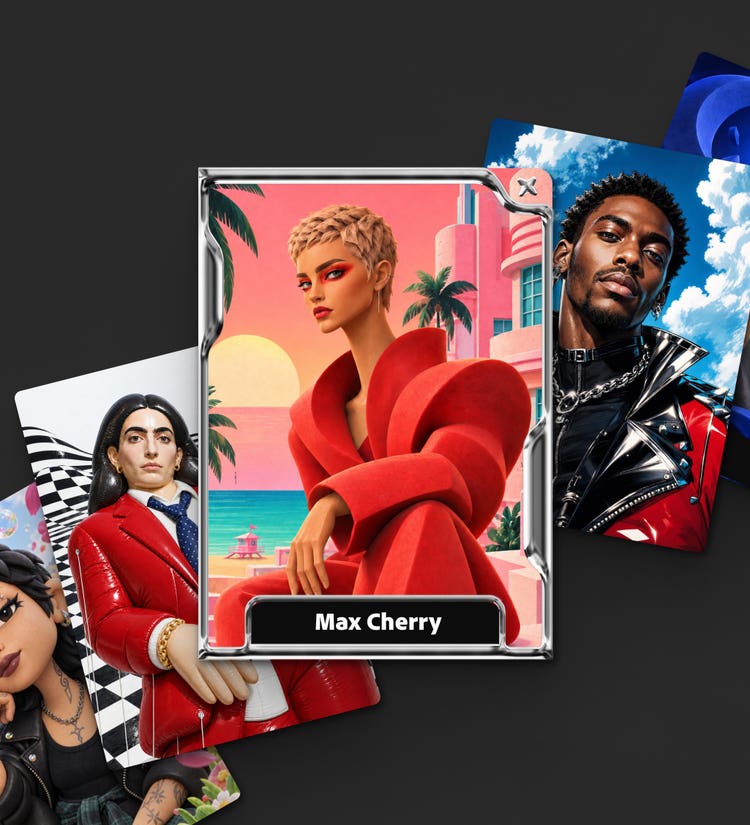
Make your 1 of 1 Creator Card

Create a collectible card that’s uniquely yours with Adobe Firefly. Choose your style, build your world, and make it yours.

Adobe MAX Creativity Awards

Check out the 2026 honorees in design, image making, motion, photography, and video.
See where your ideas take you.

Adobe works around the way you create, giving you the tools to push your ideas further and make work that’s all yours.

Meet our sponsors.

View all sponsors Become a sponsor

Find more inspiration.

Sessions loaded.

Previously aired

2:00pmUTC
Keynotes & Sneaks

Get a first-hand look at the ideas, imagination, and human creativity that spark fresh thinking and help you dream up what comes next. Discover the tools and techniques that give you more creative freedom, control, and possibilities. The Opening Keynote features creative pros and creators sharing workflow demos and videos, along with Adobe executives who will discuss how to advance your creativity and craft.

Keynotes & Sneaks

Get a first-hand look at the ideas, imagination, and human creativity that spark fresh thinking and help you dream up what comes next. Discover the tools and techniques that give you more creative freedom, control, and possibilities. The Opening Keynote features creative pros and creators sharing workflow demos and videos, along with Adobe executives who will discuss how to advance your creativity and craft.

4:30pmUTC
Adobe Live@MAX

Adobe Ambassador Karoline Valaityte takes you inside her process as a creative director, from building a brand to bringing it to life in a social campaign in Adobe Firefly Boards.

5:00pmUTC
Accelerating Creativity with AI

How do you embrace new technology without losing what makes your work uniquely yours? Using her Futuremaker artwork, created for Adobe's Creative Collective as a case study, award-winning lettering designer, author, and educator Martina Flor explores how analog craft, digital design, and AI-powered tools can coexist within a single creative process. Through a real-world project, Martina shares how she integrates emerging technologies without sacrificing authorship, creative voice, or craftsmanship. Key takeaways: - See what happens when sketchbooks, design software, and AI collide in a single creative workflow - Learn where AI can accelerate the creative process — and where human judgment, taste, and craft make all the difference - Go behind the scenes of a real Adobe Creative Collective project, from first sketch to final artwork - Walk away with practical strategies for using AI without losing your creative voice

Creative Leadership & Innovation

Design leaders are excellent at their craft — but leading at the organizational level is a different challenge. In this session, design leader Doug Powell, formerly of IBM and Expedia Group, shares three practices that help designers build influence, communicate value, and drive positive outcomes across the enterprise. You'll walk away with: - Techniques for communicating design's value in language that resonates with business stakeholders - A framework for moving out of isolation by understanding the people and systems around your work - A way to identify your core strengths and position them as leadership assets

Video, Audio, & Motion

Join Anna Violette, head of 3D technical artists at Adobe, for a practical look at how creative teams create 3D digital twins and turn them into marketing content. At the creation stage, digital twins can help visualize and validate designs or serve as the basis for creating hundreds of variants to cover color or finish variations across brands. Those same digital twins can also power downstream content creation, allowing teams to produce campaign imagery, motion graphics, and on-brand content at scale. Learn how to: - Create visually accurate digital twins from CAD files to visualize and validate designs - Generate variants that cover SKUs across brands and product options - Combine digital twins with Adobe Firefly generative imagery to quickly create brand-accurate campaign imagery, pack shots, and general marketing content - Share digital twins with Frame.io for work in Adobe After Effects and Firefly Enterprise content automation tools

Accelerating Creativity with AI

What if AI could handle the busy work so you could focus on creating? Creative work rarely ends with the first finished piece. An idea must be developed, documented, presented, adapted, and translated across an expanding set of formats and channels. For working artists and creative teams, that surrounding work can consume as much time as the act of making. In this session, artist and designer Claudia de Almeida follows a ceramics project from physical inspiration to a flexible family of digital creative assets. She shows how an AI-assisted workflow can help organize ideas, explore directions, prepare presentations, and accelerate repetitive editing and versioning, while keeping the artist’s judgment and point of view at the center. The goal is not to automate creativity. It is to create a better system around it, one that reduces the operational work between an idea and its many expressions. Attendees will leave with a practical framework for spending less time rebuilding, resizing, and reassembling, and more time doing the work only they can do.

5:15pmUTC
Adobe Live@MAX

Ariane Gebhardt shows you how she makes scroll-stopping social content, both as a creator for her own brand and as a social strategist for her clients. Follow her process from mockups to a social campaign that grows sales for your clients’ businesses.

5:30pmUTC
Design, Imaging, & Illustration

Learn how to turn your taste into vision, and your vision into social media content people will actually engage with. Jason Murray, creative director and founder of Modern Art Direction, shares the techniques behind work that stops the scroll. You'll leave with tactics to apply on social and beyond. In this session, you'll learn how to: - Build one big creative idea strong enough to fuel a month of posts, so you stop reinventing your feed every week - Steal the visual techniques and framing tactics that make people stop scrolling - Future-proof your social content by leveraging real human insight, not a recycled clickbait hook - Develop a signature visual style, then save it as a Brand Kit in Adobe Express so every post stays recognizably yours

Design, Imaging, & Illustration

What if the thing holding your design work back isn’t your creativity, but the thinking that happens before you start designing? Through a real-world rebrand, brand designer Abi Connick shares how she weaves brand strategy into her creative process to solve bigger problems, uncover stronger ideas, and create more intentional, impactful design. You'll see how strategic thinking provides a clear foundation for every creative decision, helping you move forward with greater confidence and purpose. In this session, you’ll: - Understand the role of strategy in the brand design process - See how brand foundations and positioning shape creative direction - Translate strategic insights into decisions across logos, typography, color, and more - Use strategy as a roadmap to reduce creative dead ends and make more confident design decisions

Creative Leadership & Innovation

If nobody stops scrolling, nothing else matters. Katie Ewer from Meta's Creative Shop unpacks what makes a great hook and why some content earns attention while other content gets skipped. Learn the creative principles behind opening moments that create curiosity, build anticipation, and keep people watching. Plus, see a practical AI workflow for generating stronger hooks and learn how to measure whether they're actually working. You'll learn: - The three jobs every great hook needs to do - How AI can help spark better creative ideas - How to improve and measure your hook rate

Creator Economy

Discover how Edwin Chung, a creative working at the intersection of analog and digital, approaches video editing not as just a technical process, but as a way to find your creative voice. Learn how developing a distinct video style can transform your social media content from forgettable to unmistakably yours. Take a deep dive into: - How to identify the editing choices that best reflect your personality, pace, and creative point of view - Why a consistent creative style builds audience recognition faster than any trend or format - How to use rhythm, pacing, and transitions to tell a story that feels native to your page - Practical techniques for developing a signature style that sets your content apart

6:00pmUTC
Design, Imaging, & Illustration

Scaling creative isn’t just about automation — it’s about strategy, people, and process. After producing over one million assets for brands like eBay, Spotify, and Just Eat, we’ve learned what works — and what definitely doesn’t. This session cuts through the hype to share real lessons on how to scale creative without losing impact, brand integrity, or your sanity. Key takeaways: - Scaling creative isn’t just about making more; it’s about making it better. - Automation doesn’t replace creativity — it amplifies what’s possible. - The right tools help, but real success comes from a shift in mindset.

Adobe Live@MAX

MAX keynote speaker Siohan Maroney takes you inside her process for creating stunning visuals. See how she uses Adobe Firefly Boards to plan her content and keep a distinct creative direction from the first idea to the final project.

Video, Audio, & Motion

Cozy. Moody. Vibrant. Cinematic. Whatever your vibe is, Color Mode in Premiere gets you there — faster than you think. In this 15-minute demo, Karina Anglada, Strategic Development Manager, Adobe Pro Video, shares her favorite tips and tricks for quick, confident color correction: how to move through clips efficiently, apply adjustments with precision, build looks you can reuse again and again, and set up Color Management so you're starting from the right place every time. Whether you're grading one clip or a whole scene, these are the shortcuts that'll speed up your workflow without sacrificing control.

Creator Economy

The difference between good design and great design is rarely a single bold decision — it lives in the details most people rush past. In this session, graphic designer and educator Dan White, better known as Dansky, breaks down the micro-decisions around spacing, margins, alignment, and typography that quietly show whether a design feels polished or off. Learn to spot what's not quite working, understand why it isn't, and how to fix it. You’ll leave with a sharper ability to make intentional design decisions and the vocabulary to explain them. In this session, you’ll learn: - Why small spacing and alignment decisions have an outsized impact on how professional work feels - How to diagnose — and fix — designs that look off - A practical framework for making intentional typographic choices that elevate any piece - The vocabulary to articulate design quality to clients and collaborators

Branding

Even with the right tools, good work still gets stuck — in approvals, in handoffs, in the gap between what marketing planned and what actually shipped. Most enterprises are living with four of these gaps: planning, creative intelligence, activation, and measurement — each one is a place where momentum and intent leak out. This session shows how Omnicom and Adobe are closing them, with live proof points from organizations running this way. Join us to find out: - Where marketing work actually stalls today, and why it's rarely the creative that's the bottleneck - What breaks first when you try to run marketing this way, and how the AI agentic operating model handles it - Clear next steps to pressure-test this against how your own team actually works

6:30pmUTC
Design, Imaging, & Illustration

This is the Illustrator session that Adobe should put in the manuals. Award-winning designer, visual strategist, author, and Adobe Senior Design Evangelist Kladi digs into the hidden gems, overlooked features, and power-user workflows that set great designers apart from good ones. Expect fast, practical, and immediately usable techniques. Whether you're deep in production or pushing creative boundaries, you'll leave as the go-to person your colleagues can't help but learn from. This session pulls back the curtain on Illustrator's most underrated features, hidden shortcuts, and AI tools that are quietly transforming how designers work. In this session, you'll: - Walk away with immediately usable, day-to-day shortcuts and techniques - Discover new Illustrator features and hidden gems that most designers ignore - Unlock AI tools that are quietly transforming how designers work - Master pro-level workflows that make you faster without sacrificing creativity

Creative Leadership & Innovation

AI is democratizing creativity: anyone can generate images, write headlines, and create hundreds of variations in seconds. But when every brand has access to the same tools, where will advantage come from? Speed and scale are becoming table stakes. The opportunity is to pair those capabilities with taste, judgment, imagination and cultural understanding to create work that makes a brand distinctive and drives growth. Join David Shrank and Tracey Smith of Deloitte Digital and Mike Wente, who led brand and creative at PayPal, Venmo and Verizon and held Chief Creative Officer roles at VML and Dentsu, to explore how organizations can move beyond “version 1.0” and connect strategy, creation, technology, and distribution. We’ll discuss: - Why more content doesn’t always create a stronger brand, and how to avoid scaling sameness. - What the future brand and creative organization looks like, from team structures and workflows to technology, operations and agency relationships. - What “forward-deployed engineering in support of creativity” could look like in practice to solve brand and business challenges.

6:45pmUTC
Adobe Live@MAX

Photographer Anne-Alexia is known for her whimsical, colorful work. Get a backstage pass to her process as she walks you through how she preps for a shoot, from storyboarding to shot planning.

7:30pmUTC
Accelerating Creativity with AI

Creative teams spend too much time waiting for files, hunting for assets, and getting up to speed on projects. LucidLink gives teams a shared cloud workspace that behaves like a local drive, so creatives can open and work with project files directly in Adobe tools without downloading or syncing. Join LucidLink's Dominic Brouard, Solutions Engineer, and Ezana Tadese, Senior Product Marketing Manager, to see how LucidLink can also connect project files to AI tools, giving creatives a faster way to find assets, understand project context, and handle repetitive workflow tasks. Through practical examples across design, photography, and media workflows, we'll show how AI can take on more of the busywork without taking over the creative work. You'll learn how to: - Spot the repetitive, non-creative work slowing you down. - Ask where a file is, or what changed since yesterday, and get up to speed without digging through folders. - Start with one small AI habit inside the tools you already use, then grow it. - Keep AI working inside the same shared project as your team, not a downloaded copy.

Design, Imaging, & Illustration

Get a first look at the latest updates in Adobe Photoshop, designed to spark creativity, expand your toolkit, and streamline your workflows. Join Meredith Payne Stotzner, Photoshop Senior Product Manager, for a fast-paced overview of exciting new features and powerful enhancements that blend traditional Photoshop artistry and AI-powered tools for even more precision, control, and production polish. Whether you're a seasoned pro or just getting started, this session will give you a clear view of what’s new and what’s coming to reshape how creators work. In this session, you’ll: - Learn our latest, cutting-edge capabilities that will uplevel your craft and unlock greater creativity - Explore new nondestructive and smart workflows that save time - See how generative-AI tools are evolving to accelerate ideation, content creation, and complex tasks

Adobe Live@MAX

Join Adobe Live for a special episode of our Monthly Vodcast, spotlighting an incredible creative community member from the MAX floor. Carol Gonzalez is a stop motion artist and filmmaker based in São Paulo, Brazil, and the founder and creative director of Maria Marcolina Filmes, a studio specializing in stop motion for brands. We’ll talk with Carol about pioneering stop motion for social media in Brazil, balancing her handmade style with client work, and how Adobe tools fit into her process after 15+ years.

Branding

Great brands don't happen by accident. They emerge from strategic, intuitive thinking that no AI tool can replicate. Creative director and brand strategist Teresa Ferreira spent seven years as Head of Design at the Financial Times before founding Ferrgood Studio in London. In this session, she takes you inside her Timeless Brand™ methodology and shows how the strategic rigor of corporate brand thinking translates into an agile, AI-integrated studio practice. Join Teresa to explore: - Why AI without creative direction produces generic brands - How corporate brand frameworks apply to any creative context - What her Timeless Brand™ methodology looks like in practice - Where human judgment remains non-negotiable in the AI era

Video, Audio, & Motion

Are you a designer stepping into the world of motion? You already have the core design skills – you just need the right workflow. Emmy-winning motion designer, editor, and educator Kyle Hamrick will cover essential Adobe After Effects techniques tailored specifically for Photoshop and Illustrator users looking to leverage the power of motion for creative expression. You’ll learn to: - Use fundamental techniques and time-saving shortcuts to navigate After Effects - Successfully prep, import and animate existing layered designs - Apply non-destructive effects for maximum visual impact with ease and editability - View After Effects as a powerful asset in your creative toolbox

8:00pmUTC
Design, Imaging, & Illustration

Turn everyday inspiration into expressive digital artwork in this intro to Adobe Fresco session with Megan Truong, Senior UX Designer on the Fresco team. Megan will share how to build a stylized illustration and bring it to life with animation using Fresco. Along the way, she’ll explore essential drawing and painting tools, share techniques for creating depth and texture, and experiment with motion features that add energy and personality to her artwork. In this session, Megan will create a Miami-inspired illustration with animated elements, and she’ll share practical skills you can apply to future creative projects. In this session, Megan will share how to: - Build confidence with digital drawing techniques and workflows - Use core Fresco tools, including brushes, layers, and painting features - Create movement using the built-in animation tools - Apply color, texture, and stylization to transform a reference photo into an original illustration

Design, Imaging, & Illustration

Most people know Adobe InDesign for print and static PDFs, but inside InDesign is a powerful toolkit for multimedia presentations. Join Gareth David, design director and YouTuber with almost one million subscribers, in Part 1 of this 2-part session as he explores how to bring presentations to life with video, audio, animated GIFs, and browser-based publishing. In this session, you’ll learn how to: - Explore InDesign’s tools for creating multimedia publications - Discover the key panels used for interactive content - Add animated GIFs directly into presentation layouts - Place and manage video within a composition - Add audio and prepare media for interactive control Note: This is PART 1 of a two-part session. If you watch this session, be sure to also watch OS312 to view PART 2 of this session.

Accelerating Creativity with AI

A written idea is the weakest possible reference for a shot. Nicolas Neubert, Director of Technical Artists at Runway, takes a single concept from a few sentences to a directed scene, live and in one sitting. He builds the world and the characters in Runway, blocks the shot, then directs it the way you would on set: adjusting the camera, changing the lighting, moving the actor, swapping what's in frame. Each pass holds character and style consistent, so the scene evolves instead of resetting. What you leave with is a moving reference that shows exactly what you intend to shoot. You'll learn how to: - Turn a written idea into a visualized scene with characters, setting, and mood in one pass. - Direct the shot with Runway: reframe the camera, change the lighting, and reposition what's in frame. - Hold character and style consistent as you iterate on a scene.

Photography

Masking has long been one of the most powerful creative tools in Adobe Lightroom, and it's about far more than spot-fixing your photos. Join Lightroom and Camera Raw software quality engineer and photo educator Brian Matiash to discover how today's AI-powered masks let you guide the viewer's eye, sculpt light and mood, and stamp your own creative vision onto an image. You'll walk away with practical, repeatable techniques ready to use in your very next edit. Brian will explain how to: - Make AI-powered selections — subject, sky, people, objects, and background — that give you a precise starting point in seconds - Combine, intersect, and subtract masks to isolate the exact area you want - Use creative techniques to direct the viewer's eye and add depth and dimension to a flat image - Craft mood and atmosphere using localized color, tone, and light

8:15pmUTC
Adobe Live@MAX

Join Adobe Live for a special episode of our Monthly Vodcast as we highligh an incredible creative community member from the MAX floor! Justin Serran is the founder and Creative Director of Visual Blvd, a Toronto-based AI-powered production studio. This session dives into his success in both his client work and his social media career. Learn how Justin has impliments AI systems into his workflow to grow his business and his creative journey in Photoshop, After Effects and Premiere.

8:30pmUTC
Design, Imaging, & Illustration+1

Great stories don’t always start with big ideas — they often begin with small, ordinary moments we tend to overlook. In this session, Vanessa Rivera, the artist behind The Life of AIVAX, shares how everyday moments have inspired some of her most viral and meaningful artwork. Through her Notice, Expand, Whimsify framework, Vanessa will break down her creative process and show attendees how to create stories that feel original, emotional, and impossible to scroll past. You’ll leave this session ready to: - Notice creative inspiration hiding in everyday life to build original ideas - Expand ideas using color, setting, and emotion to compose compelling stories - Whimsify your work using Photoshop to make it more memorable and unique - Create work that connects without losing yourself to the algorithm

Design, Imaging, & Illustration

A creative journey that follows an idea from the streets of New York City to a finished illustration. Through unboxing, photography, studio work and creation using Adobe tools, the session demonstrates how a portable device powered by Snapdragon X2 Elite processor enables creativity wherever inspiration happens. Mobility meets art and technology in a visual story you can apply to your own practice. You will learn: - Discover: how to set up a portable workflow and overcome the challenges of creating on the go - Explore: how to find fresh inspiration roaming through culture-rich New York City while capturing original photography - Create: practical tips with Adobe tools and an in-studio process of building an illustration based on the images captured - Reveal: how mobility and technology shape the journey from first idea to finished artwork

9:30pmUTC
Accelerating Creativity with AI

Creative professionals don't need more talent—they need more time. Too often, creative energy gets sidelined by admin work: managing email chains, invoicing, and hunting down information. In this session, see how a real creative agency uses Acrobat Studio and Adobe Express to cut business overhead at every step—from pitching a new client to collecting feedback, revising copy, and delivering final assets—so teams spend less time on the business of creativity and more time on creative thinking itself. You'll learn how to: - Collaborate with clients and stakeholders without endless meetings - Automate repetitive work like text editing, PDF creation, and asset sourcing - Let AI Assistant handle repetitive editing so you don't have to - Turn past work into searchable business intelligence - Spend less time on overhead—and more on creative output

Video, Audio, & Motion

Most videos don't get watched past the first few seconds not because the content is bad, but because there's no hook. Josh Olufemii, content creator behind the Olufemii YouTube channel with more than 500,000 subscribers, breaks down what actually makes people stop scrolling and keep watching. In this session, he shares the strategy behind his own growth — and how to apply it fast, even on a 15-minute deadline. You will learn how to: - Craft a first three seconds that stops the scroll instantly - Spot where viewers drop off — and fix it - Use pacing and curiosity to keep people watching - Apply hook strategy to any video without slowing down your workflow

Design, Imaging, & Illustration+1

Discover how Adobe Firefly can accelerate a real Photoshop project from concept to final composite. Join Adobe Certified Instructor Rob de Winter as he builds images from the ground up, showing how Firefly-powered features streamline ideation, asset creation, editing, and finishing — while keeping you in complete creative control. Along the way, you'll learn when to use different Firefly models, how they work together inside Photoshop, and practical techniques for creating polished, production-ready results faster. In this session, you'll learn how to: - Choose the right Firefly model for image generation, generative fill, and expand - Build and refine compositions using Firefly-generated assets and your own sketches - Use Firefly-powered editing tools for recoloring, text replacement, object removal, and image enhancement - Blend AI-generated and photographed elements seamlessly with Harmonize and rotate object - Apply Firefly features throughout a complete Photoshop workflow from concept to final image

Design, Imaging, & Illustration

In Part 2 of this 2-part session, continue building the multimedia presentation from Part 1, and take the experience further with native InDesign animation, timing, interactive controls, and navigation. Join Gareth David as he demonstrates how to control multimedia, build intuitive interactions, and use Publish Online to turn an InDesign document into a shareable browser-based presentation. In this session, you’ll learn how to: - Create native animations and timed sequences in InDesign - Control the playback and timing of multimedia elements - Build custom buttons for video and audio controls - Create intuitive navigation throughout the presentation - Publish, update, and share the finished experience online Note: This is PART 2 of a two-part session. If you watch this session, be sure to also watch OS311 to view PART 1 of this session.