Sessions are live now.
Learn new skills and integrated AI workflows. Discover the latest ways to accomplish more, with confidence that your ideas will remain yours.
Photoshop and Firefly: Smarter AI Workflows
Catch these upcoming sessions.
Build Worlds Faster: A Hybrid AI Workflow in Photoshop
Learn how to use AI in Photoshop and Firefly to skip the tedious parts of asset prep so you can spend more time animating, designing, and playing. Creative technologist Don Allen III walks through how he built a modular, interactive art world, one island at a time, using a hybrid AI and Adobe pipeline. In this session, Don will show you how to: - Turn a hand sketch into a full concept art scene using Firefly and Nano Banana Pro in Photoshop - Split flat artwork into clean, named asset layers in seconds with new Photoshop AI features - Use 3D rotation to quickly set-dress a scene without rebuilding your artwork - Hand off a fully labeled file to After Effects so you can focus on motion - Use JSON prompting to get precise timing from AI tools
Asia Pacific Opening Keynote
Get a first-hand look at the ideas, imagination, and human creativity that spark fresh thinking and help you dream up what comes next. Discover the tools and techniques that give you more creative freedom, control, and possibilities. The Opening Keynote features creative pros and creators sharing workflow demos and videos, along with Adobe executives who will discuss how to advance your creativity and craft.
Beyond Content: The Art of Making Better Ads
What if your in-house team could create advertising people actually remember, not just content they scroll past? Join DGA director AJ Bleyer for this fast-paced session shaped by more than a decade of creating premium campaigns for brands like Ferrari, Riot Games, and Red Bull. AJ breaks down what separates forgettable content from advertising that cuts through. Designed for in-house creatives, this session covers what it really takes to make advertising that lands. You'll learn how to find the emotional hook, build stronger concepts, and turn safe briefs into campaigns people remember. Learn how to: - Find the emotional hook that turns brand messaging into advertising people care about - Build stronger concepts rooted in human psychology, audience behavior, and social trends - Sell bigger, bolder ideas with confidence to risk-averse stakeholders - Use generative AI to spark concepts, sharpen pitches, and polish visuals
Inspiration Keynote
Hear compelling stories from top creatives as they share their process, creative passions, and what keeps them moving forward. We’ll learn what keeps them dreaming big and creating bigger and why human creativity is at the center of everything they do. The Inspiration Keynote features creative director and designer Jonathan Anderson, creative director and co-founder at They Are Creative Siobhán Maroney, creative pioneer and viral filmmaker Drex Lee, and writer/director Omar S. Kamara
Creating Images as a Blind Photography
Join us live from the Community Booth at MAX for a conversation with Gary Williamson, a blind photographer and artist! Gary will take us inside his creative process, from the art college darkroom to finding his way back to contrast with charcoal and back to photography again. Hear what he notices before he presses the shutter, see how he turns that experience into a finished image, and learn how tools like mirrorless cameras, Lightroom Mobile, and iPad Pro have expanded what he can create.
Designing Fiction & Branding Stories: Using Design to Tell Stories
Join Tom Muller, creative director and founder of award-winning studio helloMuller, for an action-packed session where he shows how graphic design and branding can be used to amplify stories, from comics to video games, TV, and more. See how designing identities and brands for fictional worlds and pop culture can live and breathe in the real world with recent case studies, tons of visuals, and a random movie cameo. In this technicolor session he’ll share: - How to take an idea from a sketch to a full pop culture identity - Why some logos made it, and others didn’t — the art of revisions - How to look for ideas outside your comfort zone and thinking sideways - Why sometimes the simplest solution is the strongest one
AI is Fast, Artists are Faster: Your Creativity + Adobe Firefly
This session is for creatives who want to stay ahead without losing themselves in today’s creative process. Join creative technologist Emily Bisset and get up to speed on where we are with AI and why creatives can get excited about what's to come. Expect an honest, practical overview of what Adobe Firefly can provide and how these tools and platforms help us solve real-world problems creatives face every day. Just getting started with AI? Already experimenting? Walk away with practical knowledge and genuine confidence. Takeaways: - Discover where AI genuinely pulls its weight, and where your artistic instincts and manual skillsets have the advantage - Get a clear, honest picture of what Adobe Firefly can do across the Creative Cloud ecosystem - Walk away with practical techniques you can use the moment you're back at your desk
Think It. Make It. Discover It.
Creativity isn’t the ability to have ideas. It’s the ability to discover them. Creativity is often treated as something mysterious — an instinct, a talent, or a gift you either possess or you don’t. But creativity can be practiced, strengthened, and developed. In this session, creature and concept designer Neville Page explores a practical approach to creative discovery developed through decades of designing for film, products, and education. You’ll learn how to begin before you know the answer, question assumptions, use research without becoming trapped by it, and move ideas between the mind, the hand, and the tools available to you. Through drawing, making, experimentation, failure, iteration, and emerging technologies including AI, Neville will demonstrate why the creative process isn’t about waiting for inspiration. It’s about creating the conditions in which discovery can happen. The goal isn’t simply to make better images. It’s to become a better creative thinker — and to develop a process you can carry into whatever problem comes next.
From Moodboard to Pin: Pinterest for Creators and Creative Professionals
Join Pinterest creator Arianna Cabrera (@yungpicari) for a behind-the-scenes look at how she uses Pinterest throughout her creative process, from inspiration and mood-boarding to publishing polished, scroll-stopping Pins. In this session, Arianna will share how Pinterest serves as both a visual discovery engine and a living portfolio, helping creative professionals develop ideas, showcase their work, and build an authentic brand. Attendees will learn practical tips for creating Pinterest-native content across creative formats, plus simple visual systems that make content more cohesive, save-worthy, and actionable. Using her own artwork and workflow as an example, Arianna will show how to turn inspiration into execution and how tools like Adobe Express can help bring that process to life. If you're interested in learning more about joining the Pinterest Creator Community, sign up HERE!
Developing Culturally Relevant Brands in Firefly
Creator and strategist Teeyana Aromi shows you how she uses Adobe Firefly to shape brands that are authentic, culturally resonant, and built to last. See her approach in action across digital content, brand marketing, and large-scale campaigns.
Draw, Paint, and Imagine in Adobe Aqua
Discover new ways to create in Adobe Aqua, our drawing and painting app designed and built for kids. Join Matthew Carlson, children's book illustrator and director of product design for Aqua, as he guides you through the world of Aqua, exploring inspiring activities and trying out the latest creative tools. In this session, you'll learn how to: - Draw and paint, or pick from hundreds of coloring pages - Create colorful collages with a range of materials - Transform your art into claymation and origami - Create art with friends through drawing games
5 Premiere Tricks That Feel Like Magic
Great footage is only half the job. The real magic happens in the edit. Join Chris Hansen, Adobe Senior Solution Consultant, in this fast-paced session where we'll take a raw clip from rough cut to polished, share-ready video using the most powerful AI-assisted tools in Premiere. You'll see text-based editing, automatic reframing for social, generative fixes for tricky shots, and one-click audio cleanup all in real time. This session will show that you don’t need to be a video expert to deliver polished, professional-quality results.
Deconstructing the Design Process with Logitech's Iconic MX Master 4
In this session, industrial designer Hugo Bourguignon goes behind the scenes of Logitech's most iconic mouse, the MX Master 4, to deconstruct how flat software UI metaphors — such as keyframes, vector paths, layer snapping, and color calibration bands — were translated into a complex, double-curved ergonomic physical object.
Make Your Content Stand Out: AI Masking in Premiere
Most creators know the feeling: footage that's technically fine but doesn't stop the scroll. In this session, Canadian travel and lifestyle filmmaker Chris Hau breaks down how he uses AI Masking in Adobe Premiere to turn ordinary clips into visuals that hook viewers and keep them watching. Chris will walk through a real, hands-on example — isolating a subject, layering in dynamic text, and building a scroll-stopping edit in minutes rather than hours. It's a practical, no-fluff look at one feature that's changing how creators work. Better yet, it's even faster when running locally on AMD's on-device AI hardware, offering no cloud lag and faster render wait times. This isn't a product demo. It's a working creator showing the exact workflow he uses to turn a traditional editing task into trending content that performs. Most importantly, it shows how the right combination of software and hardware lets him spend more time creating and less time waiting.
Using Firefly Boards to Develop Illustrations
Illustrator David Oku is known for his colorful work, and he’s recently started using Adobe Firefly Boards to gather inspiration and set creative direction for new projects. See how he does it, then watch him bring a finished illustration to life in mockups he can share with clients.
How Branding Works and Why It Matters
A brand isn't lightning in a bottle; it's a well-stocked pantry. The strongest brands aren't built around one brilliant idea. They're filled with ingredients: brand values, personality, communication style, and visual language that can be remixed into something new. In this session Andrew Hochradel, Content Manager for Community-Led Growth at Adobe, breaks down what branding is and why it matters. Branding shapes behavior, creates cues people remember, and builds the context that earns attention and trust. Join Andrew and explore: - How to build brands with substance, not just style - How to create work that brings meaning to the brand - How brand building can make you a better creative
Mood & Mastery: Transform Your Street Photography in Lightroom
Join award-winning photographer Ron Timehin for this 15-minute tutorial and discover how to transform an ordinary street photograph into a cinematic, mood-driven image, entirely within Adobe Lightroom. By the end of this session, you'll have a repeatable workflow for bringing emotional depth and visual impact to your street photography. You’ll learn how to: - Use Lightroom's AI-powered masking tools to make precise, targeted tonal adjustments to specific areas of your image - Remove unwanted distractions with Lightroom's AI removal tools, keeping your viewer's eye exactly where you want it - Color grade using the tone curve for fine, surgical control over mood and atmosphere
Make It Move: Bring Stills to Life with Adobe Premiere and ComfyUI
Bring a still image to life, then keep the story moving. In this session, learn how to create convincing animation with ComfyUI and a creative AI agent, from isolating your subject and defining where it starts and ends to generating the motion in between. Pick an image, direct where your subject goes, and turn a single frame into video, no manual keyframing or rotoscoping required. Then bring your animation into Adobe Premiere to add audio, sound effects, lower thirds, credits, and multiple exports with help from a creative agent. Using NVIDIA RTX Spark, explore how demanding generative AI workflows can run locally on your PC while your images and creative work stay on your device. In this session, you’ll learn how to: - Isolate and prepare subjects for AI-driven animation in ComfyUI. - Generate motion from a single image using AI tools and creative agents. - Finish AI-generated video in Adobe Premiere with audio, graphics, and exports. - Streamline creative workflows with generative AI automation. - Explore approaches for running AI-powered creative workflows locally.
AI in the Creative Flow: Practical AI for Creative Professionals
AI is quickly becoming part of the modern creative toolkit, but the real value comes from knowing where it fits within the design process. Join Luke Choice, artist and Adobe Community Engagement Specialist, as he shares how he integrates AI-powered features across Adobe Illustrator, Firefly, and Photoshop to accelerate ideation, streamline production, and explore new creative directions. Through real-world examples and projects, Luke demonstrates how AI can support the work while keeping creative control firmly in the hands of the designer. Key takeaways: - See how AI-powered features fit into a professional design workflow - Learn where AI can help accelerate repetitive tasks and production work - Explore practical workflows that use AI between Illustrator, Photoshop, and Firefly - Discover strategies for maintaining creative control while working with AI
Creative Exploration Meets Craftsmanship
Every creative knows the challenge of turning an idea into a finished piece. Join digital artist and creative director Magdiel Lopez in this online session as he shares practical ways he combines traditional Adobe Photoshop craftsmanship with the AI-assisted asset-creation workflows of Adobe Firefly Boards. You will see how Magdiel uses AI to accelerate visualization, asset creation, and exploration while Photoshop remains the creative hub for compositing, creative control, and finishing projects and artwork. In this online session, you will learn how to: - Transform sketches into custom assets using Firefly Boards Treat pose and orientation as creative variables to generate image variations from one photograph - Use AI as a render engine to transform your designs into reusable, consistent assets for brand systems
Driving Growth on Social in the Age of AI
Social media is evolving at unprecedented speed. Join Lia Haberman, creator economy expert and founder of the ICYMI newsletter, to learn how to stay ahead of platform changes, leverage AI strategically, and grow your audience while maintaining an authentic voice. You'll learn how to: - Future-proof your social strategy by anticipating emerging platform trends, adapting to algorithm changes, and building sustainable systems that can evolve alongside the social landscape - Create content that stands out in an AI-driven world, balancing efficiency and authenticity while using AI tools to accelerate ideation, production, and creative execution - Reach the next generation of audiences with platform-specific approaches that resonate with Gen Z behaviors, content preferences, and evolving expectations - Maximize content impact through strategic repurposing, social-first storytelling, and Adobe Express tools that help streamline workflows and extend the reach of your creative work
Creating Branded Assets for your Small Business
Brittney Megann runs a million-dollar marketing agency, and she’s here to show you how she creates brand assets for her small business and her clients. See how she uses Adobe Firefly Boards and other Creative Cloud apps to keep every project organized.
Seriously Unserious — How Play Became My Biggest Creative Strength
Ramisha Sattar built a globally recognized visual universe out of scrapbook collages, hand-drawn type, and a refusal to make anything that wasn't fun to make. As creative director for Chappell Roan, she's brought that handmade, personal aesthetic to album art, tour visuals, merch, and festival animations — at Coachella scale. She's breaking down exactly how she did it. If you’re a creative — at any stage — who feels like the fun has been squeezed out of the process, join Ramisha to explore: - How a self-taught designer with a scrapbook aesthetic ended up animating for major music festivals and designing for global brands - How to build a creative identity and personal brand so distinct that clients and collaborators come to you - How to prioritize play and focus on the parts of your creative process that bring you the most joy - How to combine analog techniques with digital tools to create immersive creative worlds
Adobe Live Studio Session with Ashleen Narula
Join Adobe Live for a special episode of our Monthly Vodcast as we highligh an incredible creative community member from the MAX floor! In this session, we’ll talk with Ashleen about building Grad Girl Marketing into a 700,000-strong community, breaking down campaigns and industry trends for the next generation of marketers, and bringing that community together offline through in-person networking events around the world.
Editing For Consistency: Polished Portraits with Adobe Lightroom
Portraits are all about connection — and the editing choices you make can be the difference between a snapshot and a portrait with real presence. Join interdisciplinary artist and educator Kholood Eid for this 15-minute tutorial and learn how to build a portrait-editing workflow, entirely within Adobe Lightroom, that's true to your signature style. You'll learn: - How to combine basic exposure adjustments, with Lightroom's AI-powered selection tools, to isolate areas of a photo for precise control - How to remove blemishes while keeping skin looking natural - How to use contrast and color grading to emulate film for a more cinematic look By the end, you'll walk away with new techniques to bring your portraits to life.
From One-Off to Always-On: Using AI to Build Real-World Experiences
What began as a one-off brief for Boomtown Festival became something much bigger: a repeatable product built on the idea that AI can amplify real-world experiences, not replace them. In this session, we’ll unpack the journey from brief to build and explore how creative experimentation and collaboration turned a single activation into an idea with global potential. Hear what it takes to push creative innovation within Monks, the lessons learned along the way and where the project could go next.
Adobe Live Studio Session with Manuel Sainsily
Join Adobe Live for a special episode of our Monthly Vodcast as we highligh an incredible creative community member from the MAX floor! We’ll talk with Manuel about expanding Protopica from a short film into immersive exhibitions and installations, how he makes complex emerging tech like AI, XR, and BCI feel clear through teaching and speaking, and how his 15+ years across IBM, Unity, and Adobe shape the way he prototypes the future of creative workflows.
Chop It Up: How Great Conversations Shape Iconic Logos
The best logo ideas often emerge from unexpected conversations. Join Scott Fuller, designer, illustrator, and founder of The Studio Temporary, for a behind-the-scenes look at how meaningful client discussions uncover the insights that lead to memorable brand identities. Through stories from his own work, Scott shares how listening, asking better questions, and embracing unexpected moments shape logos that feel authentic, timeless, and built to last. You'll also see how those ideas take shape in Adobe Illustrator, becoming refined, flexible visual identities. Whether you're designing your first logo or your hundredth, you'll leave with practical ways to strengthen your creative process and create more intentional brand work. In this session, Scott shares: - How better conversations lead to stronger logo concepts - Questions that uncover meaningful brand insights - Tips for refining logo ideas in Adobe Illustrator - Lessons to inspire your own creative journey
Repair, Untangle, Create: AI Audio Tools in Premiere
If you're a video editor, content creator, or motion designer working in Adobe Premiere, join Karina Anglada, Strategic Development Manager, Adobe Pro Video, as she shows you how to take control of your audio — whether you're fixing problems or creating something entirely new, all without licensing headaches. - Repair: Clean up a genuinely unusable clip in a single step, stripping out background noise and room echo while keeping dialogue sounding natural - Untangle: Separate two people talking over each other into independent tracks, so each voice can be adjusted without touching the other - Create: Generate original, commercially safe music to fit an exact edit length, produce sound effects synced to the action from a simple description, and build a full ambient soundscape that reads the scene and matches it automatically
The Creative's Guide to Surviving (and Loving) Rejection
Four years ago, a single rejection sent graphic designer Liz Mosley on a side quest she never could have predicted — one that started with a DM to Chris Do, CEO and Founder of The Futur — and ended up reshaping her entire career. That rejection sparked a challenge: To collect 100 of them. What she discovered changed everything. In this session, Liz and Chris unpack why your fear of rejection is the real thing holding you back, the stories you're telling yourself about what "no" means, and why collecting rejections might be the best career move you’re not making. Together they'll share: - Why a "no" doesn't mean what you think it does - How to turn rejection into momentum - What it actually means if you're not getting rejected - How to reframe fear as a signal — not a stop sign
MAX Sneaks
One of our most popular events, Sneaks offers a first-hand look at what we’re working on in Adobe Labs. This year’s co-host is Terry Crews, an award-winning actor, author, activist, and motivational speaker.
Asia Pacific Inspiration Keynote
Hear compelling stories from top creatives as they share their process, creative passions, and what keeps them moving forward. We’ll learn what keeps them dreaming big and creating bigger and why human creativity is at the center of everything they do. The Inspiration Keynote features creative director and designer Jonathan Anderson, creative director and co-founder at They Are Creative Siobhán Maroney, creative pioneer and viral filmmaker Drex Lee, and writer/director Omar S. Kamara
Build Worlds Faster: A Hybrid AI Workflow in Photoshop
Learn how to use AI in Photoshop and Firefly to skip the tedious parts of asset prep so you can spend more time animating, designing, and playing. Creative technologist Don Allen III walks through how he built a modular, interactive art world, one island at a time, using a hybrid AI and Adobe pipeline. In this session, Don will show you how to: - Turn a hand sketch into a full concept art scene using Firefly and Nano Banana Pro in Photoshop - Split flat artwork into clean, named asset layers in seconds with new Photoshop AI features - Use 3D rotation to quickly set-dress a scene without rebuilding your artwork - Hand off a fully labeled file to After Effects so you can focus on motion - Use JSON prompting to get precise timing from AI tools
Don’t miss Keynotes and Sneaks.
Opening Keynote
On Demand
Get an inside look at the tools and techniques that give you more creative freedom, control, and possibilities.
Inspiration Keynote
November 11, 10am EST | 3pm GMT
Hear from leading creative voices about their process and how they are dreaming big and creating bigger.
Sneaks
November 11, 5:30pm EST
One of our most popular events, Sneaks offers a first-hand look at what we’re working on in Adobe Labs.
Explore Featured Sessions.
Learn new skills in every creative discipline. Walk away with fresh ideas, time-saving workflows, and the tools to bring your vision to life.
Design Better in Illustrator: New Features, Pro Secrets, and Hidden Gems
November 10, 6:30–7:15pm UTC
Watch on demand

Seriously Unserious — How Play Became My Biggest Creative Strength
November 11, 7:00–7:45pm UTC
Learn more
Hear from the best.
Creative luminaries will share new perspectives and expert techniques to help you create with confidence and make your ideas distinctly yours.
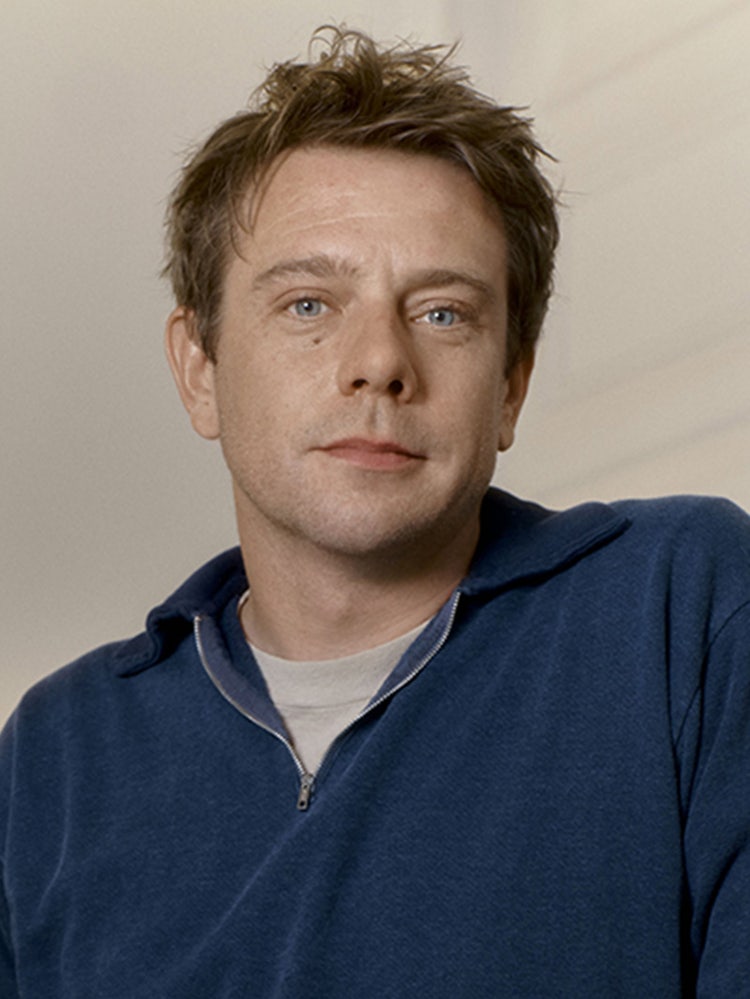
Jonathan Anderson
Creative Director & Designer
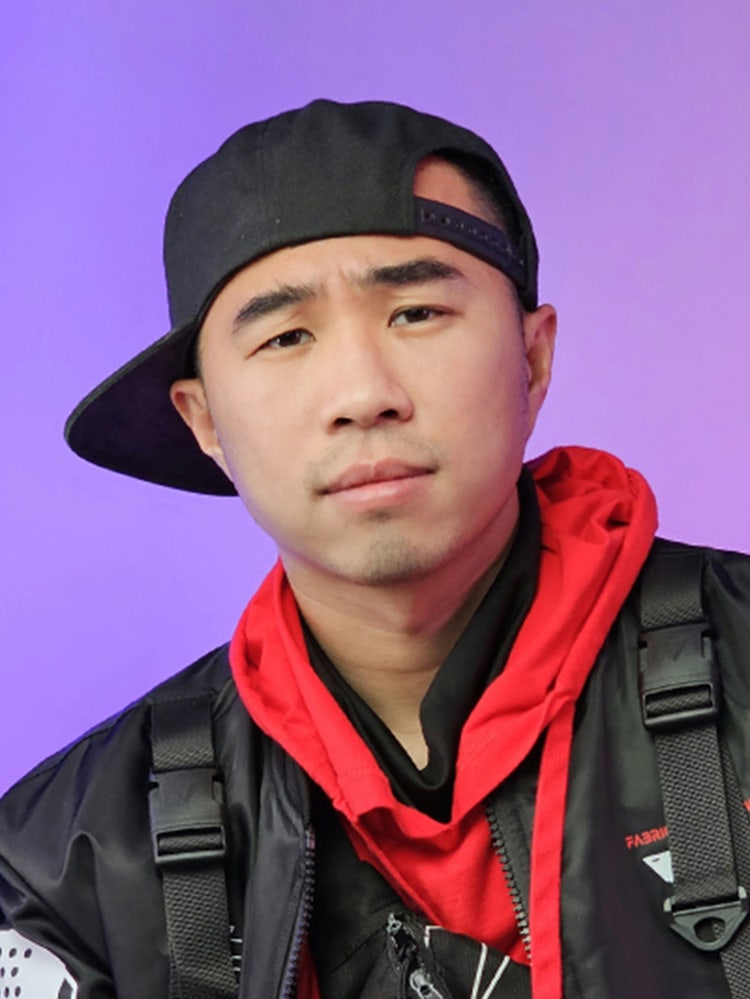
Drex Lee
Creative Pioneer & Viral Filmmaker
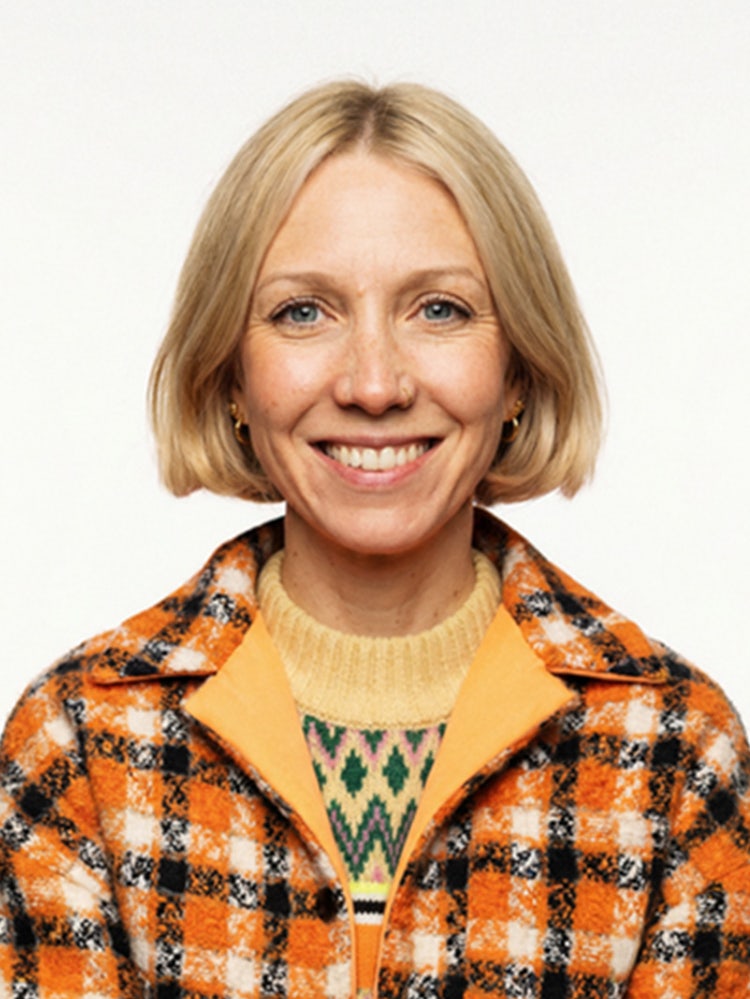
Siobhán Maroney
Creative Director and Co-Founder, They Are Creative
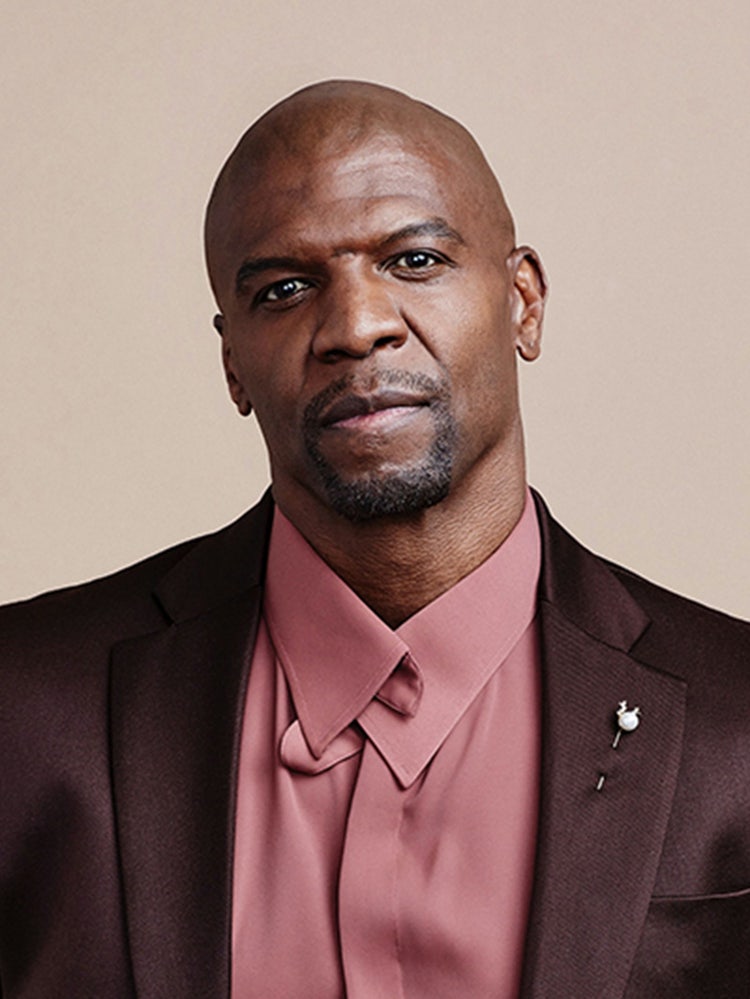
Terry Crews
Award-Winning Actor, Author, Activist, and Motivational Speaker
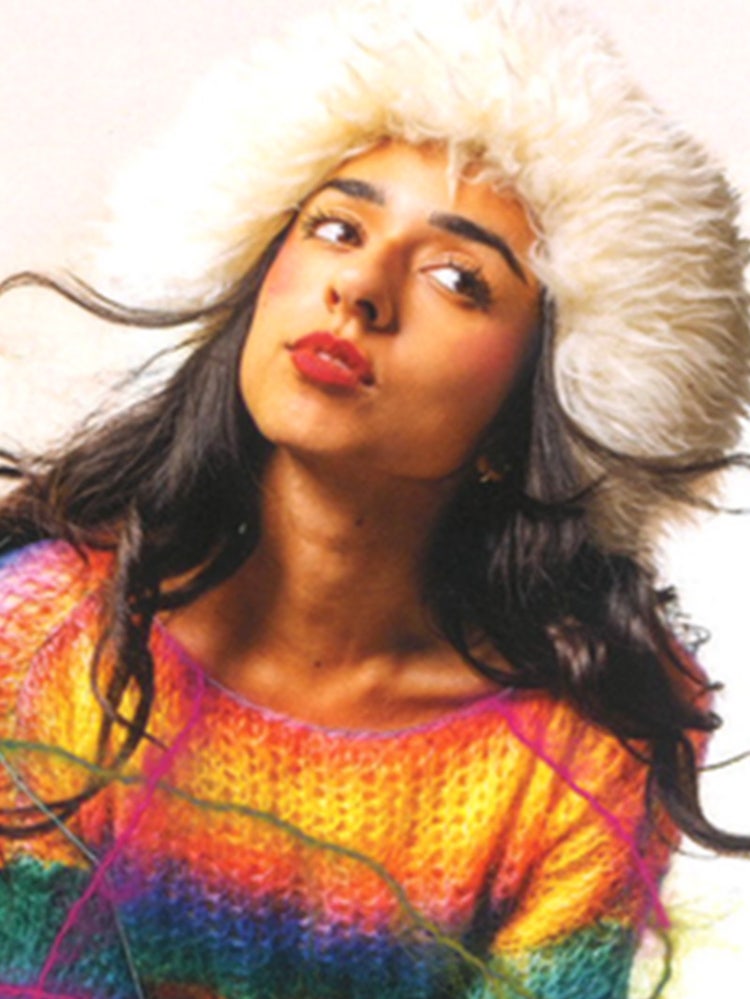
Ramisha Sattar
Creative Director and Designer, Mishaspice

Omar S. Kamara
Writer/Director
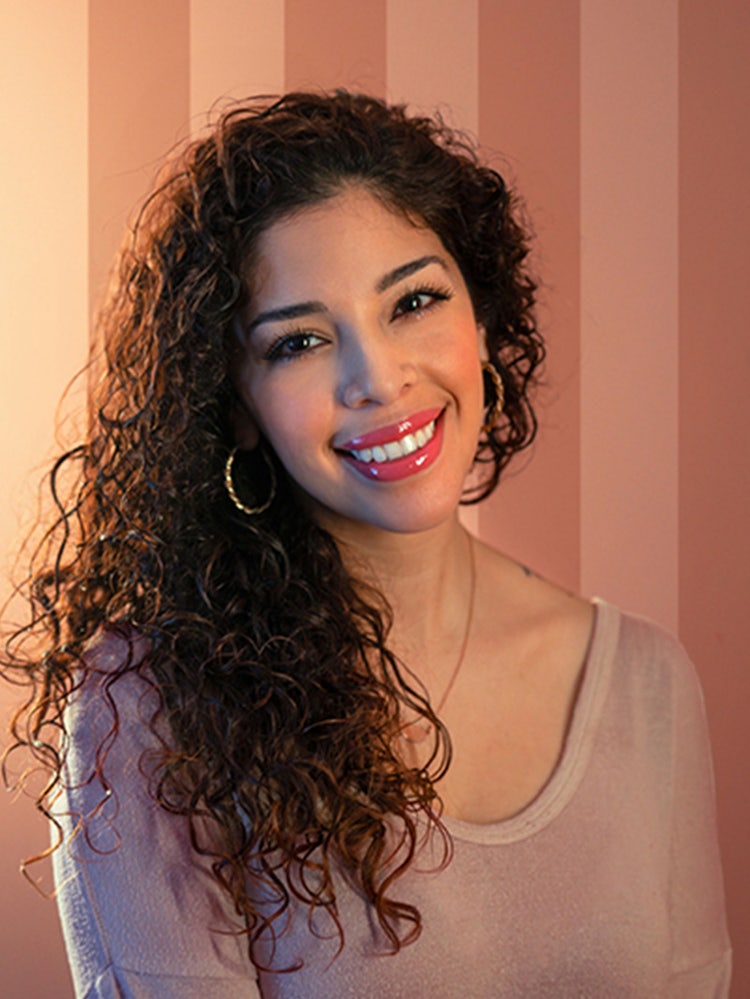
Vanessa Rivera
Digital Artist, The Life of AIVAX
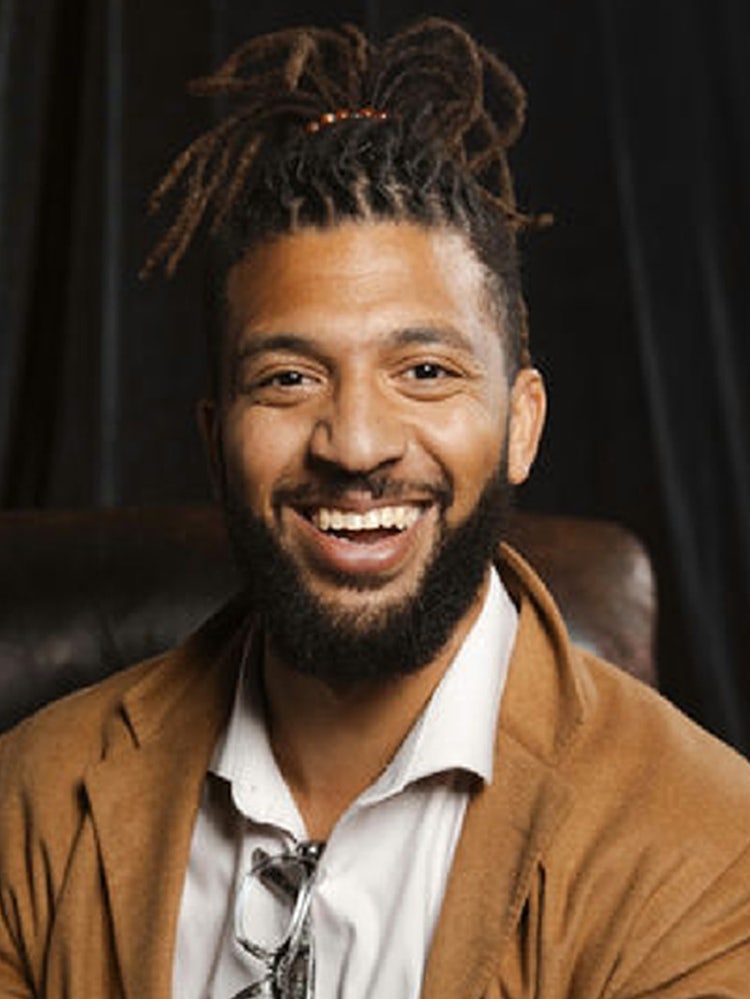
Don Allen Stevenson III
Creative Technologist
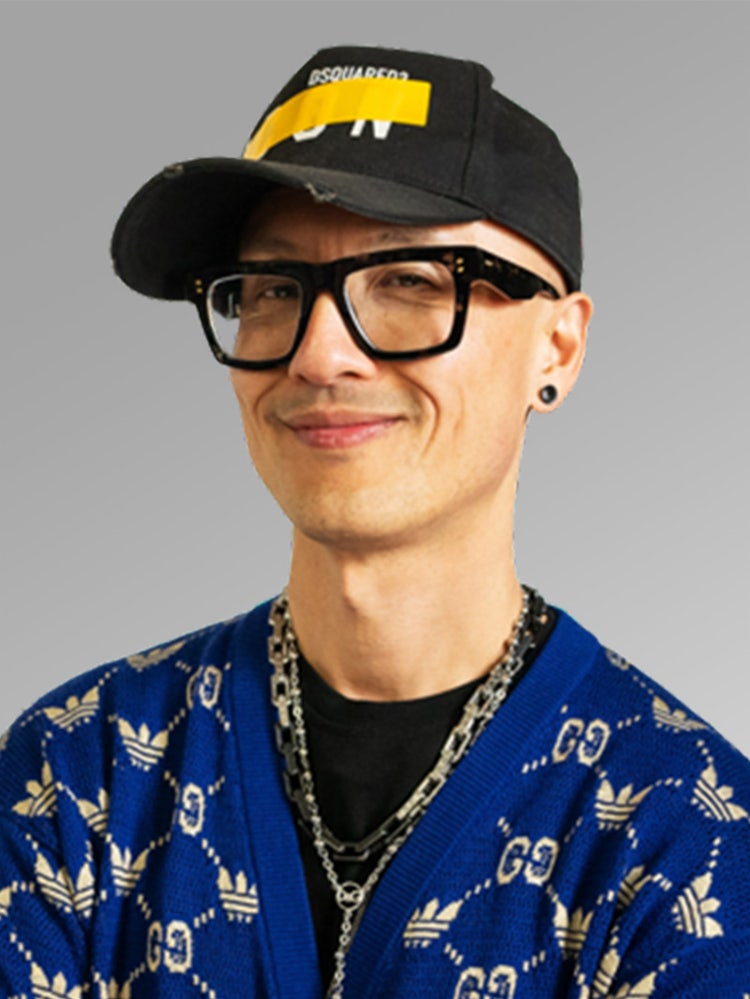
Chris Do
Founder/CEO, The Futur

Liz Mosley
Graphic Designer, Liz Mosley Design
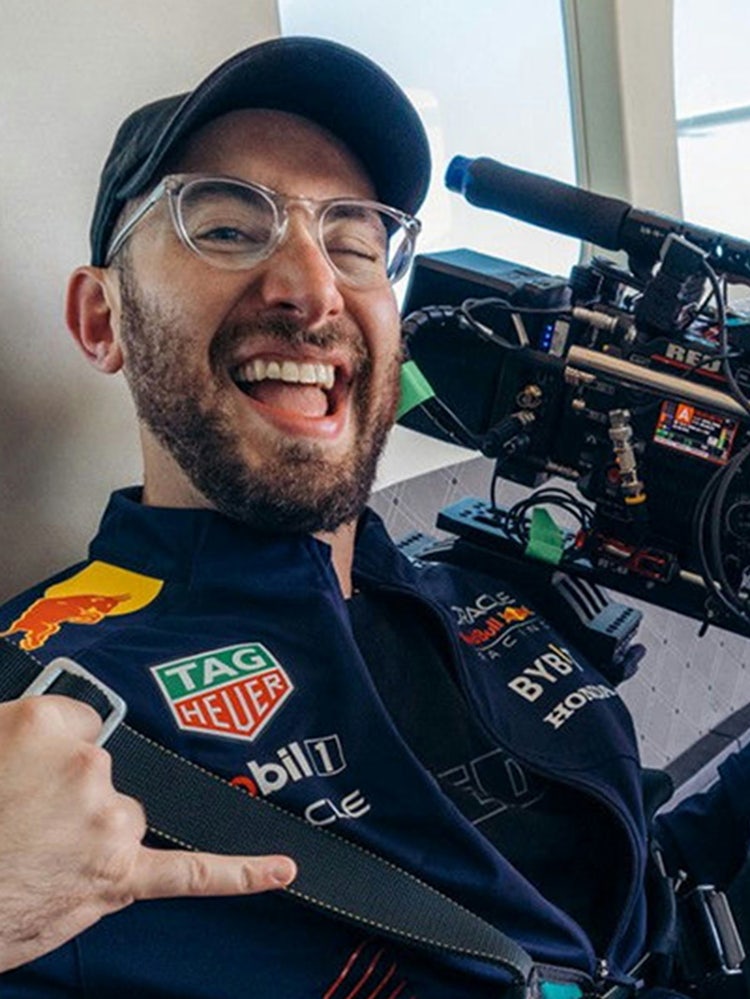
AJ Bleyer
DGA Director, Advent Films

Magdiel Lopez
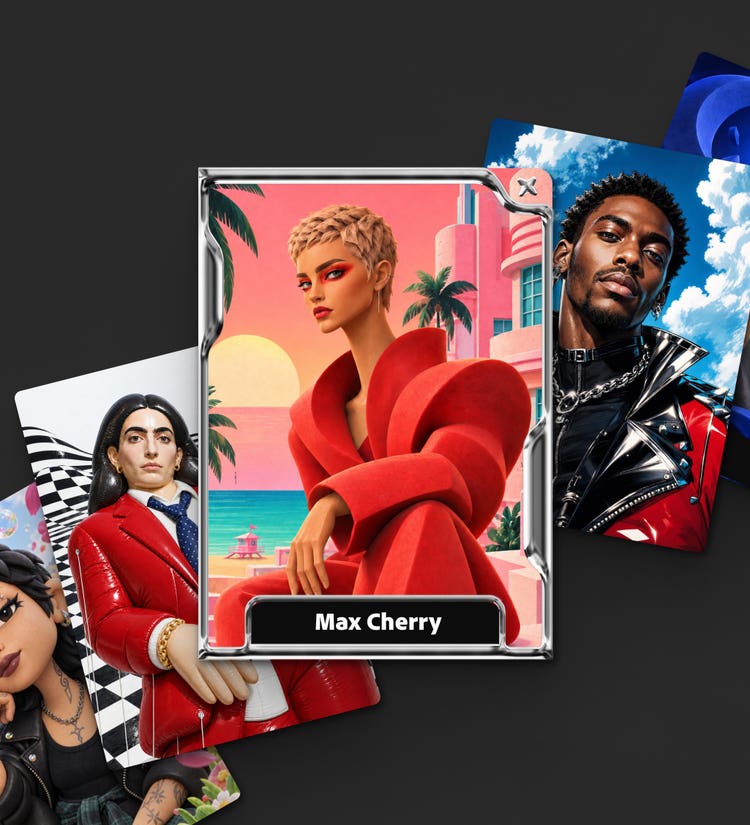
Make your 1 of 1 Creator Card
Create a collectible card that’s uniquely yours with Adobe Firefly. Choose your style, build your world, and make it yours.
Adobe MAX Creativity Awards
Check out the 2026 honorees in design, image making, motion, photography, and video.
See where your ideas take you.
Adobe works around the way you create, giving you the tools to push your ideas further and make work that’s all yours.