Introduction
[Dave Ko]: Hi, my name is Dave Ko, and I've been using After Effects for more than 25 years as a motion designer in the entertainment and advertising space.
Growing up as a kid, watching a lot of sci-fi, any time I ran into a visual effect I couldn't figure out, I remember thinking "that", I want to do that.
Today, I'll show you how to merge two worlds together using transfer modes, masking and blurs.
I've set up an After Effects file called Compositing Visual Effects so you can follow along.
Let's open that up and mash some pixels.
There's a comp called Worlds Collide in the Comps folder.
In there you'll see our beautiful lake and mountain footage.
It's a pretty shot, but we're going for something a little bit more moody and ominous.
Creating a moody look with an adjustment layer
Let's create an Adjustment Layer by going to Layer, New, Adjustment Layer.
Right-click on this Adjustment Layer and go to Effect, Color Correction, Levels.
If you don't see the Effect Controls panel pop up on the top left-hand corner, go to Window, Effect Controls: Adjustment Layer 1.
We'll pull this part of the Histogram over to crunch those blacks a bit and increase the Contrast.
We'll also limit the white in the shot so the sky is not so bright by sliding a limit here.
Let's bring in our Pink Planet footage to the Timeline.
Adding and blending the planet footage
We'll Scale our planet up a touch to 115%, so it stands out a bit more.
Let's turn on the Proportions Grid here at the bottom of the Composition panel, and we'll center the planet on the x-axis.
We can turn off the grid now.
With the Pink layer selected, using the Ellipse Tool we want to mask out just the planet here.
Let's add a bit of feathering to that mask so there's a subtle glow around the planet.
If you don't see these two columns here called Transfer Mode and Track Matte, you can come down here and expand and collapse the Transfer Controls pane, and it will hide or reveal these two columns.
We'll also change our Transfer mode to Overlay.
This will help emphasize the color of the planet while preserving the highlights and shadows of the underlying layers.
Using track mattes and reflections to integrate layers
Let's create a Shape Layer now to use as a Track Matte so it's hiding behind the mountains.
I'll turn off the visibility of the planet so we can see the mountain's edge.
Let's make sure that no layers are selected by clicking anywhere in the Timeline that's empty, like here.
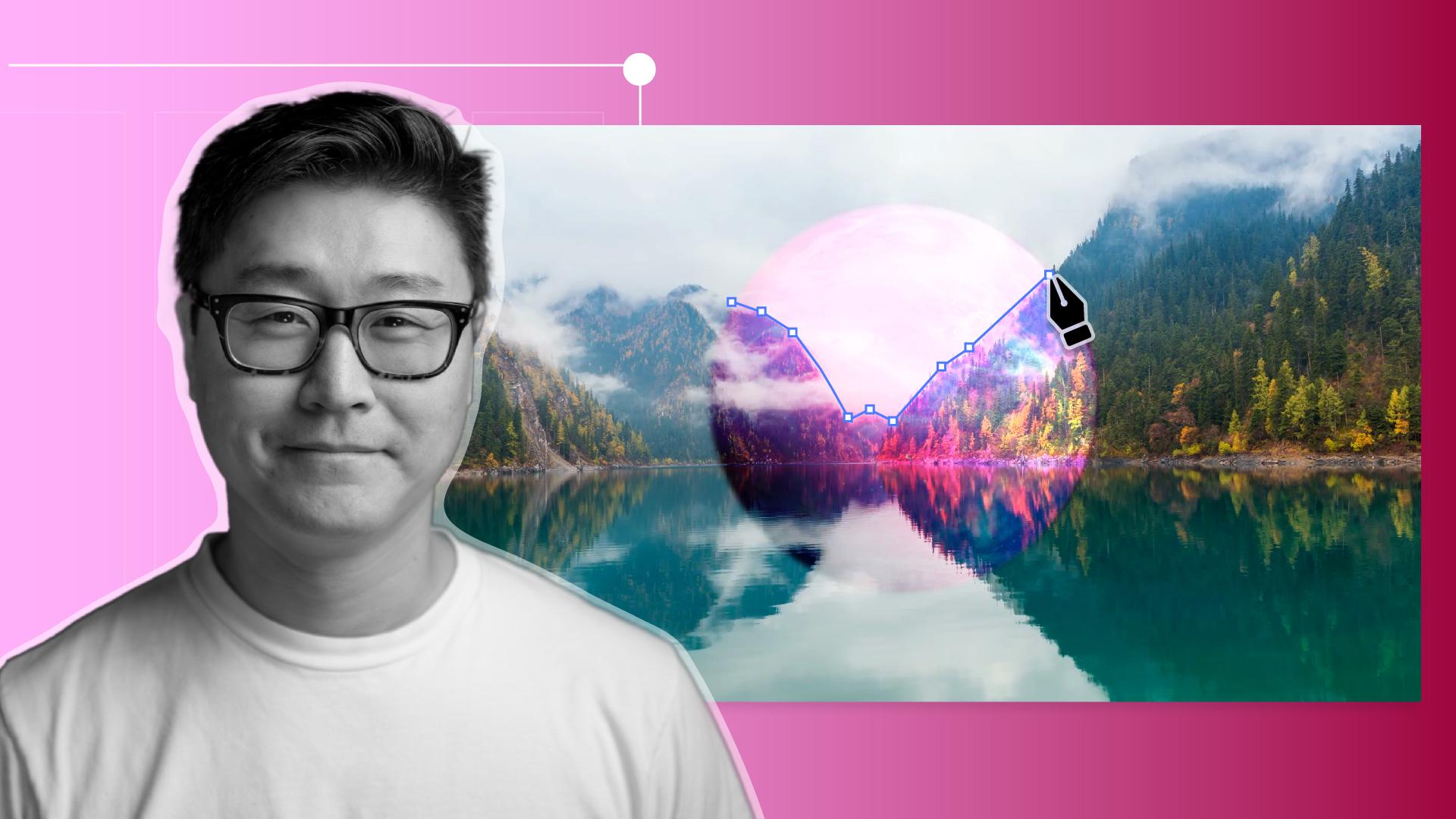
I'll grab the Pen Tool and start tracing along the edge of the mountain, getting it as close as we can.
But it doesn't have to be absolutely perfect, because we'll soften the edges with a little Gaussian blur.
So part of the planet glows through the trees and the mist, by right-clicking on the Shape Layer and going to Effect, Blur & Sharpen, Gaussian Blur.
Once we've closed up our Shape Layer, we'll go to the Pink Planet layer and under Track Matte, we'll grab the Pick Whip and drag it to the Shape Layer we just created.
We'll turn the visibility of our Pink Planet on again, but it looks like it's cut out the wrong part of the planet.
So what we need to do is invert the Track Matte by clicking here.
There we go.
Let's add a reflection of the planet on the lake surface by duplicating both the Pink Planet and the Shape Layer, and then moving them under the original ones, like this.
Before we flip the position of these layers, we need to unlink the X and Y properties of our Scale value.
Now we can click the Y value and make it minus so it gets flipped vertically.
Let's adjust the position of the Matte.
We'll adjust the layer a bit more so the reflection looks more realistic.
And since it's a reflection, let's add some Gaussian Blur to the reflection of the Pink Planet.
Let's try something like 10.
That's looking nice and moody and very sci-fi.
Now we're ready to add the final touch of the warping sequence.
First of all, we'll grab our Lake Mountain video
Final warp transition and scene reveal
and drop it on top of the Timeline.
We'll add an Opacity keyframe at the 1 second mark, and we'll add a second keyframe at the 2.5 second mark and set an Opacity of 0 so that it disappears.
This will reveal our Pink Planet at night scene. [silent clip playing] In the Comps folder you'll see a comp called Warp Tunnel.
Let's drag that to the top of our Timeline and change the Blending mode to Screen, so all the dark areas become transparent.
And voilà, we're done!
Press the Spacebar to playback the comp.
You've created your new sci-fi scene here.
We warp in through the time where these two planets exist side-by-side. [silent clip playing]