Students and teachers save 71% on Creative Cloud Pro. Get 20+ industry-leading apps, including Photoshop, Illustrator, Premiere, and more, plus the newest AI features from Adobe Firefly.


Make work that moves with you — in school and everywhere after.
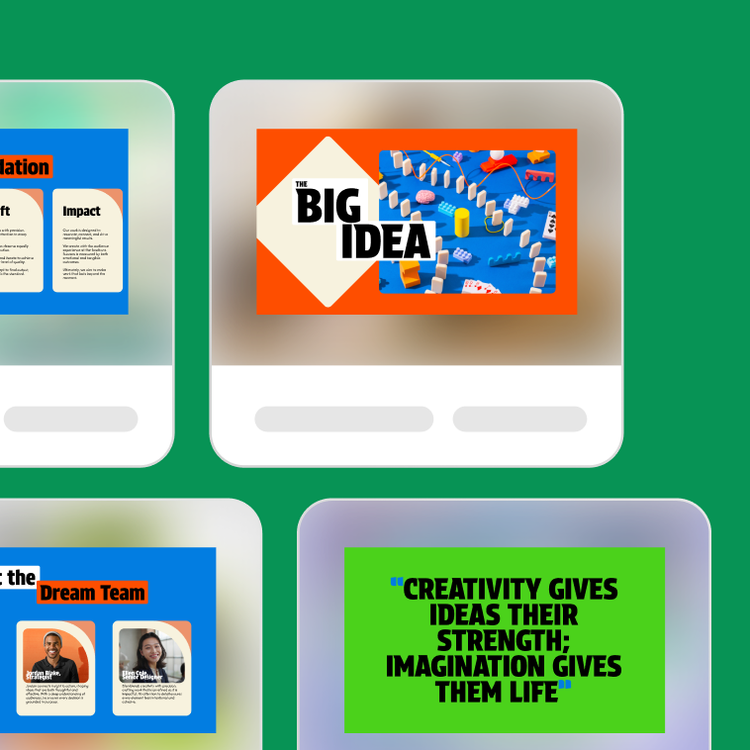
Design pro-level presentations with a boost from AI that help you score high grades today and stand out in the workplace tomorrow.
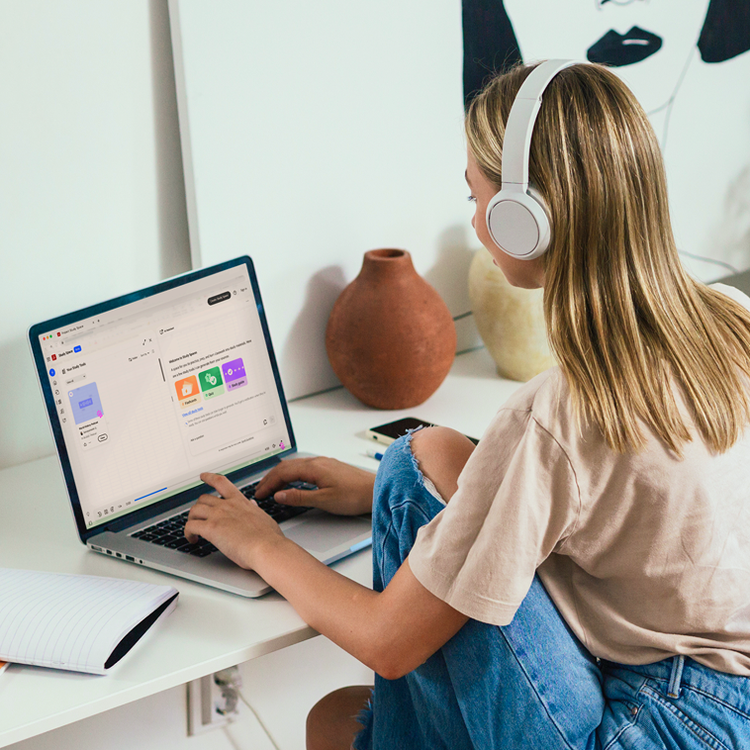
Transform notes and research into smarter study guides with AI so you can learn faster, retain more, and ease stress around exam time.
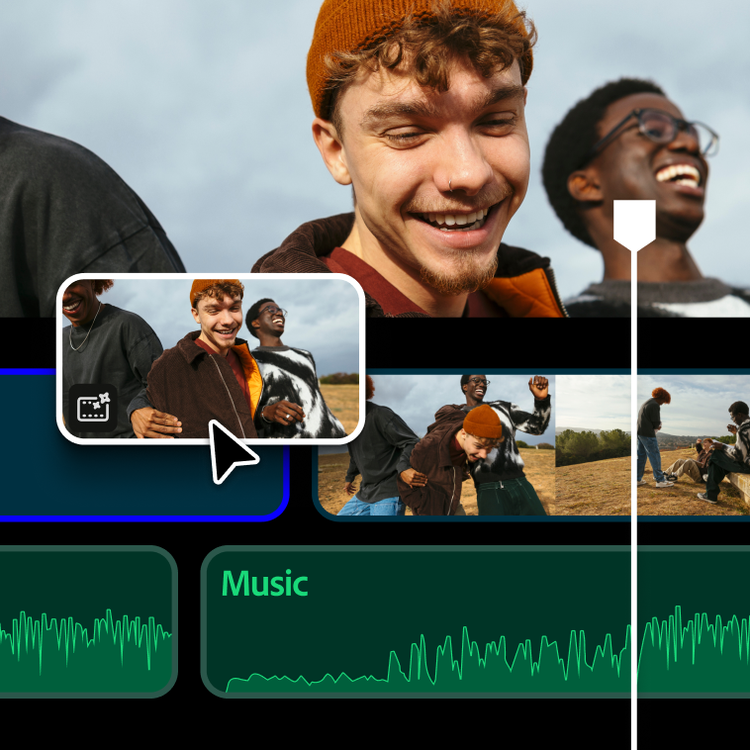
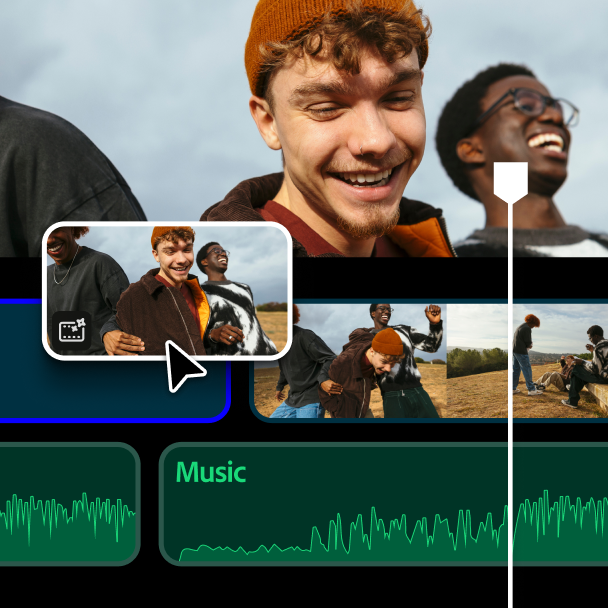
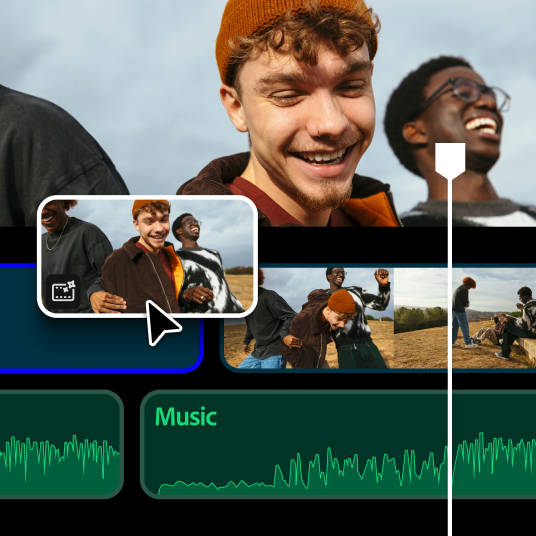
Stitch together your best moments and ideas into videos people love, from class projects and vlogs to short films and social content.
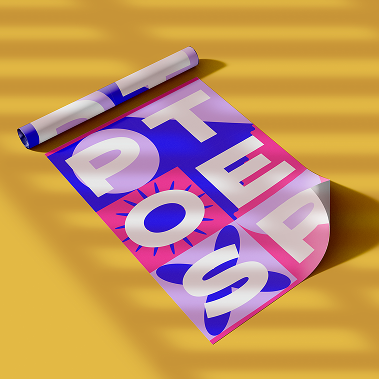
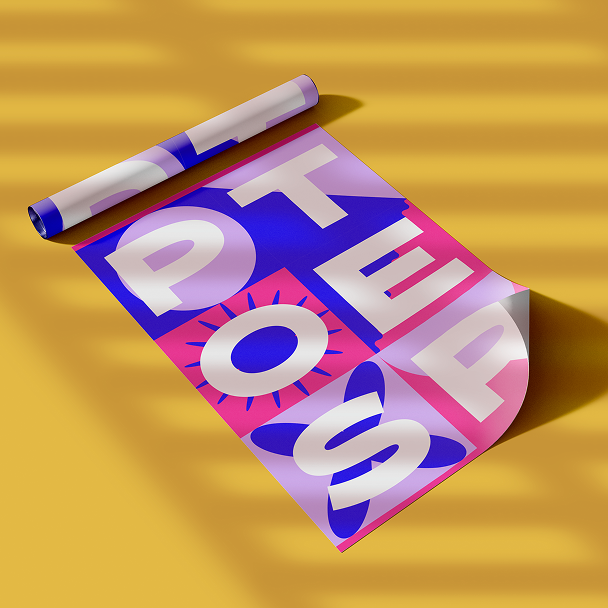
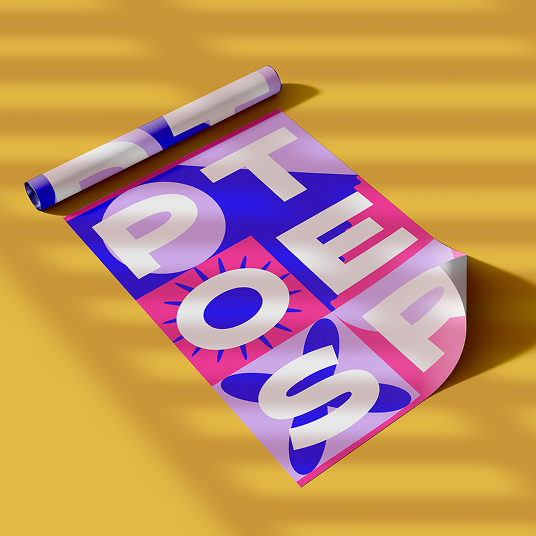
Your clubs, occasions, and causes deserve to be seen. Create eye-catching flyers and posters — no matter how much design experience you have.



Have a vision? Bring it to life with design tools that make every image worth a second look, from quick graphics to your next masterpiece.

Produce scroll-stopping content for every platform, whether you’re building a following, testing an idea, or just having fun.


Develop an authentic resume that’s ATS-friendly and makes employers eager to know more — so they’re excited before the interview even starts.



Whether updating your personal brand, promoting a group, or launching a side hustle — create a logo that captures your vision, with a little assist from AI.
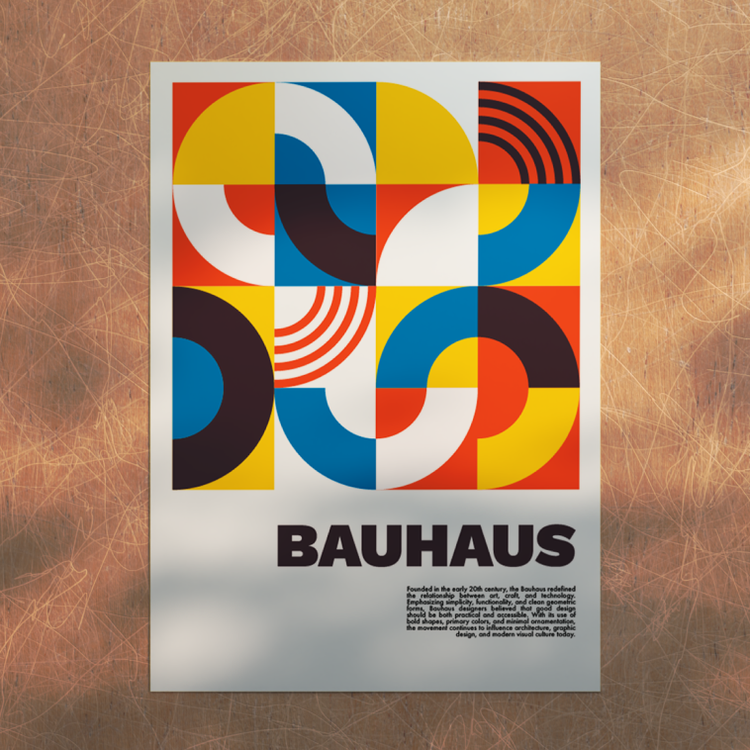
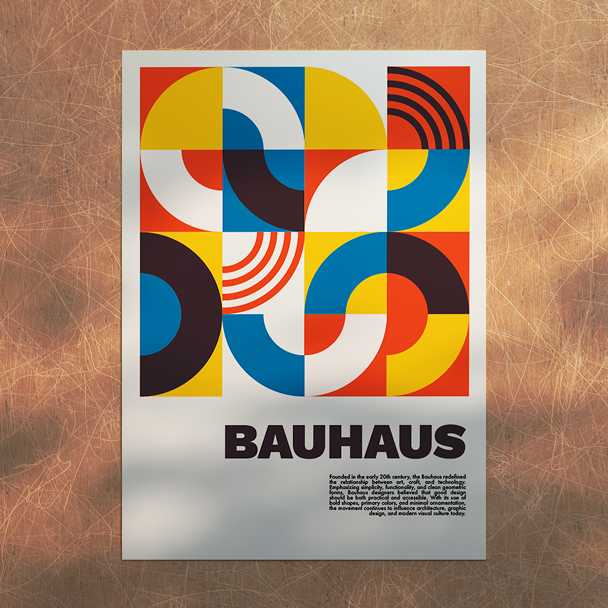
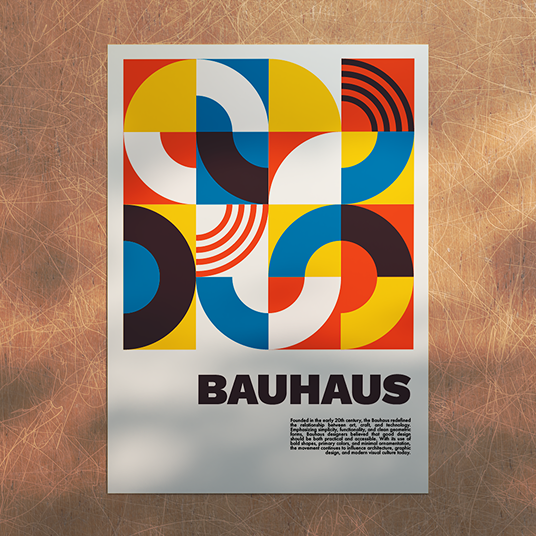
Get the right tools to create a portfolio that showcases what you've done and everything you’re capable of doing.
Students and teachers save 71% on Creative Cloud Pro. Get 20+ industry-leading apps, including Photoshop, Illustrator, Premiere, and more, plus the newest AI features from Adobe Firefly.
Check out these apps to get a quick start on how to use Adobe products.
Spend less time making study materials and more time actually learning with AI tools. Student Spaces turns your notes into smart flashcards fast.
Meet fellow creators in the Adobe Discord, earn certifications for your skills, and continue mastering Adobe apps.



Connect with creators who inspire you and get insider access to events, product drops, internships, and paid creative opportunities.



Hone your craft and earn certifications that prove your creative skills are real, refined, and ready for the professional world.
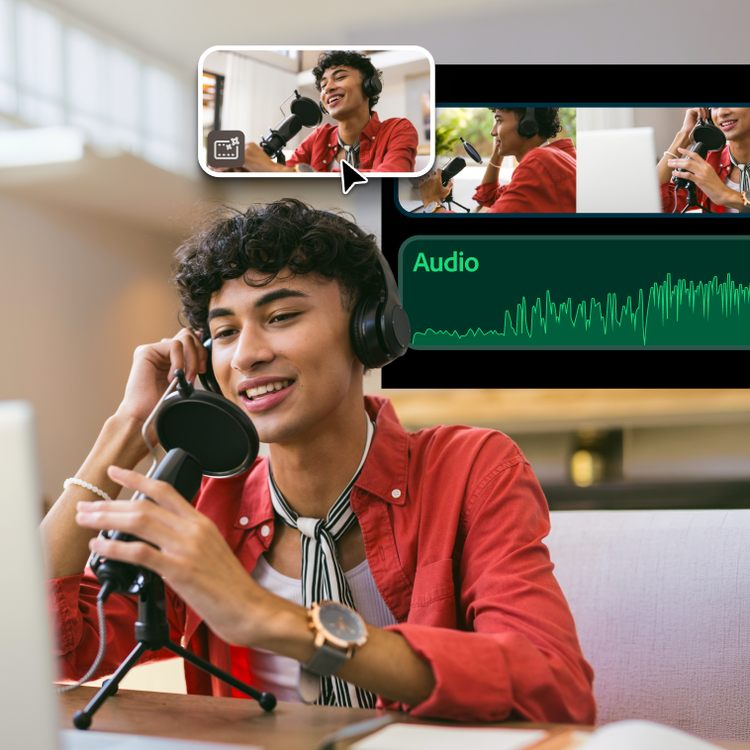
Dive into thousands of free tutorials and courses across every Adobe app, whether you’re picking up the basics or pushing your talents further.
Adobe Creative Cloud for students and teachers is an offer for eligible students and educators to purchase directly at a significantly discounted price. Adobe verifies student and teacher status and may request additional proof of eligibility after purchase.
Creative Cloud for education institutions is purchased by a school or university and managed centrally by IT administrators, making it easy to deploy and manage licenses across an entire campus or district. Both plans include access to 20+ industry-leading apps like Photoshop, Illustrator, and Premiere, plus responsible AI features from Adobe Firefly.
Adobe offers enterprise plans for education institutions that include centralized license management and deployment through the Adobe Admin Console. This makes it easy for IT teams to provision, manage, and support Adobe tools at scale.