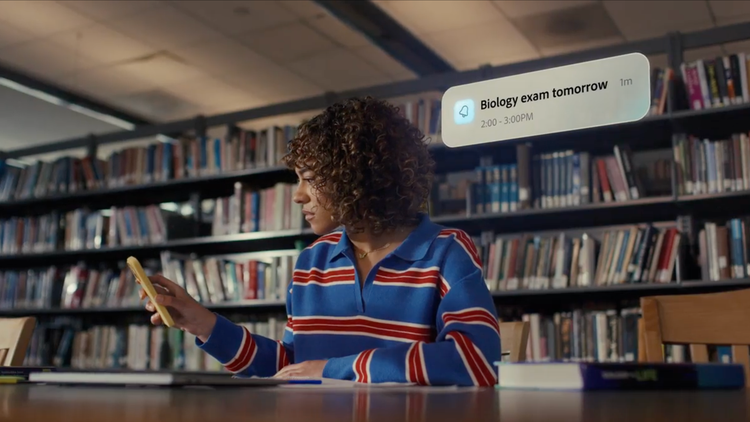
Verify answers, straight from your sources.
Study with information you can trust and easily double-check for accuracy with citations.


Get more out of your schoolwork with Student Spaces in Adobe Acrobat, your go-to study partner. Free for students.
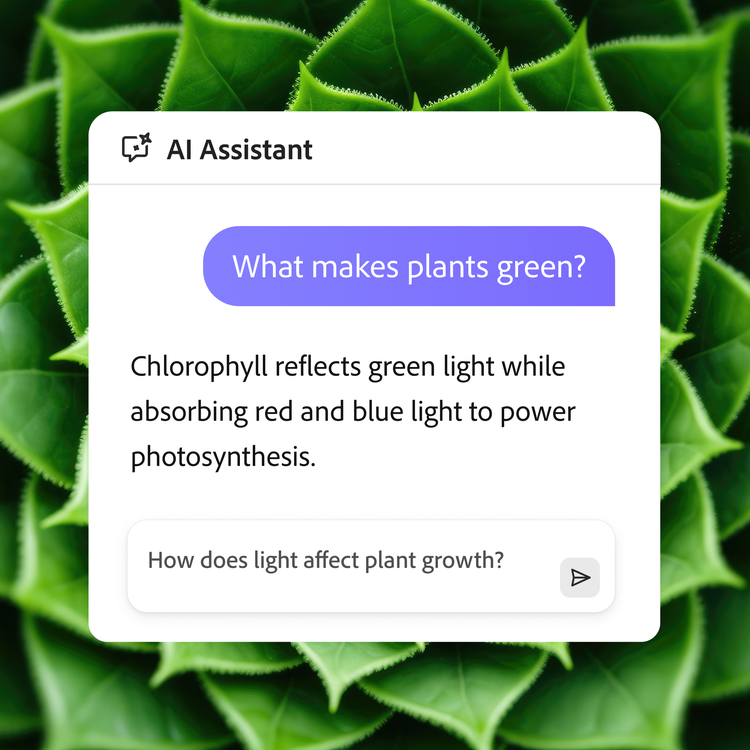
Clarify course questions or brainstorm with AI chat.
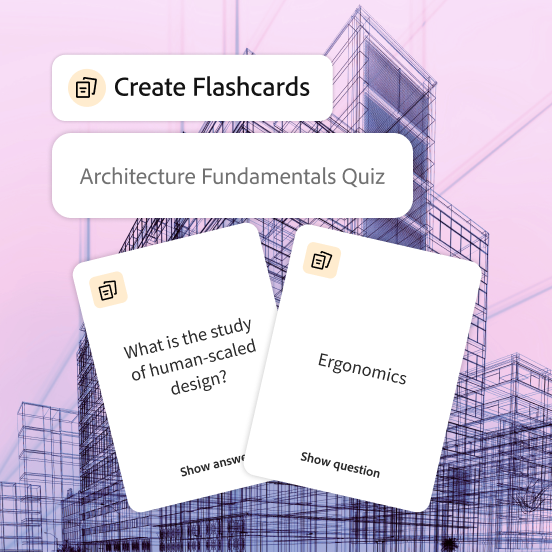
Turn your docs into flashcards and master concepts with ease.
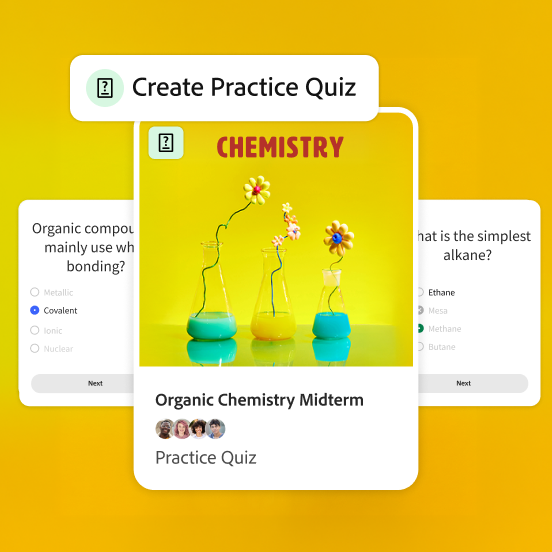
Challenge yourself with quizzes built from your study materials.
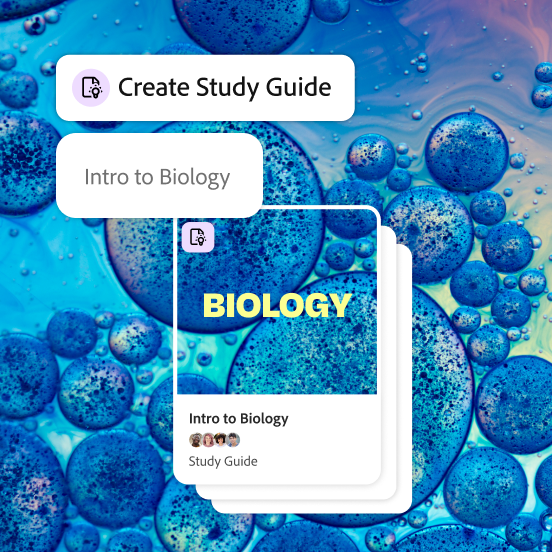
Breeze through studying with guides made from your notes.
See how Student Spaces can help you take the guesswork out of any class.


Study with information you can trust and easily double-check for accuracy with citations.
Understand more, faster, with tools powered by your course materials and notes.
Turn your best ideas into beautiful, customizable presentations for classes, clubs, and more.
Prep for what's next with resume feedback, interview guidance, and all your documents in one place.

