




Mind map
https://main--da-dc--adobecom.aem.page/dc-shared/assets/images/features/upload.svg

Upload your source materials.
Upload your study materials in PDF, DOCX, XLS, PPT, or TXT format. AI analyzes your content to identify key concepts and relationships.
https://main--da-dc--adobecom.aem.page/dc-shared/assets/images/features/branch.svg

Explore your mind map.
Dive deeper into the content in your mind map. Click through branches or start a chat to follow connected ideas and see how it all links together.
https://main--da-dc--adobecom.aem.page/dc-shared/assets/images/features/share.svg

Share with your classmates.
Use your completed mind map on your own or share with your study group to review concepts and reinforce your understanding.
“Mind Maps shows the exact source citation so I can trace my notes back to the original source at a glance.”
—Kavya, UX Research & Design
“I personally love Mind Map because it helps me visualize concepts and understand how it connects with one another.”
—Aya, Biomedical Engineering
A free mind map maker to organize your thoughts.
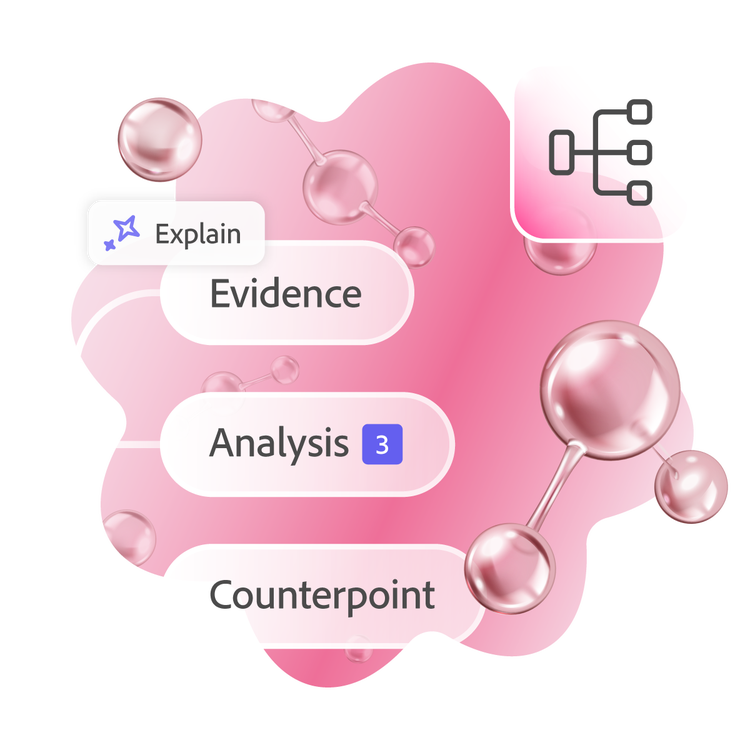
Turn dense notes and lengthy documents into clear visual diagrams that make studying more effective. Our mind map tool helps you see the big picture while keeping track of important details.

Break down complex topics.
Large subjects become manageable when you divide them into smaller, connected pieces. A mind map lets you see how individual concepts relate to the broader theme, making overwhelming material feel approachable.
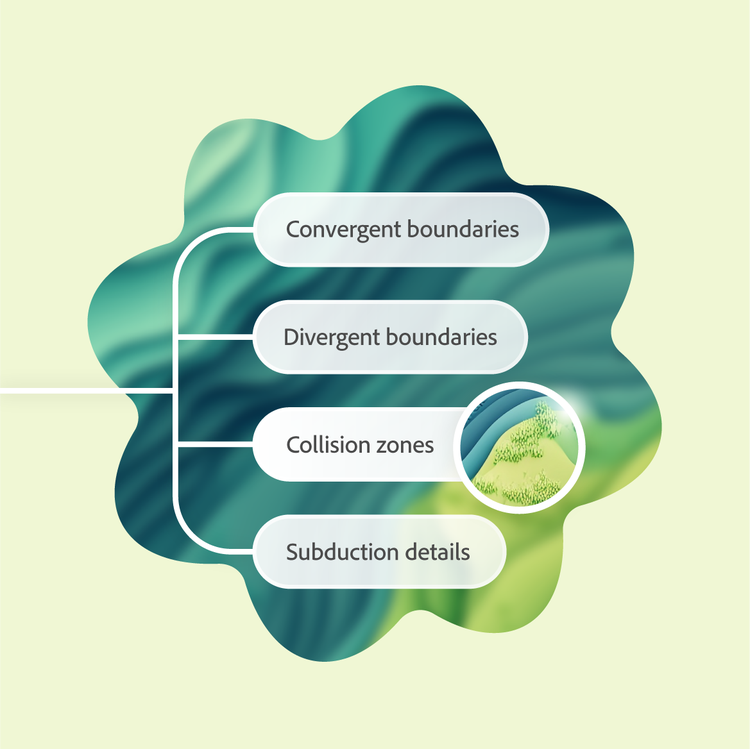
Get to learning, faster.
Building a mind map from scratch takes time you don't have. With online mind maps, the structure is handled for you so you can jump right into studying, reviewing, and making connections that stick.
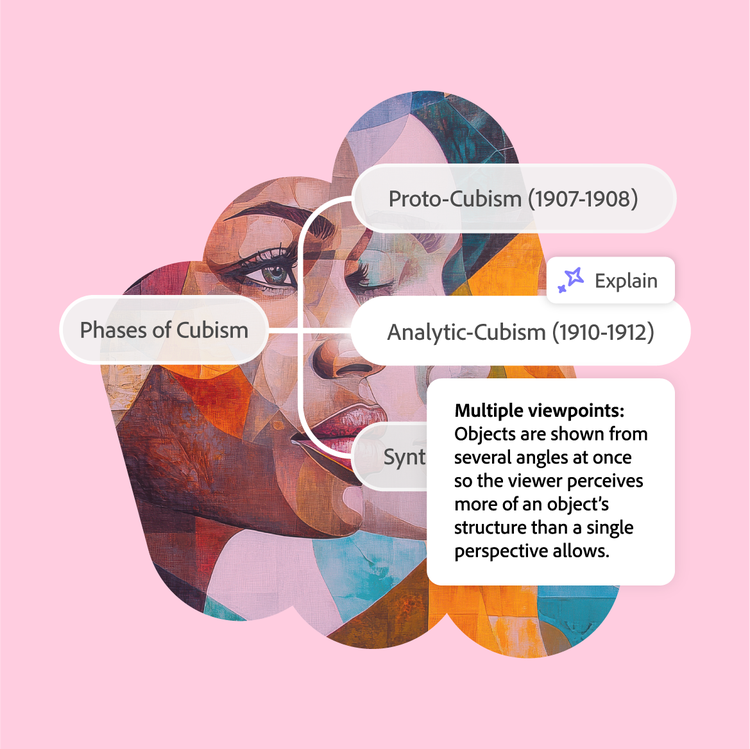
Visualize connections and ideas.
Traditional notes often hide the links between concepts. Mind maps reveal these connections through spatial arrangement, helping you understand how different pieces of information fit together. Click into any node to get definitions and clear context.
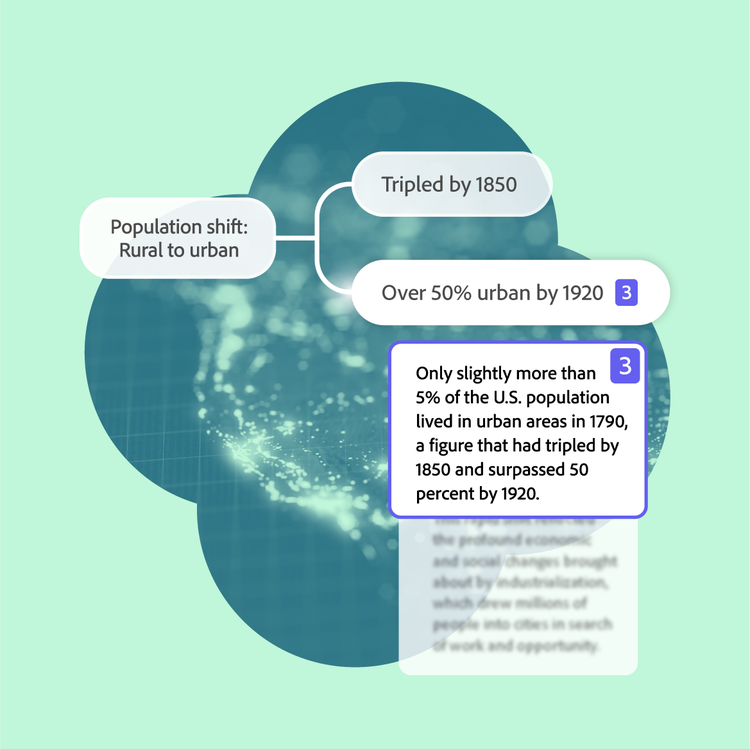
See your sources.
Click select branches to view the original source material they came from. This direct connection helps you verify information and dive deeper into topics that need more attention.
More ways to study with Student Spaces.
Student Spaces is your go-to partner for learning, studying, and research. Chat through your course material to understand it better, and turn it into flashcards, mind maps, and more.

AI Assistant
Clarify course questions or work through brainstorms with AI chat.

Flashcards
Turn your docs into flashcards and master concepts with ease.
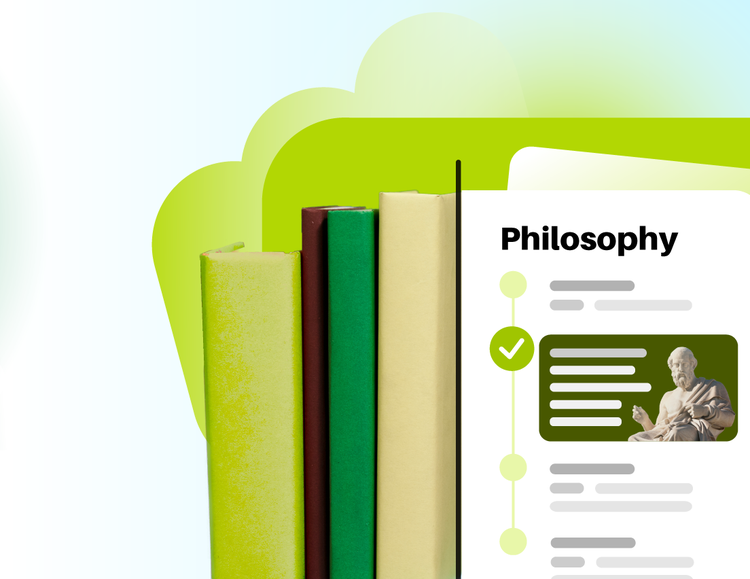
Study Guides
Breeze through studying with guides made from your notes.
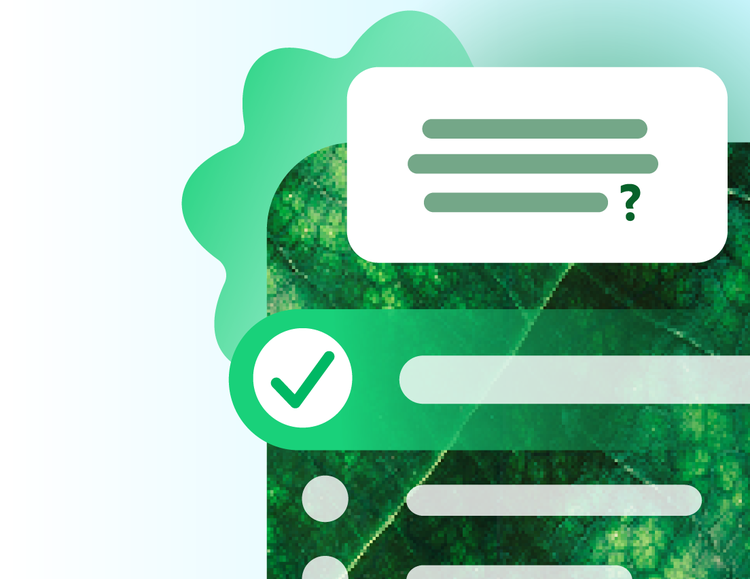
Quizzes
Challenge yourself with quizzes built from your study materials.
Share your mind map to collaborate online.
Study sessions become more productive when you work together. Share your mind maps with classmates to combine perspectives and fill knowledge gaps.

Create a shared Student Space
Build a collaborative environment where everyone can view and contribute to mind maps. Group projects and exam prep benefit from pooling ideas in one visual workspace.

Invite your classmates
Send a simple link to bring classmates into your mind map. Collaborators can easily view your shared mind maps and add their insights.