A free new tool, Student Spaces in Acrobat is your go-to study partner for quizzes and more.
Student Spaces in Acrobat

Quiz maker

Upload your class materials or enter a prompt to create a quiz. Start for free, no sign-up or credit card required.

Prompt
A free new tool, Student Spaces in Acrobat is your go-to study partner for quizzes and more.
#F0F0F0

Quiz maker

https://main--da-dc--adobecom.aem.page/dc-shared/assets/videos/acrobat/student-spaces/media_1a6e7575489f4cc887ae76f0af67149a4ef57d749.mp4#_autoplay1|Resources for a calculus course are dropped into a practice quiz maker. Without pause, the tool creates a quiz on topics related to the course materials. Cover page fans out to reveal a question.
dc-block-row-title
Student Spaces in Acrobat
dc-block-row-desktop-copy
Upload your class materials or enter a prompt to create a quiz. Start for free, no sign-up or credit card required.
dc-block-row-desktop-sub-copy
dc-block-row-mobile-copy
Upload your class materials or enter a prompt to create a quiz. Start for free, no sign-up or credit card required.
dc-block-row-mobile-sub-copy
dc-block-row-legal
Your file will be securely handled by Adobe servers and deleted unless you sign in to save it. By using this service, you agree to the Adobe Terms of Use, Generative AI User Guidelines, and acknowledge the Privacy Policy.
dc-block-row-tooltip
Files are secured using HTTPS w/TLS 1.2 and stored using AES-256 encryption
  • This tool supports files that are 100MB or smaller. Upload a smaller PDF.
  • This tool supports files with 600 pages or less.
  • The number of files exceeds the maximum allowed.
  • Unable to process the request
  • This file is in a format not supported by AI Assistant.
  • These files are in a format not supported by AI Assistant.
  • This file is empty.
  • These files are empty.
  • Prompt exceeds the max length of 1000 characters.
  • compact
  • Create a Quiz
  • Prompt
  • Create an intermediate quiz about
  • What kind of quiz do you want to create?
  • Add Sources

How to use the AI quiz maker from Student Spaces in Acrobat.

Turn your class notes, readings, and study guides into custom quizzes in just a few clicks. No setup, no stress — just upload and go.

Create a quiz | Create a quiz

“Student Spaces helped me understand dense course readings and lecture materials when preparing for exams. The Quiz feature was so useful to me during those times.”

—Preksha, Data Science and Analytics

“The Quizzes feature stood out positively, and I appreciated that explanations were provided for both correct and incorrect answers.”

—Karley, Computer Science major

The free quiz generator for every student.

Whether prepping for finals or keeping up with classwork, make quizzing yourself easier, faster, and even more effective.

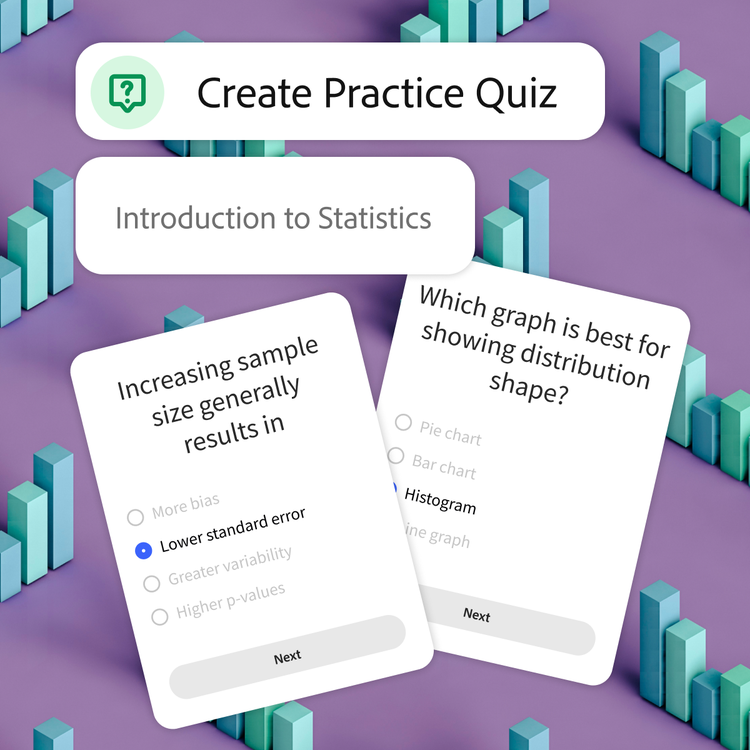
Tool is prompted to create a practice quiz for an introduction to statistics course. Blue bar graphs scattered on a purple background represent the topic of the sample questions on top.

Master your material.

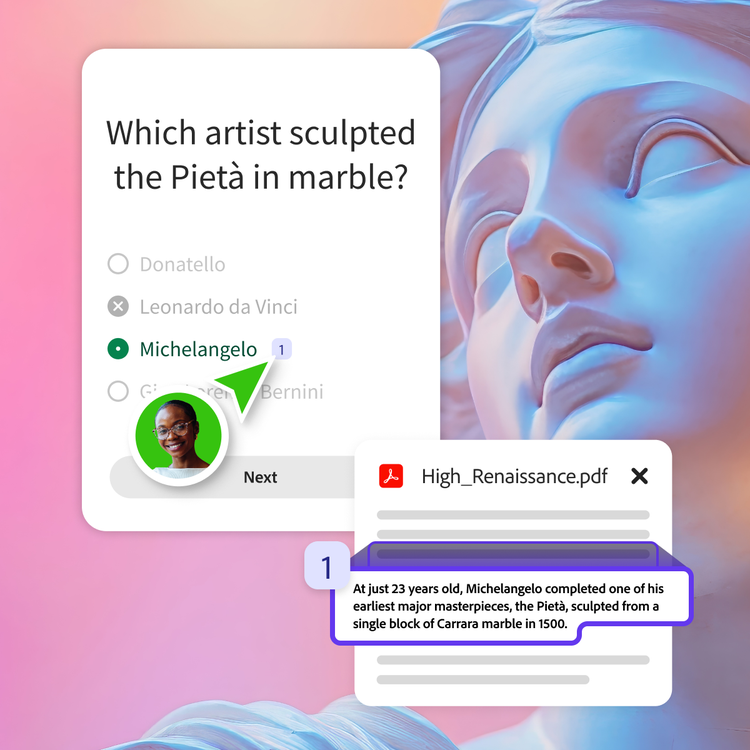
Creating your own quiz helps to actually process your classwork, which means you remember it better. Perfect for exam prep, finals, and any class that loads a ton of content at once.

User in a green bubble selects the citation next to the correct answer of their quiz question. The answer is substantiated by a fact on a relevant resource pdf.

Study smarter, not harder.

Our free quiz maker highlights the key ideas from your docs, so you can trust every question is based on the material you are actually learning. Less guesswork, more confidence.

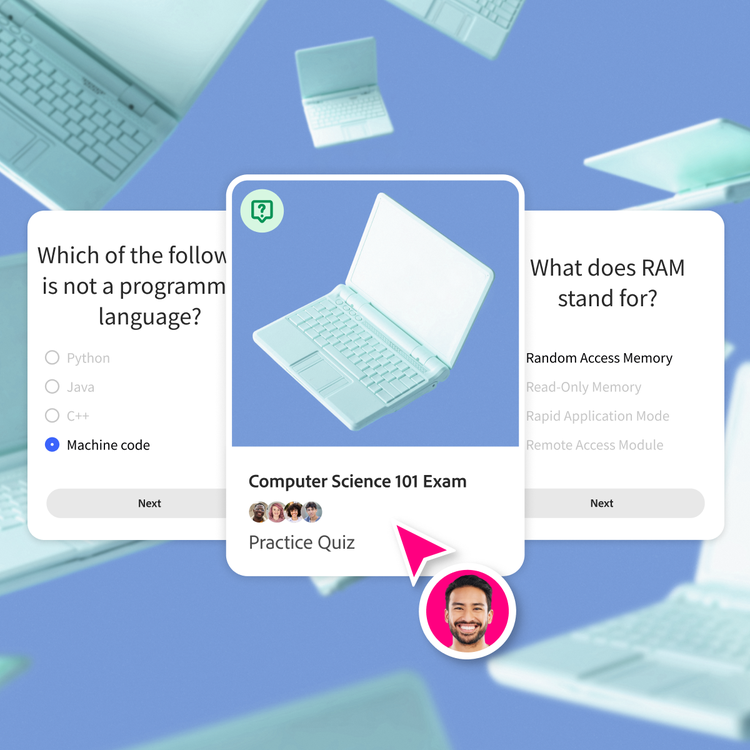
Laptop illustration on a blue background is framed on the cover of a practice quiz. Question cards on the subject appear to its left and right.

Get results and feedback in no time.

Take your quiz and see what you missed. Spot your weak areas and keep practicing until it sticks.

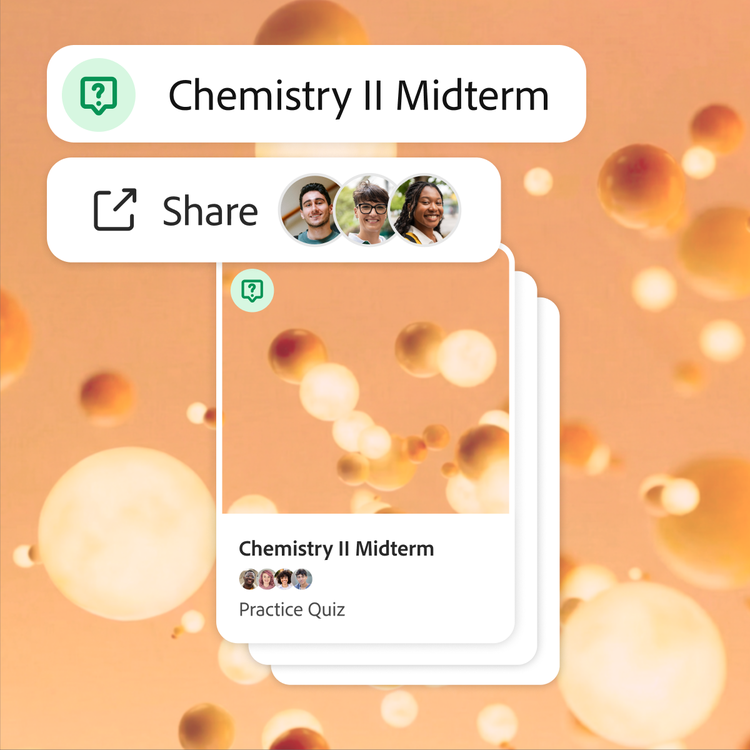
Quiz for a chemistry midterm is shared with three collaborators. Orange 3D molecules float around the frame, both as the backdrop and cover of the deck of flashcards.

Easily share with your study group.

Send your quiz to your classmates and prep together. Build a shared bank of quizzes for your midterms or finals.

#f8f8f8

More ways to study with Student Spaces.

Student Spaces is your go-to partner for learning, studying, and research. Chat through your course material to understand it better, and turn it into flashcards, mind maps, and more.

Share online quizzes with study partners.

Studying solo is great — putting heads together is the ultimate hack. When you
team up, you can combine notes, compare what you each understood from class, and build stronger quizzes.

Create shared quizzes together.

Merge everyone's notes and material in one place, and the AI quiz maker pulls from every classmate's upload to generate questions. Share a quiz generator with your classmates so that everyone preps from the same high-quality study sets.

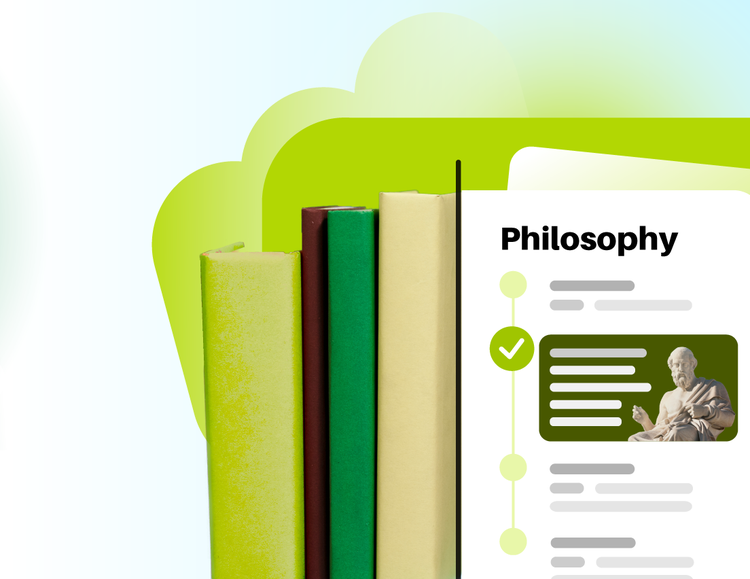
Everything in one space.

Make group projects, midterms, and finals easier by storing study materials in one organized hub. Your quizzes, flashcards, study guides, and class summaries are saved and synced for the entire team.

Quiz maker FAQs

What is a quiz maker and how does it work?
A quiz maker is a tool that lets you create practice quizzes from your own class materials. Upload your content, and our AI turns it into questions you can use to study smarter. A quiz maker analyzes text, identifies key concepts, and turns then into quiz questions.
Is the quiz maker free?
Yes, you can create quizzes for free using Student Spaces. Just upload a file and you’ll get a quiz in seconds, which you can sign in to save or share.
How accurate are AI‑generated quizzes?
Our AI quiz generator pulls directly from the content you upload, so you can track citations. While we always strive for accuracy across our tools, please be sure to double check your responses as they maybe inaccurate. For more information, please learn more about our generative AI user guidelines.
Can I share my quizzes with friends?
Absolutely. Share a link or send the quiz directly to classmates to study together or build a joint review plan before finals.
Can I upload multiple files?
Yes, you can upload multiple files and create separate quizzes for each class, chapter, or unit.
Can I focus on specific pages or topics?
Yes, you can tell the AI quiz maker to focus on specific textbook pages, chapters, or topics. Just upload your material and prompt it with exactly what you want.
What happens to the files I upload to the quiz maker in Student Spaces?
Adobe servers securely handle your file and delete it unless you sign in to save it.