Introduction
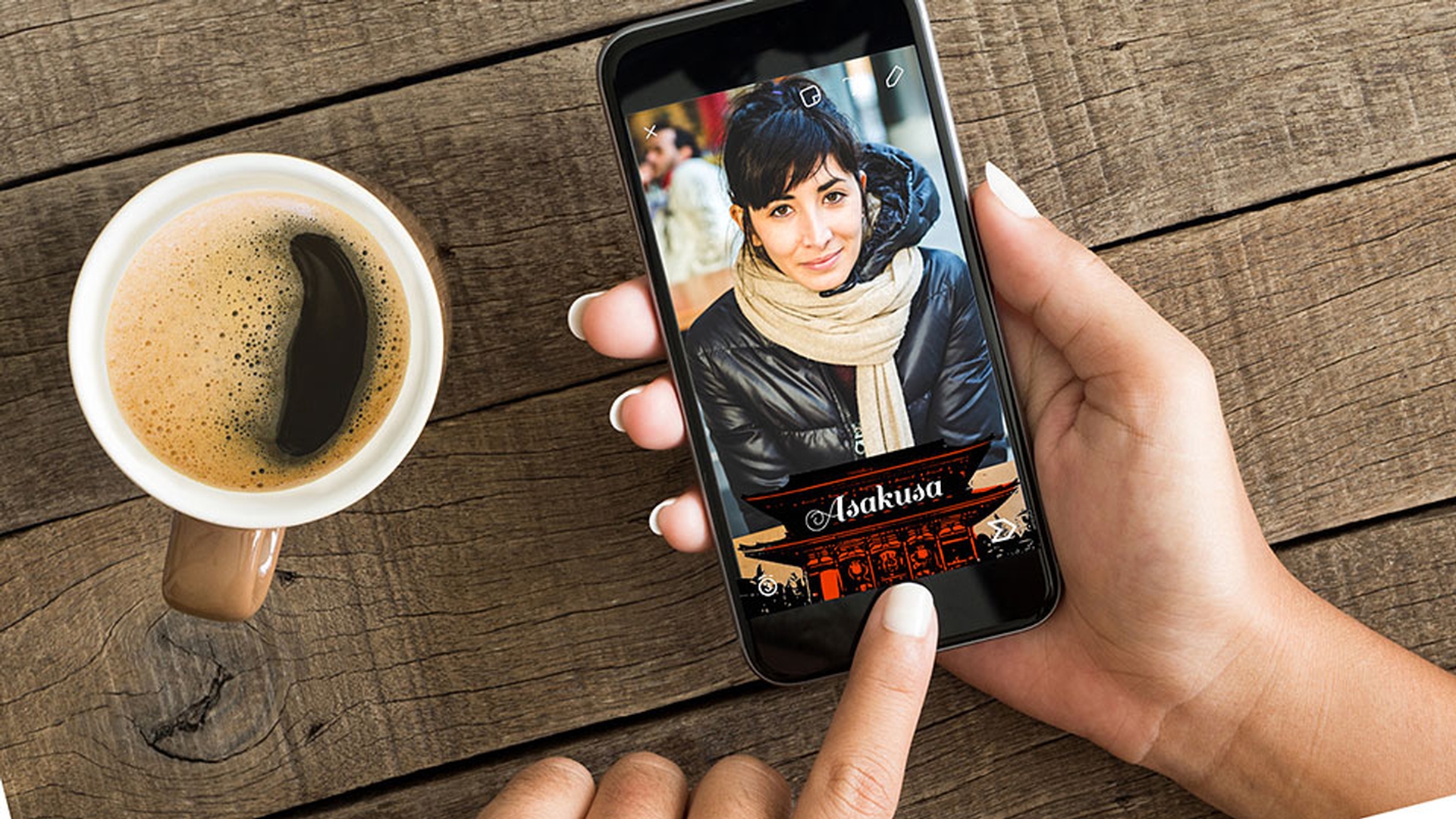
>> This tutorial shows you how easy it is to create a Snapchat geofilter using Adobe Capture CC and Adobe Illustrator CC.
Launch Adobe Capture and navigate to Shapes tab.
Creating shapes in Adobe Capture
My Library already has some shapes.
To create a new one, tap the plus button at the bottom.
By default, you'll use your camera to capture an image, but I want to use an existing photo.
So I tap the button in the lower right to bring up a menu where I can pick a photo from my Camera Roll.
You can also select from your Creative Cloud account, Creative Cloud MARKET, or Adobe Stock.
I like this landmark near a school attended as an exchange student.
After the image loads, you're in Live Preview mode.
Tap on the image to switch to Shape Preview mode and make it easier to see.
Move the slider around and increase or decrease the level of detail.
Tap the green button to capture the image.
In case your captured image needs a little cleaning up, just rub your finger over any of the parts you want to leave out.
Tap Next to process the image.
Make sure you're happy with the preview.
Tap Next to give your shape a name.
Make sure it's saved in My Library, so it'll be synced to your Creative Cloud account.
Tap Save Shape at the bottom and you're good to go.
Switching over to Adobe Illustrator,
Importing captured shapes into Illustrator
click Open in the start screen and then select the geofilter template, which you can download below this video.
Click Open to load the template.
This template features a properly sized artboard that makes it really easy for you to create your geofilter.
Go to the Libraries panel, find the shape you just created and captured, and drag it to the artboard.
Place the shape...
And drag a corner handle to scale it as you wish.
Hold down the Shift key to keep the proportions the same.
Okay, let's do something fun.
Adding color and creative background elements
Let's add a splash off color.
Click away from the image to deselect it, go over to the Paintbrush Tool and select the Blob Brush Tool.
Go to the Control panel and select a swatch for the fill.
Now draw loosely over the image.
You don't have to be neat.
It's okay to color outside the lines.
Just do something quick and informal, like this.
Go to the Selection Tool, click on the blob, you just made and then select Object, Arrange, Send Backward.
This places the color behind your image.
Now select the Eraser Tool and clean up the blob.
Next, select the Type Tool,
Adding and styling text with Typekit fonts
click anywhere in your canvas and type your word.
By default, the text appears at a relatively small 12-point size.
Press Escape to exit the Type Tool, and then drag a corner handle to scale it up so it's more readable.
Hold down Shift to preserve the proportions of the typeface.
Now if you like the font as is, then you're done, but if you want to change the font, go the Font menu and click Add Fonts from Typekit to select from among many more fonts that are available to you from Creative Cloud.
I'm looking for a Font called Sail, select it and watch your text change to that font.
Drag the font wherever you want.
You may not be able to see it because it's black against a dark background.
So just go to the color picker and change the color so that it stands out more.
Drag to reposition if necessary.
Press Shift as you drag a corner handle to resize the text to fit the image better.
Exporting and submitting the geofilter to Snapchat
Okay, let's export this for Snapchat.
Select File, Save for Web.
In the Preset panel on the right, make sure that PNG-8 128 Dithered is selected.
The checkerboard on the artboard indicates that it's transparent.
Click Save in the lower right, keep the name provided or use your own and you're good to go.
Now, let's upload it for Snapchat.
Go to the Snapchat submission page and enter the location you want to associate with your image.
Click to draw a region for the geofilter, upload the image.
Fill out the rest of the form and click submit.
Next, look for an email confirming your submission.
Snapchat will notify you when it has approved your geofilter.