https://main--cc--adobecom.aem.live/cc-shared/assets/img/product-icons/svg/premiere-pro-40.svg Premiere

Free video editing like you’ve never seen.
Make social videos that look too good to be free with Adobe Premiere on mobile. Easily enhance audio, edit on a super smooth timeline, and share content so sharp they'll think you had a whole team.
Scan the QR code to get the free app.

Create content made to share.
Premiere on mobile is built for social with one-tap background removal, free unlimited captions, and more. Edit for Instagram Reels, TikTok, YouTube Shorts, and everywhere you love to post.
Seamless editing. From start to finish.
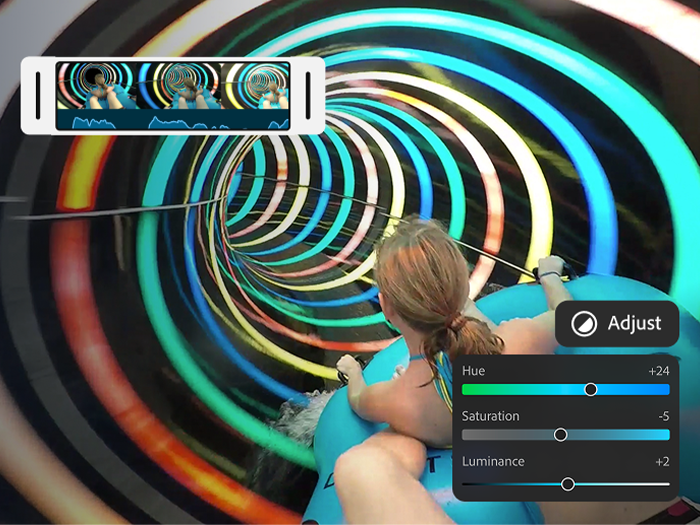
Stay in your creative flow without distracting watermarks or pop-up ads. Trim, reorder, and layer clips on a timeline that shows everything in one view. Exports and features are free — only pay when you want to use tools powered by Generative AI.
Endless ways to create your way.
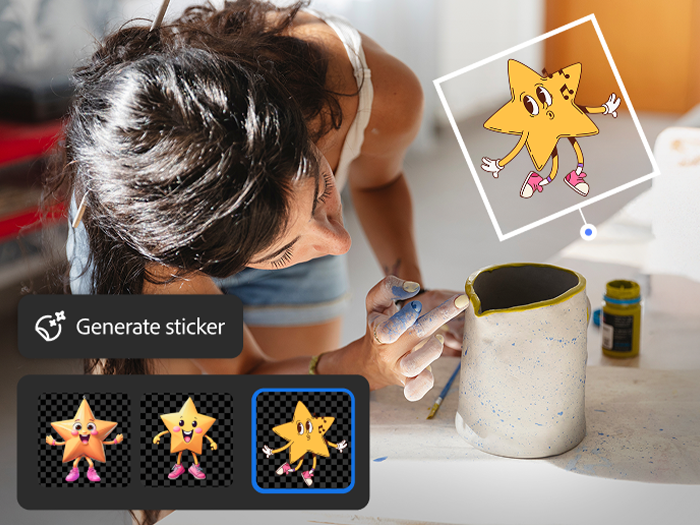
Share videos that pack a punch. Choose from hundreds of thousands of images, videos, stickers, fonts, and more to make your videos pop — or explore new ideas with generative AI right at your fingertips.
Sound so good in seconds.
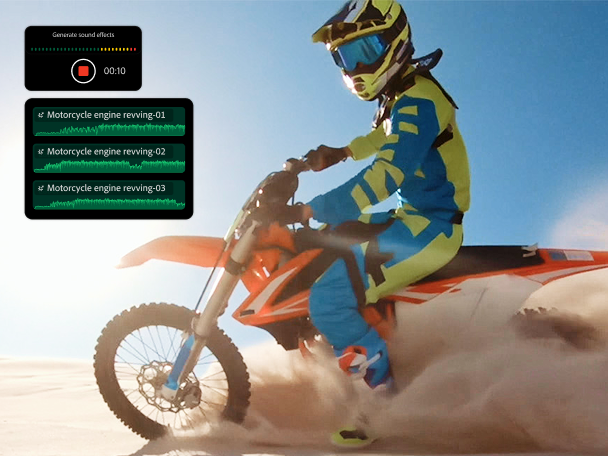
No sound studio? No problem. Easily smooth out dialogue and clean up background noise with Enhance Audio. Find trending tracks right inside the app, and use your own voice to create perfectly-timed sound effects.