https://main--cc--adobecom.aem.live/cc-shared/fragments/merch/products/premiere/sticky-banner/default-app-page

https://main--cc--adobecom.aem.live/cc-shared/fragments/products/premiere/app/vertical-cards

https://main--cc--adobecom.aem.live/cc-shared/fragments/products/premiere/app/youtube/adobe-partner-youtube-shorts

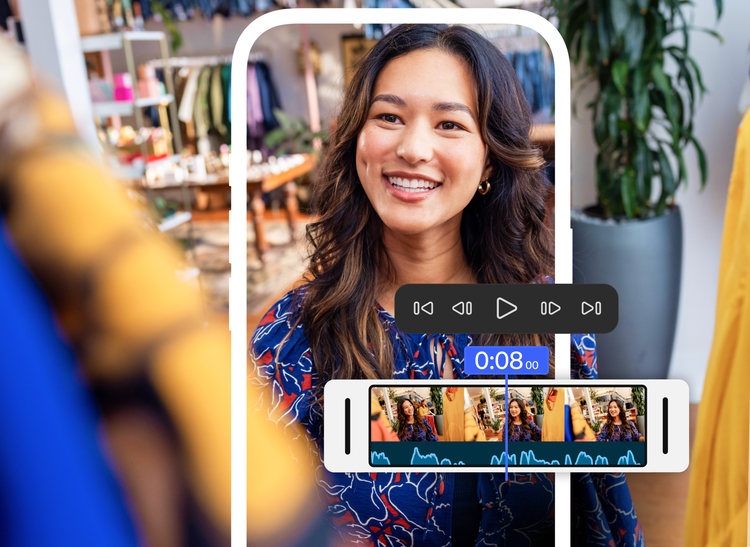
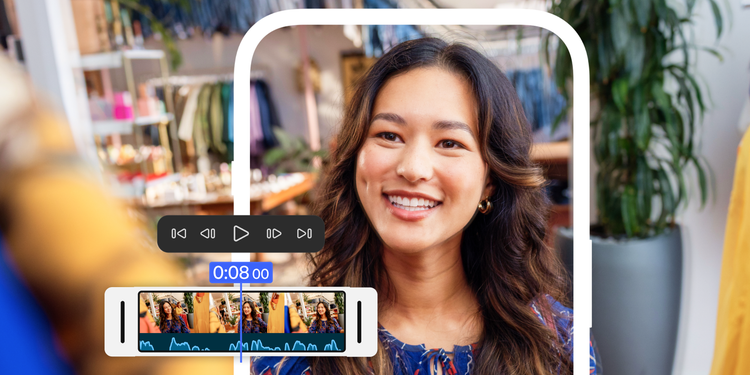
Epic video edits, on your iPhone.

Quickly turn any idea into attention-grabbing content with unmatched speed on a precise, multi-track timeline, studio-quality audio, and generative AI tools.

#f8f8f8

A timeline built for speed and precision.

Trim, reorder, and layer clips with no-fuss precision and control in a fluid, multi-track timeline. Apply cinematic color in a tap and easily add animated captions.
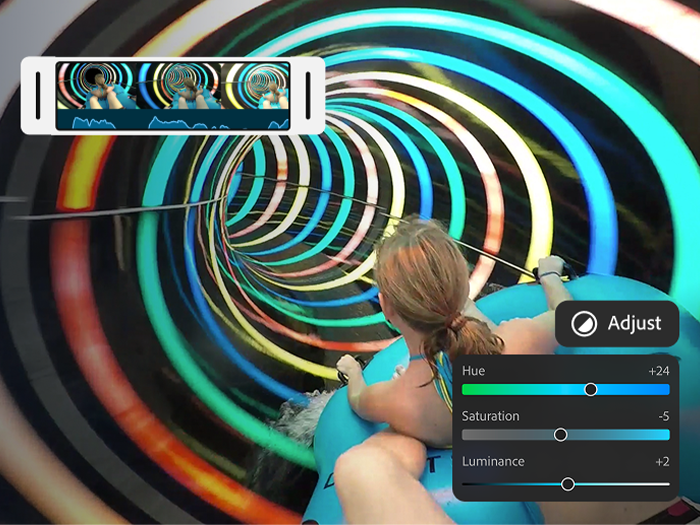
https://main--cc--adobecom.aem.live/cc-shared/assets/video/product/premiere/app/media_168c5443bea93c4a38526161979690e1e52520ef7.mp4#_autoplay| A girl riding an inner tube down a colorful tunnel with an overlay of the Premiere on iPhone color adjustment sliders and the final sequence playing in the timeline.
#f8f8f8
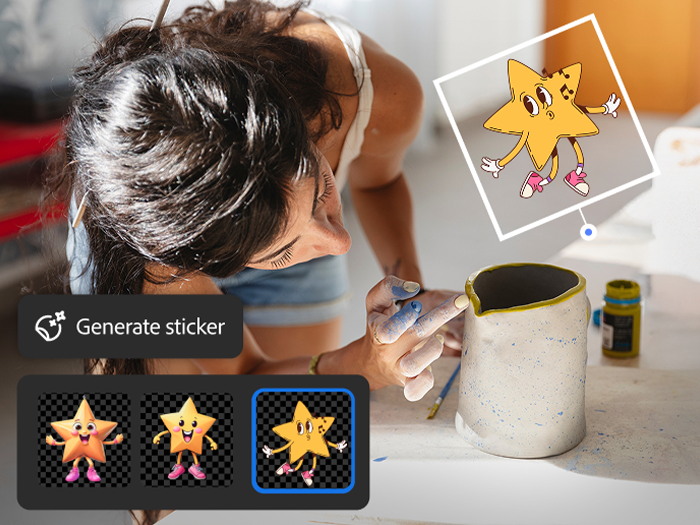
https://main--cc--adobecom.aem.live/cc-shared/assets/video/product/premiere/app/media_1162e8db844b26afa2a58fd4d2e6f46f04816db4c.mp4#_autoplay | A woman admiring a white mug with an overlay of the Generate sticker tool, the prompt "A cute star character," and AI-generated character options.

Endless ways to create your way.

Share videos that pack a punch. Choose from hundreds of thousands of images, videos, stickers, fonts, and more to make your videos pop — or explore new ideas with generative AI right at your fingertips.

#f8f8f8

No sound studio, no problem.

Achieve studio-grade sound with powerful AI audio tools for crystal-clear voiceovers. And use your own voice to create amazing and perfectly timed sound effects.
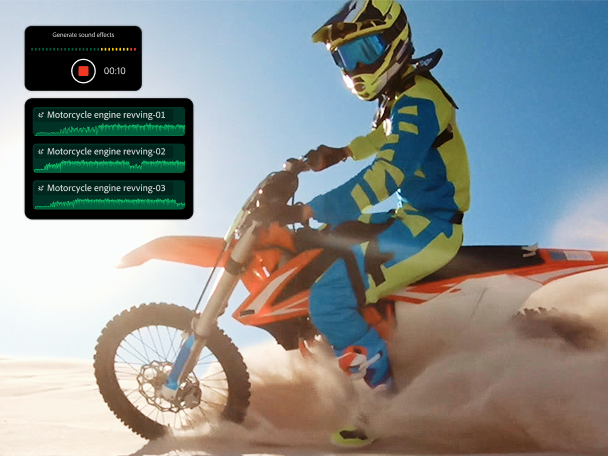
https://main--cc--adobecom.aem.live/cc-shared/assets/video/product/premiere/app/media_113f00543ad5eda76e18e10bf24fc0aba991fe56c.mp4#_autoplay | The app UI showing footage of a motorcycle with overlays of the Generate sound effect feature, the prompt "Motorcycle revving engine," and the effect being added to the timeline.

https://main--cc--adobecom.aem.live/cc-shared/fragments/products/premiere/app/pr-top-features

https://main--cc--adobecom.aem.live/cc-shared/fragments/products/premiere/app/premiere-seamless-movement

Frequently asked questions

Is Adobe Premiere on iPhone a free app?

Yes, Adobe Premiere on iPhone is a free, standalone video editing mobile app. You can use all core editing functions and export an unlimited number of videos in 4K resolution with no watermarks in the free version. Generative AI features powered by Firefly use generative credits which can be purchased with a subscription or are included as part of most Creative Cloud plans.

How do I download Adobe Premiere on iPhone?

To download and install the app, scan the QR code above or visit the Apple App Store on your device.

What creative assets are included?

Adobe Premiere on iPhone includes images, effects, music tracks, fonts and video assets. You can also generate custom sound effects, stickers, images and more using Adobe Firefly. Generative AI features powered by Firefly use generative credit, which can be purchased with a subscription or are included as part of existing Creative Cloud plans.

Does Adobe Premiere on iPhone have AI features?

Adobe Premiere on iPhone helps you create one-of-a-kind content with AI features like generative video, images, stickers, sound effects, and more. It also includes assistive AI tools like speech enhancement, background removal, and automatic caption creation to help you work faster.

Will you be able to send projects from {{adobe-premiere}} on iPhone to Premiere on desktop?

Yes, if you have a paid subscription to {{adobe-premiere}} on desktop, you can import projects and media from Adobe Premiere on iPhone.

What is {{adobe-premiere}} on iPhone best for?

{{adobe-premiere}} on iPhone is best for creators who want professional-grade editing on mobile — frame-accurate timeline control, watermark-free exports, and commercially safe AI-generated content, all in a free app. It’s ideal for content creators who also use Adobe’s desktop tools and want a seamless mobile-to-desktop workflow.

How does {{adobe-premiere}} on iPhone compare to other mobile video editing apps?

Compared to other mobile editors, {{adobe-premiere}} on iPhone offers a more professional editing experience with a multi-track, resizable timeline, unlimited free auto-captions, and watermark-free exports at no cost. {{adobe-firefly}} AI features are commercially safe because Adobe only trains {{firefly}} on licensed content.

Is there a Adobe Premiere mobile app for Android?

There is no Premiere mobile app available for Android at this time. However, we are working on bringing the power of Premiere to Android devices down the road. Preregister for the Android beta.

https://main--cc--adobecom.aem.live/cc-shared/fragments/products/premiere/app/trial-mobile-app