
https://main--cc--adobecom.aem.live/cc-shared/assets/img/business/adobe-firefly-lockup.svg

Grow your small business with Firefly for teams.

Get the award-winning, commercially safe creative AI app and exclusive business features so you can bring amazing brand content to life faster than ever.
Discover creative AI that’s built for business.
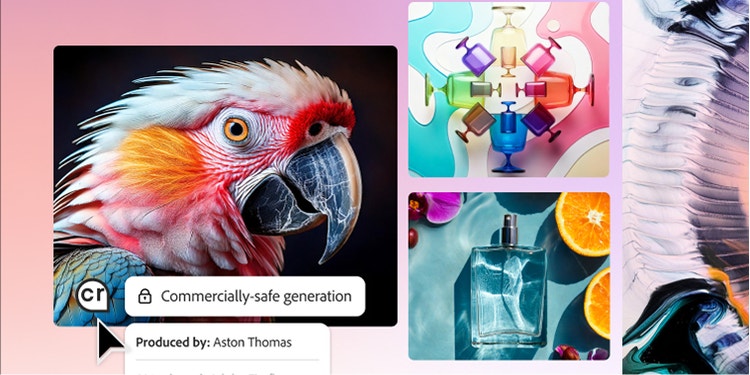
Responsibly developed and commercially safe.
Firefly is designed to minimize exposure to harmful and offensive content, embrace diversity, respect the creative community, and avoid producing content that infringes copyright or intellectual property rights.
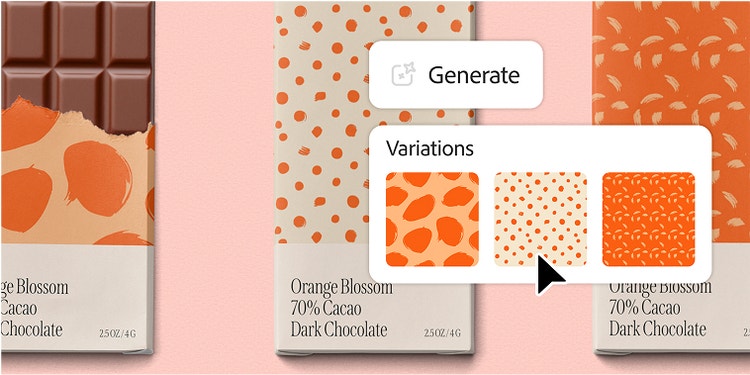
Seamlessly integrated into your creative workflows.
Our creative AI features are available in the Firefly app and in Adobe Creative Cloud apps used by small businesses around the world. No matter where you start a project, Firefly is connected and accessible so you can move from ideation to production faster.
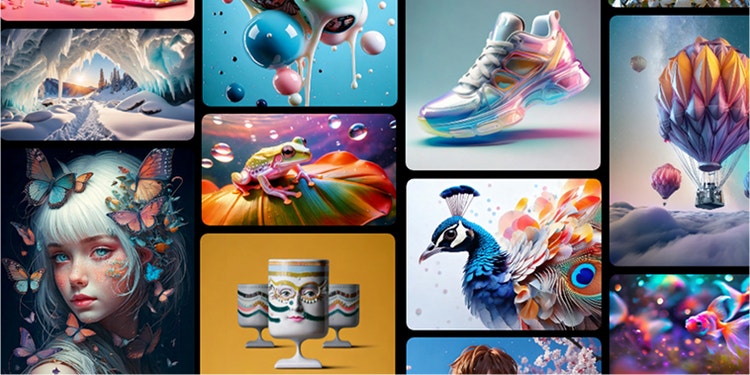
Designed for flexibility with your choice of models from Adobe and partners.
Firefly offers access to the latest and greatest models from Adobe as well as popular partner models. Select from a range of model capabilities and aesthetic styles to suit your needs, and rest assured that Adobe and partners will never use your content to train models.
Save time and create standout brand content with Firefly.
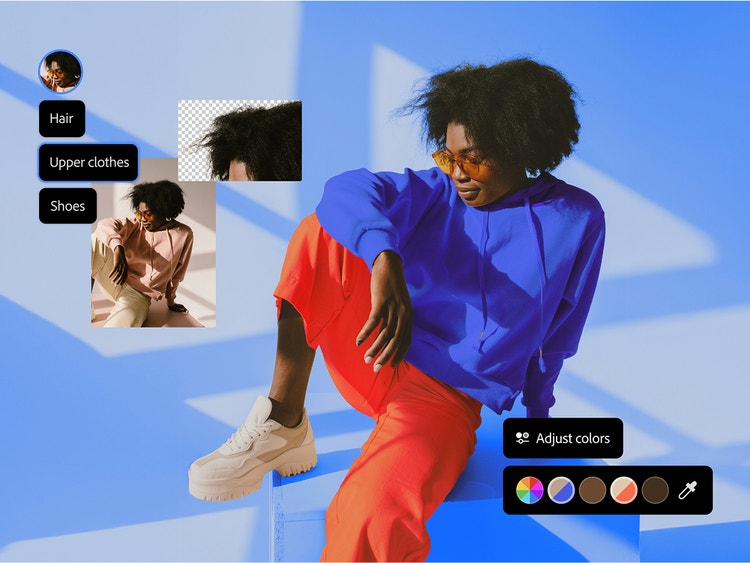
IMAGE EDITING AND CREATION
Create on-brand images with complete control.
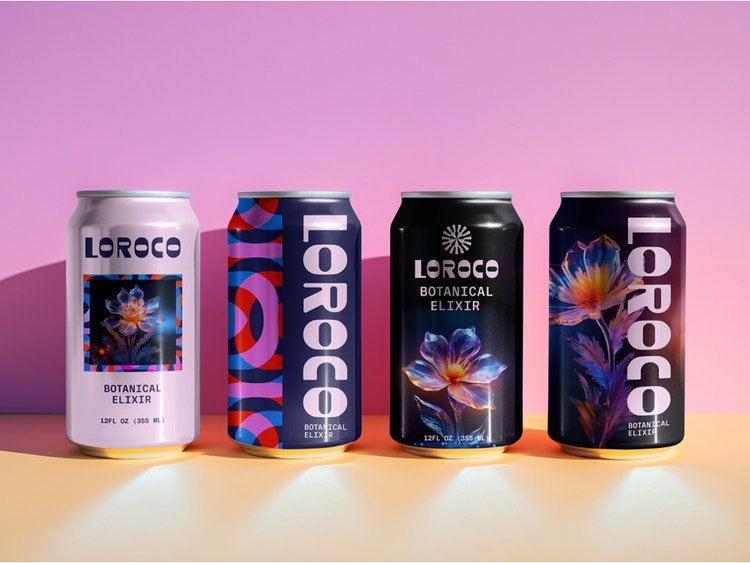
Easily remove image content, add your products and other branded elements to stock photos, and expand campaign images to make room for text or to reformat for different platforms. Get the right look in less time by using reference images to mimic effective layouts, poses, and styles.
VIDEO EDITING AND CREATION
Elevate brand videos for social and more.
Pick two still images and use them as keyframes to generate a video. Set any idea in motion with a text prompt. Generate b-roll and visual effects, or refine shots by choosing camera angles, motion, and style. Automatically create transcripts and captions, clean up dialogue, match colors in different clips, and more.
AUDIO AND VIDEO TRANSLATION
Auto-translate videos.
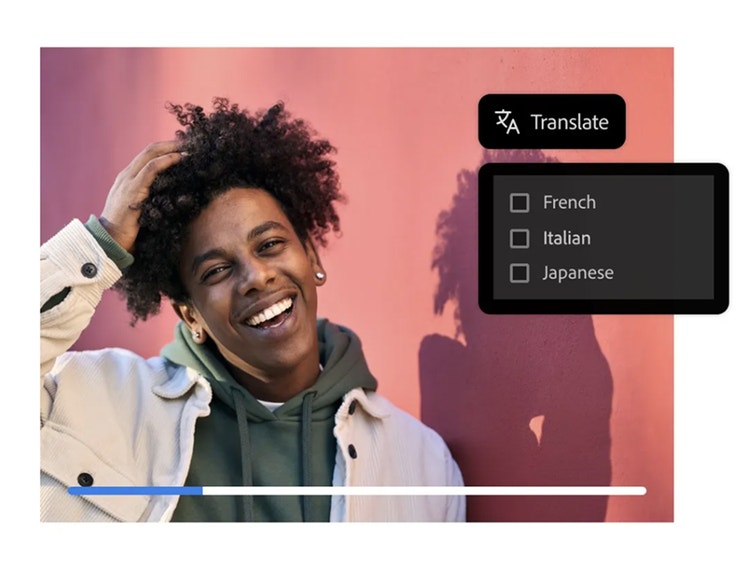
Localize faster by automatically translating audio or video into more than 20 languages. Firefly lets you make anyone in your videos sound like a native speaker by maintaining the same voice, tone, and cadence across multiple languages.
MOODBOARDING AND IDEATION
Jump-start your creative ideas with Firefly Boards.
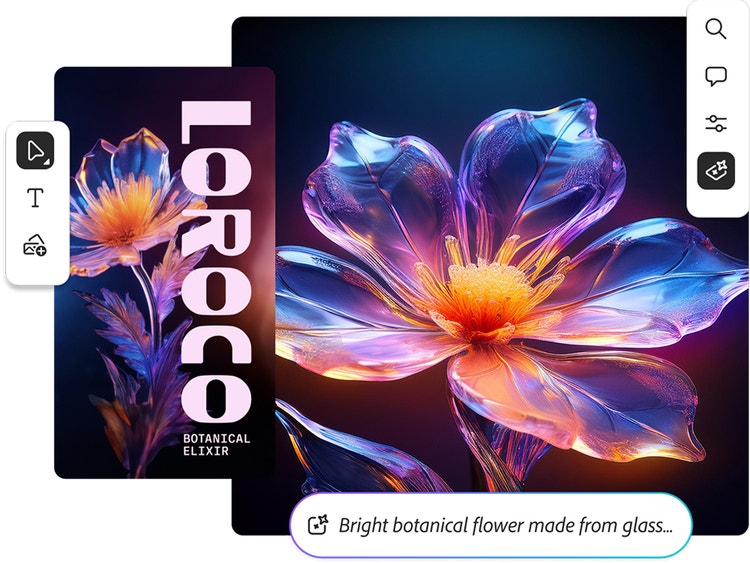
Quickly visualize ideas with new Firefly Boards, the generative AI-first approach to moodboarding. Confidently define, direct, and refine your vision all in one place using a model from Adobe or one of our popular partner models.
STYLE AND STRUCTURE REFERENCE
Create with more precision.
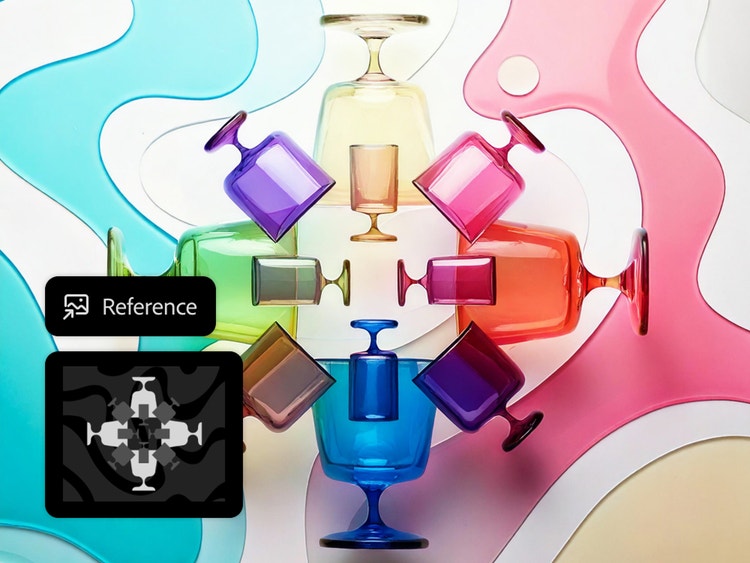
Get the right look in less time, even without the perfect text prompt, using reference images to mimic effective layouts, poses, and styles. Adjust and refine, or try a new reference image to explore more creative options and see what works best for your brand.
https://main--cc--adobecom.aem.live/cc-shared/assets/img/product-icons/svg/creative-cloud-40.svg

Creative Cloud Pro for teams
Get 20+ apps to bring your brand to life and enhance all your business communications. Ideate, create, and edit with features powered by Firefly in Photoshop, Illustrator, and {{premiere}} (beta).
https://main--cc--adobecom.aem.live/cc-shared/assets/img/product-icons/svg/photoshop-40.svg

Photoshop
Create gorgeous images, rich graphics, and incredible art with features powered by Firefly, from Distraction Removal in the Remove tool to Generative Fill and Generative Expand.
https://main--cc--adobecom.aem.live/cc-shared/assets/img/product-icons/svg/premiere-pro-40.svg

{{premiere}} (beta)
Create everything from social clips to feature films with the leading video editor. Download {{premiere}} (beta) to seamlessly add frames to the beginning or end of a clip with Generative Extend.
https://main--cc--adobecom.aem.live/cc-shared/assets/img/product-icons/svg/illustrator-40.svg

Illustrator
Create vector graphics that match the look of your own artwork with Generative Shape Fill and Text to Vector Graphic. Make new patterns and apply them anywhere with Text to Pattern.