TIPS & TRICKS

Remove Object

Remove unwanted objects and erase distractions in a snap with the AI-powered Remove Object brush.

1. Select the Remove Tool from the tool bar.

Picture

2. Adjust the brush size.

Picture

3. Brush over anything you want to remove.
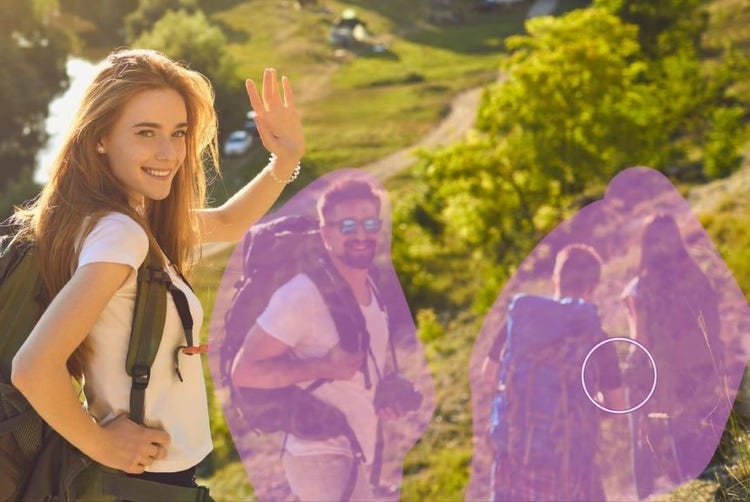
Picture

4. And done! Your distractions are erased.

Picture

Learn something new

linear-gradient(90deg, rgba(91,181,231,1) 4%, rgba(87,157,244,1) 51%, rgba(86,110,234,1) 67%, rgba(87,52,231,1) 88%)

https://main--cc--adobecom.aem.page/cc-shared/fragments/products/elements/photoshop-elements/2026-pse-faq

https://main--cc--adobecom.aem.page/cc-shared/fragments/products/elements/pse-pepe-merch-segment

https://main--cc--adobecom.aem.page/cc-shared/fragments/products/elements/photoshop-elements/2026-pse-trial-speedbump

https://main--cc--adobecom.aem.page/cc-shared/fragments/products/elements/photoshop-elements/2026-pse-footer

linear-gradient(90deg, rgba(91,181,231,1) 4%, rgba(87,157,244,1) 51%, rgba(86,110,234,1) 67%, rgba(87,52,231,1) 88%)