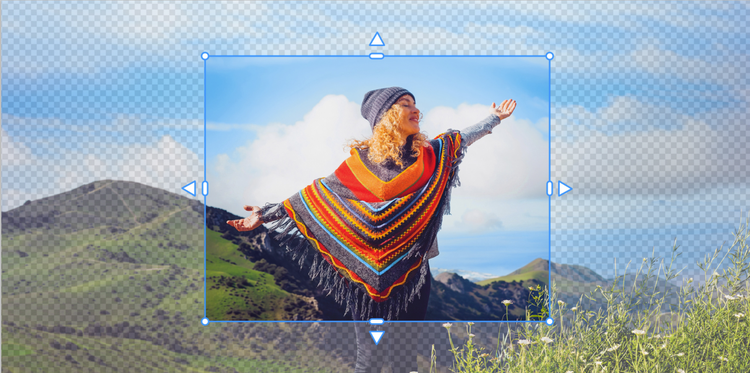
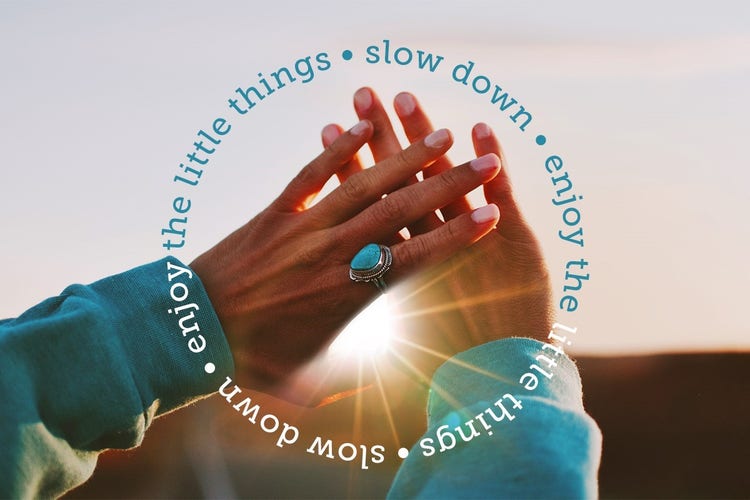
Photoshop Elements 2027 is smart photo editing software designed for anyone who wants to make every photo incredible. Whether you're touching up snapshots or creating something totally new, it’s got you covered with:
- Intuitive editing powered by AI and automation
- Step-by-step guidance to help you learn and build confidence as you go
- Creative tools to design and share photo projects
- An Organizer to quickly import, tag, and find your photos
Learn more
The license enables you to use Photoshop Elements for a full 3-year term. It’s a one-time purchase with no additional fees. The license is non-renewing — it expires 3 years after redemption. When your 3-year term license expires, Photoshop Elements will no longer be accessible. However, you’ll still be able to access your media catalog in the Elements Organizer indefinitely.
Yes, you can download a free, full-featured 7-day trial of
Photoshop Elements. Once the trial period ends, you can purchase right from the trial software so you don’t have to download it again.
Choose the Photoshop Elements & Premiere Elements 2027 bundle if you want to edit both photos and videos. The bundle gives you everything in Photoshop Elements plus Premiere Elements, which adds intuitive video editing tools — like trimming, transitions, motion titles, and music — along with AI-powered features for automating edits and enhancing clips. Use the common Organizer for easy access to all your photos and videos. It’s a great value if you work with both media types or want the flexibility to grow your creative skills.
Learn moreYou can start by visiting our
FAQ page for more information.