Access anywhere
Acrobat wherever you are — on desktop, mobile or in your web browser.
Check out a few of the 40+ powerful things you can do with PDFs to cut complexity and turn up productivity.
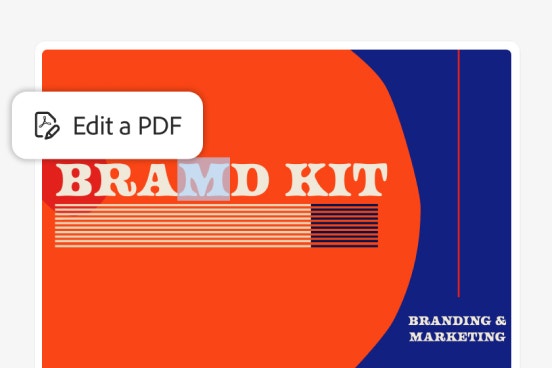
Fix text. Swap images. Modify layouts. Edit your PDF to get it just right.
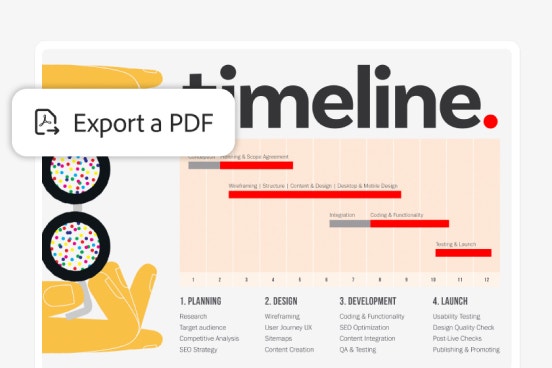
Convert Microsoft files into PDFs, or vice versa — in just a couple clicks.
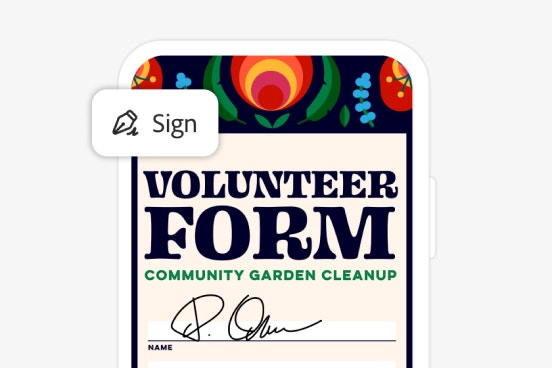
Fill in any PDF digitally and get it signed in a snap.
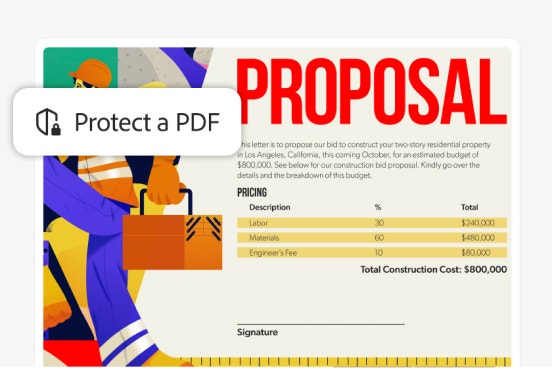
Password-protect your PDF and add permissions to keep data safe.
Easily edit, organise and modify a PDF in this hands-on demo. No subscription required.
PLANS AND PRICING
The simple PDF tool for editing and converting documents
Annual, billed monthly.
£14.99/moincl. VAT
The secure solution for PDF & e-signature workflows
Annual, billed monthly.
£19.97/moincl. VAT
The complete AI-powered PDF and design solution for business workflows
Annual, billed monthly.
£24.98/moincl. VAT
The simple PDF app for editing and converting documents, plus admin features.
Annual, billed monthly.
£14.16/moper licenseexcl. VAT
The highly secure PDF and e-signature solution with advanced tools, plus admin features.
Annual, billed monthly. Up to 10 licences with free trial.
£20.22/moper licenseexcl. VAT
The essential productivity solution with a complete set of PDF tools, PDF Spaces, Acrobat AI Assistant and Adobe Express Premium, plus admin features.
Annual, billed monthly. Up to 10 licences with free trial.
£24.94/moper licenseexcl. VAT
The highly secure PDF and e-signature solution with advanced tools.
Annual, billed monthly
£19.97/moincl. VAT
Save 75% on 20+ apps including Acrobat Pro, plus Firefly creative AI for images, video and audio. Pay £16.24/moincl. VAT the first year and £32.99/moincl. VAT after that.
See terms | See what's included
Annual, billed monthly
Add AI Assistant to your Acrobat Pro or Creative Cloud Pro student plan. £1.99/moincl. VAT for the annual, billed monthly plan.
Acrobat wherever you are — on desktop, mobile or in your web browser.
Work seamlessly across your favourite apps with built-in PDF and e-sign integrations.
Create a case or start a chat when you need help with your account, billing or services.
Learn the basics or refine your skills with tutorials designed to inspire.
Create a password-protected PDF or restrict copying and editing.
Your Adobe membership comes with 100 GB of cloud storage that you can upgrade any time.
The difference between Acrobat Standard and Acrobat Pro is the number of tools you get access to. Adobe Acrobat Standard has tools for editing and organising PDFs, as well as filling in forms and converting documents. Acrobat Pro includes everything in Standard but also includes features that let you compare PDFs, redact information, and add logos and URLs. Meanwhile, Acrobat Studio plan offers all Acrobat Pro tools, plus AI-powered workspaces and the AI Assistant. Share knowledge effortlessly and create standout content — all in one place.
Adobe Acrobat is available through subscription plans designed for different PDF needs.
Acrobat Standard includes essential tools for creating, editing, converting, and signing PDFs, making it suitable for everyday document tasks.
Acrobat Pro includes all Standard features, plus advanced capabilities such as enhanced editing, accessibility support, PDF optimisation, form creation, and print preparation. Acrobat Pro is designed for more complex, professional PDF workflows.
Acrobat Studio is available as an additional offering that extends Acrobat Pro with AI‑powered tools to help summarize and gain insights, create, transform, and generate content from documents. Availability and features may vary by plan and region.
Your subscription to Acrobat includes desktop software, online access and mobile apps, letting you effortlessly sync files across computers and devices.
To run Adobe Acrobat, you'll need a strong internet connection, plus the following for Windows and macOS:
See the Acrobat system requirements page for further information.
Adobe Acrobat is available in over 25 lanuages, including English, French, Spanish, German and Italian.
See the Acrobat system requirements page for more information.
Adobe Acrobat will update automatically when connected to the internet by default. However, if you don't have automatic updates enabled, you can find the option to update under Menu > Help > Check for updates on Windows. If an update is available, you can select Download, where you can follow the instructions.
If you're on macOS, you can update Adobe Acrobat under Help > Check for updates. You can then select Yes if an update is available.
Yes, you can get an Adobe Acrobat extension for your web browser for both Google Chrome and Microsoft Edge. With the extension, you'll be able to view your PDFs online, as well as mark up proposals and add comments in the form of sticky notes, all without leaving your browser.
You can also get an Adobe Acrobat extension for ChatGPT - making it easier than ever to optimise and edit your documents with the help of generative AI.