Turn paper and whiteboards into PDFs
Scan documents in a snap.
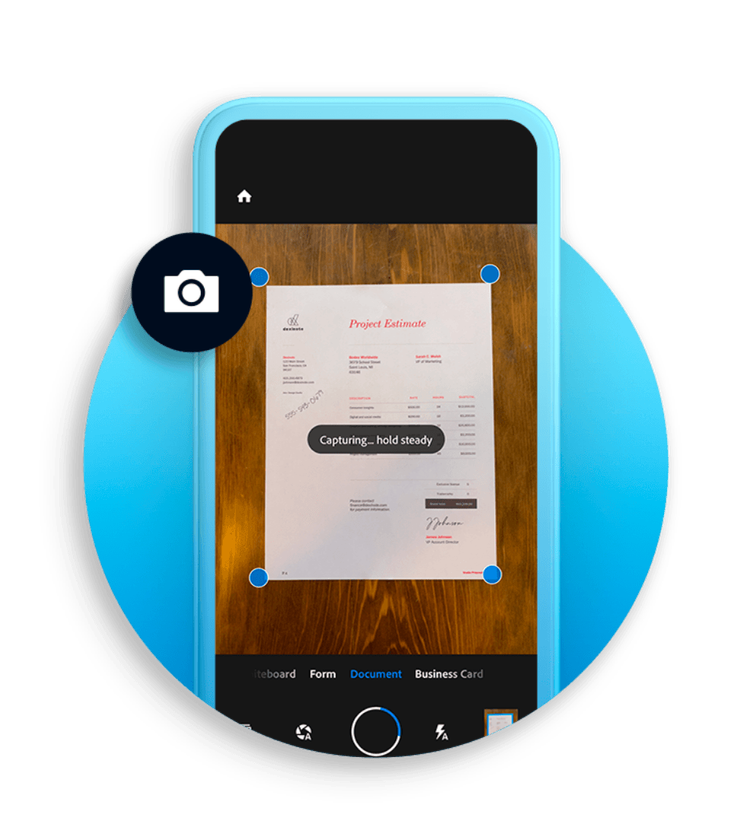
With the Adobe Scan app, easily capture and convert documents, forms, business cards and whiteboards into high-quality PDFs. And with different capture modes along with automatic boundary detection, you can get the best scans every time.
AI-enhanced scans
Cleaner, smarter and easier.
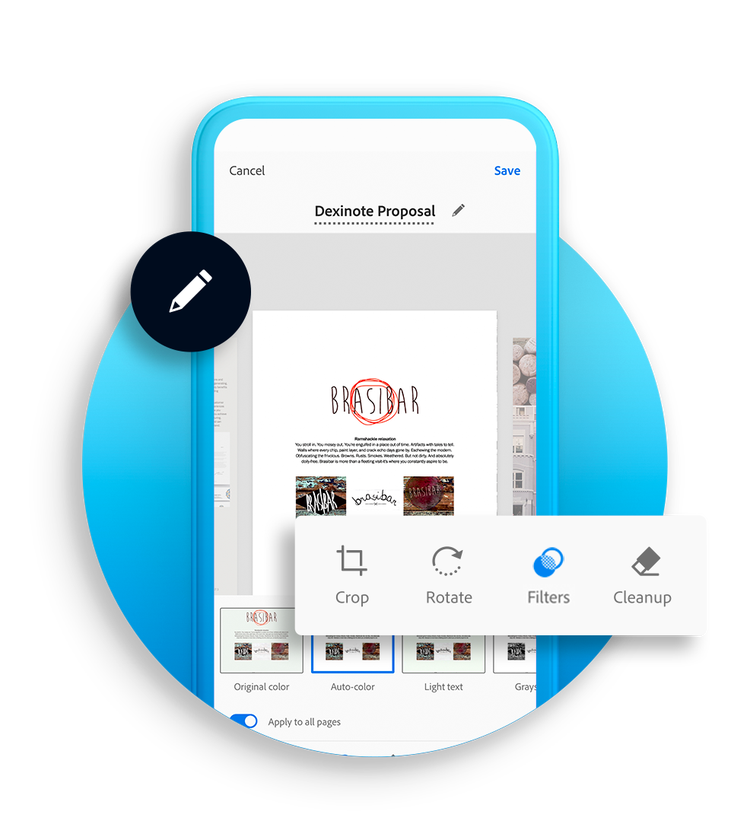
Adobe Scan uses AI to correct image perspective, sharpen handwritten or printed text and remove glares and shadows. With OCR (optical character recognition), you can convert scanned documents into editable, searchable PDF files instantly. Easily extract text and type new text in customised fonts that match the original file.
Draw on scans or save as JPEGs
Do more with your scans.
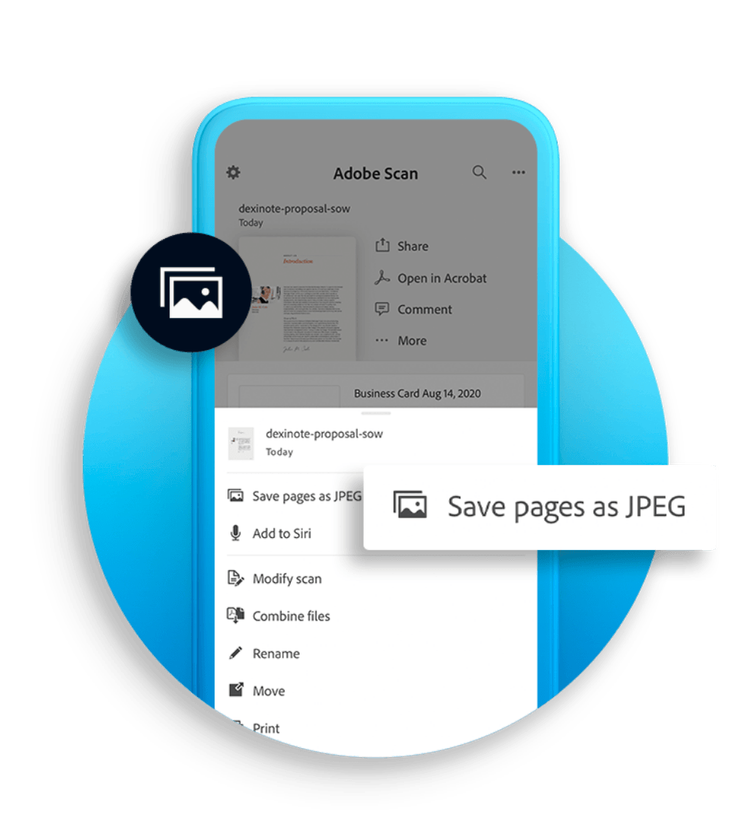
Adobe Scan allows you to add drawings or shapes with mark-up tools right in the app. Save files as JPEGs for more flexibility and incorporate them into documents. Share scans with a link or email — or upload them to your favourite cloud apps.
Subscribe for more features
Protect, export, compress and more.
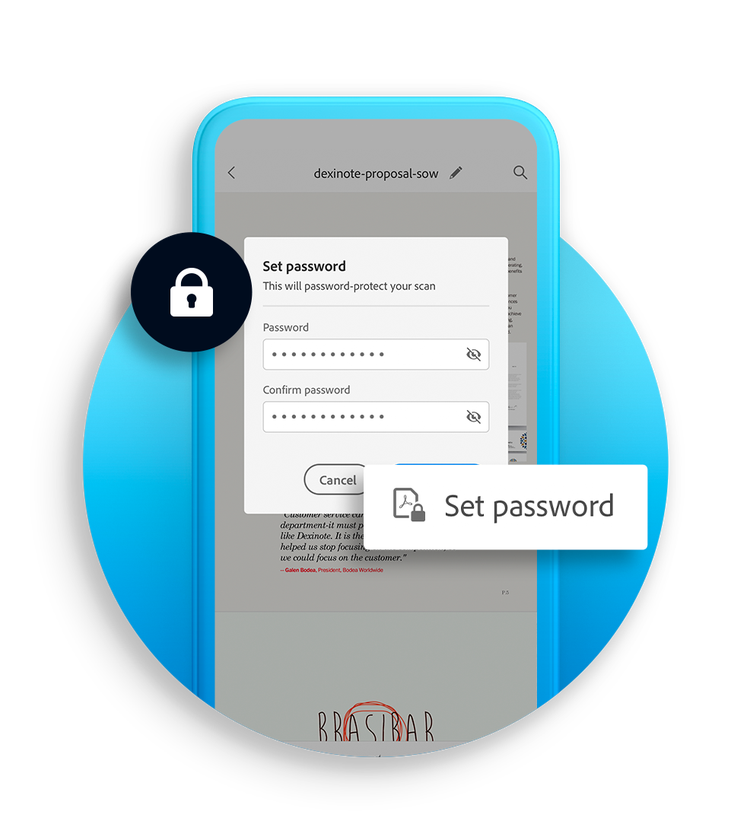
Adobe Scan is more than just a scanner app, so you can scan with security. Password-protect your most important documents. Export scanned PDFs to different file types to make edits. Compress files to free up storage and quickly send scans to others.
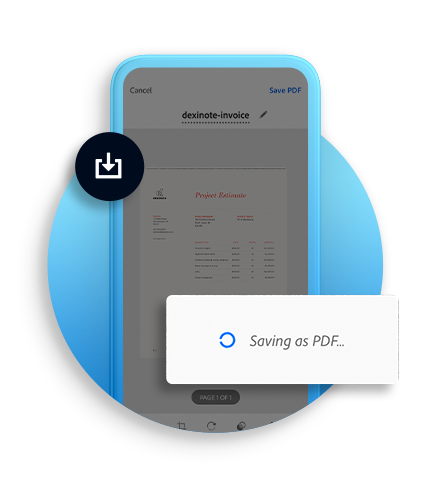
Organise your scans.
File your documents hassle-free. Adobe Scan allows you to quickly save files with recommended filenames and dates and to organise them into customised folders. Saved scans can be accessed on the Acrobat desktop, web or mobile application.
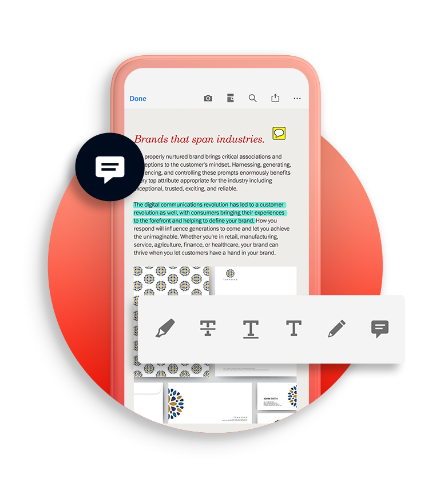
Open in Acrobat.
Open scans in Acrobat desktop, web or mobile app to fill in forms, sign documents, add notes or comments to PDFs and review with others.